Project of Personal Information Management Website. You can access this website on Vercel
ReactNext.jsTypeScriptTailwind CSSdaisyUIBlocknotejsFullCalendar
Clonethis repository
git clone https://github.com/ice6504/Final-Project-Frontend-Dev-Init.git- Run
npm installon your CMD to get all dependencies
npm install- Open your
code editorto edit the project
code .- Start the development server by running
npm run devto initialize the website
npm run dev- Click the create icon in the sidebar.
- Select either "ToDo Page" or "Note Page."
- Enter your page title.
- Open the page you want to delete.
- Click the "🗑 This Page" button in the top right corner or in the dropdown button at navbar on mobile and tablet.
Add- Enter your ToDo item in the input bar and click the Add button.
Edit- Click the list icon button and edit your ToDo item in the input bar.
- Click the "Save" button
Delete- Click the list icon button
- Click the "Delete" button
-
Slash
/to select menu: -
-
Drag and dropblocks: -
-
Formatmenu: -
-
Nesting / indentationwith tab and shift+tab: -


-
AddEvent- Click to select a date and enter your event.
- Click the "Add" button.
-
EditEvent- Click to select an event and edit your event in the input bar.
- Click the "Save" button.
-
DeleteEvent- Click to select an event.
- Click the "Delete" button.
-
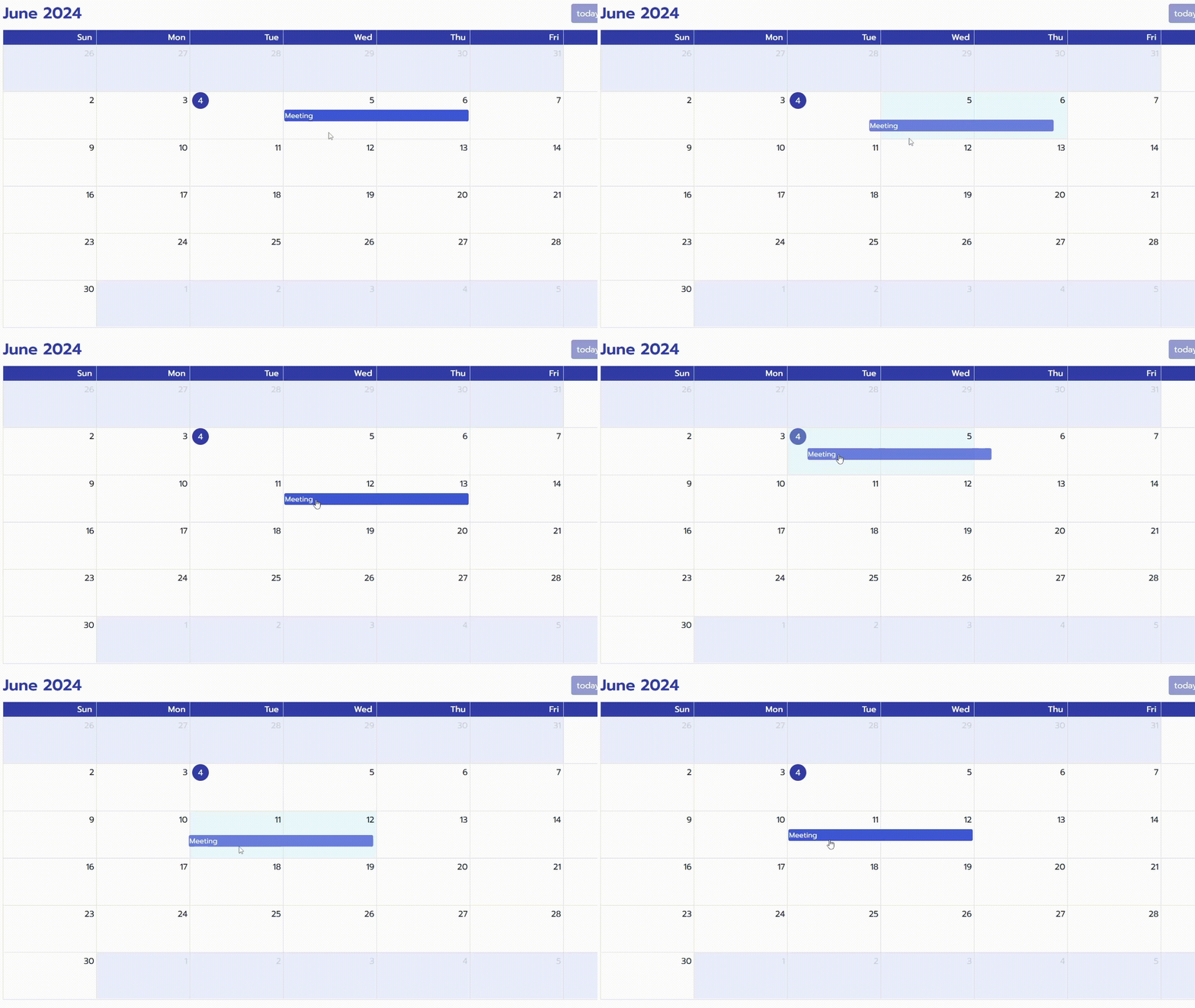
Drag & dropEvent -
-
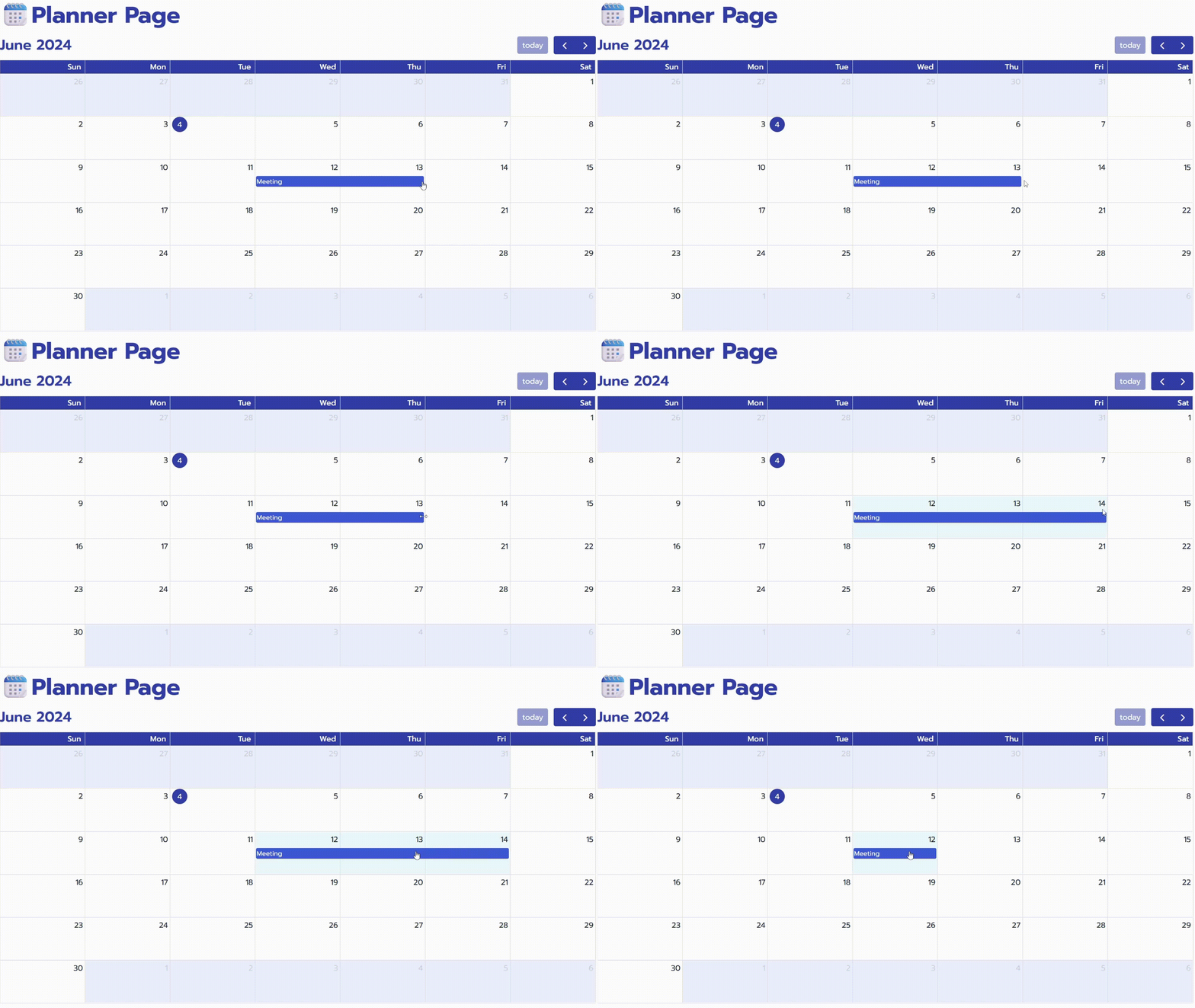
ExtendDate -