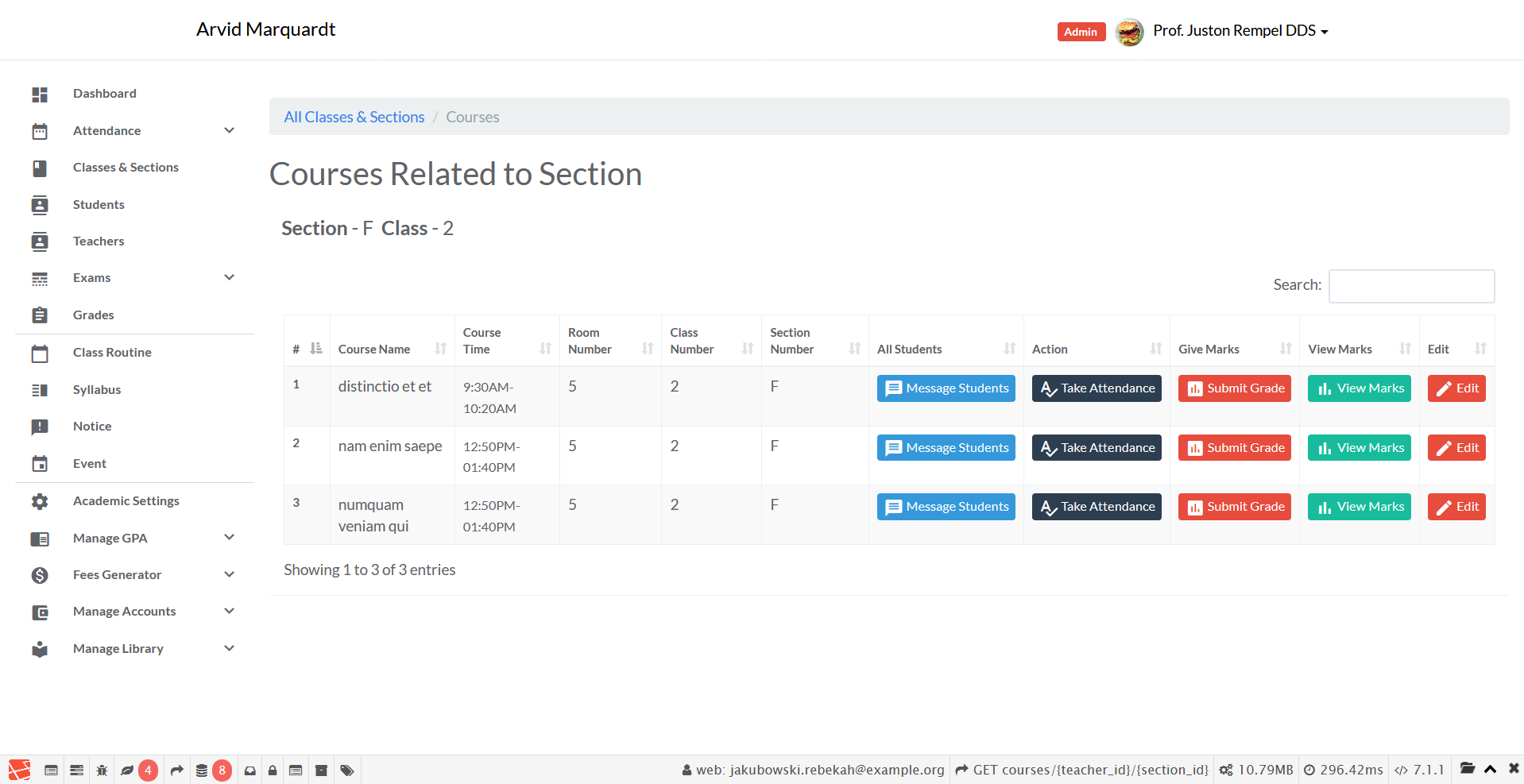
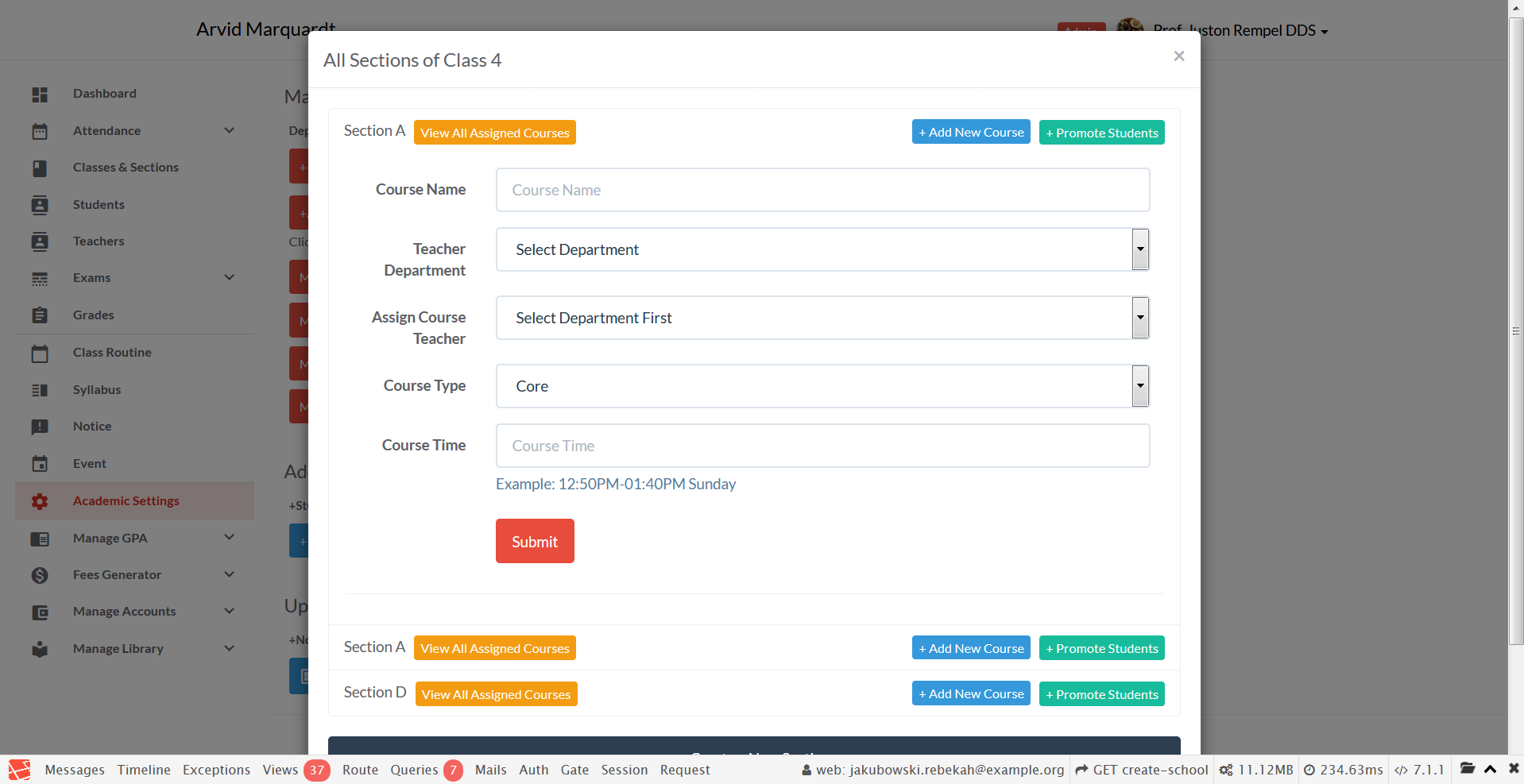
We like to challenge the quality of what we build to make it better. To do so, we try to make the product intuitive, beautiful, and user friendly. Innovation and hard work help to fulfill these requirements. I believe in order to innovate we need to think differently. A few months ago I discovered there was no open source free school management software that met my quality standards. I happen to know a bit of programming so I decided to make one. I also believe that working with more people can push the standard higher than working alone. So I decided to make it open source and free.
Community contribution can make this product better!!
GNU General Public License v3.0
This software has following features:
- Roles: Master, Admin, Teacher, Student, Librarian, Accountant
- Attendance
- Mark
- Registration
- Notice, Syllabus
- Library
- Exam
- Grade
- Accounts
- Messaging
- Laravel 5.5
- Bootstrap 3.3.7
Here are some basic steps to start using this application
-
Run
php composer.phar installto install Laravel packages -
Create
.envfile from.env.exampleand generateAPP_KEYusingphp artisan key:generate -
Set the database connection configuration in
.envfile -
To create a
Master, go to thedatabase\seeds\UsersTableSeeder.phpand change thename, theemailand thepasswordsettings to your likings. Leave the other settings (role, active, verfied) unchanged! -
To create the tables, run
php artisan migrate. -
To seed the tables with fake data, use
php artisan db:seed. -
If you want to run the migration and the seeding together, use
php artisan migrate:refresh --seed -
You must seed
database\seeds\UsersTableSeeder.phpat least once in order to create the Master account. To do so, follow these steps:- comment all the seeders except
$this->call(UsersTableSeeder::class);indatabase\seeds\DatabaseSeeder.php; - then comment
factory(App\User::class, 200)->create();inUsersTableSeeder.php.
So your files will look something like this:
In
database\seeds\DatabaseSeeder.php:... //$this->call(SectionsTableSeeder::class); $this->call(UsersTableSeeder::class); //$this->call(AttendancesTableSeeder::class); ...In
database\seeds\UsersTableSeeder.php:... //factory(App\User::class, 200)->create(); - comment all the seeders except
- Important: only a
mastercan create a new school and its admins! - Login at
example.com\loginusing yourMasteraccount credentials - Create a new
school - Create a new
adminfor the newly created school
- Important: A
masterCANNOT manage a school's data! - Login as
adminatexample.com\login - Now add data to the school as required.
- In
.env, turnAPP_DEBUGtofalsefor production environment. - You can switch to and from maintenance mode by running
php artisan upandphp artisan down.
Auto generated fake data were used.