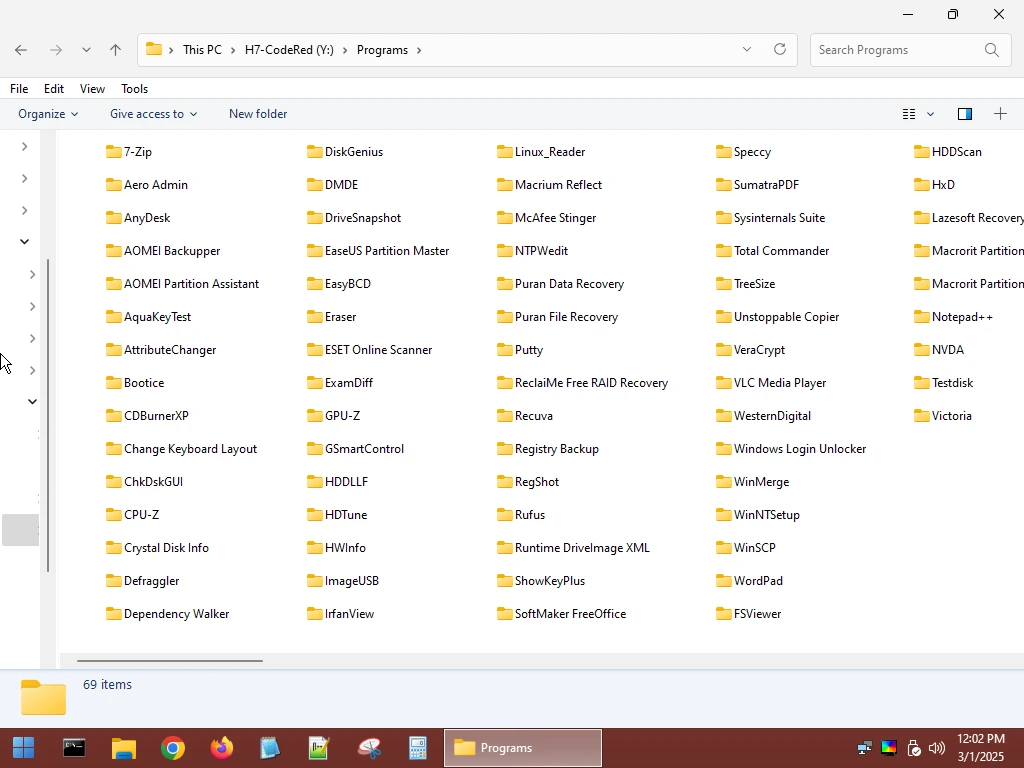
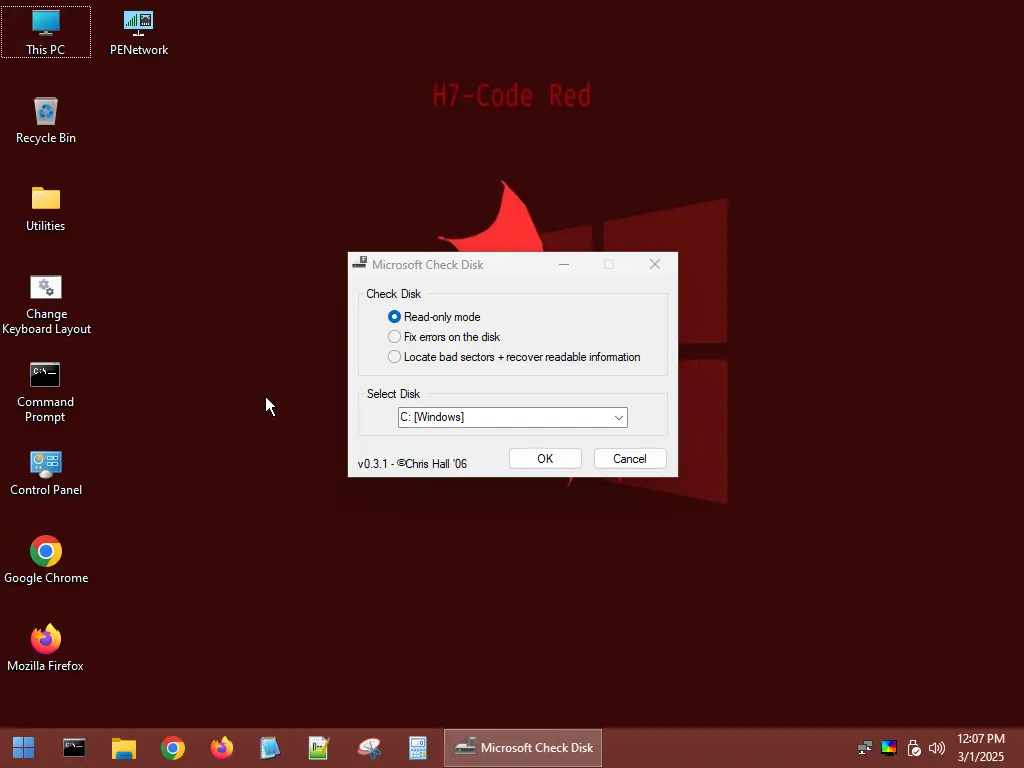
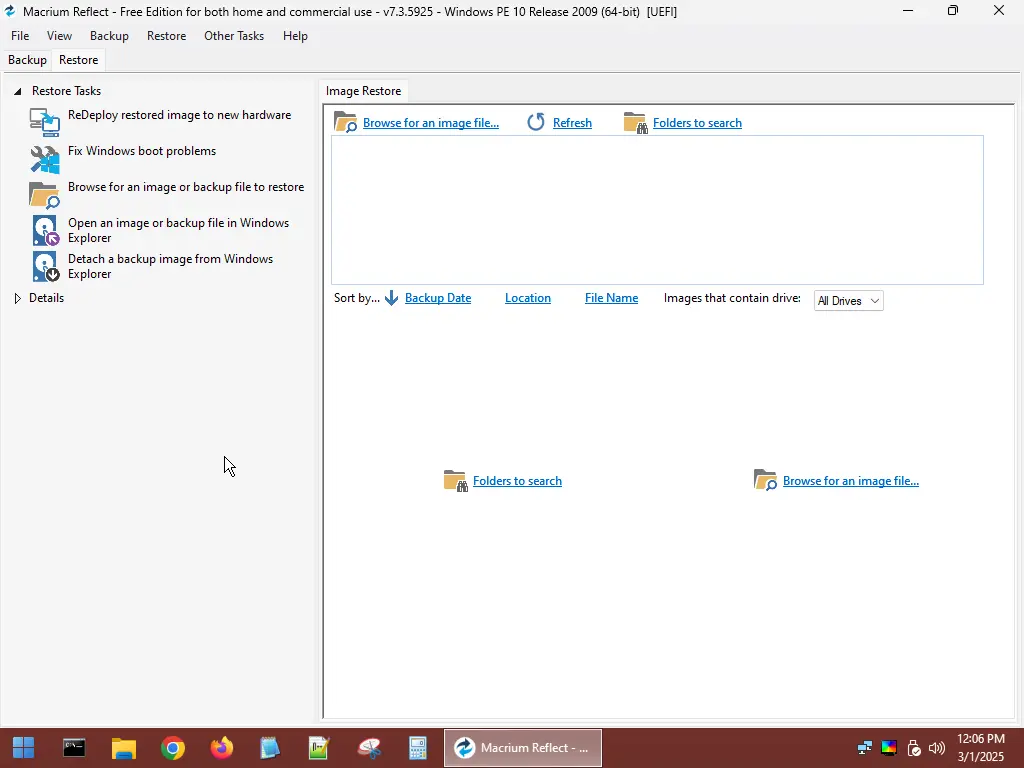
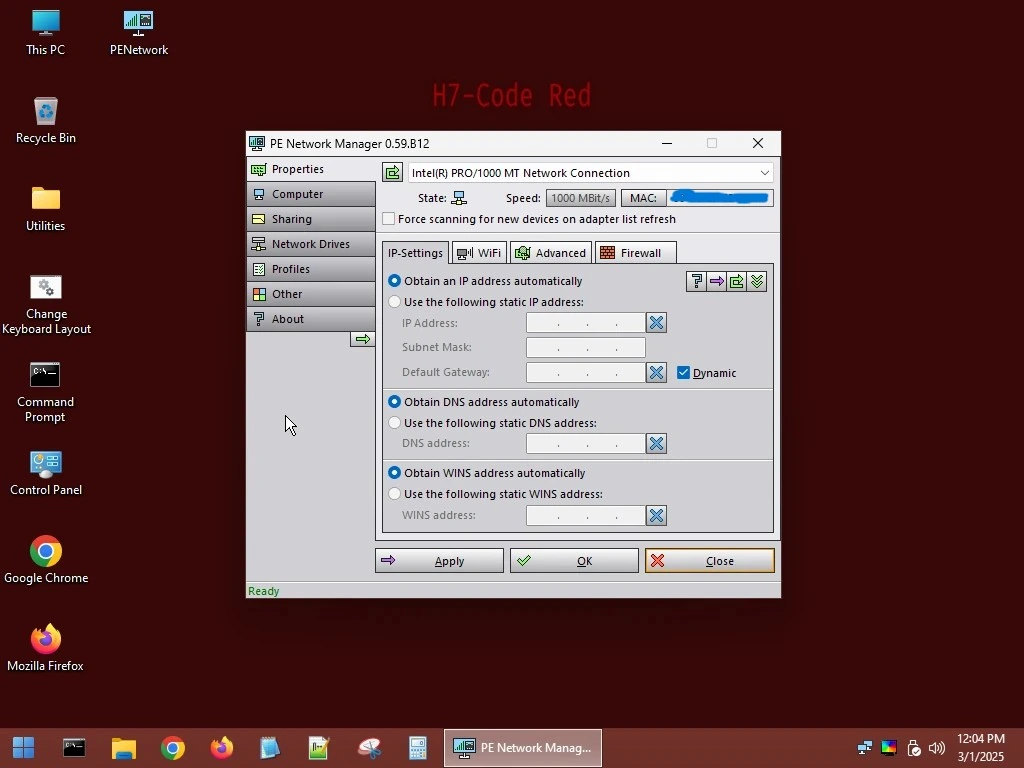
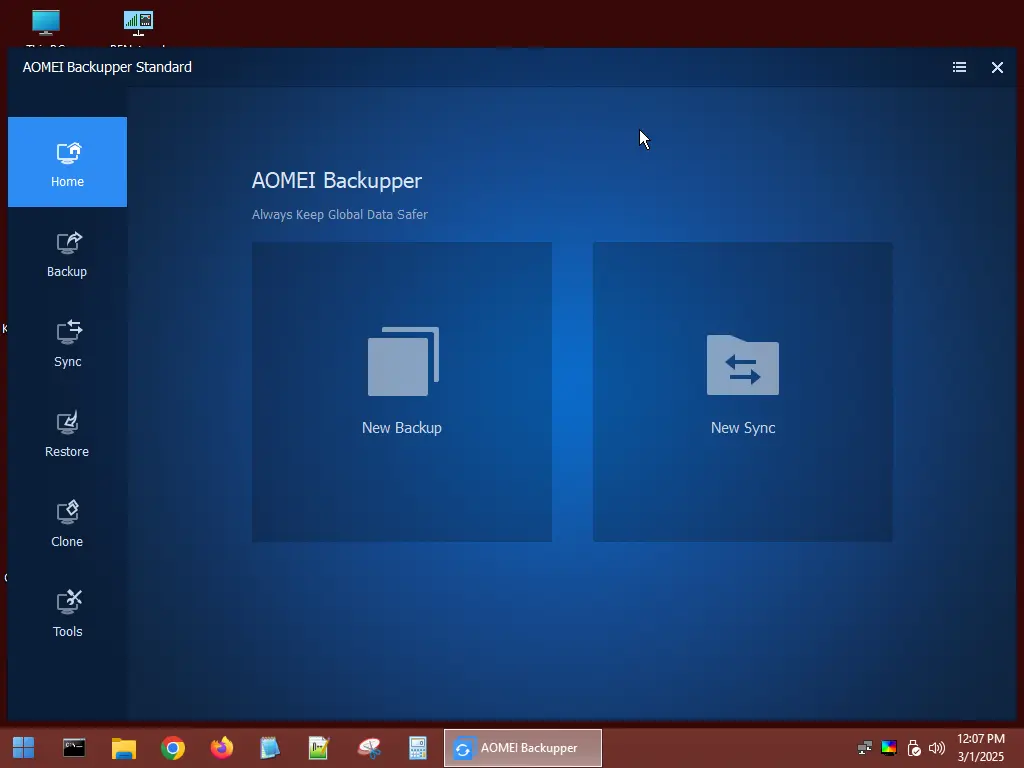
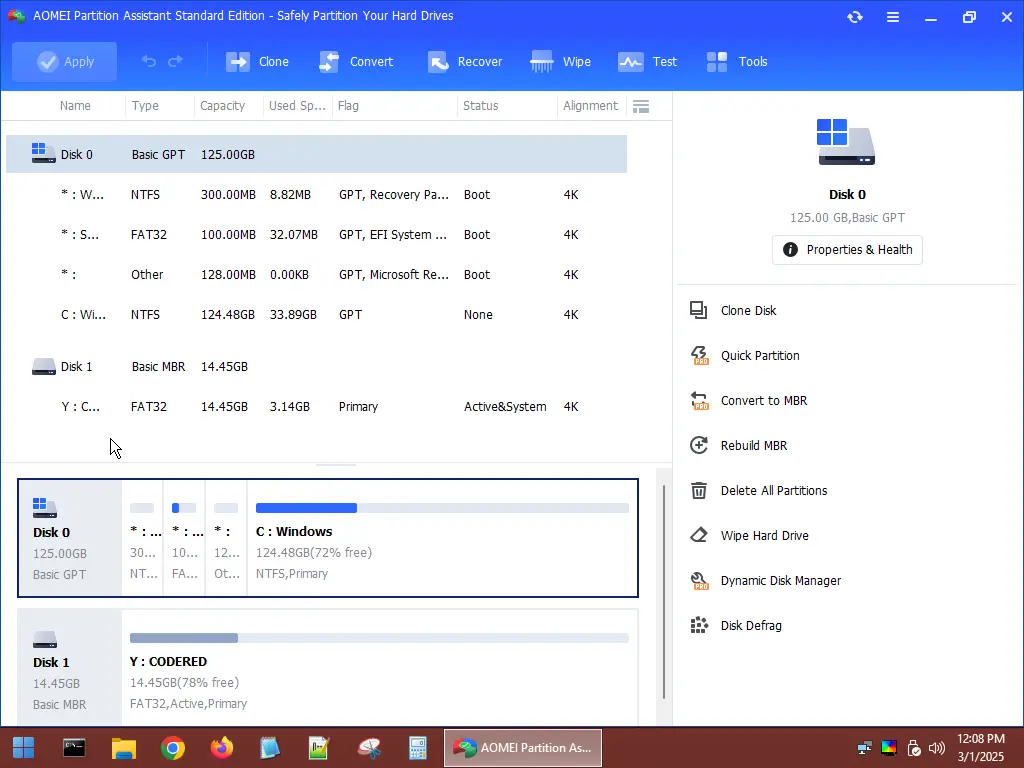
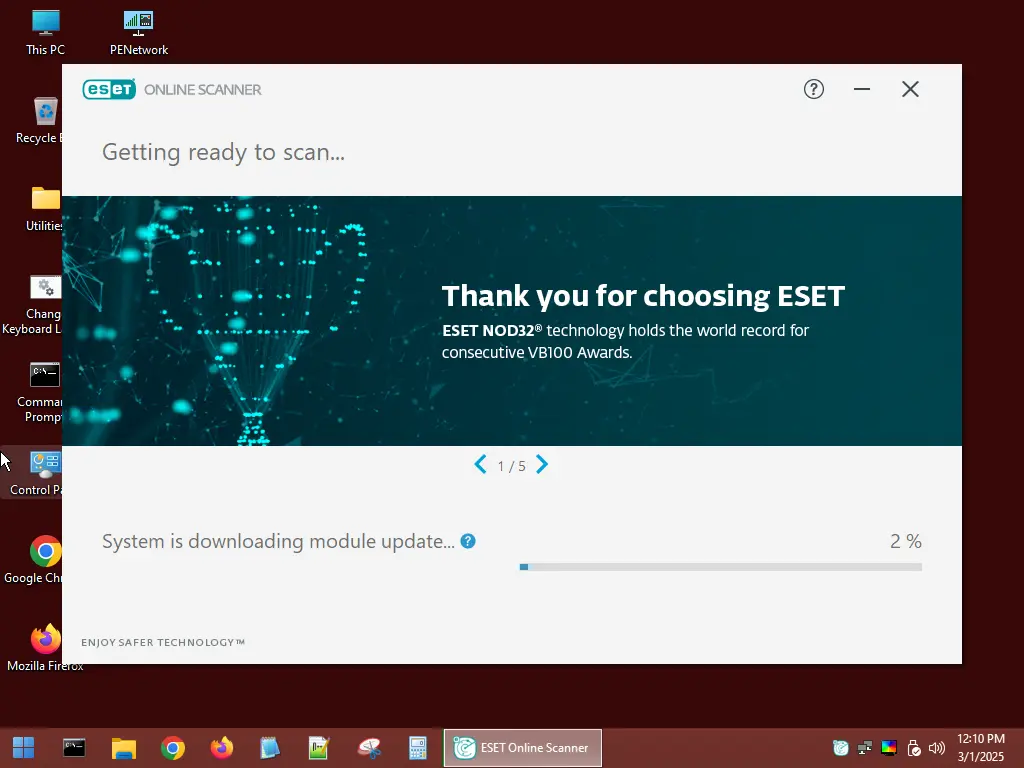
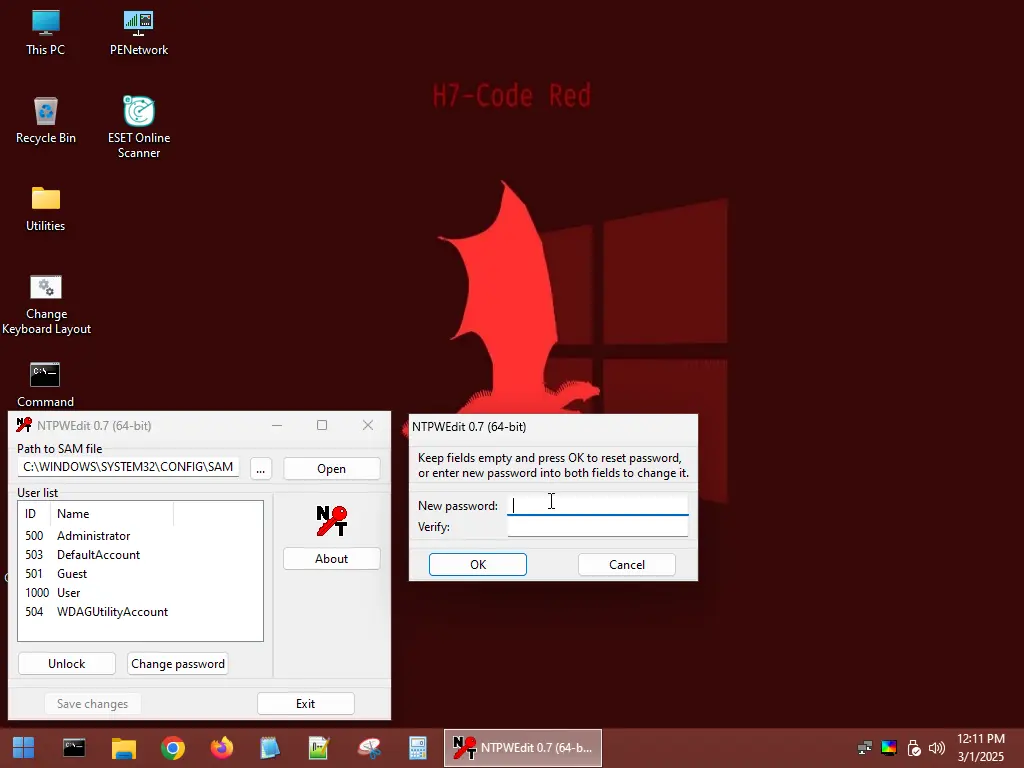
CodeRed RE (Repair-Preinstallation Environment) is a refined and modernized edition of Windows 11 PE x64, crafted to empower tech enthusiasts and professionals alike. CodeRed enables secure access to locked Windows systems. This professional-grade environment is designed to assist in a wide range of system recovery tasks with efficiency and precision. Built for modern systems, CodeRed fully supports UEFI booting and requires a minimum of 4 GB RAM, ensuring smooth operation on contemporary hardware.
Within CodeRed, a meticulously selected suite of free and legally distributed tools is available. Each tool is chosen for its effectiveness, ensuring users have access to high-quality utilities for troubleshooting, data recovery, and system diagnostics.
Upon booting, CodeRed automatically installs drivers for critical components like graphics, sound, and network cards, ensuring full connectivity and usability without additional setup.

- Insert your USB flash drive into your computer.
- Download the latest version of Rufus v4.5 x64 (or x86) and launch the application.
-
In Rufus, press
ALT+Eto unlock the "Dual UEFI/BIOS" mode.Important:
- Ensure that "Dual UEFI/BIOS mode enabled" is displayed at the bottom of Rufus, confirming the activation.
- This mode remains enabled for future use, so you only need to activate it once.
- Activate "Dual UEFI/BIOS" mode before selecting the ISO file to ensure compatibility with FAT32 formatting.
- With "Dual UEFI/BIOS" mode active, choose your USB flash drive from the "Device" dropdown menu.
- Click
SELECTand navigate to yourCodeRed.isofile.
-
Set the "Partition scheme" to
MBR. -
Choose
FAT32as the "File system".Note:
- For USB flash drives 32 GB or larger, select
Large FAT32under the "File system" dropdown. - If "Large FAT32" is not visible, press
ALT+Eto enable "Force Large32 formatting."
- For USB flash drives 32 GB or larger, select
- Double-check all settings against the recommended configuration shown in the screenshot below.
- Click
STARTto begin the process. - If prompted with a warning, review the information and click
OKto proceed.

Timing: The creation process may take around 10 minutes, depending on your USB flash drive's write speed.