

Ethcode is a vscode plugin for compiling, deploy, execute solidity and vyper smart contracts/programs in Ethereum blockchian. It supports multiple test networks. Ethcode has inbuilt support for Remix transaction debug and solidity unit testing.
- Linux, Mac, Windows
ctrl+alt+e - activate the plugin.

ctrl+alt+c - compile contracts.

Deploy contracts to test network.

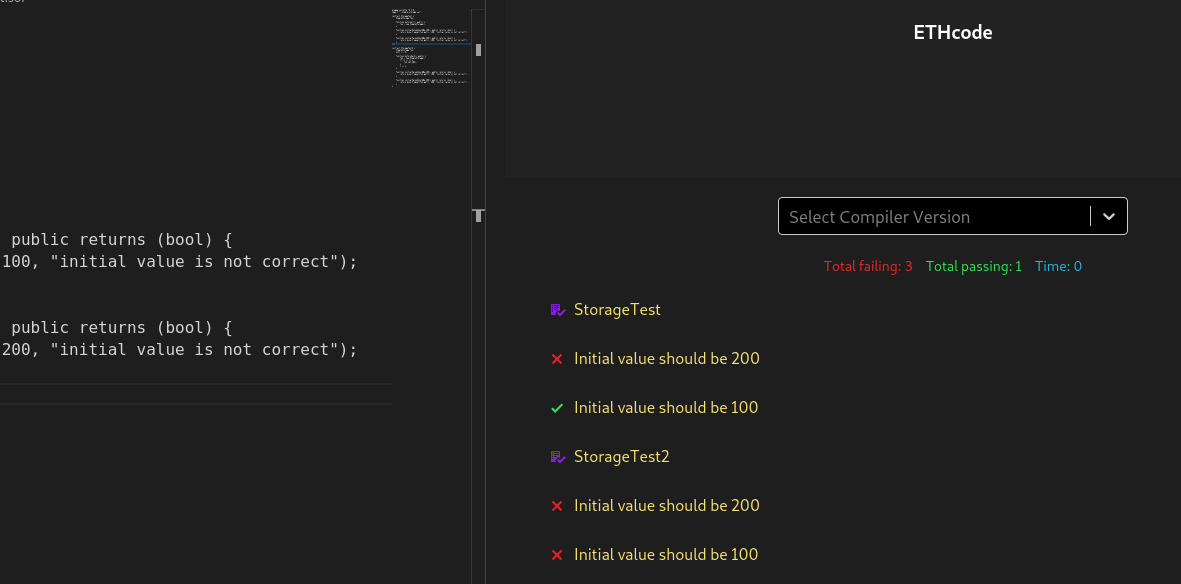
ctrl+alt+t - run unit testing.
Note: compilation with latest/default version is faster. compilation with any other selected version can be slower as it loads the compiler version from internet.
Please install vyper compiler for compiling vyper contracts in ethcode. Instructions for vyper compiler installation can be found on official vyper documentation - https://vyper.readthedocs.io/en/latest/installing-vyper.html
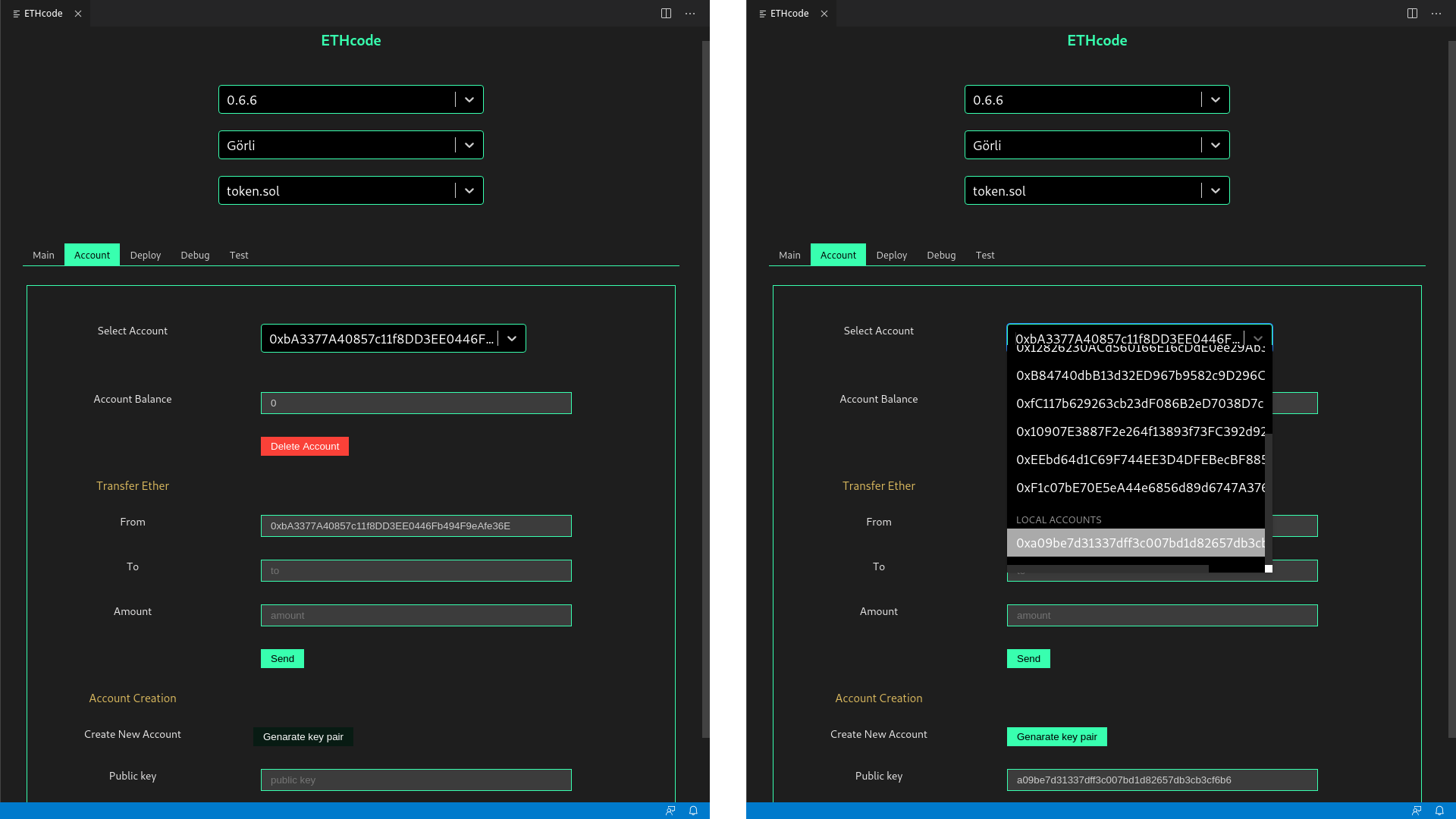
Ethcode signs all transactions using generated key-pair in your computer. Use Generate key pair button to generate one. Then go to respective test network faucet and get some testnet ether. For Görli use goerli-faucet.
Please help ethcode developers continue their work.
Ethereum donation address: 0xd22fE4aEFed0A984B1165dc24095728EE7005a36
Run following commands in the terminal
yarn install
yarn run build
And then press F5, in Extension Development Host session, run Ethereum: Solidity compile command from command palette.
vsce package --yarnStep 1: Login to https://dev.azure.com/0mkar/ and generate PAT
Step 2:
vsce login ethential
vsce publish 0.1.4 -p <access token> --yarn
git push origin v0.1.4
Extension marketplace link - https://marketplace.visualstudio.com/items?itemName=ethential.ethcode
Things we did on top of Create React App TypeScript template
- We inline
index.htmlcontent inext-src/extension.tswhen creating the webview - We set strict security policy for accessing resources in the webview.
- Only resources in
/buildcan be accessed - Only resources whose scheme is
vscode-resourcecan be accessed.
- Only resources in
- For all resources we are going to use in the webview, we change their schemes to
vscode-resource - Since we only allow local resources, absolute path for styles/images (e.g.,
/static/media/logo.svg) will not work. We add a.envfile which setsPUBLIC_URLto./and after bundling, resource urls will be relative. - We add baseUrl
<base href="${vscode.Uri.file(path.join(this._extensionPath, 'build')).with({ scheme: 'vscode-resource' })}/">and then all relative paths work.
Add following lines in vscode settings.json
"typescript.format.insertSpaceAfterOpeningAndBeforeClosingNonemptyBrackets": false,
"typescript.format.insertSpaceAfterOpeningAndBeforeClosingNonemptyBraces": true,
"typescript.format.semicolons": "insert"
- https://github.com/Microsoft/vscode-go/wiki/Building,-Debugging-and-Sideloading-the-extension-in-Visual-Studio-Code
- https://code.visualstudio.com/api/working-with-extensions/bundling-extension
- https://stackoverflow.com/questions/50885128/how-can-i-debug-a-child-process-fork-process-from-visual-studio-code
- https://code.visualstudio.com/docs/nodejs/nodejs-debugging#_automatically-attach-debugger-to-nodejs-subprocesses