Docker Total Controller is an UI for Docker.com build with Meteor.com
Docker Total Controller can drive your docker installations:
- image management: pull, run, inspect, remove, ...);
- container management: start, stop, pause, remove, ...;
- host management: multiple hosts with SSL.
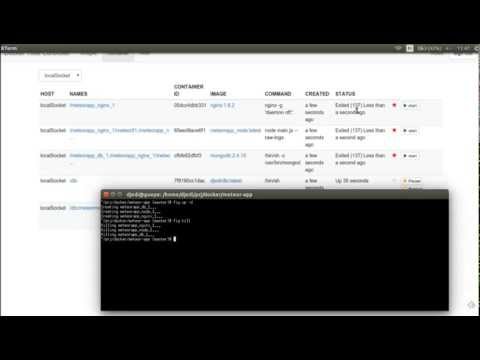
Docker Total Controller reacts to docker status. The above video show how it reacts to fig launching many containers.
- Install Docker
- Pull and run a mongo container
docker run --name dtcmongodb -d mongo:2.4.12
- Pull and run Docker Total Controller:
docker run --name dtc --link dtcmongodb:dtcmongodb --volume /var/run/docker.sock:/var/run/docker.sock -p 3000:3000 -d djedi/dtc
-
Connect to localhost:3000
-
Create an user.
-
Have Fun !
-
Install meteor
-
Clone this repository
-
Go to the working directory and run meteor
meteor
-
Connect to localhost:3000
-
Create an user.
-
Have Fun !