Another way to host lavalink for hosting bot on Heroku (Discord.js v12) #671

Description

Hi everyone, I've found another way to host the lavalink by using repl.it
Install automatically
Instruction for lavalink
- Clicking the button above, signing up or logging in and waiting for repl.it creates your lavalink project
- Once everything is done, click the "Run" button and keep waiting for it until you see the link on the right corner like mine

✍Notes: Your lavalink repl.it's link will like this: https://lavalink-replit."yourusername".repl.co
Setting bot
- The default port to connect is
443and the default password ismaybeiwasboring - Open your bot project folder, click on
config.json:
At "lava_host", copy your link on repl.it and you need to remove
https://for bot working
At "lava_pass", copy the default passwordmaybeiwasboring
➤ It should be like this:

- Next, click on
ExtendedClient.jsinutilsfolder. Looking at line number 22 and adjusting like me:

Notes
- You can’t change the lavalink port! It will default to 443 due to how replit work.
- Replit is using https so we need to add
secure: trueto make the bot work. - Make sure you run the lavalink before you run the bot!!
Youtube tutorial
↪ Link: https://www.youtube.com/watch?v=bznq-P0Ovzk
Say thanks to kakarot for making it! 😍
How to keep the replit on with freshping
Go to freshping, and set HTTP request to your discord bot I.e. https://lavalink-replit."yourusername".repl.co/metrics and it should show that it's online.
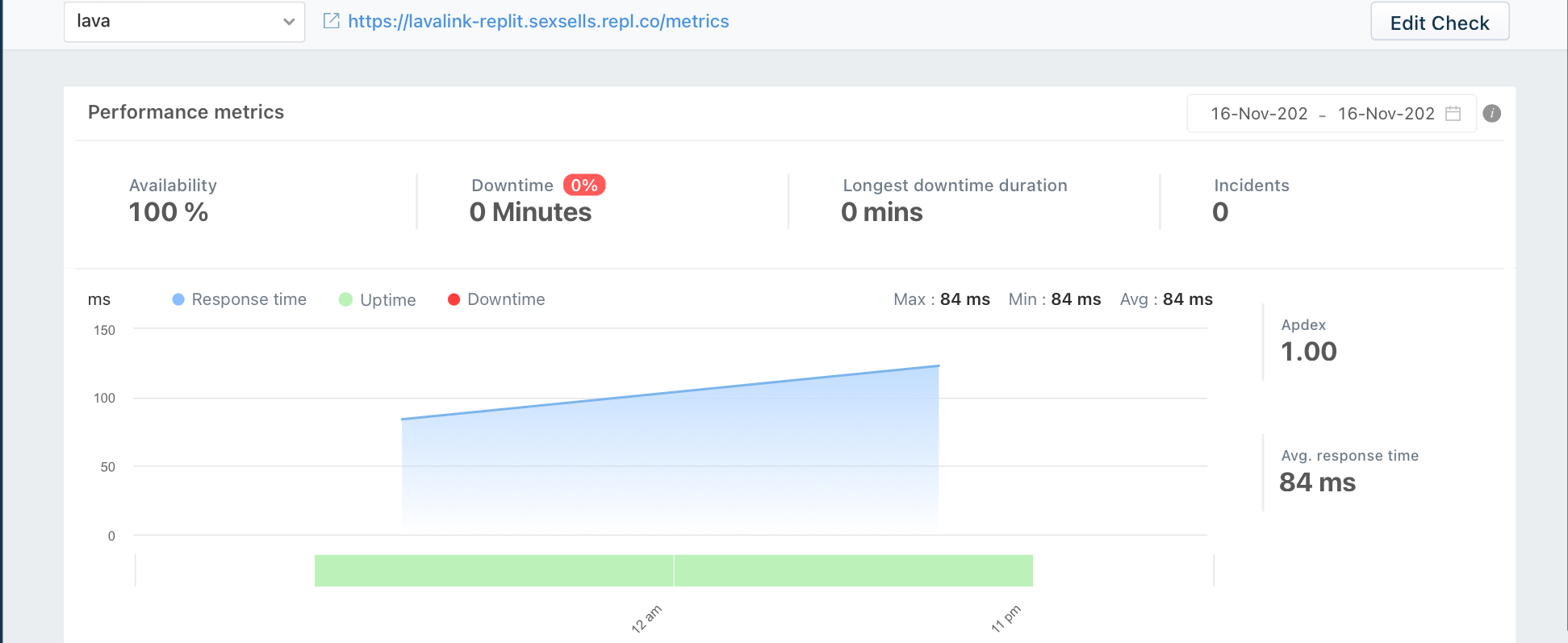
It's all done. Thanks for reading my instruction ☺☺
Instruct by KiyoshiKunCool⭐ from Vietnam with love❤
#KiyoshiKunCool