[Request] Add inactive text selection color #709

Description

Prerequisites
- I have searched open and closed issues for duplicates.
Feature
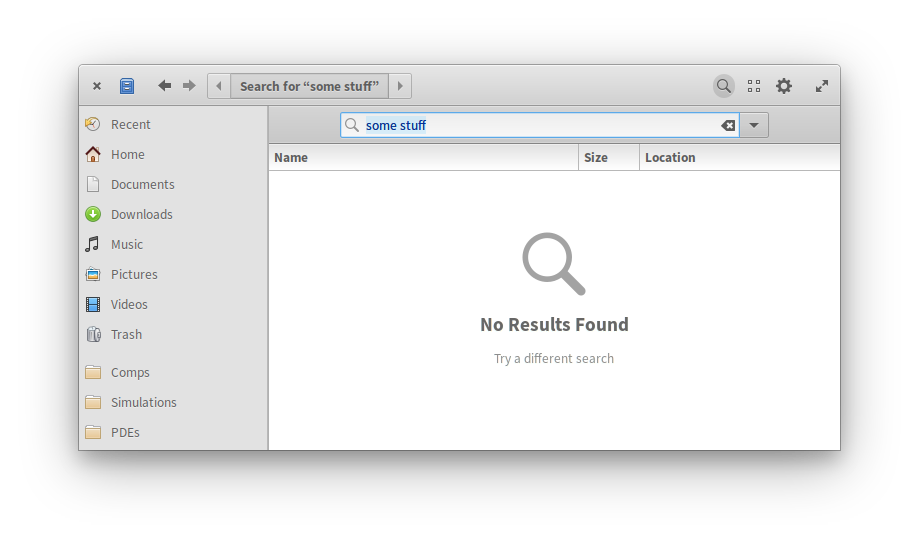
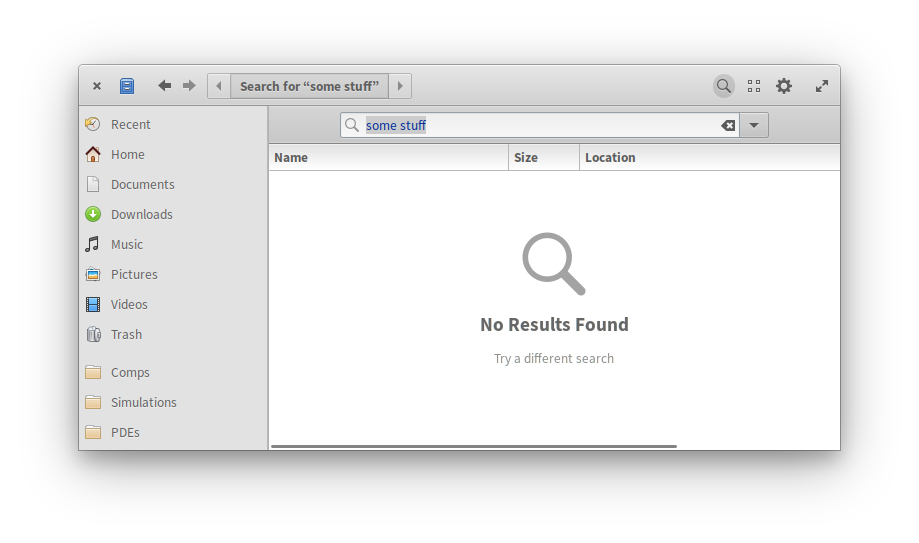
It would be nice if the stylesheet implemented a separate text selection color for when the text widget isn't focused. As is, I often get confused whether a text field is selected or not, especially in things like the file chooser where the name field gets deselected all the time. I know there's a little blue highlight around the box for entries like that, but they're very subtle and at a glance I only read the active-looking blue highlight.
This could also help distinguish more clearly between focused and unfocused windows too, especially ones without chrome (like the Screenshot app), where there's no big state change when the window gets focused.
Describe the solution you'd like
There's already something similar for things like ListBox rows that can be selected and inactive. They just get a grey highlight color, instead of the regular blue. We could just apply this color to the text view selected node too.
Here's something I've implemented really quickly. It's obviously not final, but shows what this could look like:
/*
You can type here any CSS rule recognized by GTK+.
You can temporarily disable this custom CSS by clicking on the “Pause” button above.

Changes are applied instantly and globally, for the whole application.
*/

selection:focus {
	background-color: alpha(@accent_color_100, 0.3);
}

selection {
	background-color: rgb(204,204,204);
}