Inflate MediaLayout using xml #2336
Conversation


 ShivamPokhriyal
changed the title
ShivamPokhriyal
force-pushed
the
revamp-media-layout
branch
from
ShivamPokhriyal
changed the title
ShivamPokhriyal
force-pushed
the
revamp-media-layout
branch
from
1fff6e2 to
931b63e
Compare
There was a problem hiding this comment.
Same, do we need to show something here as well just like we do for videoView?
There was a problem hiding this comment.
we can follow the same pattern as videoView.

|
@ShivamPokhriyal Wondering if you are seeing a different behaviour on the currently released Playstore version. To me both the released and master video playback behaves exactly same with same amount of whitespace. |

Yeah. the master build shows a lot of space to me, while the released version doesn't. You can try this app. |
|
Got it. I can repro using your app. I was using a portrait video and possibly the bug doesn't surface with those. Would be good for you to test your solution with this app maybe so that we make sure we are not breaking anything. Also the diff link in the PR description doesn't point me to anything specific but the PR and it seems like you were trying to point to something specific which broke this. Can you maybe try relinking the code point where it breaks. |
Sure, I think this https://github.com/dimagi/commcare-android/blob/master/app/src/org/commcare/views/media/MediaLayout.java#L160-L162 code adds the unwanted space and shrinks the videoview. |
|
@ShivamPokhriyal Sounds good. Let me know when it's ready to review again as we would want to get this in soon given the code freeze on Friday. |
|
@shubham1g5 While carrying out the todo for I've also edited the description of the PR with a list of TODOs. |
|
@ShivamPokhriyal moving this to 2.51 in that case. |
 ShivamPokhriyal
force-pushed
the
revamp-media-layout
branch
from
ShivamPokhriyal
force-pushed
the
revamp-media-layout
branch
from
931b63e to
6cf8668
Compare
|
@ShivamPokhriyal I just noticed that the |
TBH I'm not really confident with this change😅. Though the only thing remaining in this PR is the video view visibility issue which is really tricky and I haven't been able to figure it out yet. If you think QA can take care of testing this change then I can definitely try fixing the video view issue and get it merged before QA starts. |
 ShivamPokhriyal
force-pushed
the
revamp-media-layout
branch
from
ShivamPokhriyal
force-pushed
the
revamp-media-layout
branch
from
6cf8668 to
53f6ac6
Compare
| params.width = maxBounds[0]; | ||
| params.height = maxBounds[1]; | ||
| params.width = metrics.widthPixels; | ||
| params.height = metrics.heightPixels; |
There was a problem hiding this comment.
the reason why videoView doesn't appear after download completion was this maxBounds[1]. In my case, the textView had a really long text and I had to scroll down to see the videoView.
The getMaxCenterViewBounds method subtracts the text height from the total height
maxHeight = maxHeight - textViewContainer.getChildAt(0).getHeight(); making this maxBounds[1] to be 0.
Since, videoView will automatically configure itself with the min height possible, we're good to give it max height here.
| Log.e(TAG, "invalid video reference exception"); | ||
| ire.printStackTrace(); | ||
| return getMissingMediaView(inlineVideoURI, "Invalid reference: " + ire.getReferenceString(), false); | ||
| showMissingMediaView(inlineVideoURI, "Invalid reference: " + ire.getReferenceString(), false, null); |
There was a problem hiding this comment.
@shubham1g5 Do we need to localize this text?
There was a problem hiding this comment.
Also the information here isn't really informative imo. Would it be better if we say: Can't show media due to: ?
There was a problem hiding this comment.
yes, we should localize anything we display on UI. I think the prefix you mentioned is redundant in Invalid ... but would not really mind us adding that.

 shubham1g5
left a comment
shubham1g5
left a comment
shubham1g5
left a comment
There was a problem hiding this comment.
Looks quite good to me. Left some very minor points for you to consider. On testing it's regressions, we should check the 2.50 test plan and see if our current tests have testcases for 1. QR view setup in the image 2. Missing Media (these would definitely need to get added) 3. showImageAboveText usecases.
app/res/layout/media_layout.xml
Outdated
| app:layout_constraintTop_toBottomOf="@id/question_barrier" /> | ||
|
|
||
| <!-- | ||
| Missing media view |
There was a problem hiding this comment.
nit: comments formatting seems off, should be single lined
| @@ -0,0 +1,178 @@ | |||
| <?xml version="1.0" encoding="utf-8"?> | |||
| <merge xmlns:android="http://schemas.android.com/apk/res/android" | |||
There was a problem hiding this comment.
Good use of merge to avoid layout hierarchy.
| app:layout_constraintRight_toRightOf="parent" | ||
| app:layout_constraintTop_toBottomOf="@id/audio_button" /> | ||
|
|
||
| <androidx.constraintlayout.widget.Barrier |
There was a problem hiding this comment.
Read about Barrier a bit and seems like a real useful addition to the set of Android views. Thanks for finding about these.
app/res/layout/media_layout.xml
Outdated
| android:id="@+id/buttons_barrier" | ||
| android:layout_width="wrap_content" | ||
| android:layout_height="wrap_content" | ||
| app:barrierDirection="left" |
There was a problem hiding this comment.
should be start to not break RTL languages.
| Log.e(TAG, "invalid video reference exception"); | ||
| ire.printStackTrace(); | ||
| return getMissingMediaView(inlineVideoURI, "Invalid reference: " + ire.getReferenceString(), false); | ||
| showMissingMediaView(inlineVideoURI, "Invalid reference: " + ire.getReferenceString(), false, null); |
There was a problem hiding this comment.
yes, we should localize anything we display on UI. I think the prefix you mentioned is redundant in Invalid ... but would not really mind us adding that.
| params.width = maxBounds[0]; | ||
| params.height = maxBounds[1]; | ||
| params.width = metrics.widthPixels; | ||
| params.height = metrics.heightPixels; |
| View downloadIcon = missingMediaView.findViewById(R.id.download_media_icon); | ||
| private void showMissingMediaView(String mediaUri, String errorMessage, boolean allowDownload, @Nullable Runnable completion) { | ||
| missingMediaBackground.setVisibility(VISIBLE); | ||
| missingMediaText.setText(errorMessage); |
There was a problem hiding this comment.
nit: missingMediaText -> missingMediaStatus
| true); | ||
| true, | ||
| () -> { | ||
| hideMissingMediaView(); |
There was a problem hiding this comment.
stylistic point that you can ignore: hideMissingMediaView can be called from showMissingMediaView to DRY the completion logic further.
| return; | ||
| } | ||
| addView(v, dividerParams); | ||
| private void resetView() { |
There was a problem hiding this comment.
this method can be avoided by setting the initial visibility of all views as gone in xml layout itself.
Fix for android.view.ViewGroup cannot be cast to androidx.constraintlayout.widget.ConstraintLayout
shubham1g5
left a comment
shubham1g5
left a comment
There was a problem hiding this comment.
left Couple questions, though build seems to be failing on this one.
| // Next align the text, audiobutton and videoButton below mediaView. | ||
| // Next align the text, audiobutton below mediaView. | ||
| alignTextContainerBelowMediaView(audioButton); | ||
| alignTextContainerBelowMediaView(videoButton); |
There was a problem hiding this comment.
confused why did we remove videoButton from here
There was a problem hiding this comment.
videoButton has a constraint which places it below audioButton. So we only need to align audioButton top constraint while shifting it below media view.
| } | ||
|
|
||
| private void initView(Context context) { | ||
| setId(AndroidUtil.generateViewId()); |
There was a problem hiding this comment.
If not set, this.getId() call above returns -1 which is the same as LayoutParams.UNSET.
|
@damagatchi retest this please |
app/res/layout/media_layout.xml
Outdated
| android:layout_width="wrap_content" | ||
| android:layout_height="wrap_content" | ||
| android:visibility="gone" | ||
| tools:visibility="gone" |
There was a problem hiding this comment.
tools:visibility should be visible while keeping the android:visibility as gone
There was a problem hiding this comment.
Ahh Damn, silly me! I thought it behaves the same as android:visibility
| initView(context); | ||
| } | ||
|
|
||
| public static MediaLayout buildAudioImageLayout(Context context, TextView text, String audioURI, String imageURI) { |
There was a problem hiding this comment.
this seems ununsed and can be removed.
|
|
||
| addAudioVideoButtonsToView(questionTextPane); | ||
| // Next align the text, audiobutton below mediaView. | ||
| alignTextContainerBelowMediaView(audioButton); |
There was a problem hiding this comment.
Wondering if it's possible to avoid multiple calls of alignTextContainerBelowMediaView as well and instead use barrier/guideline mechanism to shift these views ?
ShivamPokhriyal
changed the title


Breaking Change.
An attempt to fix the UI change caused by #2243 probably this (Inline Video View is really shrinked with a lot of white spaces See screenshot)
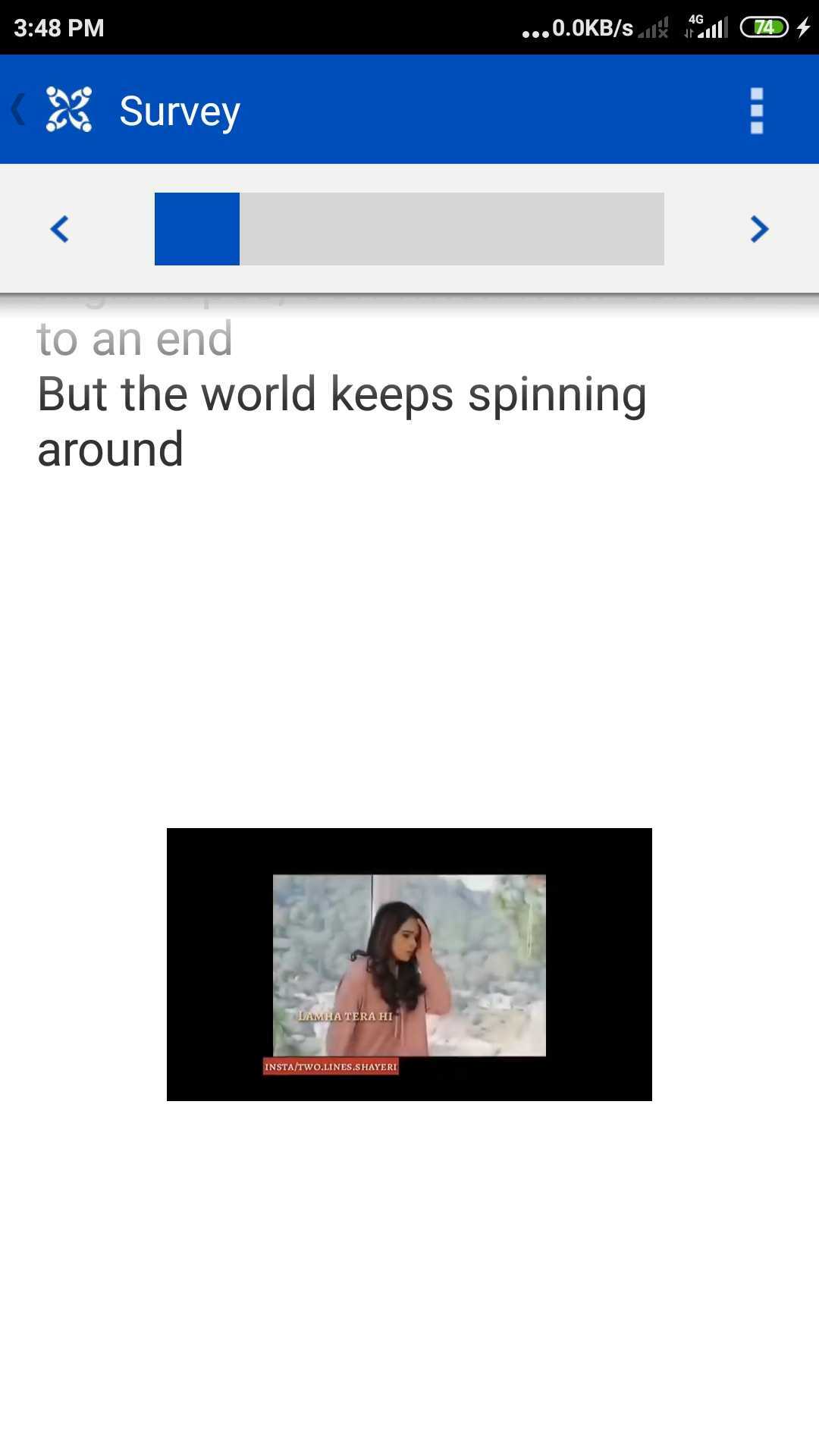
I've moved the layout logic to it's own xml which also avoids the redundant nested view groups.
PS: Follow up later with #2339
TODO:
Allow multiple missing media views to be present when the question contains multiple missing media.