A react native module to allow drawing on screen using touch.
This is based on HTML canvas and pure JavaScript, and only has a dependancy on 'react-native-webview' to display the html.
Works on IOS(Including IOS14)/Android and is Expo friendly.
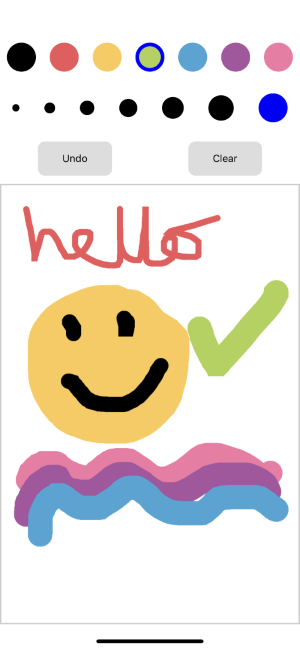
import React from 'react';
import { StyleSheet, View, SafeAreaView } from 'react-native';
import RNDrawOnScreen from 'react-native-draw-on-screen';
import Controls from './Controls';

export default class App extends React.Component {
  state = {
    color: 'black',
    strokeWidth: 10,
  };

  changeColor = (color) => {
    this.setState({ color });
  };

  changeBrushSize = (strokeWidth) => {
    this.setState({ strokeWidth });
  };

  undo = () => {
    this.RNDraw.undo();
  };

  clear = () => {
    this.RNDraw.clear();
  };

  render() {
    return (
      <SafeAreaView style={{ flex: 1 }}>
        <Controls
          handleColorChange={this.changeColor}
          handleBrushSizeChange={this.changeBrushSize}
          selectedColor={this.state.color}
          selectedStrokeWidth={this.state.strokeWidth}
          handleUndo={this.undo}
          handleClear={this.clear}
        />
        <View
          style={{
            flex: 1,
            flexGrow: 1,
            border: 'solid',
            borderWidth: 2,
            borderColor: '#ccc',
          }}
        >
          <RNDrawOnScreen
            penColor={this.state.color}
            strokeWidth={this.state.strokeWidth}
            ref={(r) => (this.RNDraw = r)}
          />
        </View>
      </SafeAreaView>
    );
  }
}