This is a solution to the Order summary card challenge on Frontend Mentor. Frontend Mentor challenges help you improve your coding skills by building realistic projects.
Users should be able to:
- See hover states for interactive elements
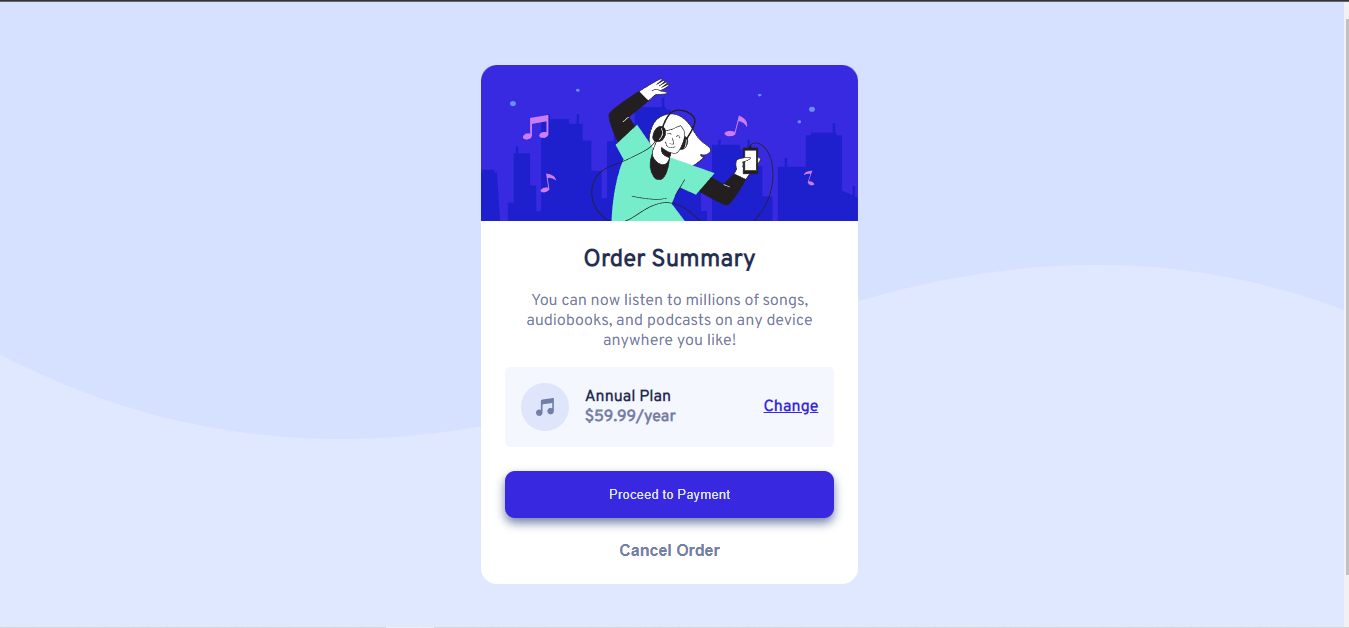
#Desktop view
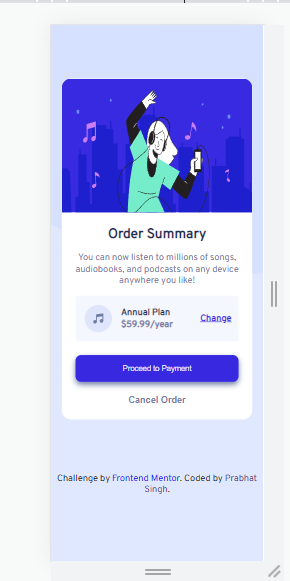
#Mobile view
- Solution URL: Add solution URL here
- Live Site URL: Add live site URL here
- Semantic HTML5 markup
- CSS custom properties
While building this is project , I learned some Semantic html tags like main , section and after deep dive into Semantic i get to know about that while building any project or web we should try to use these tags main, section , header , footer and aside , there are many more but all I remember are these this time
In CSS , by which we can make our website beautiful , here I learn about how to select a tag to apply CSS properties also how to select children tag in a parent tag to apply common CSS properties . Typography plays an important role to make any website symmetric(can't get the exact word)
There are many things to learn in my Frontend Developer journey , but firstly I wann make sure that i can create website responsive with respect to multiple screens so that it looks perfect or tends to perfect
- Example resource 1 - This website is gem or say for a Frontend developer a gold mine and very much helpfull
- Example resource 2 - This is also a useful website where you can find useful blogs and articles .
- Website - Add your name here
- Frontend Mentor - @yourusername
- Twitter - @yourusername
This is where you can give a hat tip to anyone who helped you out on this project. Perhaps you worked in a team or got some inspiration from someone else's solution. This is the perfect place to give them some credit.
The only tip i can give build as many as project (but on your own, you can take inspiration) to become a Good Web Develper or Frontend Developer