
Provides interface for Kivy applications to access Google Admob functionalty on Android devices.
- No need to change internal Android project manifest templates, Java code, or manually add external libraries.
- Support for interstitial and banner ads.

Download python-for-android-admob and install KivMob using the following commands.
$ git clone https://github.com/MichaelStott/python-for-android-admob.git
$ pip install kivmobThis tutorial assumes you are familiar with AdMob. Additionally, be sure that you have the latest version of Buildozer installed.
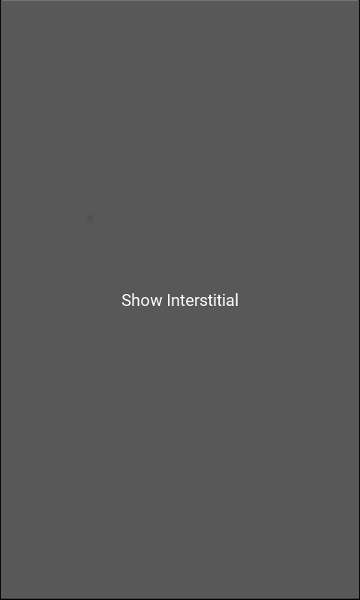
Create a new directory. Copy the following and paste it into a new main.py file. Be sure to include your AdMob app ID, your test device ID, and interstitial ID.
from kivmob import KivMob
from kivy.app import App
from kivy.uix.button import Button

class KivMobTest(App):

    def build(self):
        ads = KivMob("APP_ID")
        ads.add_test_device("TEST_DEVICE_ID")
        ads.new_interstitial("INTERSTITIAL_ID")
        ads.request_interstitial()
        return Button(text='Show Interstitial',
                      on_release= lambda a:ads.show_interstitial())

KivMobTest().run()
In the same directory, generate buildozer.spec and make the following changes.
requirements = kivy, hostpython2, android, kivmob
android.permissions = INTERNET, ACCESS_NETWORK_STATE
android.p4a_dir = # dir/to/python-for-android-admob/
android.bootstrap = sdl2-admob
To build and deploy the project, run the following command. Wait a few moments for the ad to load before pressing the button.
$ buildozer android debug deploy
Look under the demo folder for a more extensive example.
- Finish remaining unimplemented methods in AdMobBridge interface.
- Write documentation.
- Develop Buildozer recipe for KivMob that would make changes to Android project, download AdMob library, and provide Java backend. (Eliminating need for python-for-android-admob)
- Layout that repositions widgets when banner ad is displayed.
- iOS support.