
Version: 1.01
Author: Aeric Poon
Make LHDN e-Invoice API call
Note: Currently only first 5 Platform APIs are implemented
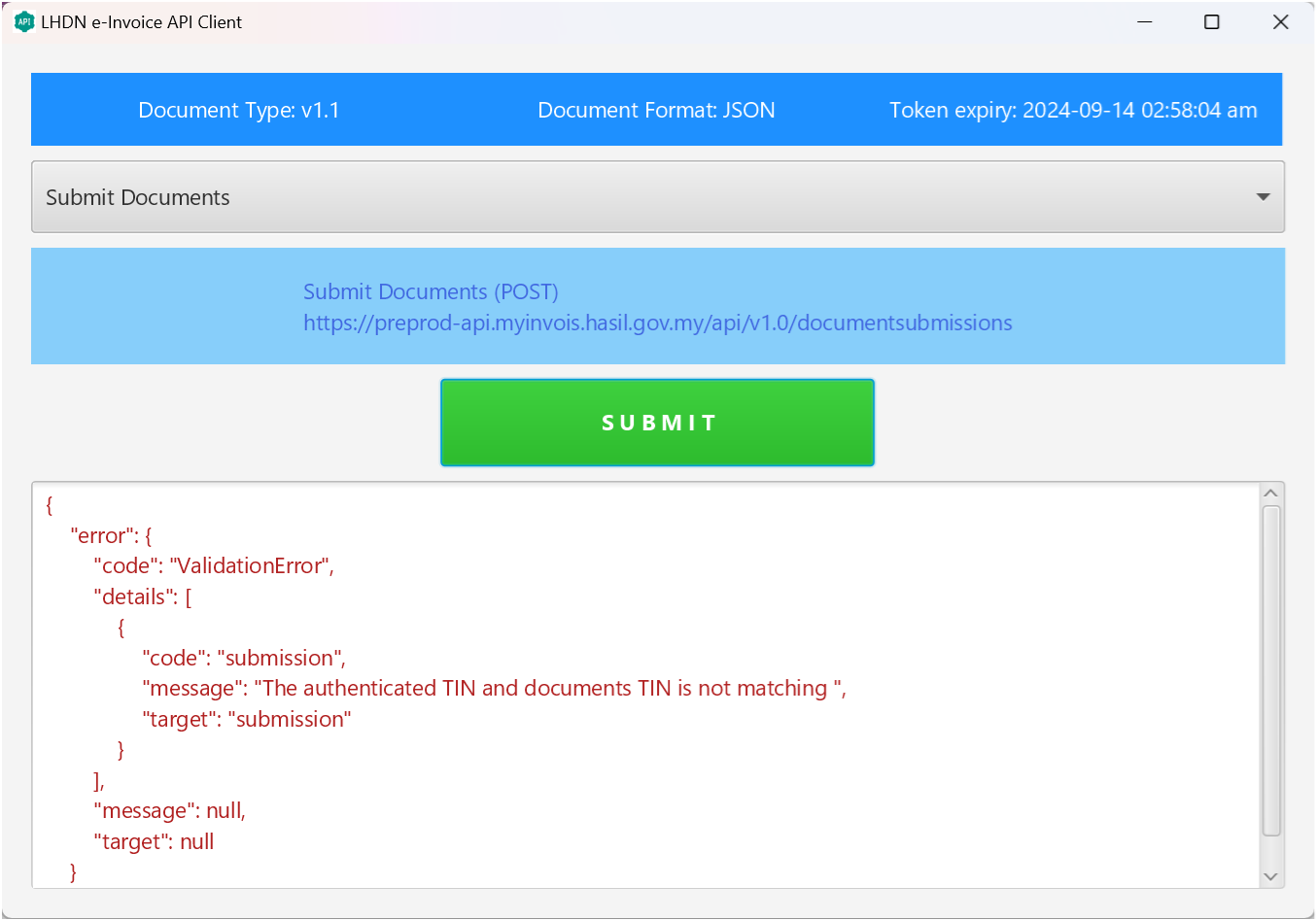
- Install B4J (free download) by following the instruction here:
https://www.b4x.com/b4j.html
(Any issue, please join the developer community: https://www.b4x.com/android/forum/) - After completed the installation, open the project directory "lhdn-einvoice-api-client-b4x\1.0\B4J" cloned from github.
- Edit config.properties to enter your "clientId" and "clientSecret".
- Open the project file "lhdn-einvoice-api-client-b4x.b4j" and click Run (play button).
- Select an API from the dropdown list / combobox. e.g. "Login as Taxpayer System".
- Hit the green "SUBMIT" button.