
This site should auto-build when pushed to branch 'main', see the 'actions' tab in github for build details.
Fire a container with:
docker run --rm --name jekyll --env LISTEN_POLLING=1 --volume="$PWD:/srv/jekyll" --volume="$HOME/tmp/jekyll-cache:/srv/jekyll/vendor/bundle" --publish 4000:4000 --publish 35729:35729 jekyll/jekyll sh -c "bundle config set --local path 'vendor/bundle' && bundle install && sleep infinity"
Then run previews with:
docker exec -it jekyll sh -c 'bundle config set --local path 'vendor/bundle' && bundle exec jekyll serve --host 0.0.0.0 --livereload'
Note that '--livereload' does not.
At the end of the day, clean up the container with something like:
docker kill jekyll
=========================
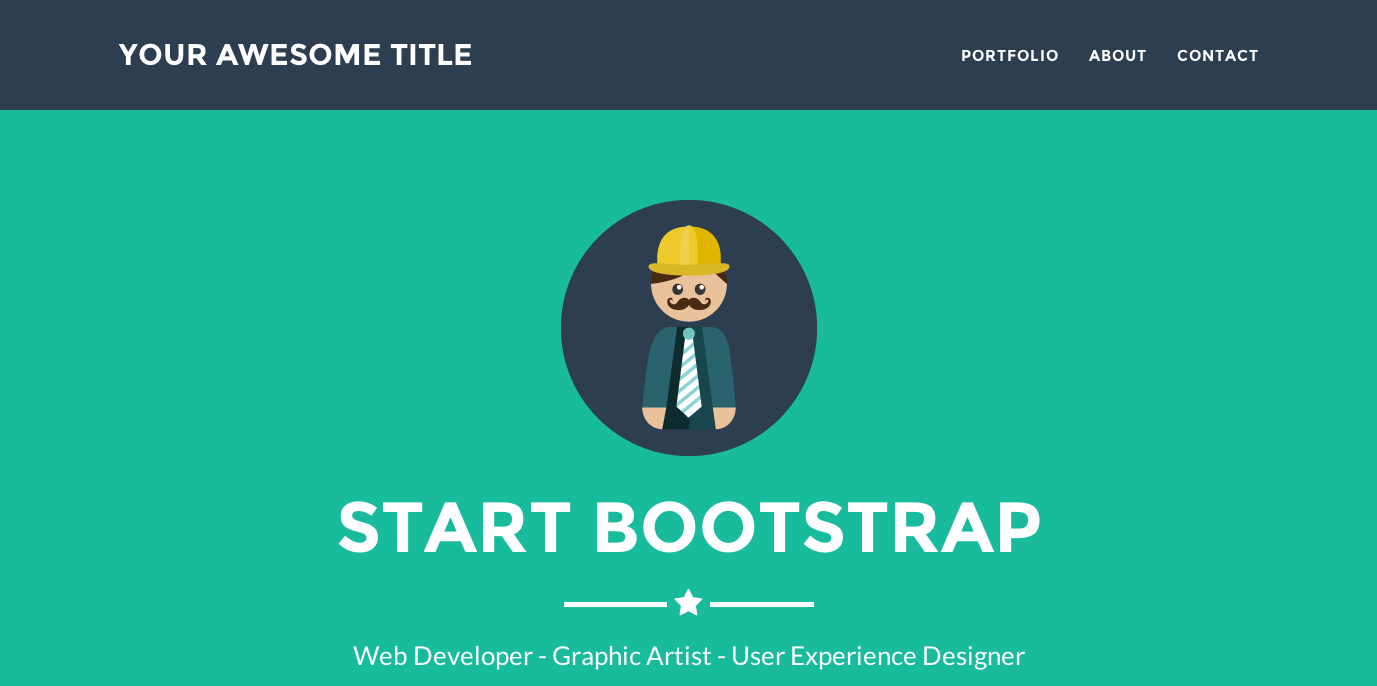
Jekyll theme based on Freelancer bootstrap theme
- Place a image in
/img/portfolio/ - Replace
your-email@domain.comin_config.ymlwith your email address. Refer to formspree for more information. - Create posts to display your projects. Use the follow as an example:
---
layout: default
modal-id: 1
date: 2020-01-18
img: cabin.png
alt: image-alt
project-date: January 2020
client: The Client
category: Web Development
description: The description of the project

---View this jekyll theme in action here
For more details, read the documentation