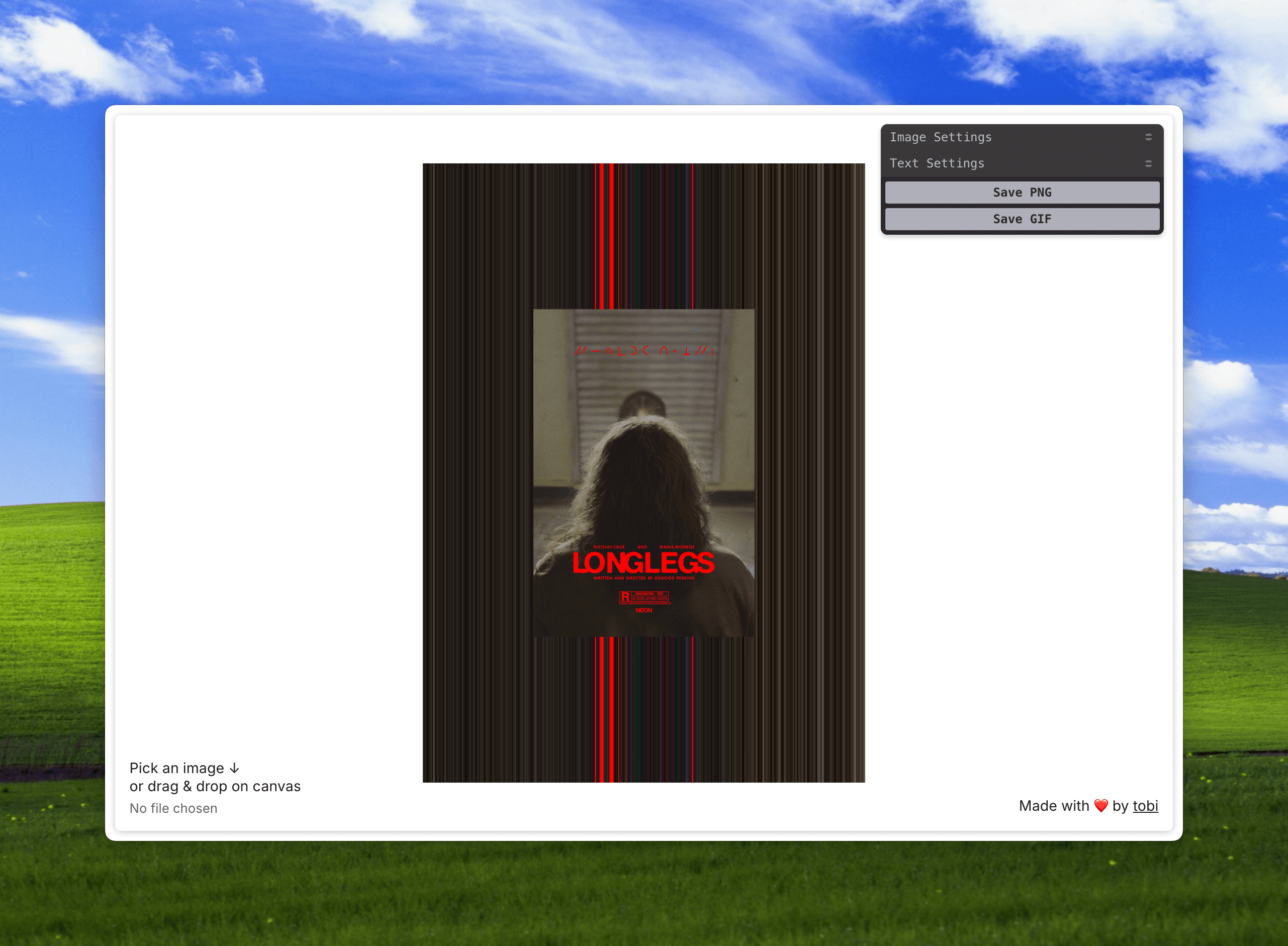
A simple tool that allows you to create dynamic pixel sorting effects based on an image. Built with vanilla js, P5.js and Tweakpane.
- Interactive canvas with P5.js for image manipulation
- Image upload via file input or drag & drop
- Customizable pixel sorting effects:
- Adjustable pixel position and speed
- Image scaling and visibility toggle
- Export options:
- Save as PNG
- Save as animated GIF
- TypeScript
- P5.js for creative coding
- Tweakpane for GUI controls
- Vite for development and building
src/main.ts- Main entry point with P5.js sketch and controls setupsrc/style.css- Global styles and layoutsrc/lib/- Utility functions and helpersindex.html- Base HTML templatepublic/- Static assets and images
- Clone the repository
- Run
npm installto install the dependencies - Run
npm run devto start the development server - Open
http://localhost:5173in your browser to view the project - Run
npm run buildto build for production - Run
npm run previewto preview the production build inhttp://localhost:4173
- Load an image by either:
- Clicking the "Pick an image" button
- Dragging and dropping an image onto the canvas
- Use the Tweakpane controls to adjust:
- Pixel sorting position and speed
- Image scale and visibility
- Text overlay properties
- Export your creation as a PNG or animated GIF
This project was heavily inspired by The Killing of a Sacred Deer Digital Campaign Poster Graphics by Marvin Schwaibold and Watson DG.