Simple Windows Forms open-source program, that can help Minecraft Builders in building with block variants by randomizing selected blocks on hotbar.
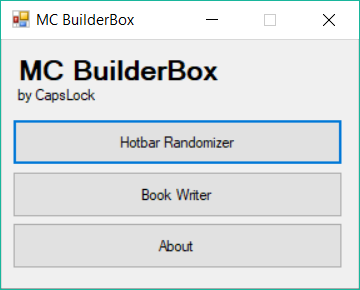
When you open app you will see main menu. There you can select feature that you need: Hotbar Randomizer or Book Writer. More about these features down below.
Here you can select hotbar items, that would be randomised by clicking on coresponding buttons, the main hotbar item in dropdown menu, that will have greater chance to be picked, and change interval between picking new item.
To start randomizer click on 'Start' button and it will emulate random hotbar key pressed from selected in given intervals.
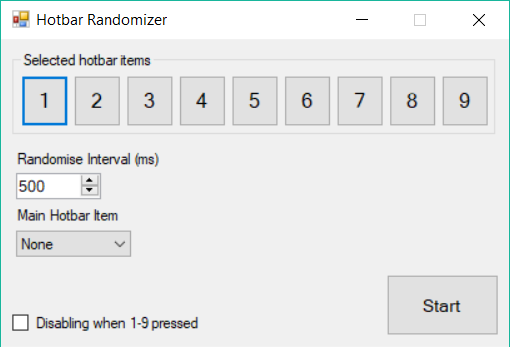
To stop randomizer pressing hotbar keys you should press 'Stop' button or pressing 1-9 keys for emergency stopping if coresponding option is enabled.
Here you can write your poem to text field or just paste it from clipboard and easily convert it to Book and Quill pages.
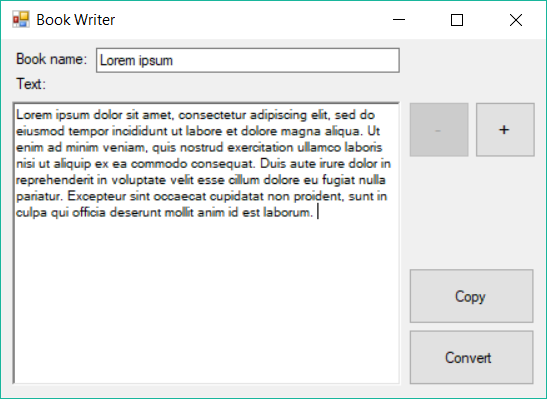
To convert text you can press 'Convert' button and windows with converted text will apear. There you can copy page text and paste it in the game, everything will fit nicely and you can move to another page by pressing coresponding buttons above and continue pasting your text.
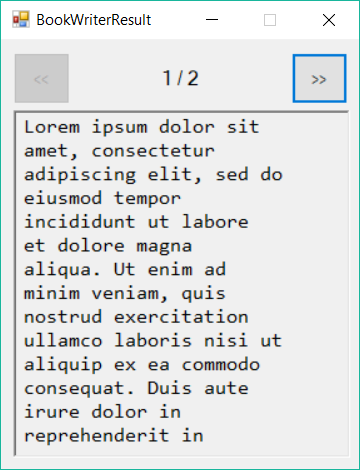
Currently Book Writer support these characters: A-Z, basic punctuation symbols, А-Я (cyrillic)
- Click on lastest stable release on Release tab on right side
- Click on MC_BuildBox.exe on Assets tab on release page to download executable file

- Save it on your computer and double click on the saved file
- Use!