


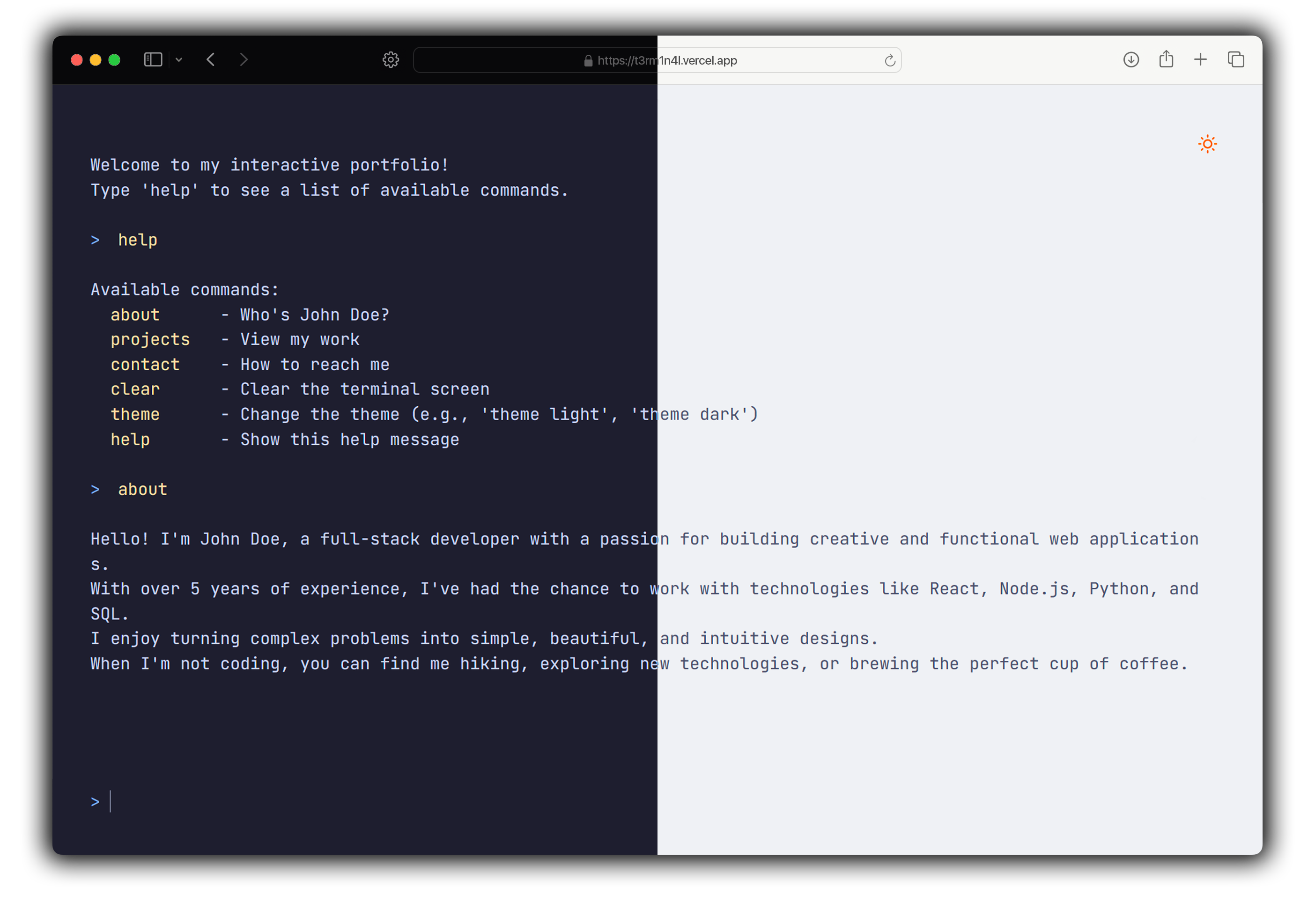
Even tho editing the code is very simple, here's a quick guide that might help you!
Welcome Message
To customize, most of the things are in script.js, including the welcome message.
First, head over to line 83.

There, you'll find the message in pure text. Just edit it to your liking, as simple as that.
Commands
For this one, we're still in script.js.
You'll find the commands at the top.
The 1st line of the bit of code should be the command name, while the rest is the output.
Here's an example of how a command should look like:
repo: `
Repository link: https://github.com/c1bles/T3RM1N4L/
Don't forget to add your newly made command to the
helpone, unless you want to make it a secretttt...
To add dashes and such to your command, use quotation marks. eg. "re-po"
Themes
For the themes, we need to go venture out into the styles.css file.
This one is really straightforward, as you just need to change the hex values.

Satnaing for the inspiration. I didn't really like his version so I made my own!