Refresh status menu on display configuration change #15
Conversation


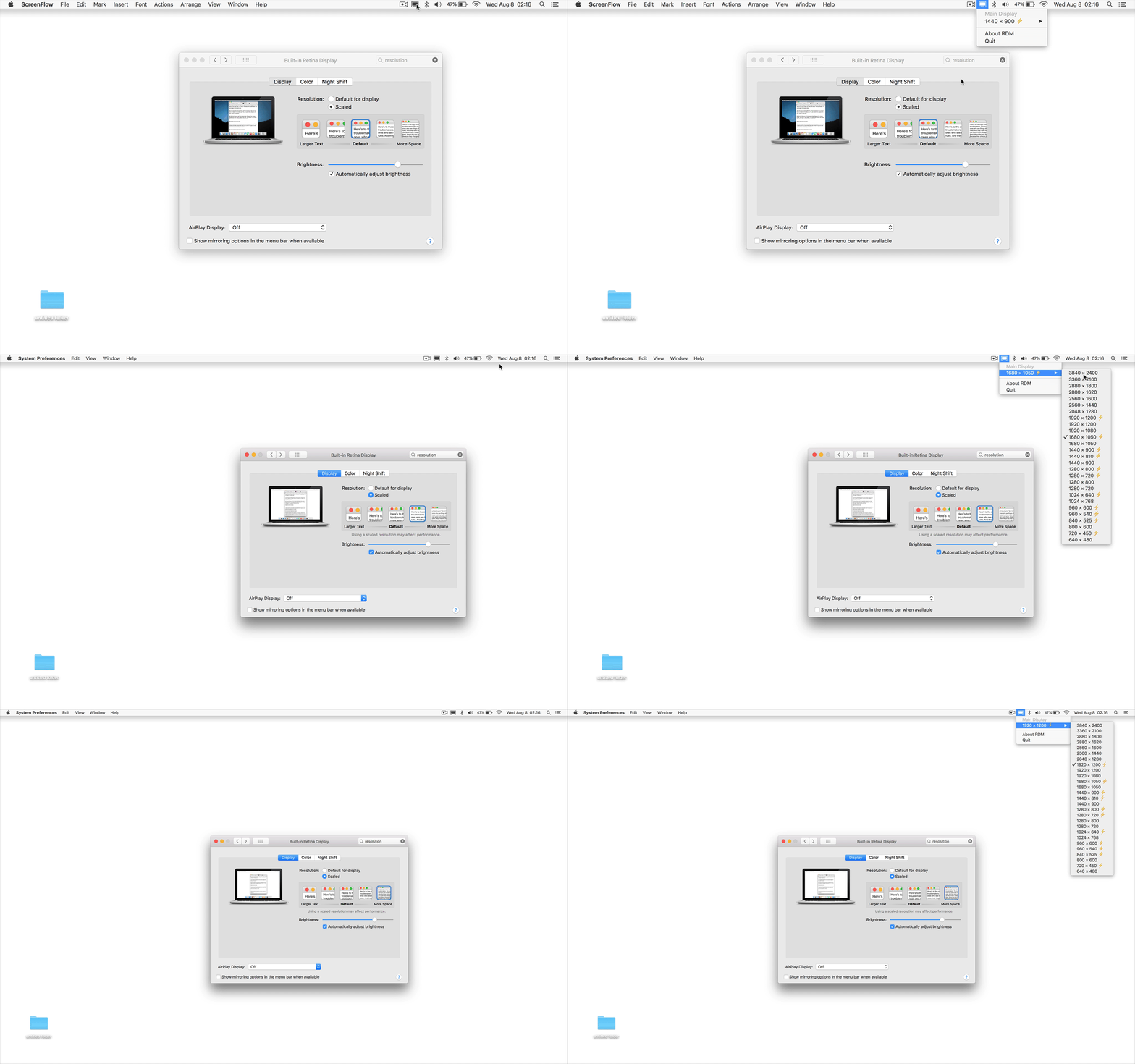
…solution is changed not through RDM


There was a problem hiding this comment.
Nicely done @usr-sse2! That's really clean using CGDisplayRegisterReconfigurationCallback. 👍

|
@avibrazil, can I help you merge this PR? |

|
Bump^ |


|
@seanpoulter yes, I'm not very proficient with Git. |
|
Sure can @avibrazil! There's two ways to go about this: you can hit the green button to merge the changes or go through the steps to "tag" the current version of code as v2.2, merge the changes, and maybe create a new release. If you're doing it the long way you'll want to:
Tagging the current code as version 2.2You can create a new tag on GitHub from the Releases page. You'll likely see something like this:
If you hit the "Create a new release" button you'll be prompted to create a new "tag" which points to a specific commit in the repository. You can fill it in as the current version, v2.2.0, and hit the big green button the publish the release.
This will create the first release of the code so everyone knows it's v2.2. Here's a few screenshots from me doing the same thing to one of my repositories on GitHub:
You'll see it also created a new tag which is really just a pointer to a specific commit:
That's it. There's a release for v2.2. 🎉 MergingTo merge the changes, you'll want to scroll down a bit on this pull request. It's your repository, so unless you add a collaborator you're the only one who will see the button like this:
For other folks like Brian and I, we don't have the ability to merge in these changes:
If you hit that big merge button, the 1 commit that was suggested will be merged into the master branch of this repository 🎉. I'm getting that info from the top of the page:
Updating your local copy of the codeOnce the code has been merged on GitHub, you'll probably want to go get a copy of the latest changes by fetching the changes from the repository on GitHub and checking out the latest commit. You've probably already configured this repository as your "origin" repository, so if you were doing it the long way you'd run: git fetch origin master
git checkout origin/masterWe do that really often though, so there's a combined operation for the "fetch" and "checkout" -- the "pull": git pull origin masterCreating a new releaseThe open-ended question for you is, when do you want to increment the version number? Who should add the release notes to the change log and text in the "About RDM" menu? 🤔 My two cents is: build a community of folks who contribute to the repository and address the list of open issues. It's always hard to find time to juggle these things solo. I'm sure @briansoule or I can find a few minutes to help update the changelog and prep v2.3 with you. 👍 ReferencesFor a general overview of working with git and GitHub I'd have a look at these two video series:
If you've got any questions, send me an email and I'll be happy to help. Good luck and don't be shy if you've got any questions! Thanks for getting RDM together. It's made my dev experience much more enjoyable these last few weeks. |


|
Wow, that was one of the best github comments I think I've ever read. I just wanted to say that I think it was very kind of you to write that out, @seanpoulter. Moments like these really remind me why Open Source is so great. |

|
Hi @avibrazil, I think it would be great if you would give @briansoule and @seanpoulter write access to the repository, as it's been something like 9 months since the instructions on how to proceed were provided and the community is still waiting for this change to land almost a year and a half after the code was written. I'm hoping that, even now, they'll still be interested in potentially helping maintain this software into the future. Thanks for your consideration and the work you've put in up til now! |

|
This helps a lot when on a MacBook that gets connected/disconnected to external displays a lot. It would be great if this was merged. |
|
@ntessore, newer and more functional version of RDM is here: https://github.com/usr-sse2/RDM/releases |

|
Hey any updates @seanpoulter . Would love to have this feature in RDM. 👍 |
I haven't heard anything from @avibrazil, @yashLadha. Looks like @usr-sse2's made a clone. |

This commit will change destination directory from /System/Library
to /Library for systems running macOS Catalina or above.
Also adds ability to handle system-provided settings more precisely,
and fixes avibrazil#15, a bug related to writing hiDPI flag(s).

Major Changes:
- Change save path from /System/Library to /Library for systems running
  macOS 10.15.0 or above
- Add ability to handle both /System/Library and /Library if
  * Current macOS version is 10.15.0 or above; and
  * System Integrity Protection is disabled
  (This feature is for backward-compatibility.)
- Add ability to handle other 'hiDPI values', which could be found in
  some system-provided plists in /System/Library
- Fix bug: now hiDPI flags are consistent with the macOS default
  values (also with comsysto/Display-Override-PropertyList-File-Parser-and-Generator-with-HiDPI-Support-For-Scaled-Resolutions@a7f0b42)

Minor Changes:
- Split files for readability
- Change some function-specific variables into static variables, namely
  * defaultHiDPIFlag in Resolution
  * rootWriteable, afterCatalina, and dirformat in ViewController
- Add some methods to Resolution class
8 participants


Refresh status menu when a display is connected, disconnected or its resolution is changed through System Preferences