Repository navigation
Home
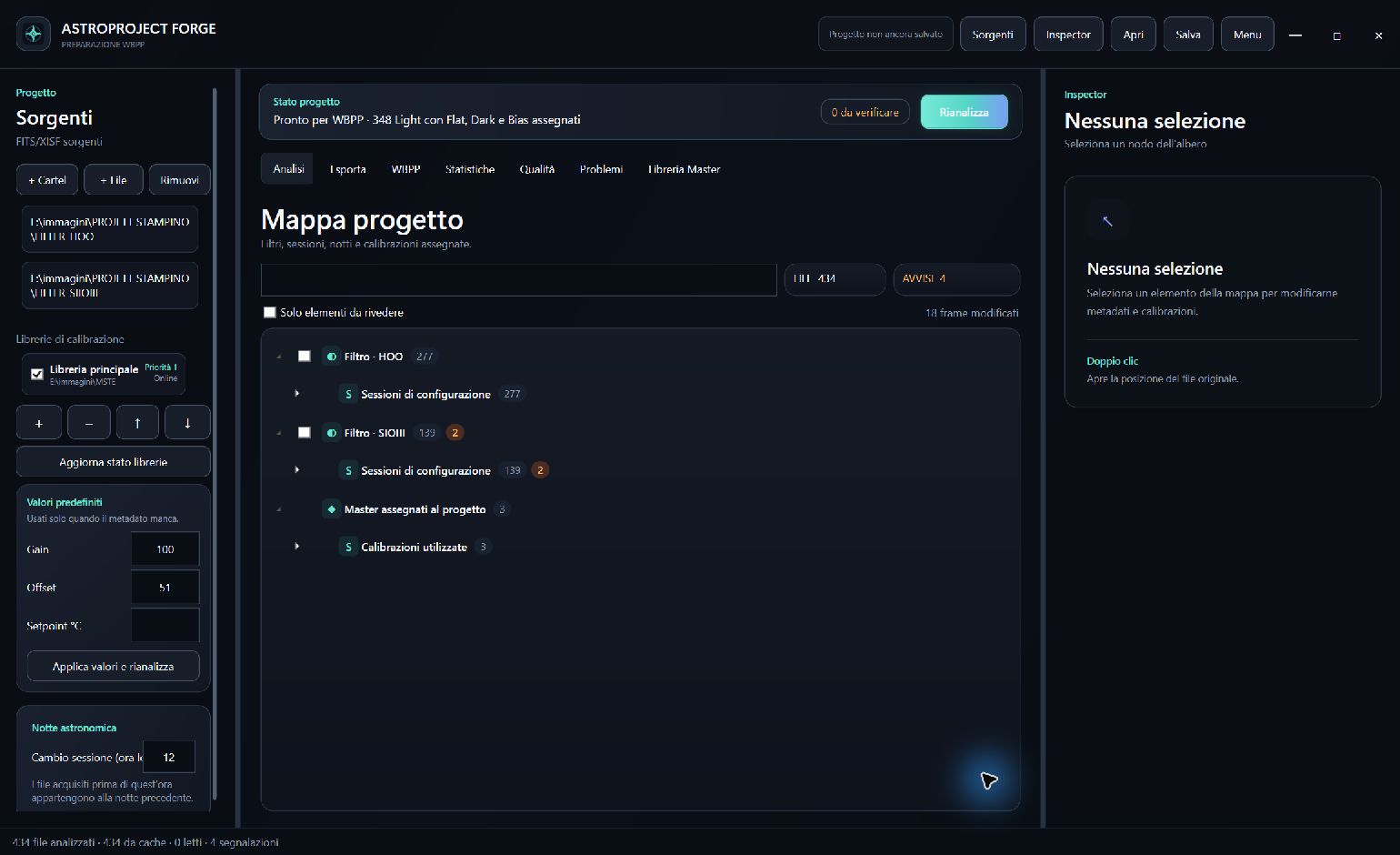
- Progetto — importa FITS/XISF e premi Analizza.
- Calibrazioni — risolvi soltanto gli elementi segnalati. Se non ce ne sono, passa oltre.
- Esportazione — scegli la destinazione, crea la struttura ed esporta.
- PixInsight WBPP — premi Crea e apri in PixInsight, controlla Calibration e poi avvia Run.
Statistiche e Qualità sono facoltative. Master Library è uno strumento indipendente.
- Project — import FITS/XISF and select Analyze.
- Calibrations — resolve only reported items. Skip this page when there are none.
- Export — choose a destination, build the structure and export.
- PixInsight WBPP — select Create and open in PixInsight, check Calibration, then start Run.
Statistics and Quality are optional. Master Library is an independent tool.