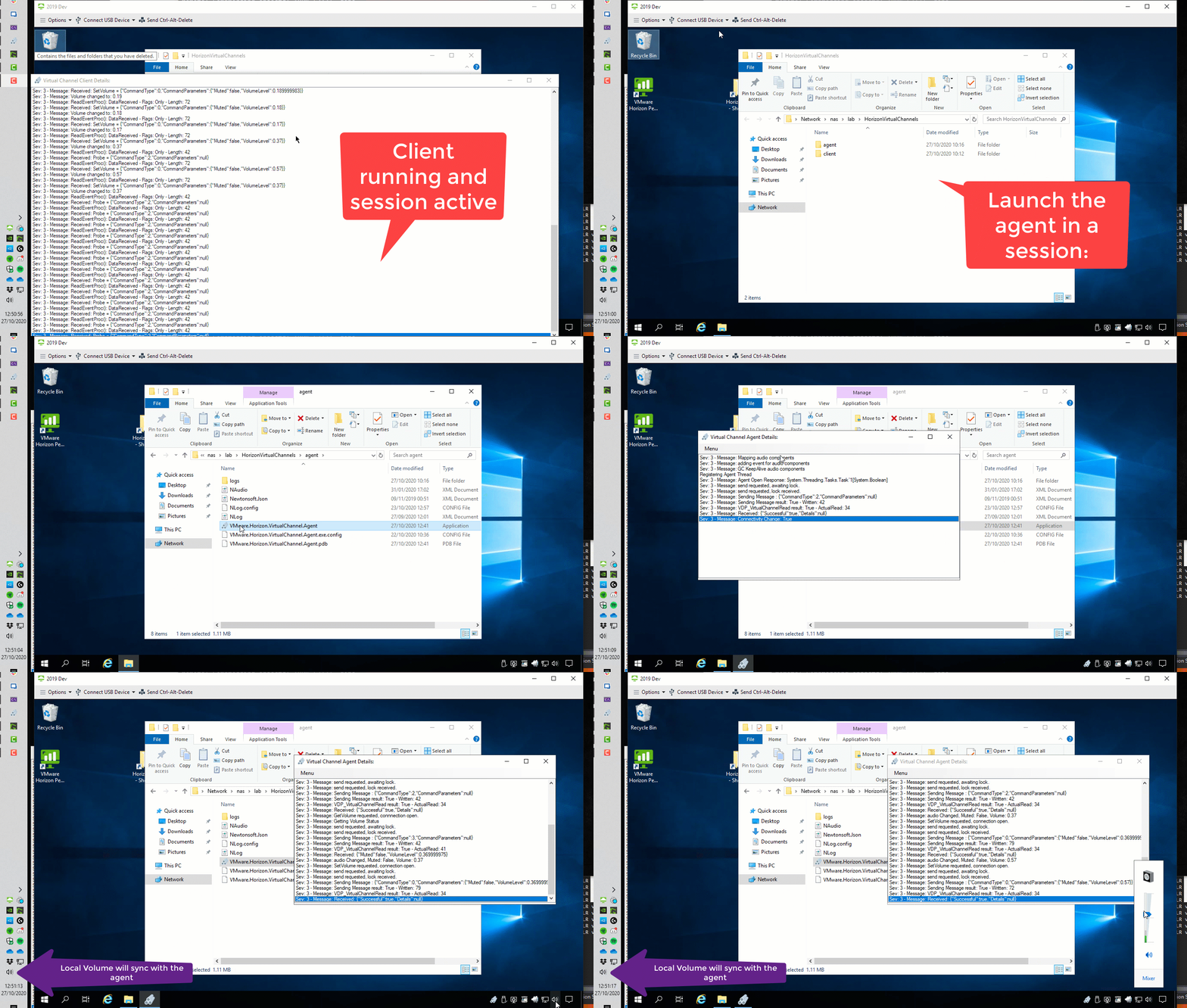
This repository demo's, simply, how to create a Virtual Channel for VMware Horizon in C# and send data back and forth from the Client and Agent.
In this example, a client (running on the users device) opens a Virtual Channel to an Agent (running in the virtual desktop or application session) and synchronises the volume from the Virtual Session, to the local device, to make it easier to manage the volume.
This example could be easily expanded to do pretty much whatever you like.
- A Client executable to run on the local device (Windows only).
- An Agent executable to launch inside the users virtual session.
Download the binaries from here:
https://github.com/andyjmorgan/HorizonVirtualChannelExample/tree/main/Publish
- Start the Client on a Windows Device, before launching a virtual session.
- Once the client has been started, Launch a VMware Horizon virtual desktop session.
- Once inside a VMware Horizon virtual desktop session, launch the agent.
Adjust the volume in the virtual session, or mute the audio. You'll notice this will be synchronised to the local device.
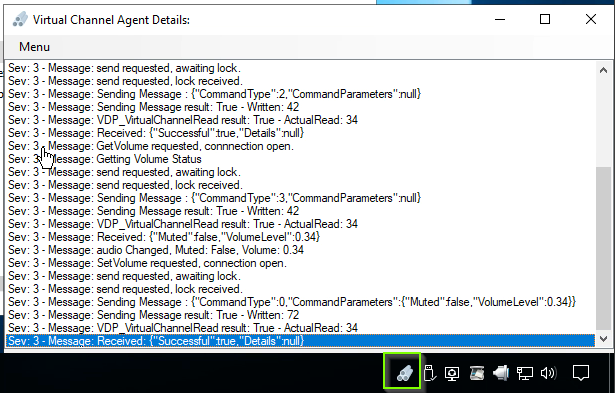
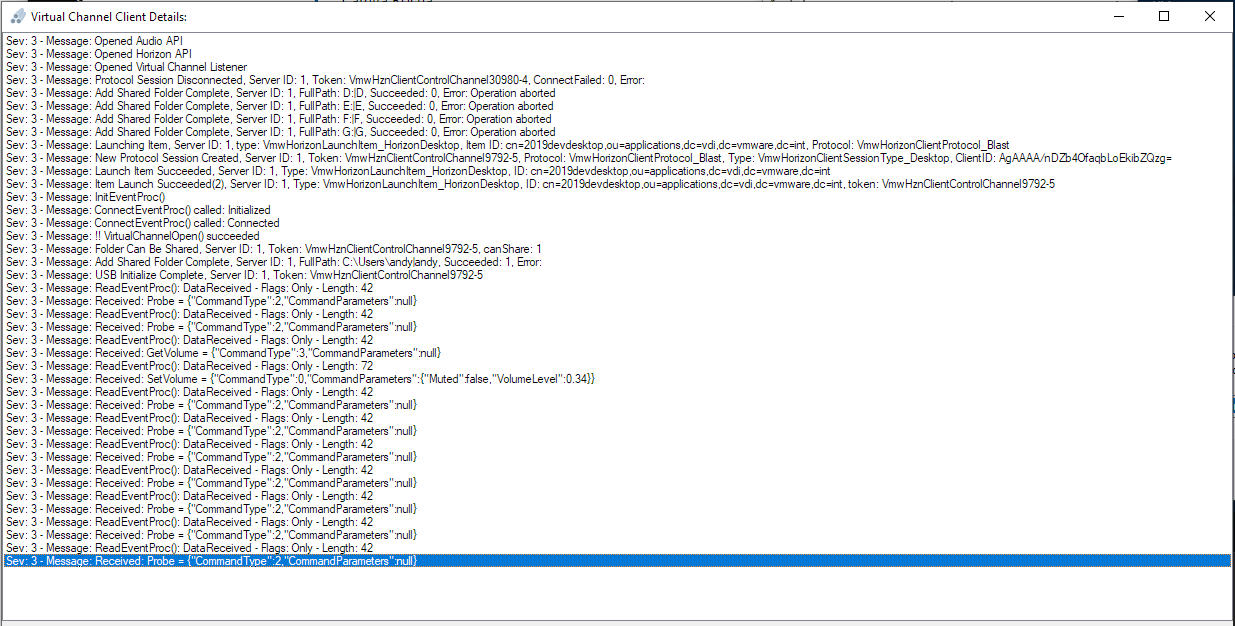
To view the messages flying back and forth, double click the pipes icon in the system tray.