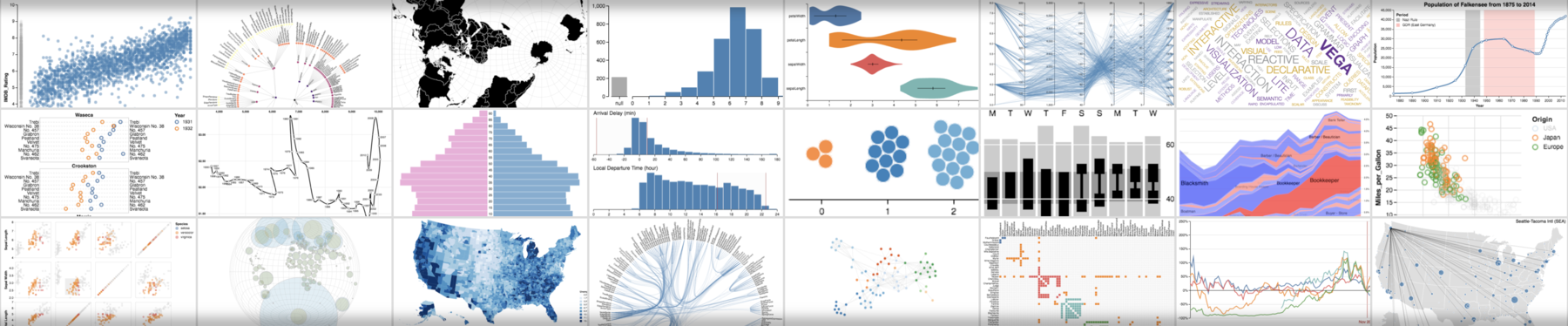
Vega is a visualization grammar, a declarative format for creating, saving, and sharing interactive visualization designs. With Vega you can describe data visualizations in a JSON format, and generate interactive views using either HTML5 Canvas or SVG.
For documentation, tutorials, and examples, see the Vega website. For a description of changes between Vega 2 and later versions, please refer to the Vega Porting Guide.
Are you using Vega in a web application built with a bundler such as Webpack or Browserify? If so, and you do not need server-side rendering support, you might prefer using vega-lib to include Vega in your app. The vega-lib repository also houses our general test suite.
For a basic setup allowing you to build Vega and run examples:
- Clone
https://github.com/vega/vega. - Run
yarnto install dependencies. If you don't have yarn installed, see https://yarnpkg.com/en/docs/install. - If you do not wish to install yarn, you can alternatively run
npm install. However, you will not be guaranteed to have dependencies matching those of the current release. - Once installation is complete, use
npm run testto run tests andnpm run buildto build output files.
This repository includes the website and documentation in the docs folder. To
launch it, run bundle install and bundle exec jekyll serve in the docs
folder. The last command launches a local webserver. Now, you can open
http://127.0.0.1:4000/vega/ to see the
website.
Interested in contributing to Vega? Please see our contribution and development guidelines, subject to our code of conduct.