This is an example of user management system server application.
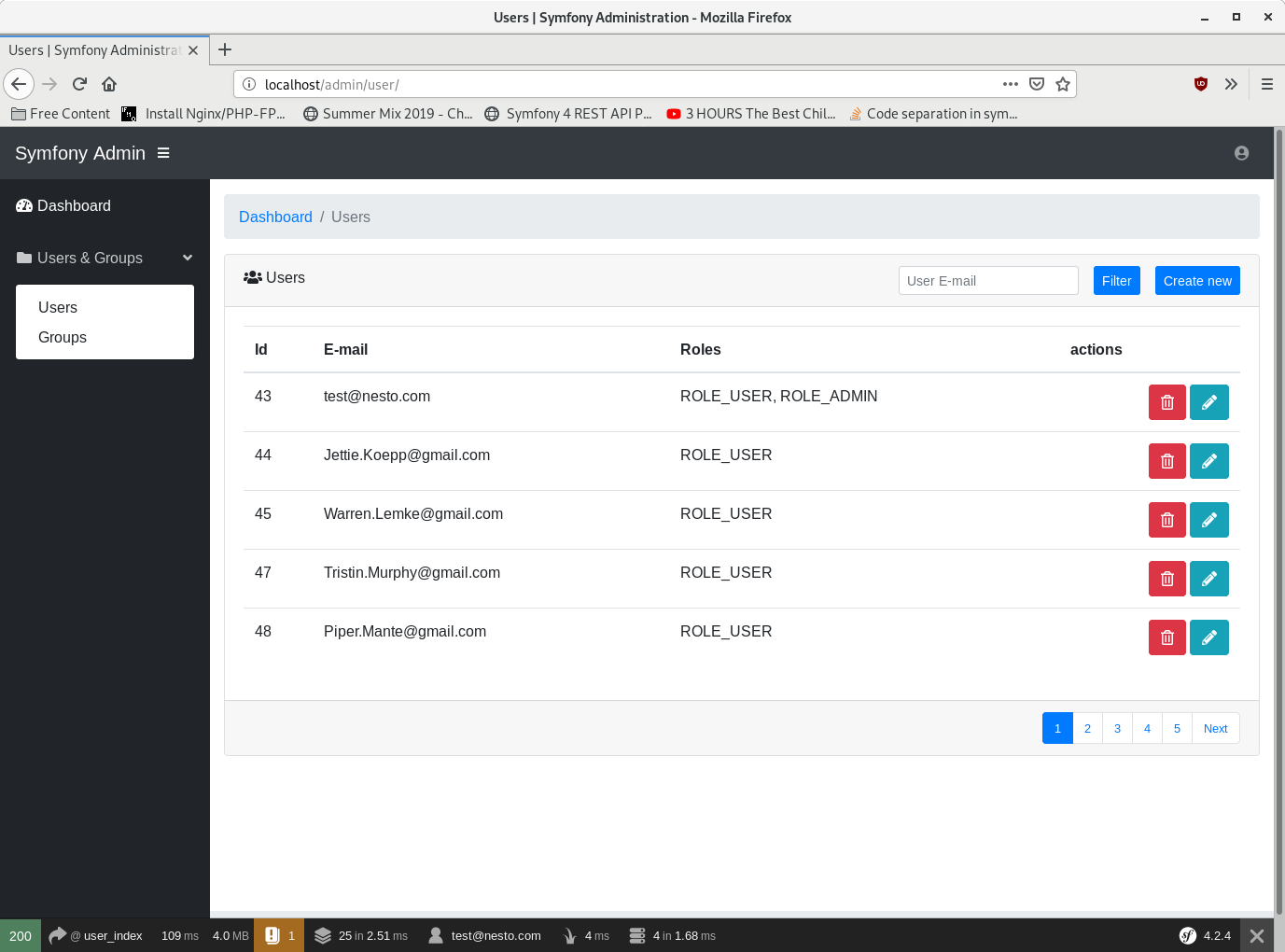
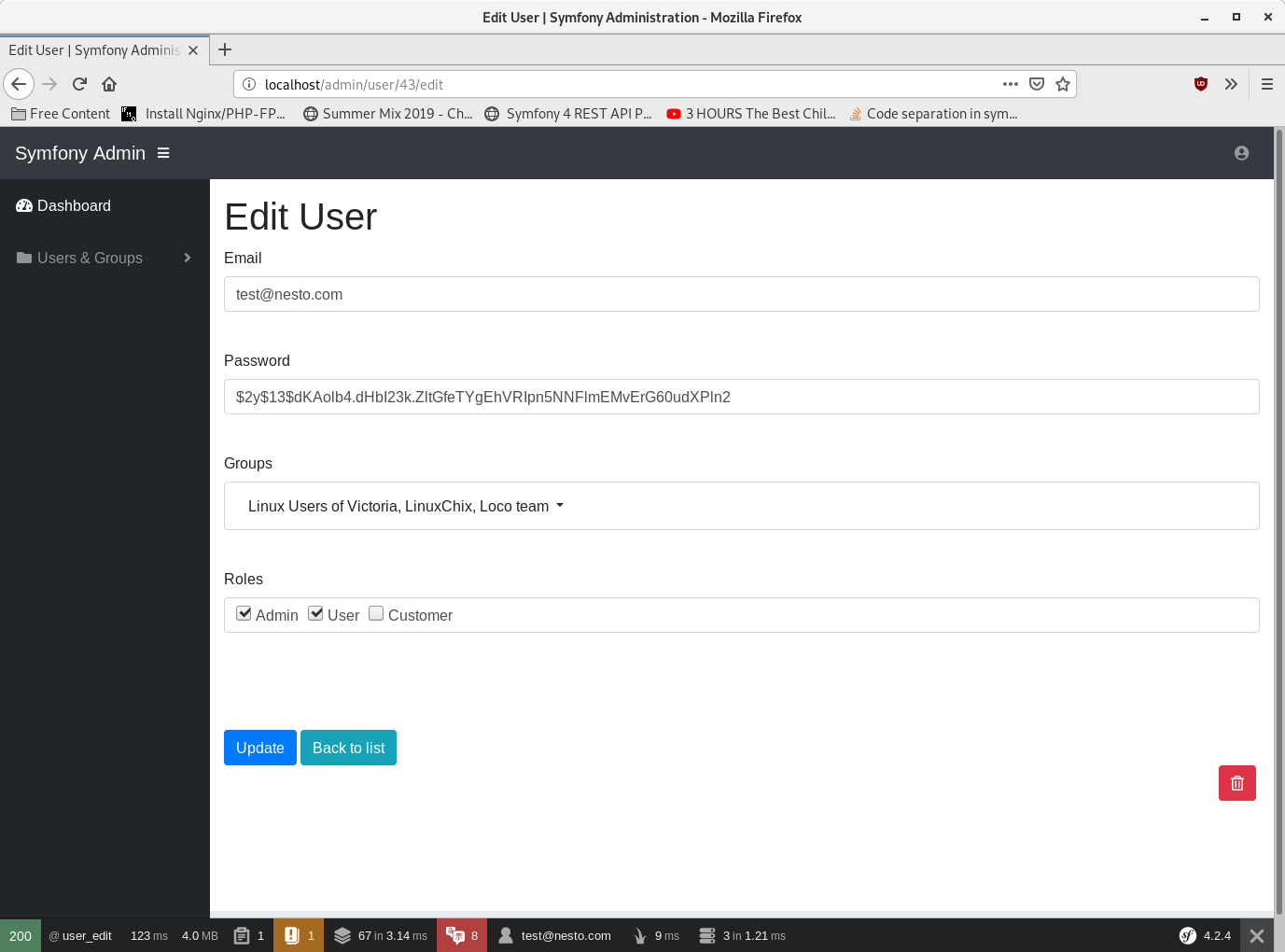
The system is designed to create new user in a simpler and faster way. In addition to creating users, it is also possible to create user groups.
The following packages were used to create the application:
- startbootstrap-sb-admin - SB Admin is an open source, admin template for Bootstrap.
- fzaninotto/faker - Faker is a PHP library that generates fake data.
- fknplabs/knp-paginator-bundle - SEO friendly Symfony paginator to sort and paginat.
- bootstrap - Bootstrap is an open source toolkit for developing with HTML, CSS, and JS.
- jquery/faker - jQuery is a fast, small, and feature-rich JavaScript library.
- bootstrap-multiselect - JQuery multiselect plugin based on Twitter Bootstrap.
In order to run the we application, it is necessary to execute a few commands from the terminal.
Application tested on Docker with:
- PHP 7.3.3
- Nginx 1.15.10
- Mysql 5.7.22
- Symfony 4.2
To start this project, you need to have the following components installed:
- PHP 7+ - PHP is a widely-used open source general-purpose scripting language that is especially suited for web development and can be embedded into HTML.
- Composer - Composer is a dependency manager for PHP. Composer will manage the dependencies that require on a project by project basis. This means that Composer will pull in all the required libraries, dependencies and manage them all in one place.
- First of all, it is necessary to update the vendor files. You can do this by invoking the following command:
$ composer install
- Starting project is possible in two ways. The first way is to use the Symfony PHP web server.
$ php bin/console server:run
- Open your browser and point to http://localhost:8000/. You'll see a welcome page. To stop the server just press Ctrl+C from your terminal.
- Another way is it using the Docker. Docker is a tool created to make it easier to run web applications.
$ cd docker
$ docker-compose up
Now you can point your browser to http://localhost and see the application. If you want a port other than default, just specify it in docker/docker-compose.yml.
- Now it's time to fill the database. To create entity query tables run make:migration. To run generated SQL migration, execute doctrine:migrations:migrate:
php bin/console make:migration
php bin/console doctrine:migrations:migrate
- Tables are now created in the database. To insert "fake" data in database run next command:
php bin/console doctrine:fixtures:load
With this command we filled the tables in the database with fale test data.
- Use the following login params to login as test account:
Username: test@nesto.com
Password: test
- Login parameters for MySQL server are located in .env file on line 27.
- Routing logic for the web application are located in src/Controller.
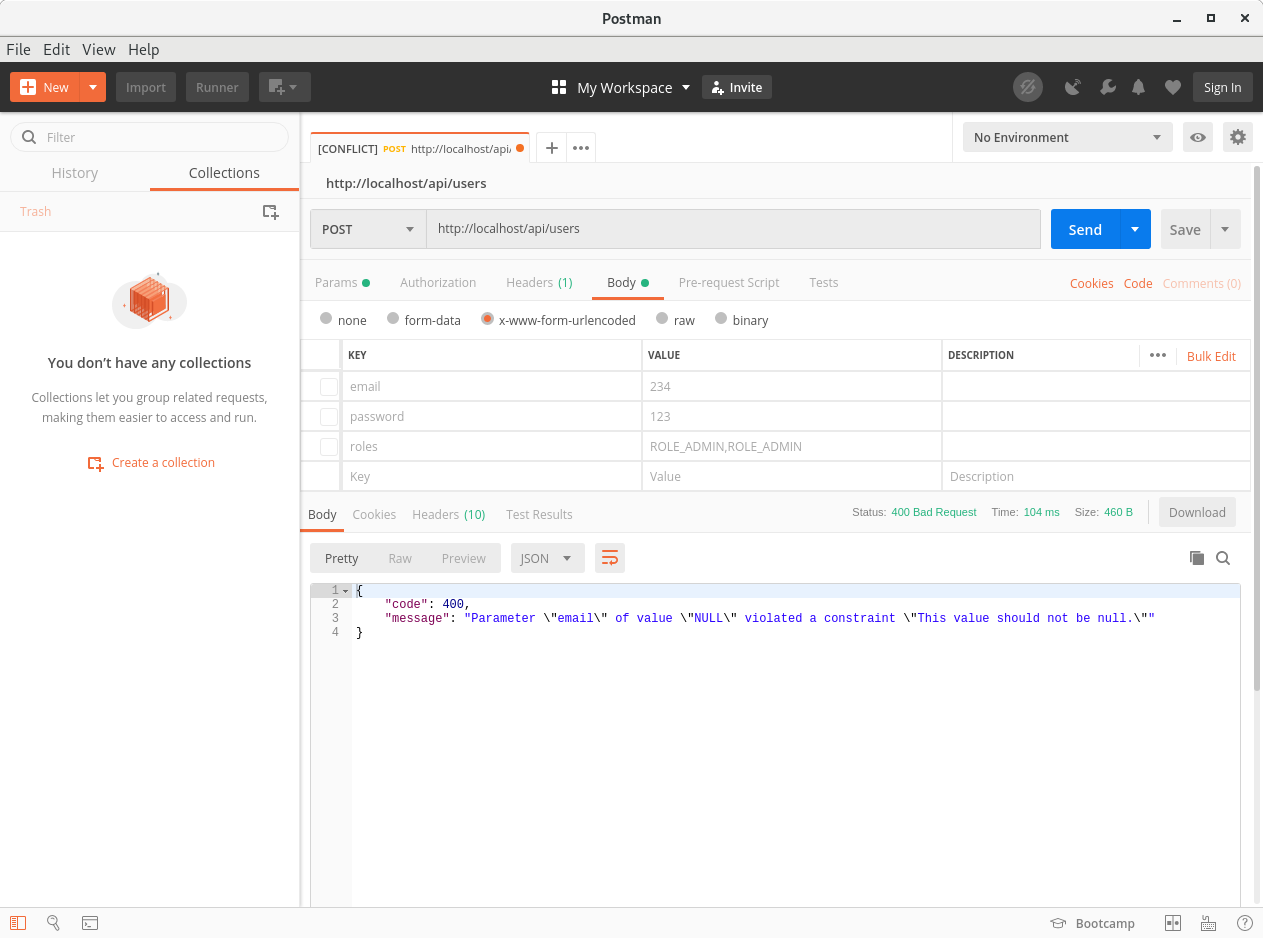
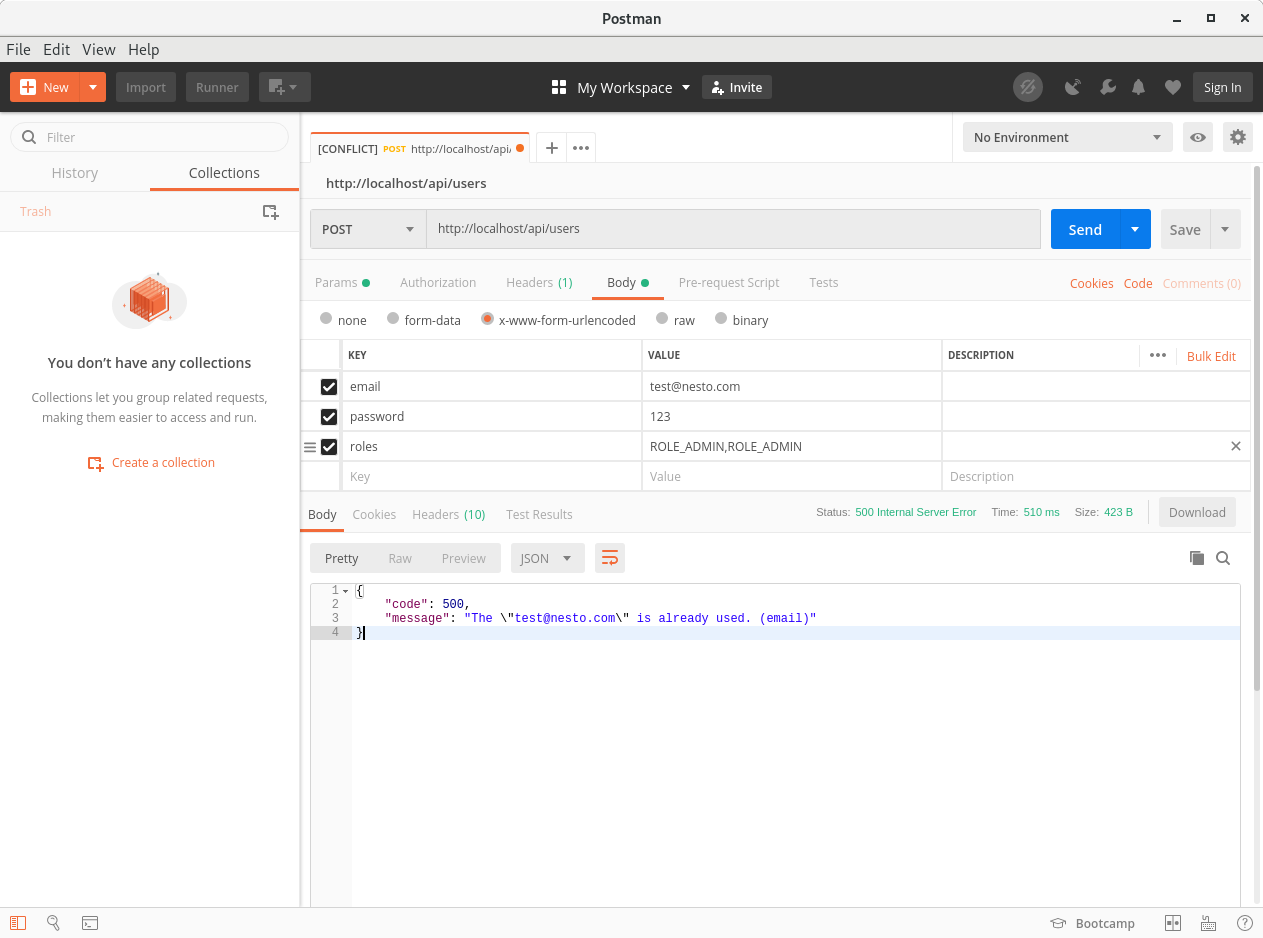
- Routing logic for REST api application are located in src/Rest/Controller.
- Business logic are located in src/Repository.
- Working logic for entities from the DB are in src/Service.
- A "fake" data generator used to load test data into a database are located in src/DataFixtures
Version 1.0.1
- Added the ExceptionController that handles exception in relation to the end point of app (Web and REST API).
- Added two new actions in API UserController (Add and remove user from a group).
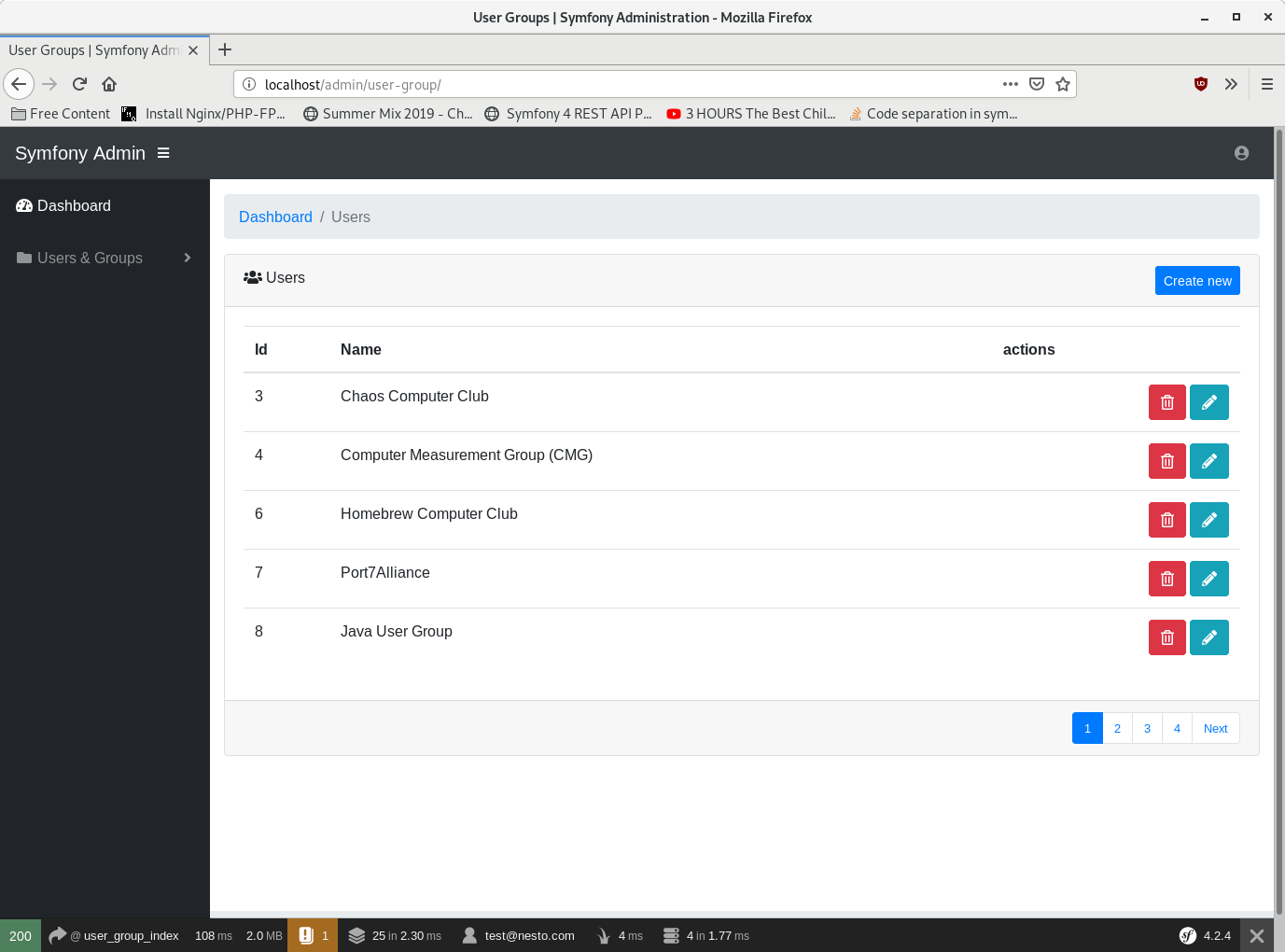
- The button for removing the UserGroup is disabled if the users are in the group, otherwise the button is active.
- Added a list of users that are in group on UserGroup edit page (The administrator can remove users from the group).
Version 1.0.0
- The first commit of application
- Andrej - Initial work - andrejrs