Dev Docs was born from a desire to have project-specific, developer-based documentation available within a site’s Control Panel.
At Focus Lab we have a file in each project’s repository root that is meant only for developers. This file is in either Textile, Markdown or HTML syntax (like this readme file) and is meant to be the primary source of information to get “up to speed” on the project. You can learn more about our documentation practices in our documentation article on EE Insider.
Dev Docs will parse the documentation file into a multi-page Control Panel experience. Each “page” is determined by each section of the document starting with an H1 tag. The documentation is cached in the database to speed up page loads while reviewing the docs. If the documentation ever gets updated, the cache is automagicaly cleared and the docs are updated in the database.
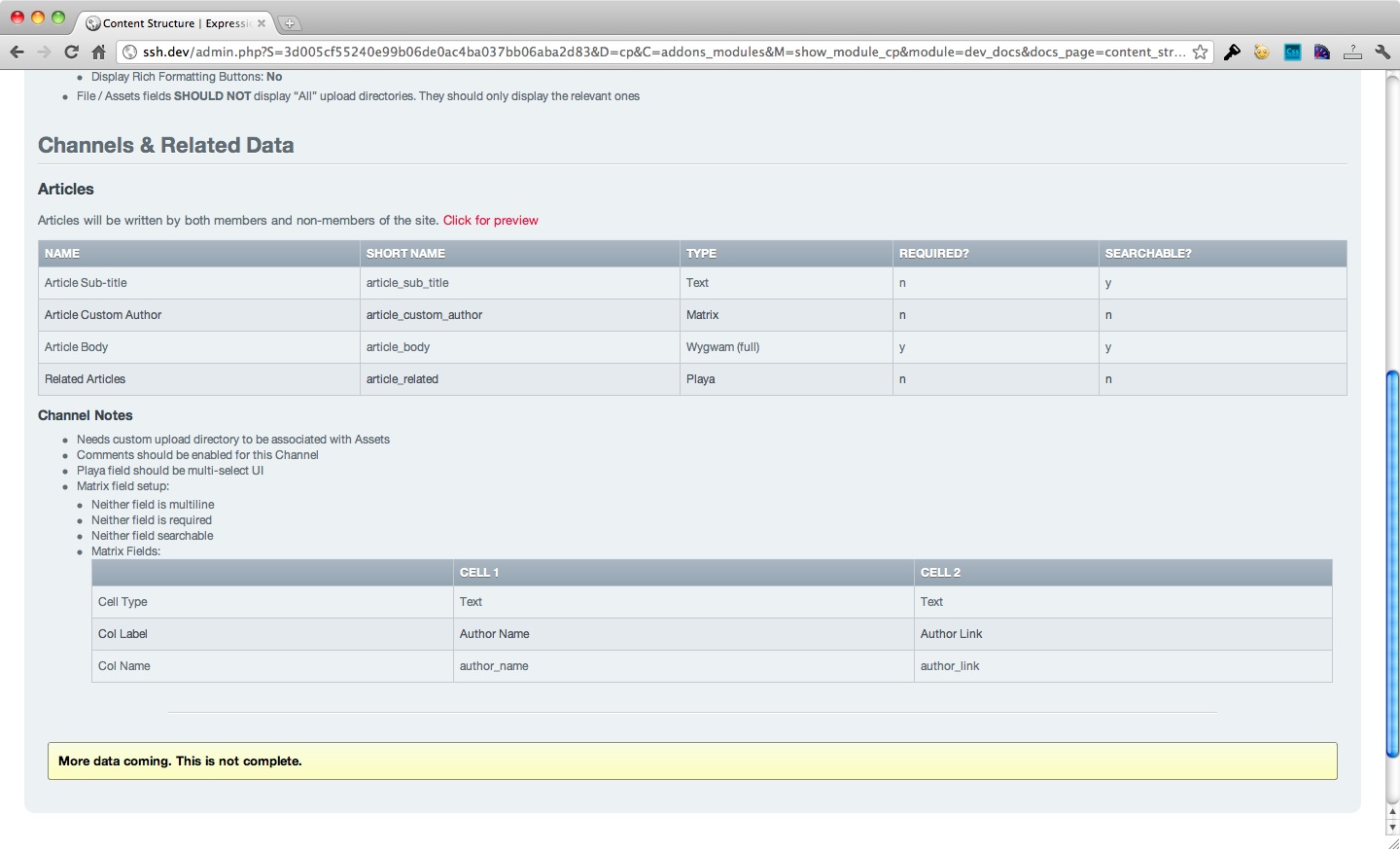
Included in this download is the sample file that is referenced in our EE Insider article and in the embedded slides there. Below you can see how TextMate renders the flat file Textile document and how Dev Docs renders the same exact file without any extra effort from the developers.
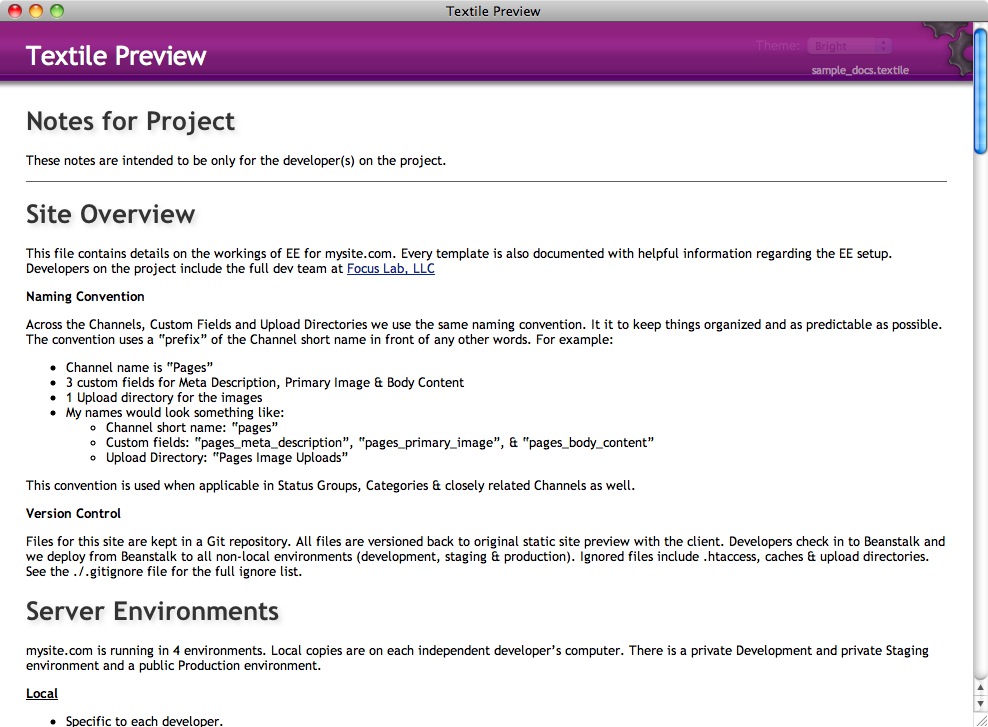

A screenshot from one of our actual documentation pages on a project (slightly altered)
Dev Docs requires ExpressionEngine 2.x
- Move the
dev_docsfolder into yourexpressionengine/third_partyfolder - Move the
themes/third_party/dev_docsfolder into yourthemes/third_partyfolder - Go to Modules → Dev Docs → Install
- Create a config value for your documentation path using
$config['dd:docs_path'] = '';in your config file - Note: if you’re following along Dev Docs during the beta there are no update scripts run. You must uninstall and reinstall each time you update the code. You won’t lose any data.
You can save your documentation file anywhere on your server that is accessible from EE’s control panel index/admin page. The module will break off each “section” of the document into individual pages in the CP. A “section” is defined by an <h1> tag. That means each <h1> will cause a new page in the Dev Docs area and be listed in the menu.
Dev Docs supports three file types so far. Textile, Markdown and straight HTML. You don’t need to define what syntax you want to use. Dev Docs will detect that based on the file’s extension.
You can optionally create sections before and after your documentation that will not appear within the EE Control Panel. To do this just create a paragraph line with ::start:: or ::end::. Anything above ::start:: or below ::end:: will not be parsed and saved into the Control Panel.
- Styles
I started getting the styles together but they could still use some love from a designer. One day. Maybe. - Settings
File path settings (among other things) will eventually not be hard coded into the add-on - Other goodies
Wait and see…