

"If autumn had a terminal, it would be Gruvbox."
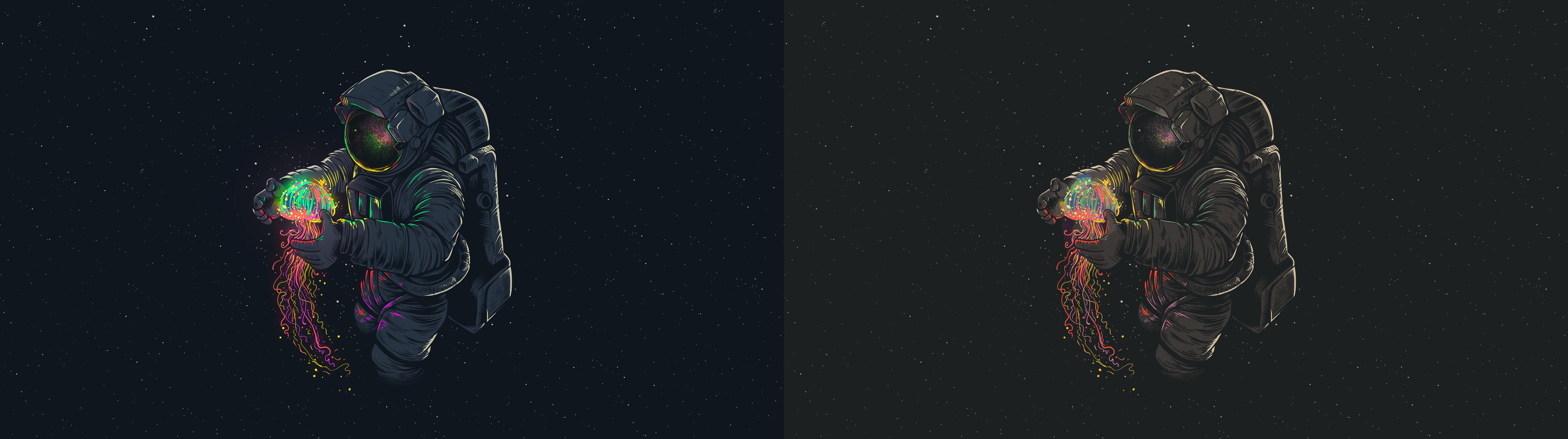
Gruvboxify is a simple CLI tool that turns any image into Gruvbox colors.
More examples here.
Gruvboxify can be installed by typing pip install gruvboxify in your terminal
To use Gruvboxify, type gruvboxify absolute/path/to/image.png in your terminal.
This will create a Gruvboxified image in the same folder as the image.
To direct the output image to a specific folder, type gruvboxify absolute/path/to/image.jpg -o absolute/path/to/folder/ in your terminal.
This will create a Gruvboxified image in the specified folder.
For assistance, type gruvboxify -h in your terminal.