PlayerAccessList is a powerful and flexible access management system for your Minecraft server, providing whitelist and blacklist functionality.






- MySQL support — The plugin can connect to external databases.
- MiniMessage support — Uses the modern formatting system from Adventure API.
- Asynchronous checks — Most access checks are performed asynchronously.
- Migration — Allows copying data from the vanilla whitelist into the plugin database.
- Logging — Ability to log all actions to console or moderator chat.
- Overrides system — Configure custom access scenarios using Overrides.
- Multi-language support — Several localization files are built in.
Suggest a translation on our Discord server
| Command | Aliases | Description | Permission |
|---|---|---|---|
/whitelist |
/wl, /whl |
Manage the whitelist | pal.whitelist |
/blacklist |
/bl, /bll |
Manage the blacklist | pal.blacklist |
/pal |
/playeraccess, /playeraccesslist |
Main plugin command (reload, migration) | pal.admin |
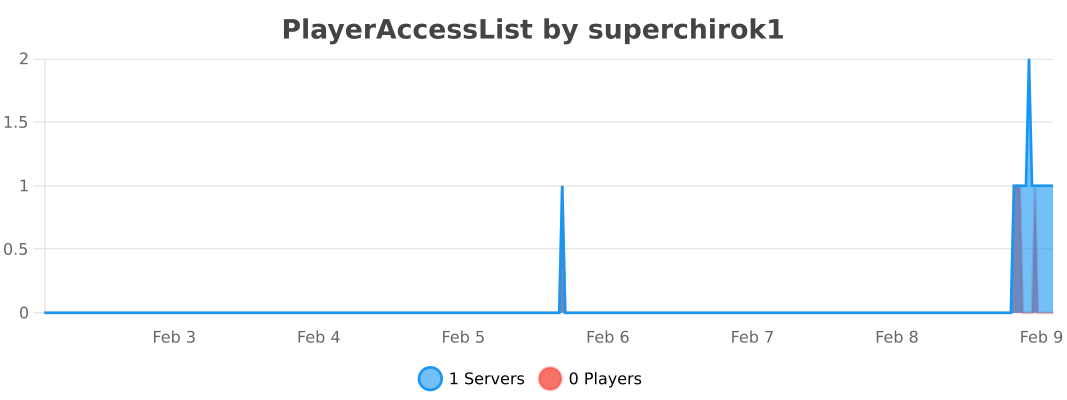
View PlayerAccessList on bStats
A short guide for developers on how to use the plugin API.
To connect the plugin and its API to your project, download the plugin.
Create a libs folder in your project, place the downloaded plugin there, and rename it to PlayerAccessList.jar.
Then add the plugin as a dependency.
Replace YOUR VERSION with the version you downloaded.
Maven:
<dependencies>
    <dependency>
        <groupId>me.superchirok1</groupId>
        <artifactId>PlayerAccessList</artifactId>
        <version>YOUR VERSION</version>
        <scope>system</scope>
        <systemPath>${project.basedir}/libs/PlayerAccessList.jar</systemPath>
    </dependency>
</dependencies>
Gradle:
dependencies {
    implementation files('libs/PlayerAccessList.jar')
}
Adding a player to the whitelist:
// Get whitelist instance
Whitelist whitelist = Whitelist.getInstance();

// Add player nickname
// UUID, OfflinePlayer, and IP address are also supported
whitelist.add("SuperCHIROK1");
Blacklist works almost the same way:
Blacklist blacklist = Blacklist.getInstance();

blacklist.add("SuperCHIROK1");There are several event classes available for listeners:
WhitelistCancelJoinEvent- Player kicked because they are not whitelisted.BlacklistCancelJoinEvent- Player kicked because they are blacklisted.
Example (broadcasting a message when a player tries to join):
public class JoinListener implements Listener {

    @EventHandler
    public void onWhitelistCancel(WhitelistCancelJoinEvent event) {

        PlayerProfile player = event.getPlayer();

        String message = ChatColor.translateAlternateColorCodes('&',
                "&cPlayer &7" + player.getName() + "&c tried to join, but was not whitelisted");

        Bukkit.broadcastMessage(message);

    }

}