A pixel-perfect, responsive web template that recreates the Google Play Store app detail and download UI using HTML, CSS, and JavaScript. This project is ideal for showcasing your mobile app with a professional, familiar interface that users instantly recognize.
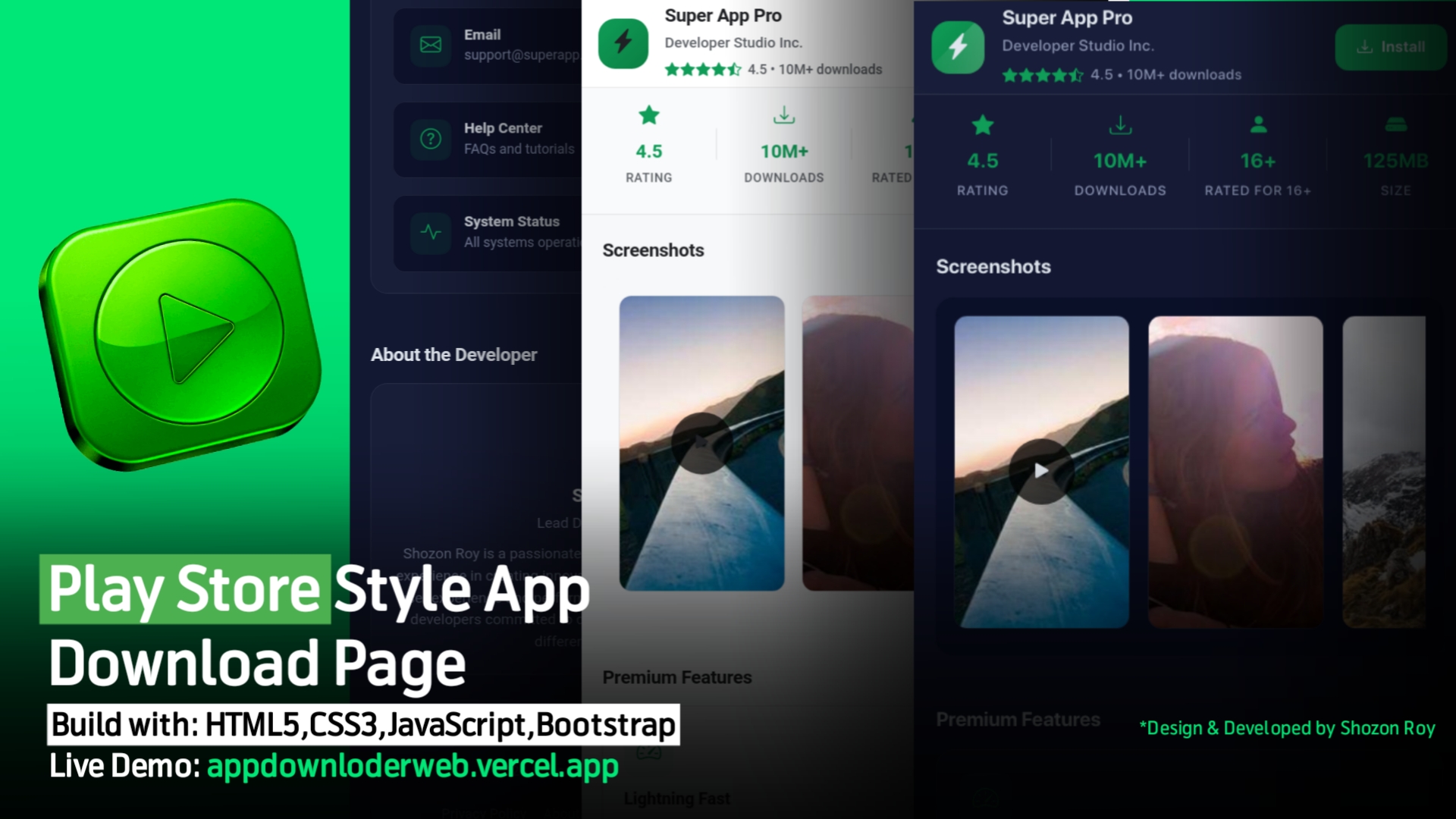
- Play Store Inspired Layout:
Top header with app icon, name, developer name, rating, and a bold "Install" button. - Scrollable Screenshots:
Horizontally scrollable, touch/mouse draggable screenshot gallery with image modal viewer. - App Features Section:
Clearly presented features in a grid, each with an icon and description. - About & Data Safety:
Dedicated sections for app description and privacy/data statements. - User Reviews & Ratings:
Play Store-like rating breakdown and user reviews. - Support & Developer Info:
Quick links to website, support, help, and a developer profile section. - Sticky Install Button:
Persistent bottom "Install" button for quick access. - Pixel-Perfect Design:
All spacing, padding, margins, font sizes, icons, and image dimensions meticulously aligned for a professional, polished appearance. - Light & Dark Theme:
Switchable theme, with preferences saved to local storage. - Responsive & Accessible:
Looks perfect on all devices — phone, tablet, desktop. - Interactive:
Modal image viewer, theme toggler, share & copy link functions, install simulation, and more.
- HTML5 — semantic and accessible markup
- CSS3 — custom styles, flexbox, grid, transitions, and dark mode
- JavaScript (ES6+) — interactivity (modal, theme, download, rating, share), local storage
- Bootstrap Icons — for scalable, consistent vector icons
- Add your app icon:
Replace the default icon in the.app-iconcontainer. - Screenshots:
Update the screenshot URLs or add/remove images as needed. - App Info & Features:
Edit HTML for app name, developer, features, and about text. - Colors & Fonts:
Update CSS for brand-specific color schemes or typography.
- Clone or Download this repository.
- Place your app icon and screenshots in the
/assetsor update the image URLs inindex.html. - Edit
index.htmlto set your app's name, developer, features, and contact info. - Open
index.htmlin your browser.
No build tools or dependencies required!
Design & Developed by Shozon Roy
- 📧 Email: devshozon999@gmail.com
- 🌐 Facebook | Instagram | Telegram | GitHub
- Icons: Bootstrap Icons
- Demo Images: Picsum Photos
This project is open source under the MIT License.
You may use, modify, and distribute it freely — attribution appreciated but not required.
“A beautiful, ready-to-use Play Store style app showcase page. Just plug in your details and launch!”