Quick Start Guide For Verisense
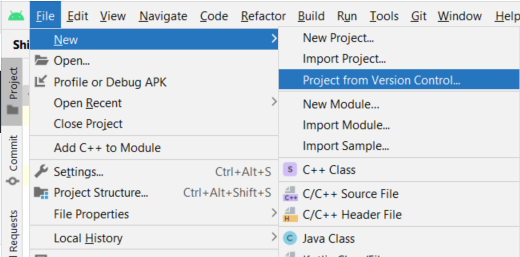
- Import the ShimmerAndroidAPI repository to Android Studio with the Project from Version Control as shown.
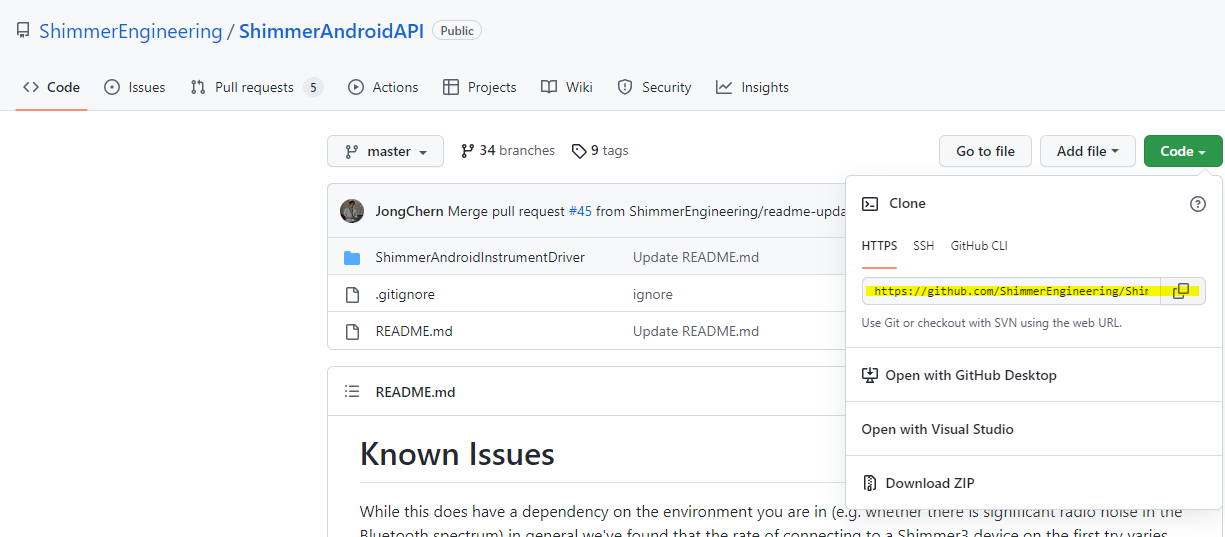
- Clone the repository by copying the link and paste it into Android Studio.
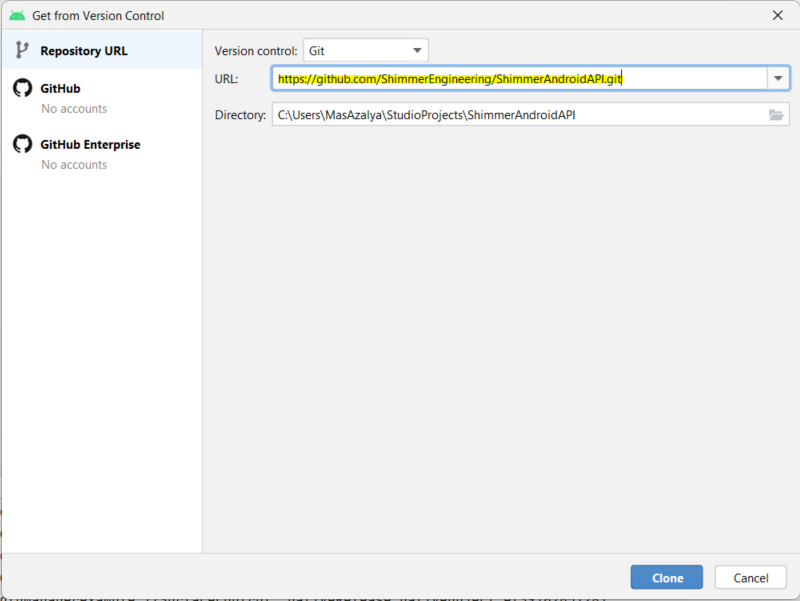
- Once done, close Android Studio and open the folder where the repository is downloaded. Click the settings.gradle file and open with Android Studio.
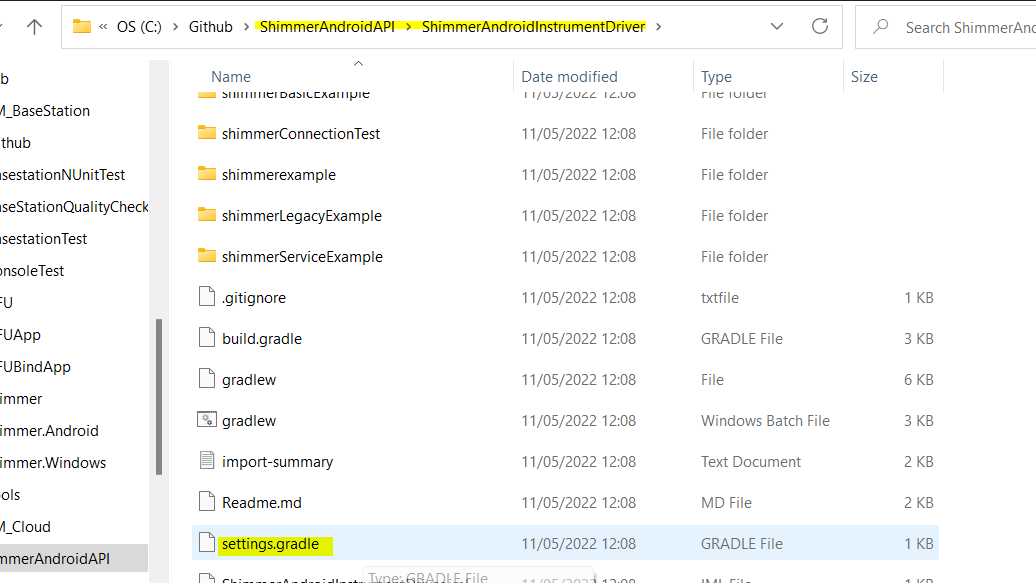
-
Switch to branch AA-269.
-
Gradle files will sync automatically, wait until all files are downloaded.
-
Run and deploy ShimmerServiceExample on your Android device. If having any problems, please see FAQ here.
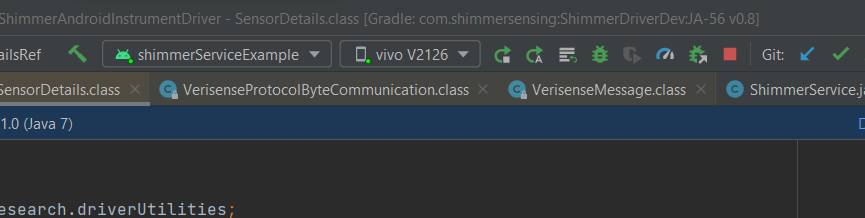
- Connect to a Verisense device (Only paired devices can be connected)
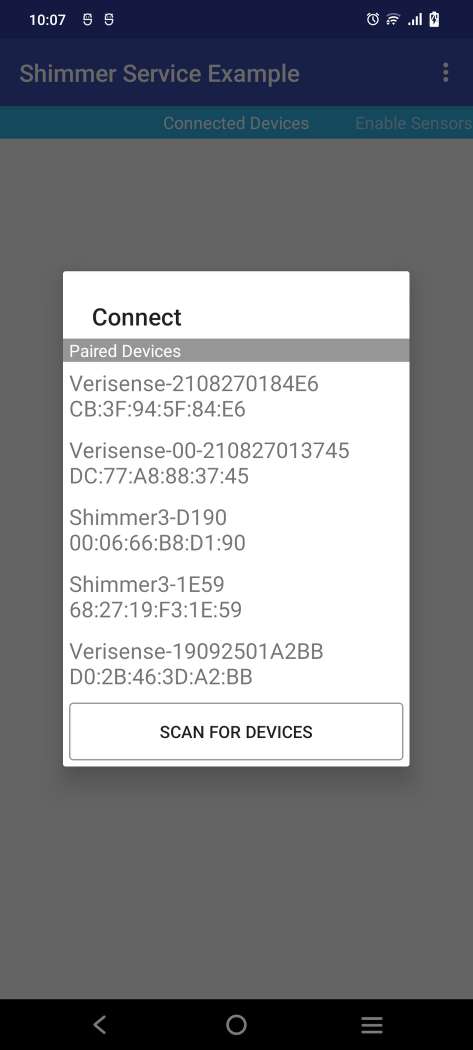
-
If the device is not paired, pair it first through the Android Bluetooth settings
-
Start streaming the selected device
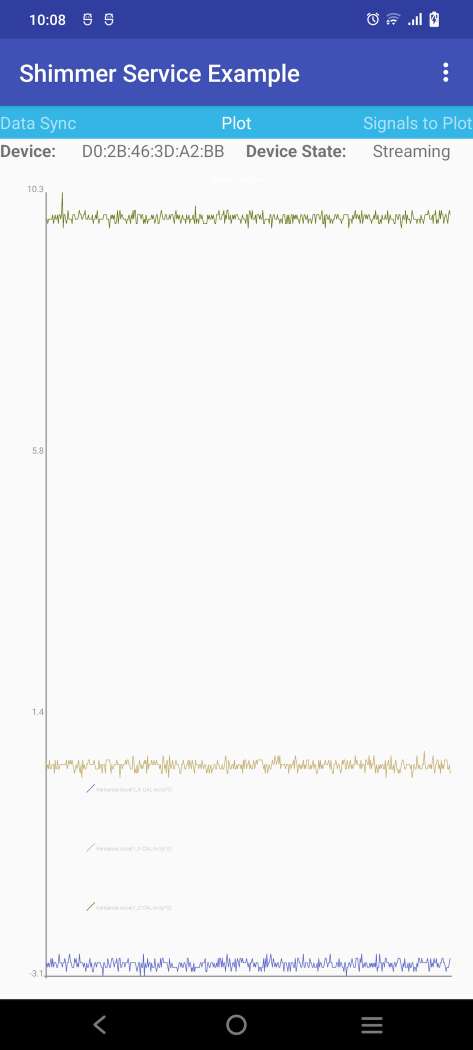
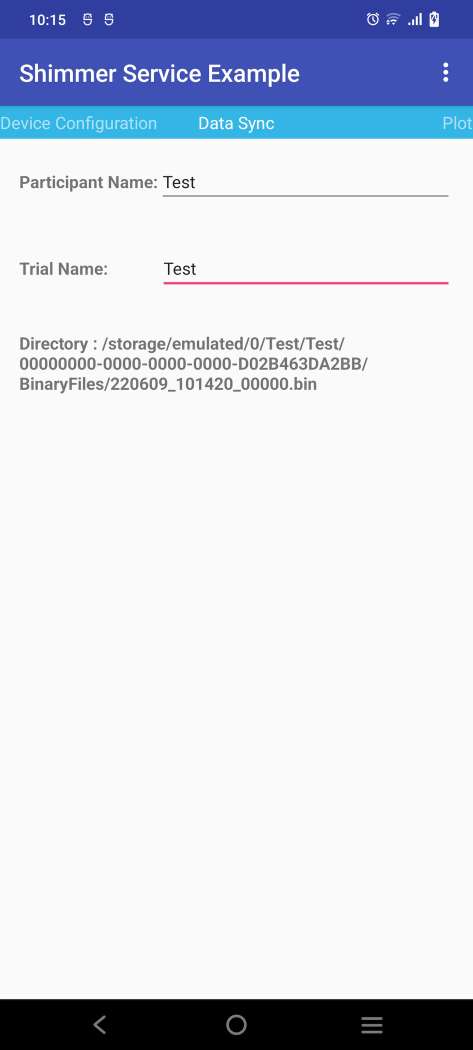
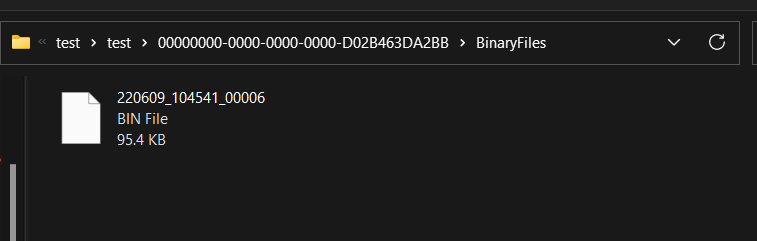
- Run data sync. After the data sync is completed. A bin file is being created at the directory
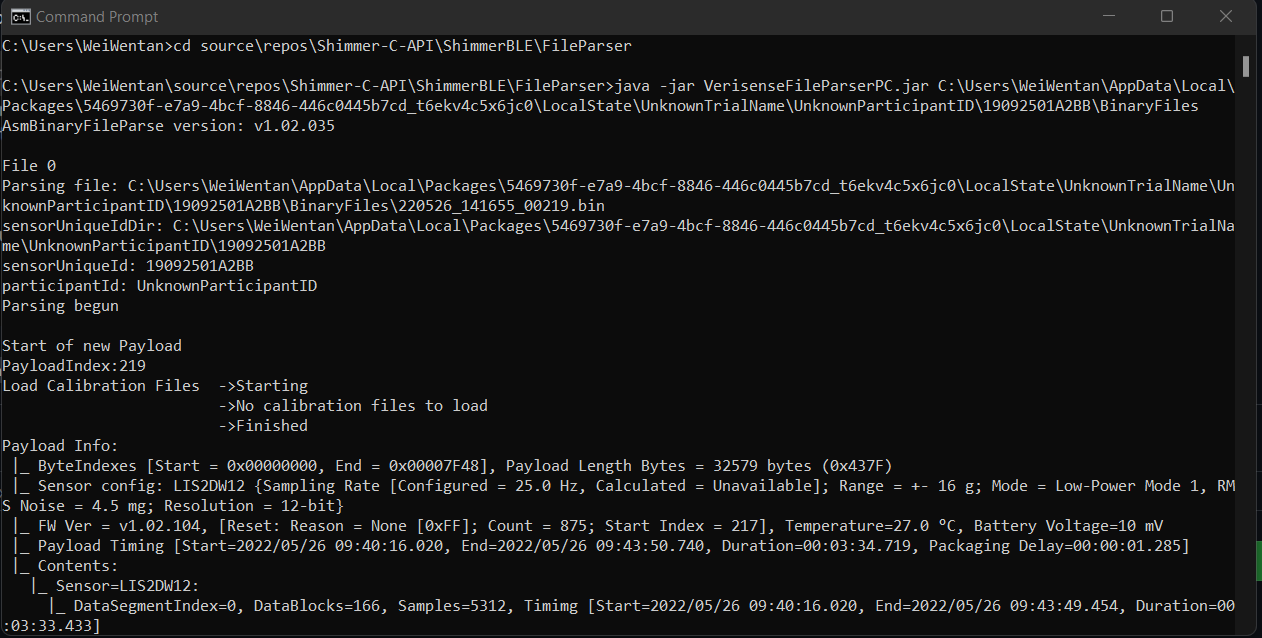
- The binary file can be parsed using this file parser