Conversation


|
Just taking a precursory look for now, but the results look fantastic! Great work here. |

|
Absolutely bonkers! |

|
@devbridie You (ARCore team) are half part (Filament for the other half) responsible of those great results and it confirms one more time that your both versions are better and better. |

|
Some info about this: Filament uses a physically based camera model, with aperture, shutter speed, and sensitivity (ISO). This plays nicely with physical light units (for instance if you measure the sun outside on a sunny day in California you'll get ~110,000 lux and if you set your camera settings to ƒ/16 1/125s ISO 100, exposure will be correct). However many engines use "relative exposure" instead, where exposure is just a float and set to 1.0 by default. ARCore's light estimation was designed to work with those engines and that's why the constants above are what Sceneform uses. When used together, these constants yield an exposure factor of 1.0. There is now an API in Filament ( So you have two choices: keep a relative exposure model or scale light intensities. To do so you should be able to multiply the values provided by ARCore by Filament also provides a (native) library called |

|
Awesome work! I do my best to collect as many annotated screenshot as possible! |

core/src/main/java/com/google/ar/sceneform/lights/EnvironmentLights.kt
Outdated
Show resolved
Hide resolved

core/src/main/java/com/google/ar/sceneform/lights/EnvironmentLights.kt
Outdated
Show resolved
Hide resolved
| val rgbaBuffer = this[index].planes[0].buffer | ||
| while (rgbaBuffer.hasRemaining()) { | ||
| for (byteIndex in 0 until rgbaBytesPerPixel) { | ||
| val byte = rgbaBuffer.get() |

There was a problem hiding this comment.
Don't do this copy byte by byte, get an array of byte at a time (32 KiB for instance). Even better, just use ByteBuffer.put(ByteBuffer) :)
There was a problem hiding this comment.
I can't find a better way to skip the alpha channel than that:
ByteBuffer.allocateDirect(
    arImages[0].width * arImages[0].height *
            arImages.size *
            // RGB Bytes per pixel
            6 * 2
).apply {
    // Use the device hardware's native byte order
    order(ByteOrder.nativeOrder())
    val rgbaBytes = ByteArray(8) // ARGB Bytes per pixel
    arImages.forEach { image ->
        image.planes[0].buffer.let { imageBuffer ->
            while (imageBuffer.hasRemaining()) {
                // Only take the RGB channels
                put(rgbaBytes.apply {
                    imageBuffer.get(this)
                } // Skip the Alpha channel
                    .sliceArray(0..5))
            }
        }
    }
    rewind()
}
I have to do this because generatePrefilterMipmap() takes a Texture.Format.RGB and the ARImage is in RGBA16F
Do you see something I could do to make it cleaner?
core/src/main/java/com/google/ar/sceneform/lights/EnvironmentLights.kt
Outdated
Show resolved
Hide resolved
core/src/main/java/com/google/ar/sceneform/lights/EnvironmentLights.kt
Outdated
Show resolved
Hide resolved
|
Thanks for the clarification and advice. I'm quite near from the final result but I need one or two more nights with my bedside book/bible Forced directional light color for test purposes to (RGB) 1.0, 0.0 ,0.0 Still some work to do on the spherical harmonics and reflections.
From what I saw on different engines (mostly Unreal - Physical Lighting Units), the unit-less intensity has been deprecated in favor to cd and lux. val Camera.ev100: Float
get() = log2((aperture * aperture) / shutterSpeed * 100.0f / sensitivity)
val Camera.exposureFactor get() = 1.0f / ev100
/**
 * ### Utility for decoding an HDR file and producing a Filament environment resources.
 *
 * Consumes the content of an HDR file and optionaly produces the results
 *
 * @param reflections the reflections texture with a specular filter. Keep it null if you don't need
 * it.
 * @param ibl the indirect light. Keep it null if you don't need it.
 * @param skybox the environment map. Keep it null if you don't need it.
 */
fun HDRLoader.loadHdr(
    assets: AssetManager,
    hdrFileName: String,
    reflections: ((Texture) -> Unit)? = null,
    ibl: ((IndirectLight) -> Unit)? = null,
    skybox: ((Skybox) -> Unit)? = null,
    error: (Exception) -> Unit = {}
)
...and I confirm that I'm using only one Do you think it's reasonable to apply the SpecularFilter (Launch the heaver computation. Expect 100-100ms on the GPU.) to the AR ML Cubemap or should I just call the setImage() on the unique Texture instance ? |
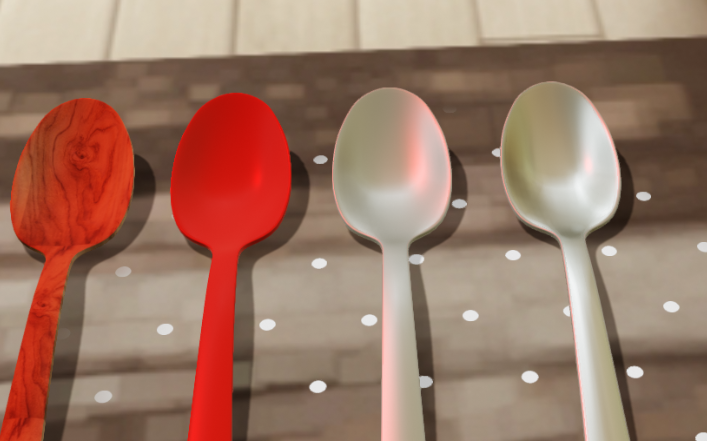
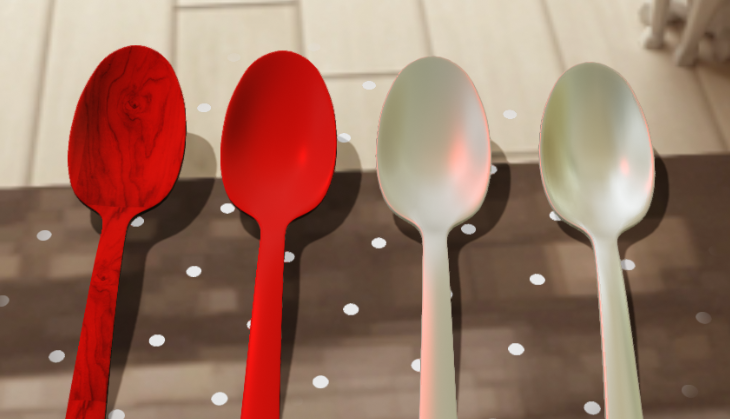
|
The ARCore ML cubemap is small (16x16 per face), it seems perfectly reasonable to run it on the GPU, it shouldn't take 100ms. It will however take GPU time away from scene rendering, so it's a tradeoff. |

|
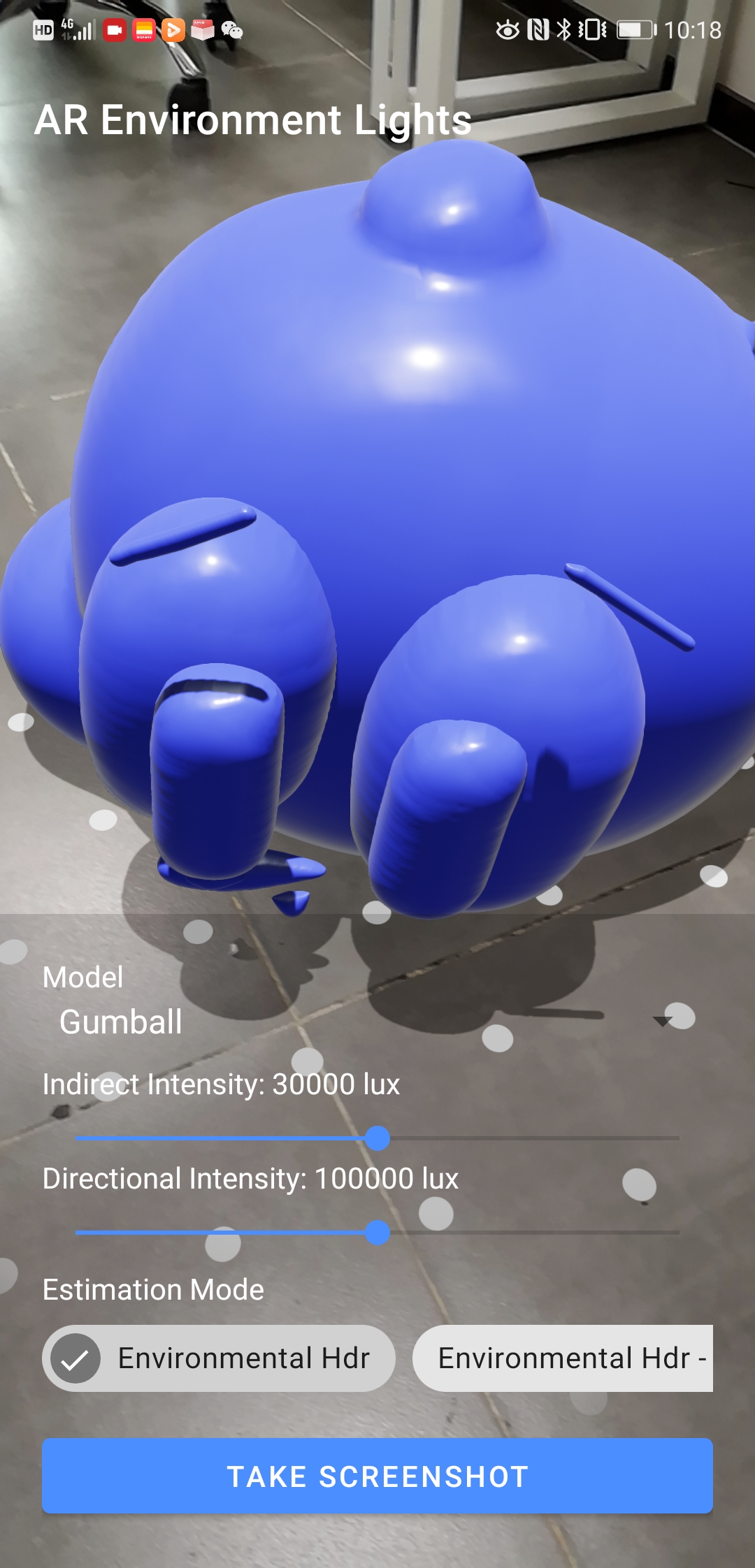
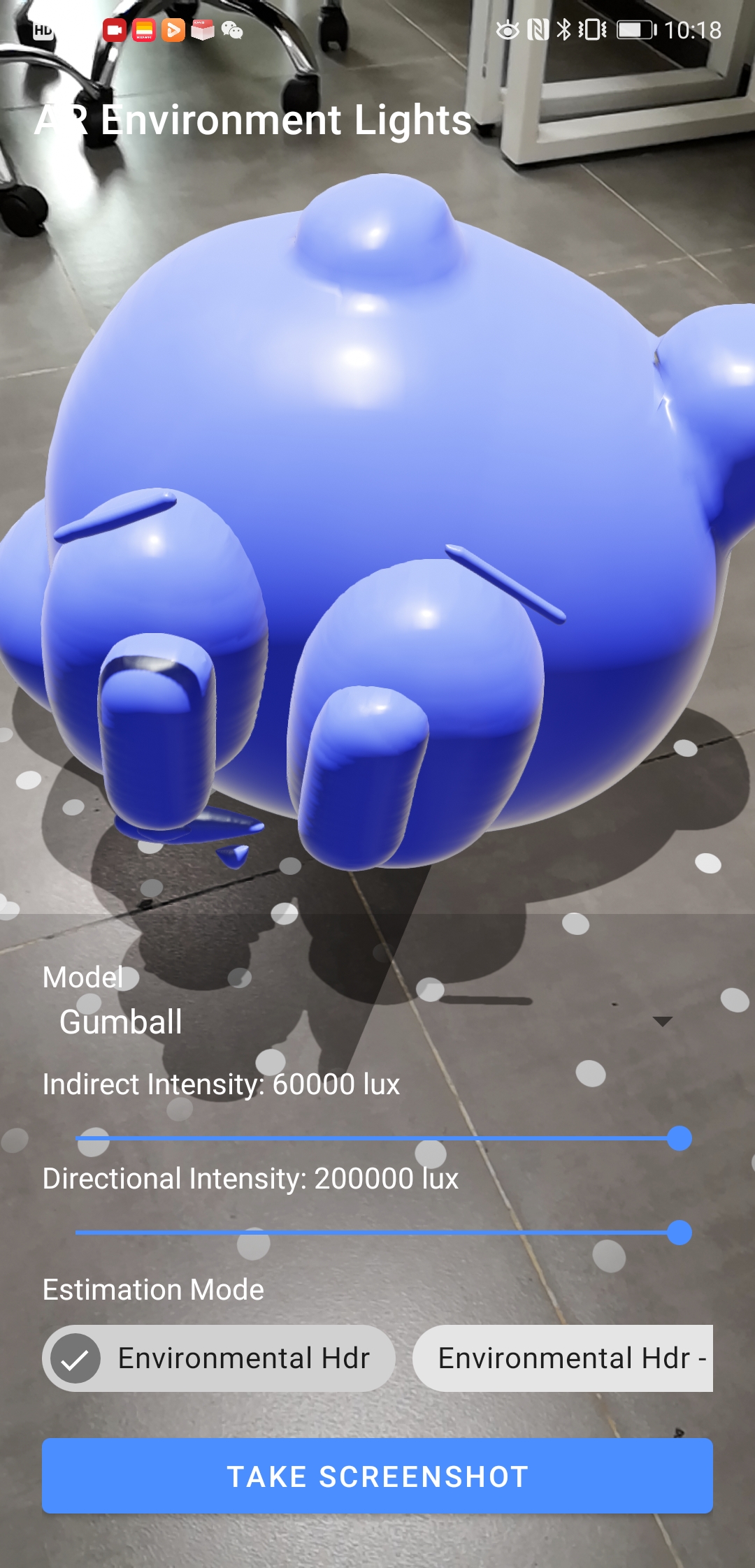
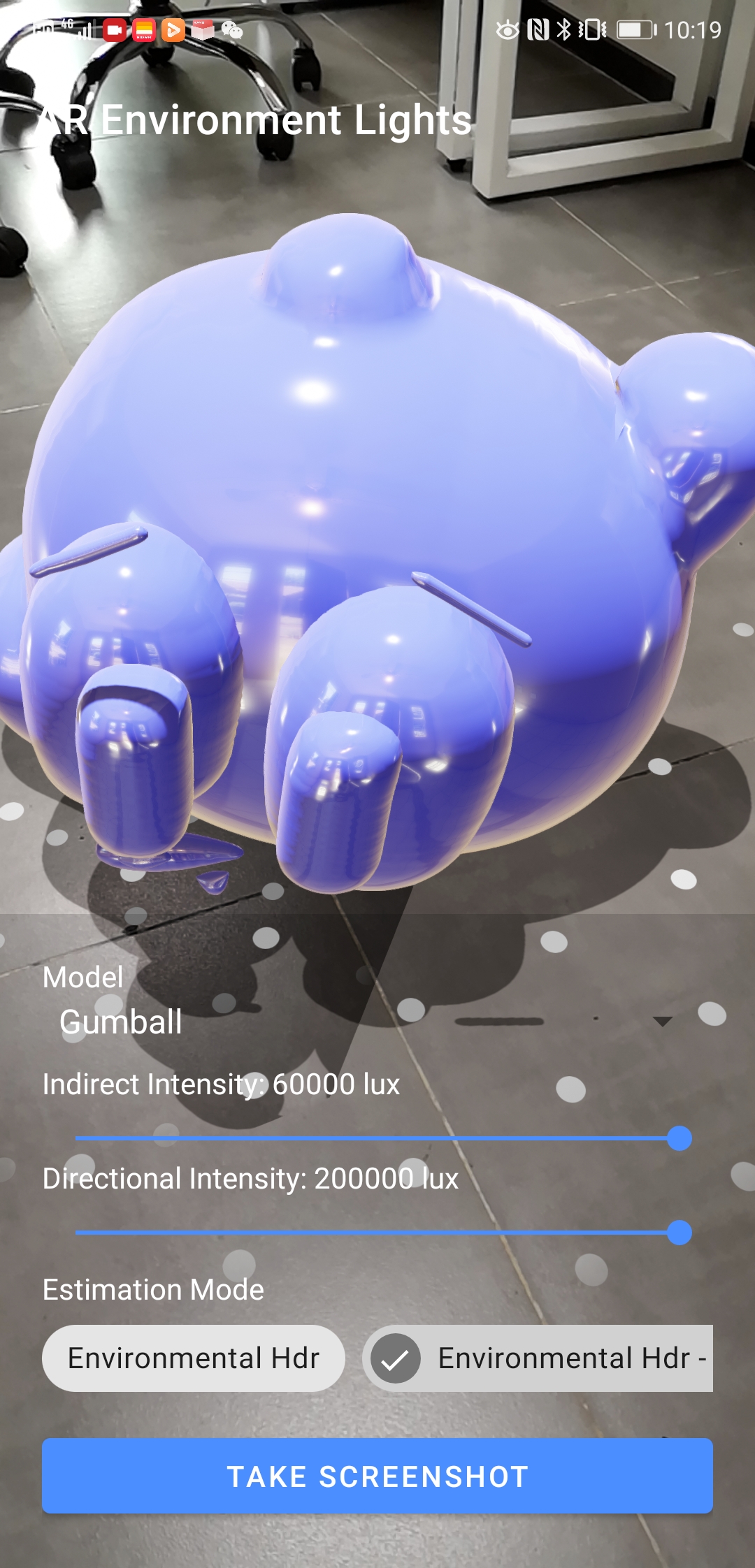
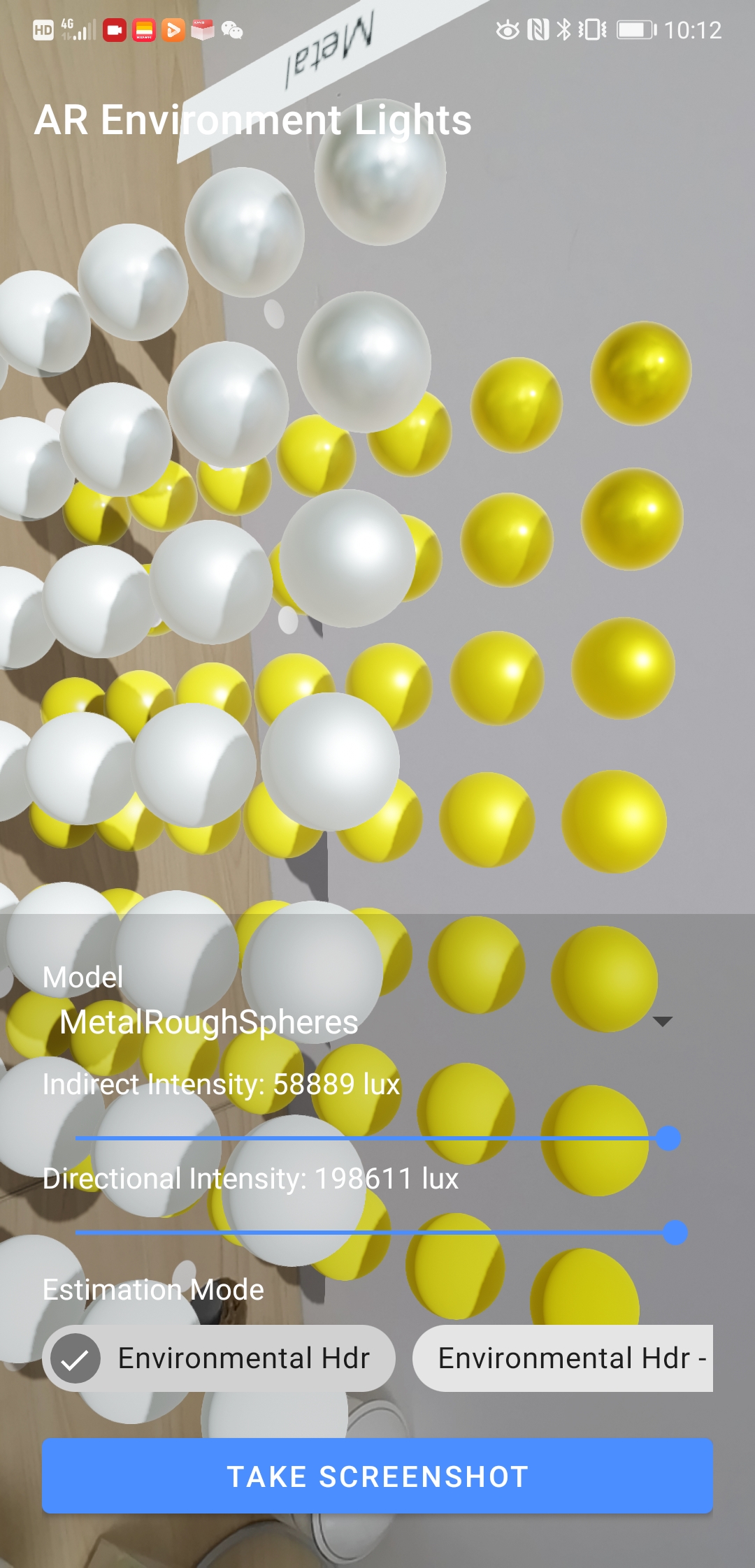
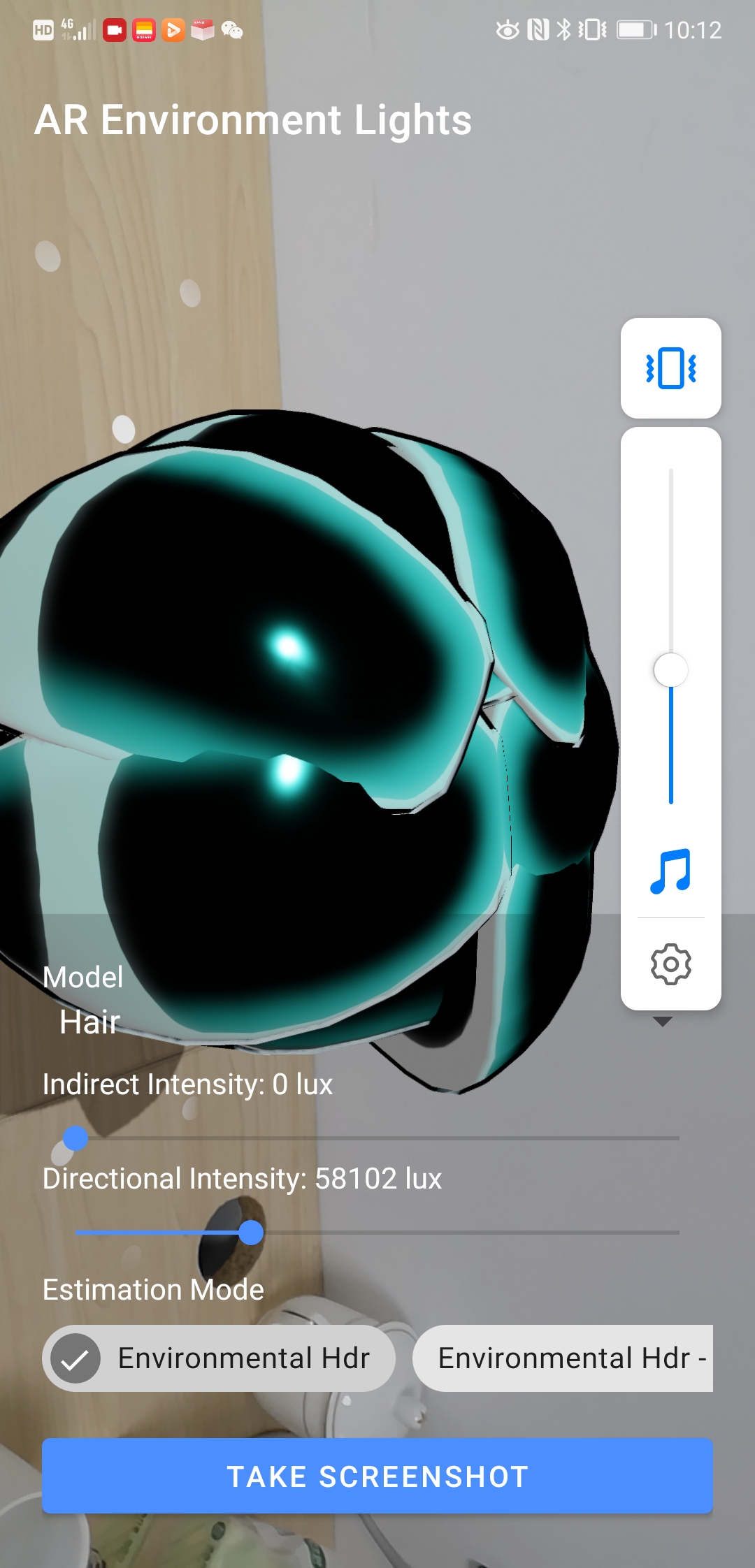
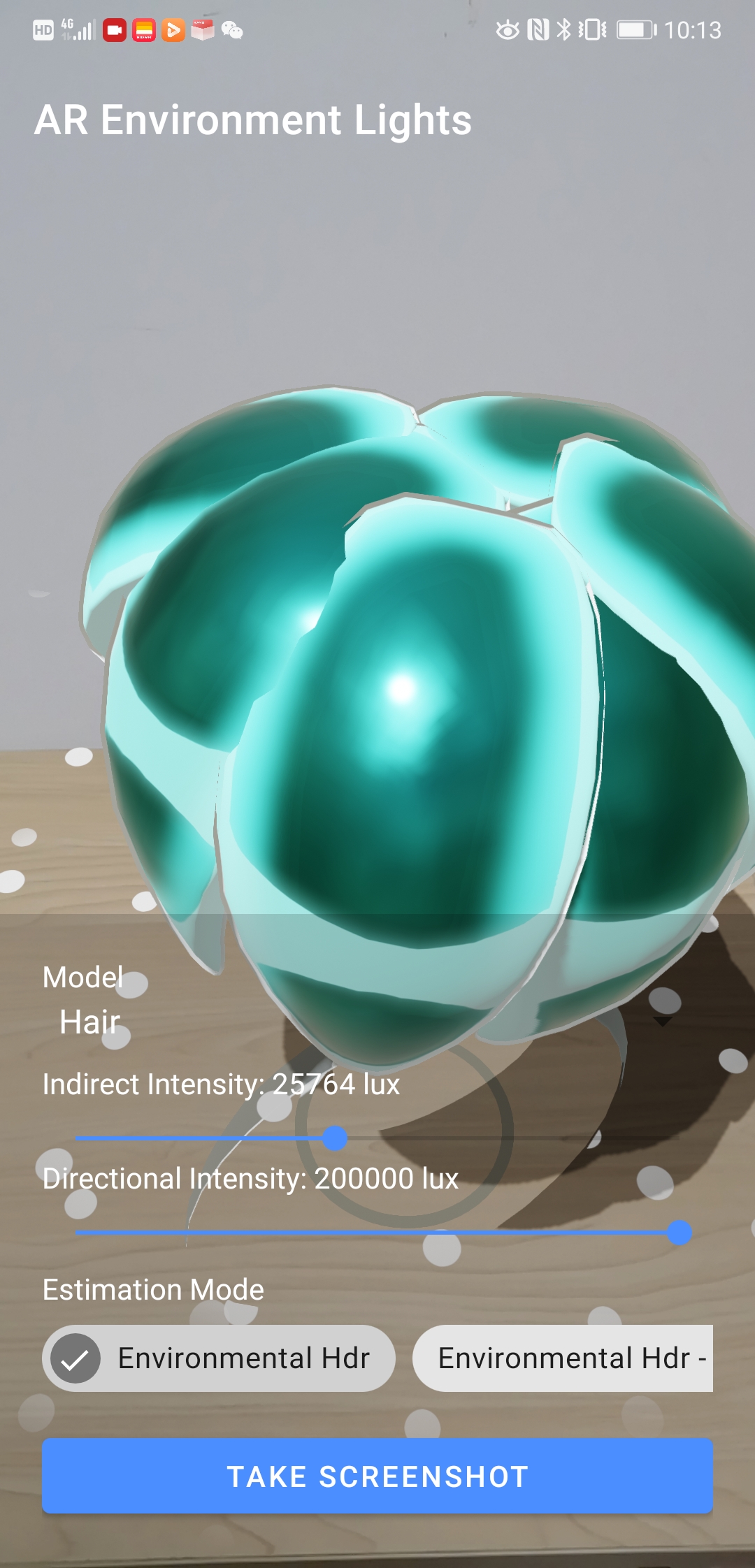
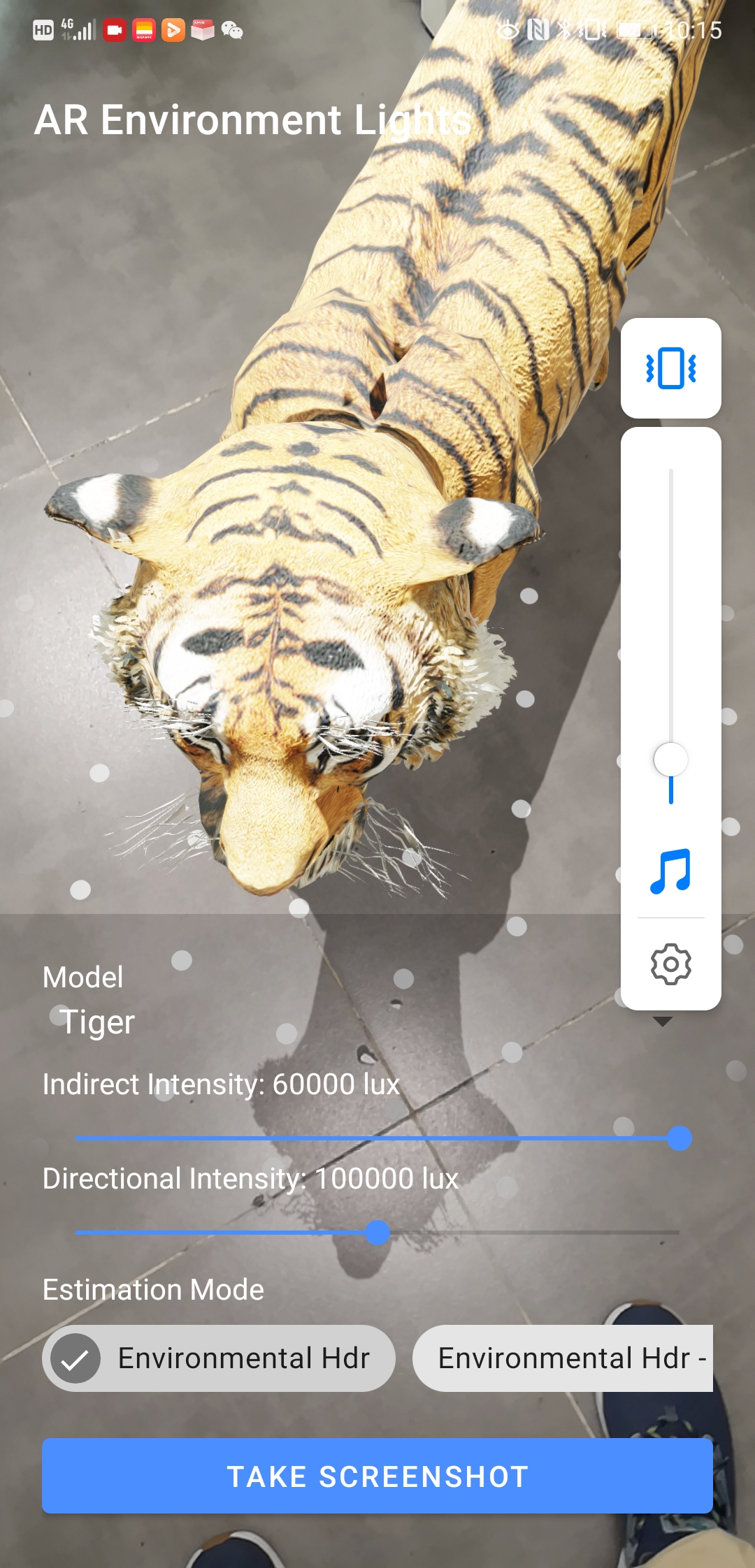
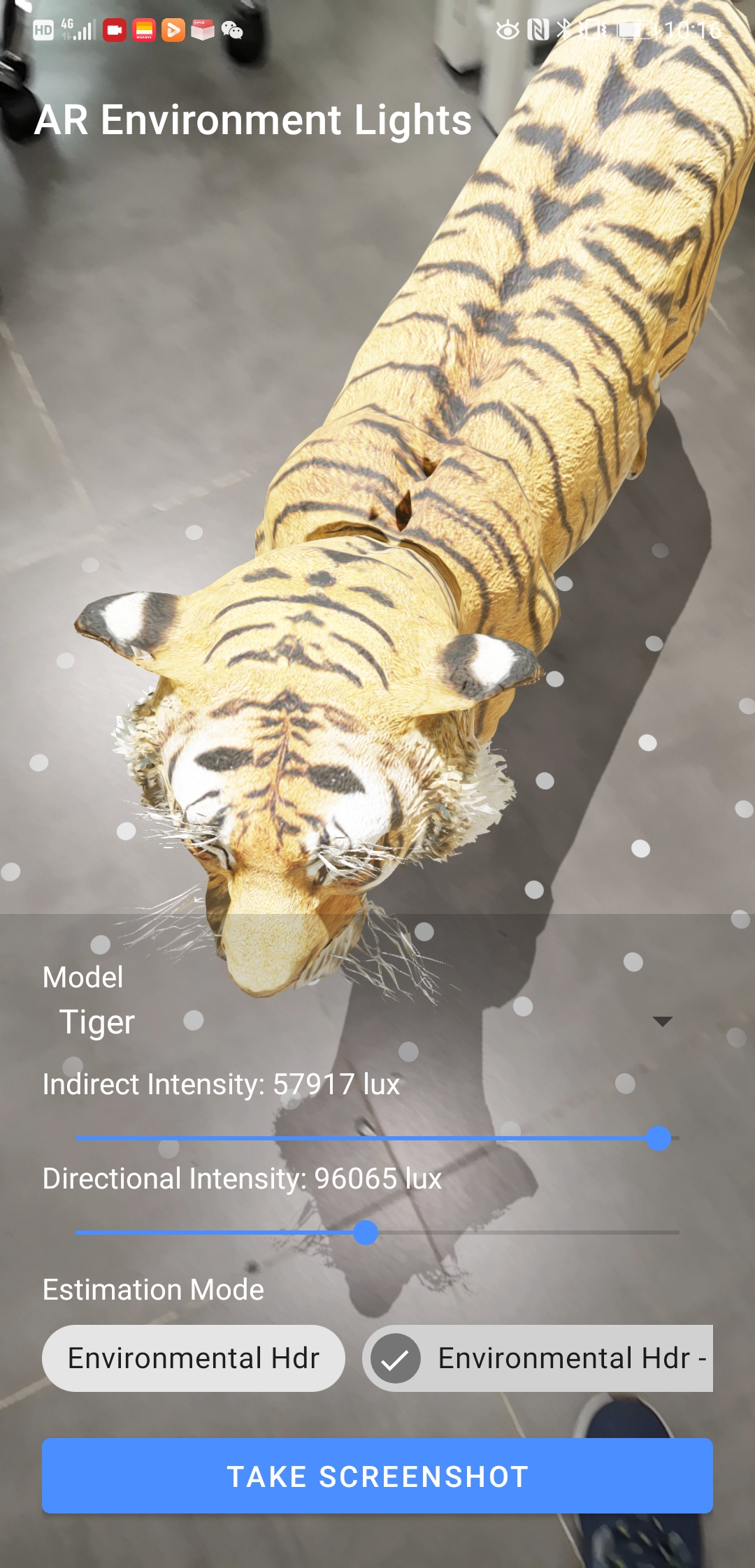
@ThomasGorisse Hi Thomas, i'm sorry for my lateness, i've been busy with some company affairs these days. I've seen your notice. I can't submit the test results to you because I don't bring a test cell phone. Now I've taken some pictures. I don't know if it's still time. Maybe you need some videos yet?
|
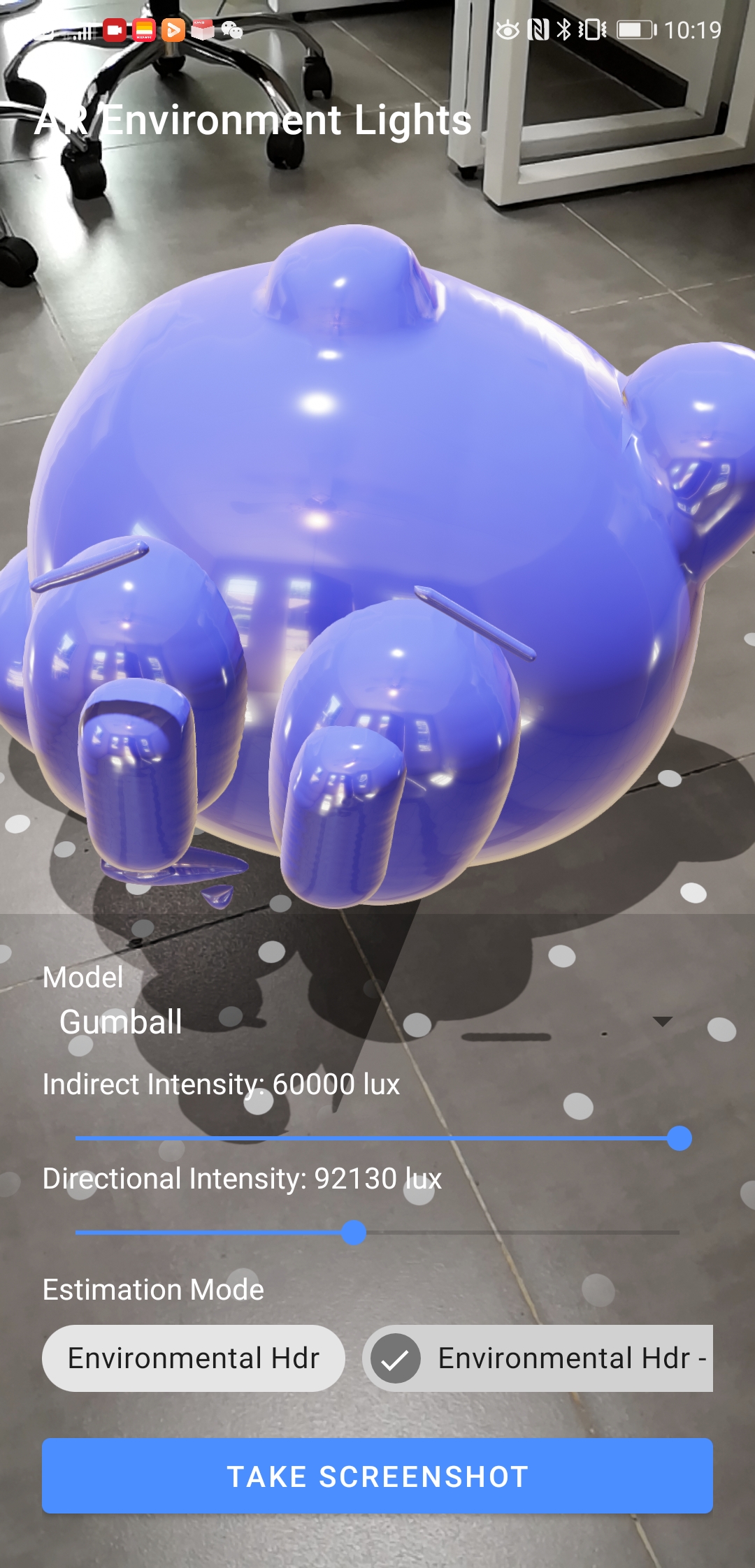
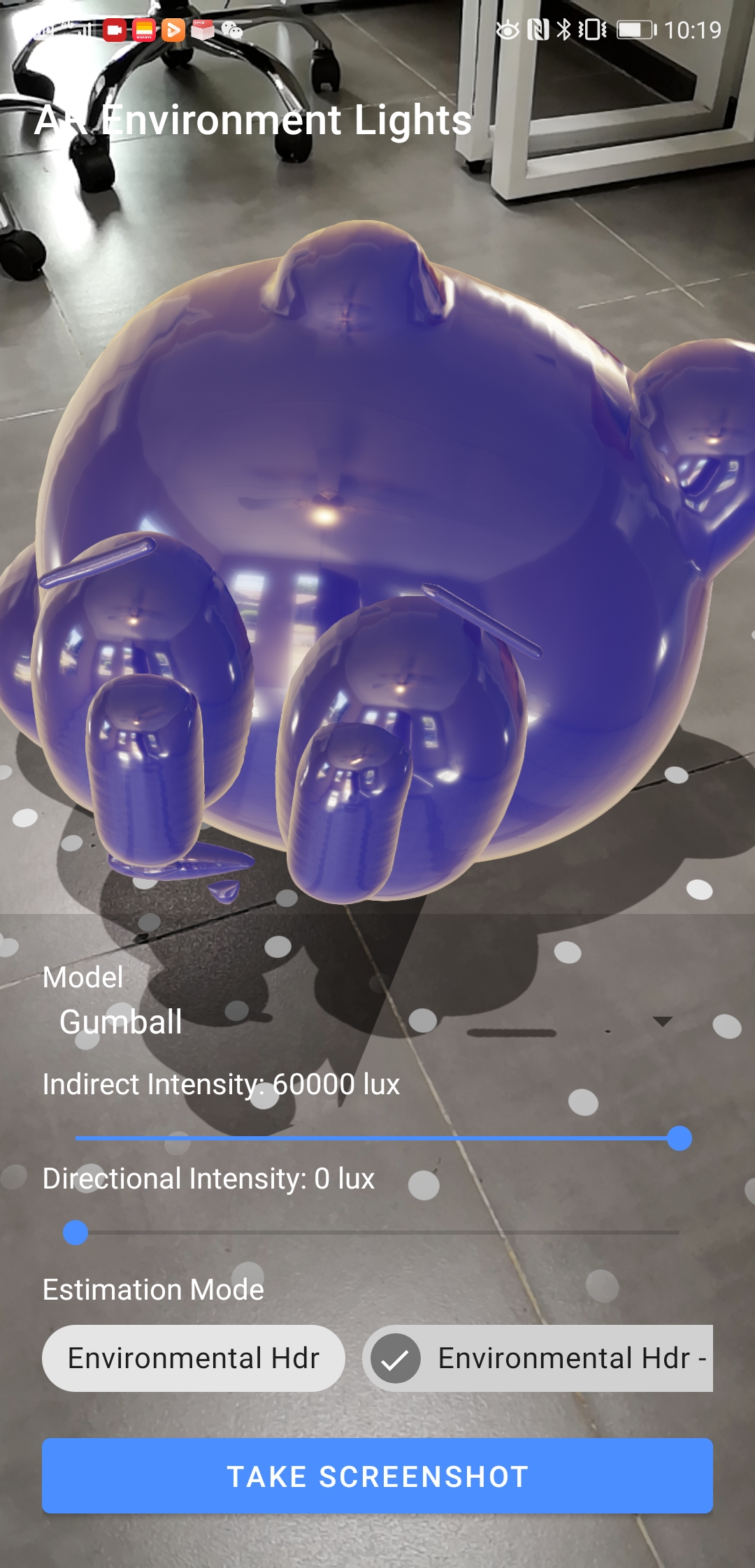
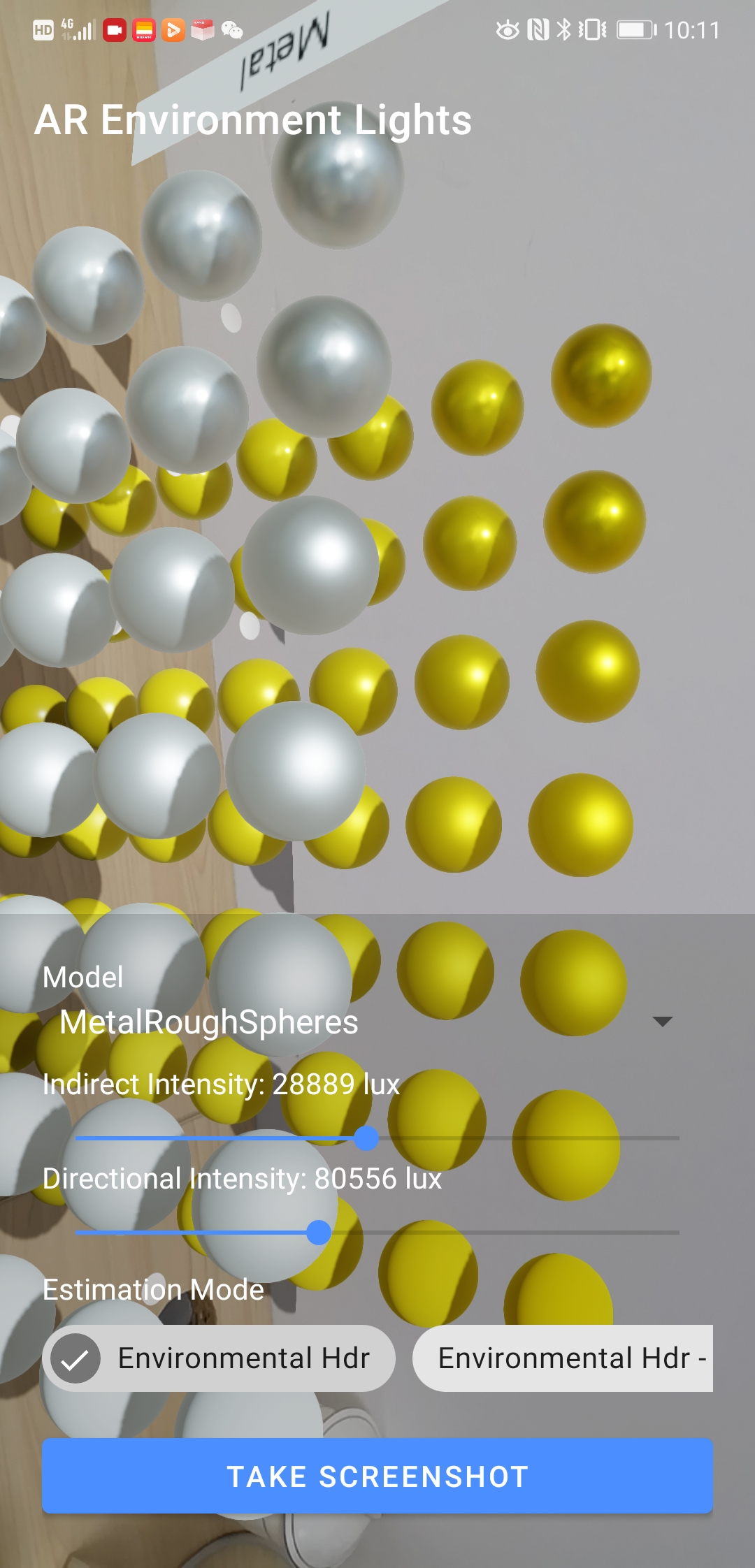
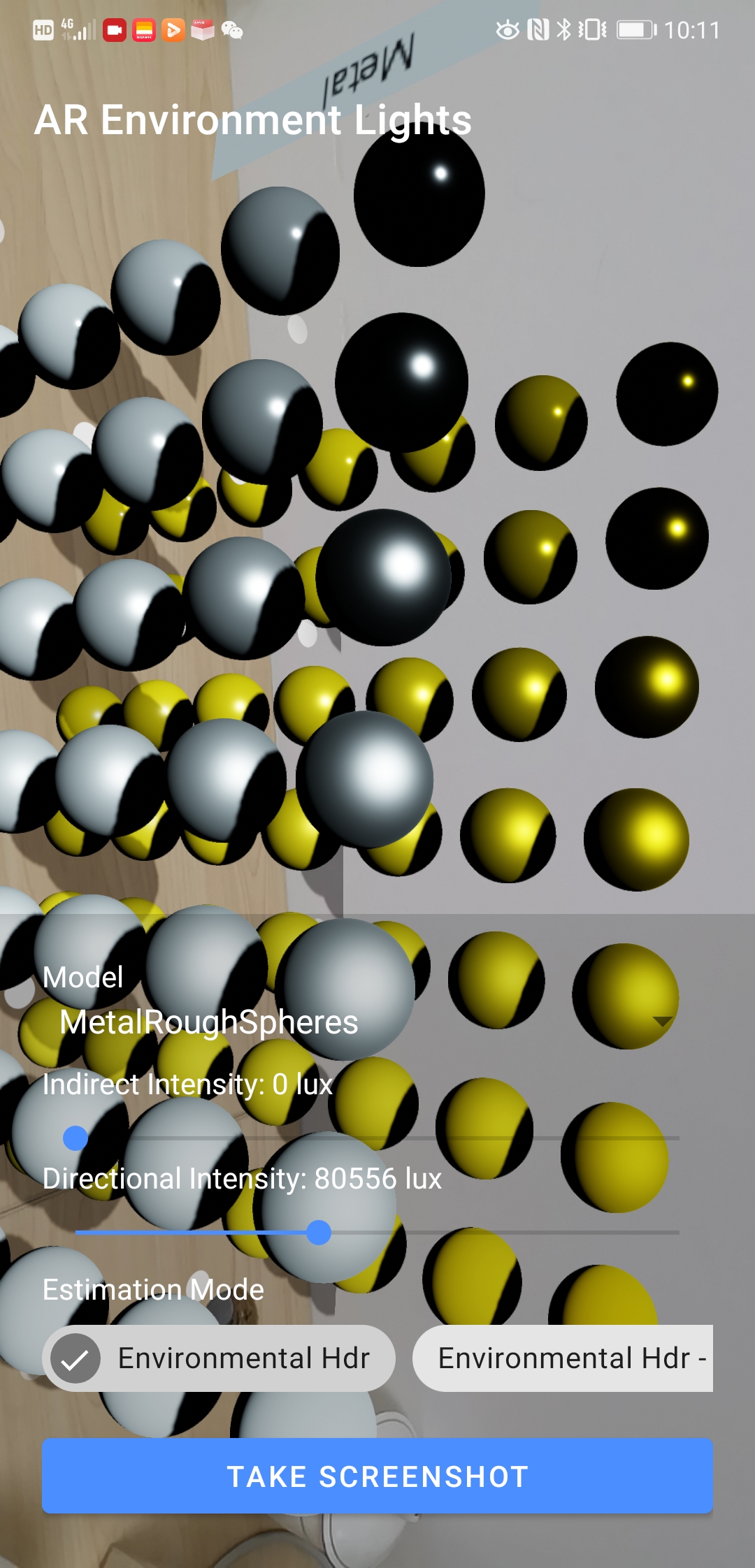
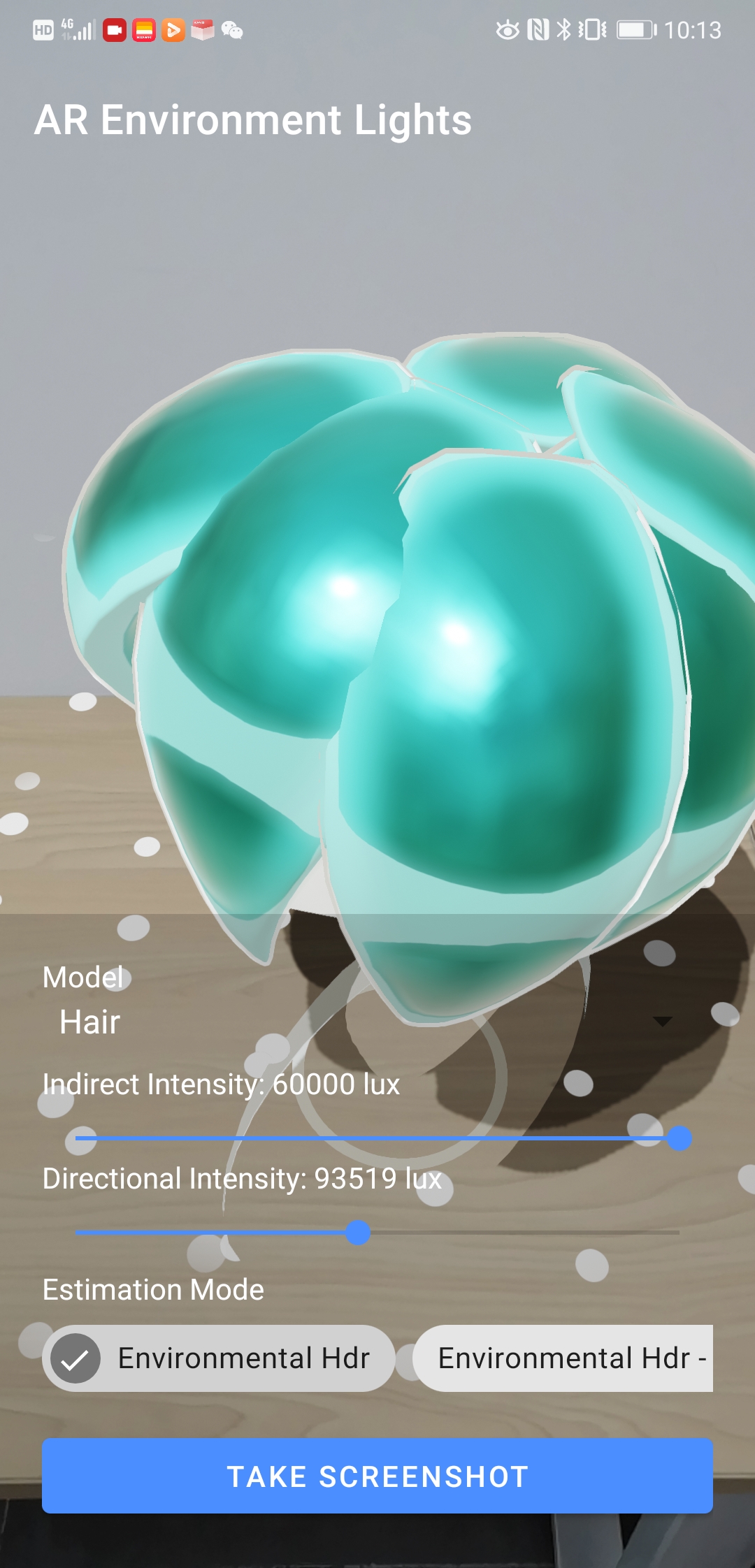
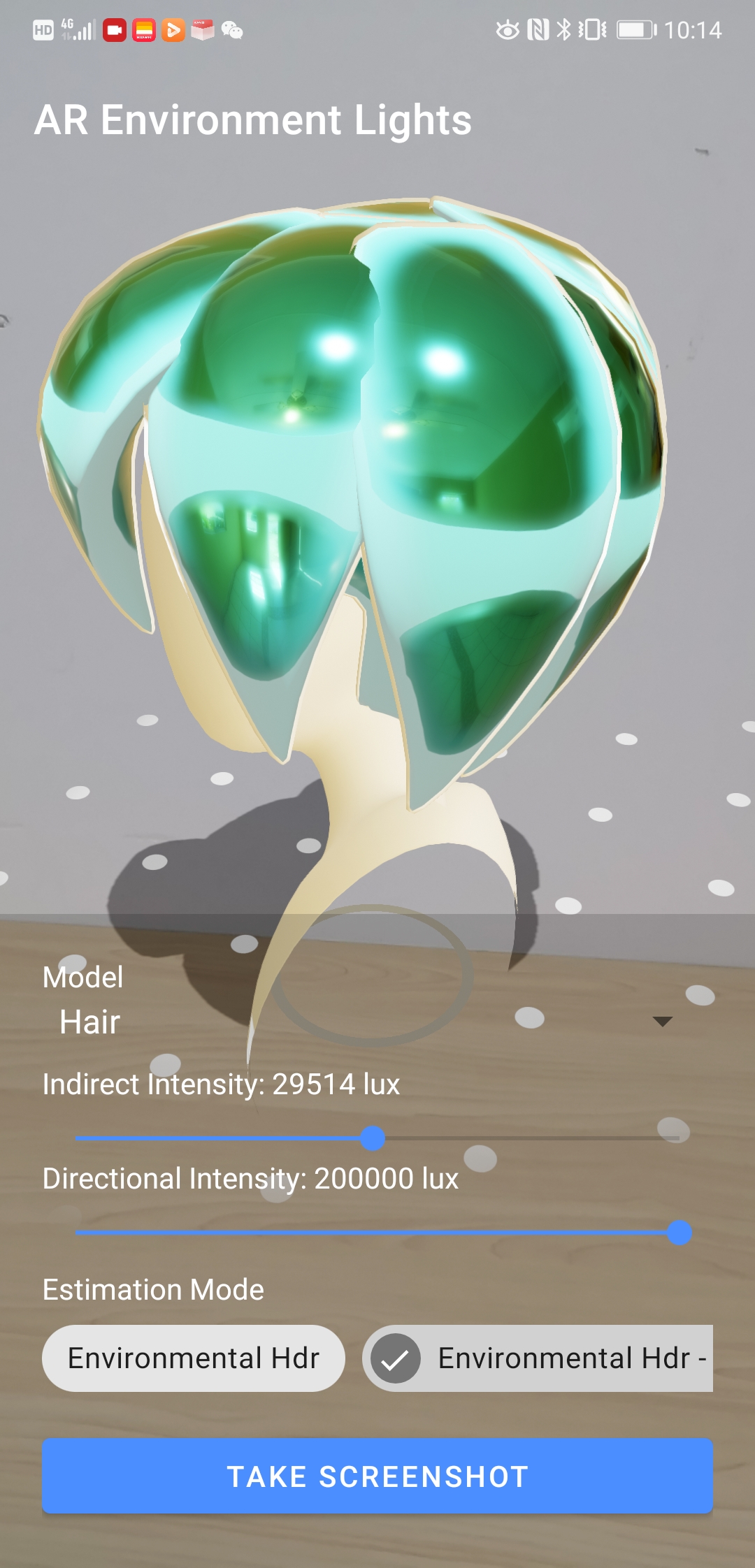
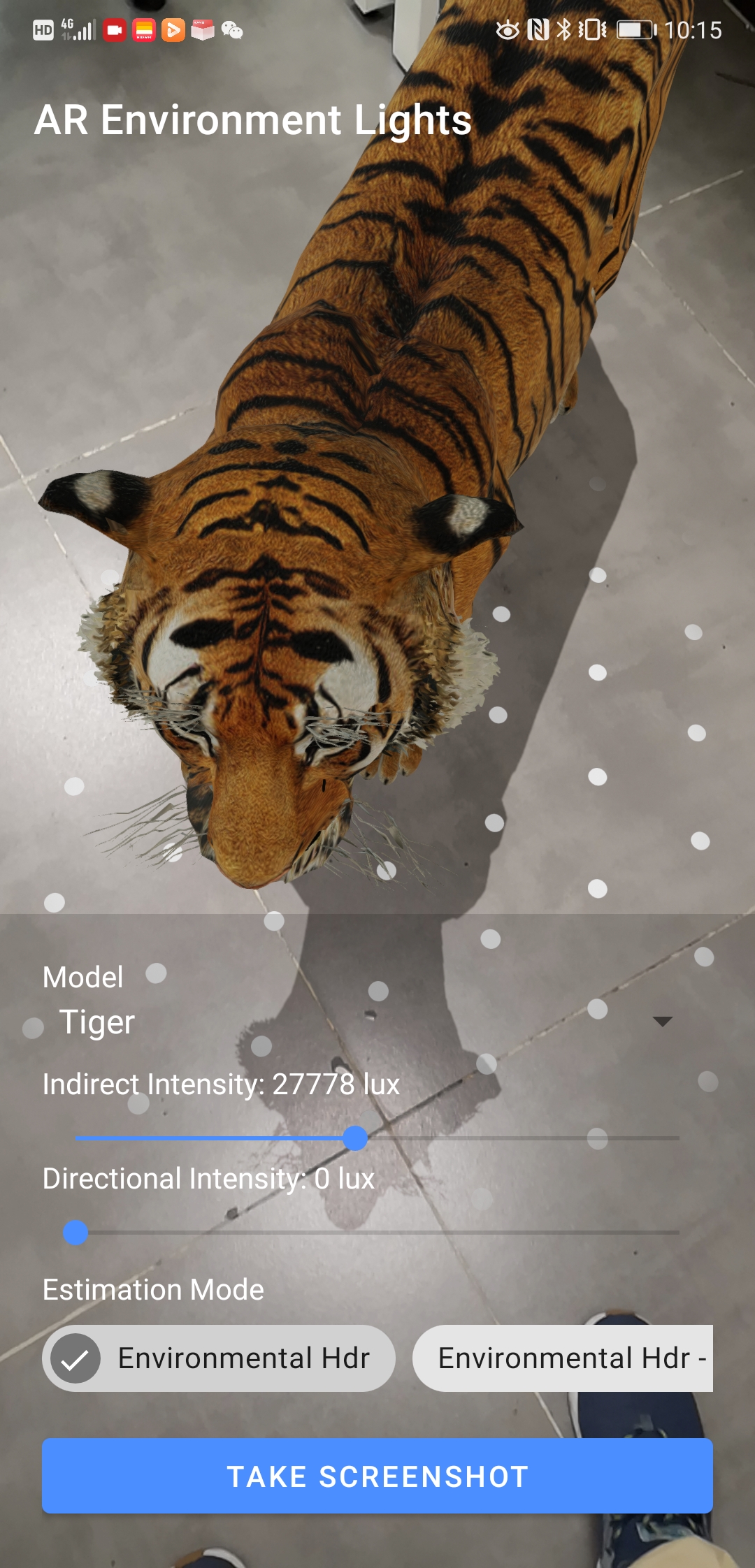
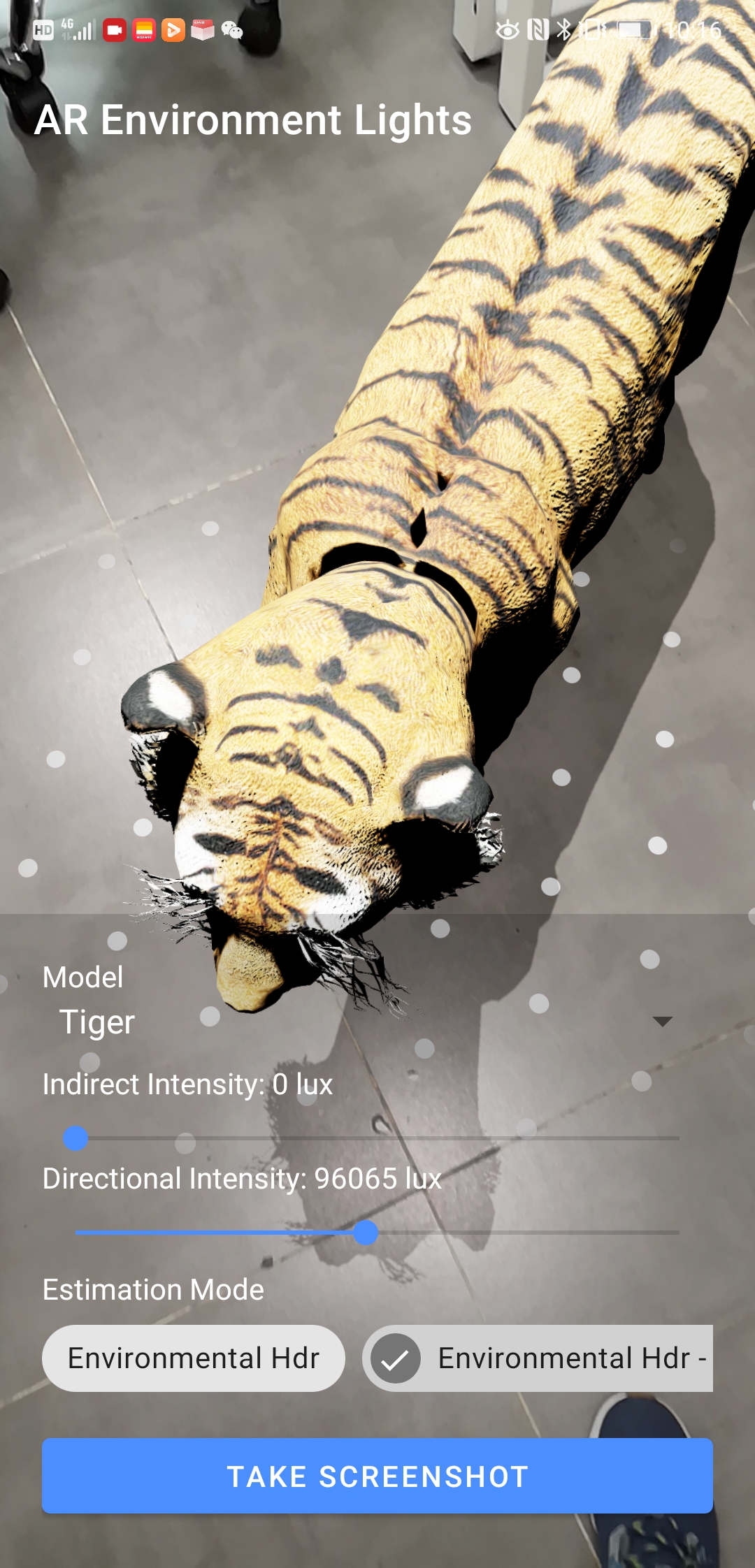
|
I'm a little bit late to this game :) |
Better/Faster/Stronger...and more dynamic with the server side models and environments (@romainguy including HDR and KTX). There is so much app ideas coming from this PR. Test app on Google Play: https://play.google.com/store/apps/details?id=com.gorisse.thomas.ar.environmentlights |

 ThomasGorisse
left a comment
ThomasGorisse
left a comment
ThomasGorisse
left a comment
There was a problem hiding this comment.
@romainguy @devbridie I still have some questions to merge a cleaned version
| baseEnvironment?.indirectLight?.intensity?.let { baseIntensity -> | ||
| intensity(baseIntensity * pixelIntensity * cameraExposureFactor) |
There was a problem hiding this comment.
@romainguy @devbridie Should we also apply the intensity to the directional light?
The ambientIntensity seems very dark with the camera intensity scale factor and I can't figure out why.
| // If light is detected as shining up from below, we flip the Y | ||
| // component so that we always end up with a shadow on the ground to | ||
| // fulfill UX requirements. | ||
| direction = Direction(-x, -y, -z) |
There was a problem hiding this comment.
@devbridie Can the light been detected as shining up from below?
| val colorIntensities = Float3(redIntensity, greenIntensity, blueIntensity) * | ||
| cameraExposureFactor |
There was a problem hiding this comment.
@devbridie Do you confirm that the color corrections are provided in linear space?
| // intensity = baseLight.intensity * | ||
| // colorIntensitiesFactors.toFloatArray().average().toFloat() |
There was a problem hiding this comment.
@romainguy Do you think that we should apply the intensity to the IndirectLight if we already apply it to the colors?
| // Convert Environmental HDR's spherical harmonics to Filament | ||
| // irradiance spherical harmonics. | ||
| // TODO: Should we apply the cameraExposureFactor? | ||
| Environment.SPHERICAL_HARMONICS_IRRADIANCE_FACTORS[index / 3] |
There was a problem hiding this comment.
@romainguy I hardly tried to understand what are spherical harmonics made of without success.
Do we have to apply the camera scale factor here?
| generatePrefilterMipmap(Filament.engine, | ||
| buffer, | ||
| faceOffsets, | ||
| Texture.PrefilterOptions().apply { | ||
| mirror = false | ||
| }) |
There was a problem hiding this comment.
@romainguy Do you confirm that the generatePrefilterMipmap() only accepts RGB (not RGBA)?
| withContext(Dispatchers.Main) { | ||
| createEnvironment(ibl, skybox) | ||
| .also { environment = it } | ||
| } |
There was a problem hiding this comment.
@romainguy Why can't I run it on Dispatchers.IO?
There was a problem hiding this comment.
Because all Filament APIs must be invoked from the same thread (or you need to perform your own synchronization). It doesn't have to be the main thread though, just the same thread.

|
Hello there! I would like to use Environment Lights on a Video texture. Could you provide an example and give me a little help? |
|
@MihajloAndrejicNis Please create a new discussion instead of here. You can try this but it's very experimental and consuming.: val surfaceTexture = SurfaceTexture(0)
surfaceTexture.detachFromGLContext()
val surface = Surface(surfaceTexture)
player.setSurface(surface)
val texture = Texture.Builder()
.sampler(Texture.Sampler.SAMPLER_EXTERNAL)
.format(Texture.InternalFormat.RGB8)
.build(Filament.engine).apply {
setExternalStream(
Filament.engine, Stream.Builder()
.stream(surfaceTexture)
.build(Filament.engine)
)
}and than apply the texture to the environment on your stream frames: val cubemap = Filament.iblPrefilter.equirectangularToCubemap(texture)
sceneView.environment = Environment(
indirectLight = IndirectLight.Builder()
.reflections(Filament.iblPrefilter.specularFilter(cubemap))
.build(),
skybox = Skybox.Builder()
.environment(cubemap)
.build()
)If you have great results, please create a PR with the sample. |
|
Hey Thomas, |
|
@RGregat thanks for asking but not yet. I'm style working on the lasts little details to make sure every ARCore lightning values are correctly applied to Filament lights. I'm currently a little bit locked by the specular filter wich is completely blurring the AR cubemap reflections and by the choice between a Directional or Sun light. It tooks me a lot of time to figure out the correct ARCore outputs formats since the documentation is very light but every data seems realistic now. |

|
congrats on the merge Thomas, this is such an important feature for AR ! |
|
Thanks @issacclee I have to admit it has been a lot of work to make things simple and realistic (right ARCore values applied to right Filament entities) Note that this release will probably be for now the end point of future shared improvements coming from myself. The fact is that I spent days and nights working on this repo and even if I love it, I didn't get even $1 of sponsoring in one year of work. This repo is not just a little library for helping Android developers making app simpler but it's a complete SDK which let developers create an AR app. So, for now, I make the choice to work on private remunerative apps until the spent time sharing new features (Depth point, instant placement, ML,...) and bug fixes is bringing me even $1 of revenue sharing. One more time, it's not against the community but it seems normal to get a little financial return for my daily work when people/companies make billions of users pay for it. |
|
The new version of the testing app is available here: https://play.google.com/store/apps/details?id=com.gorisse.thomas.ar.environmentlights
|
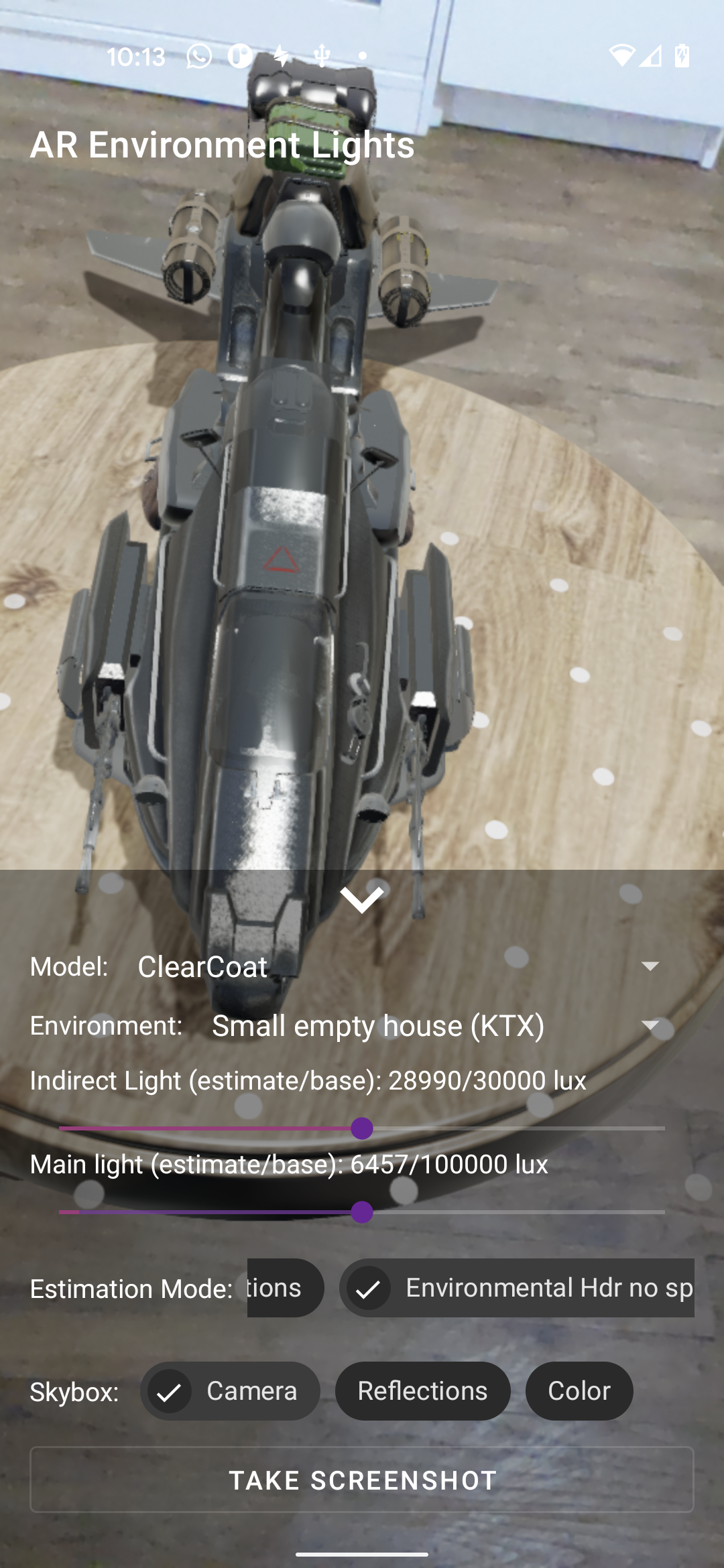
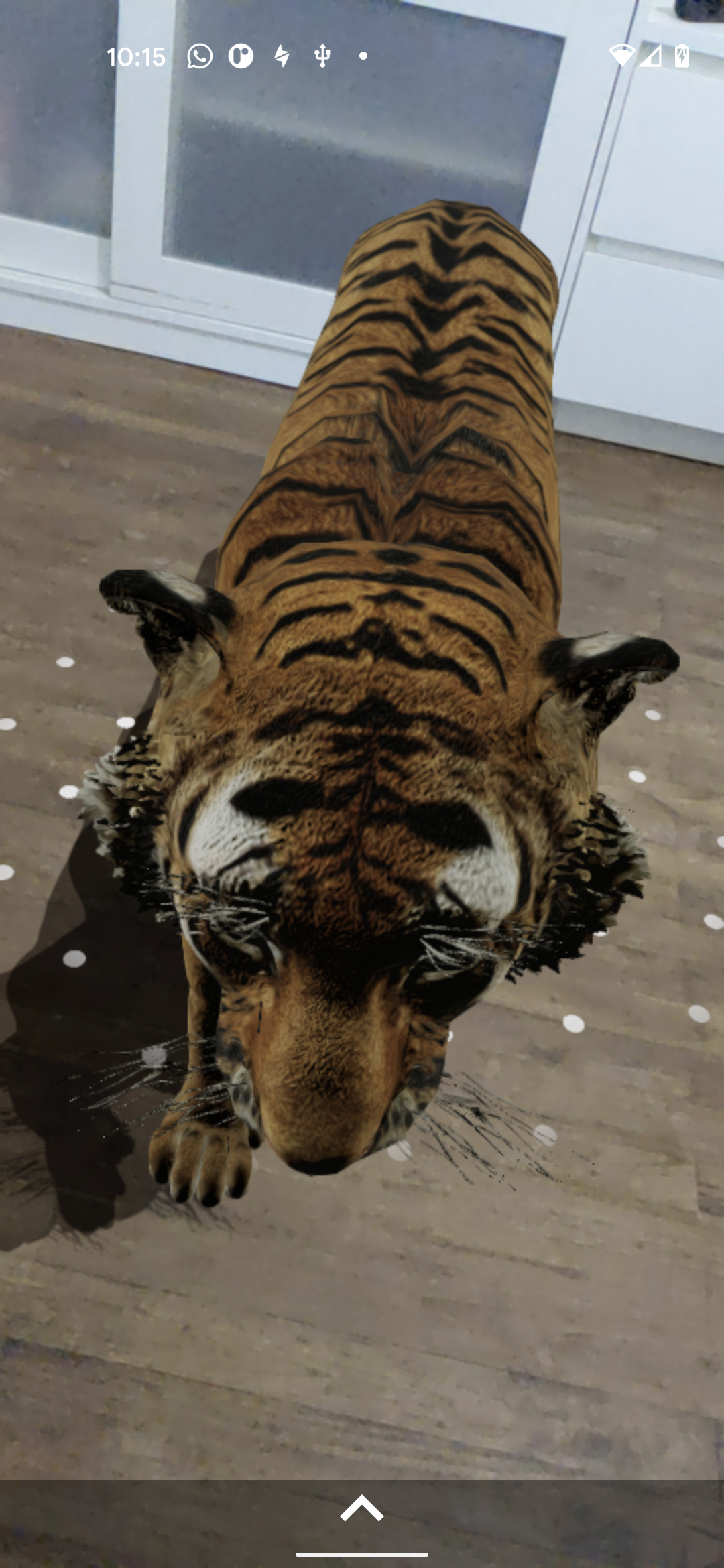
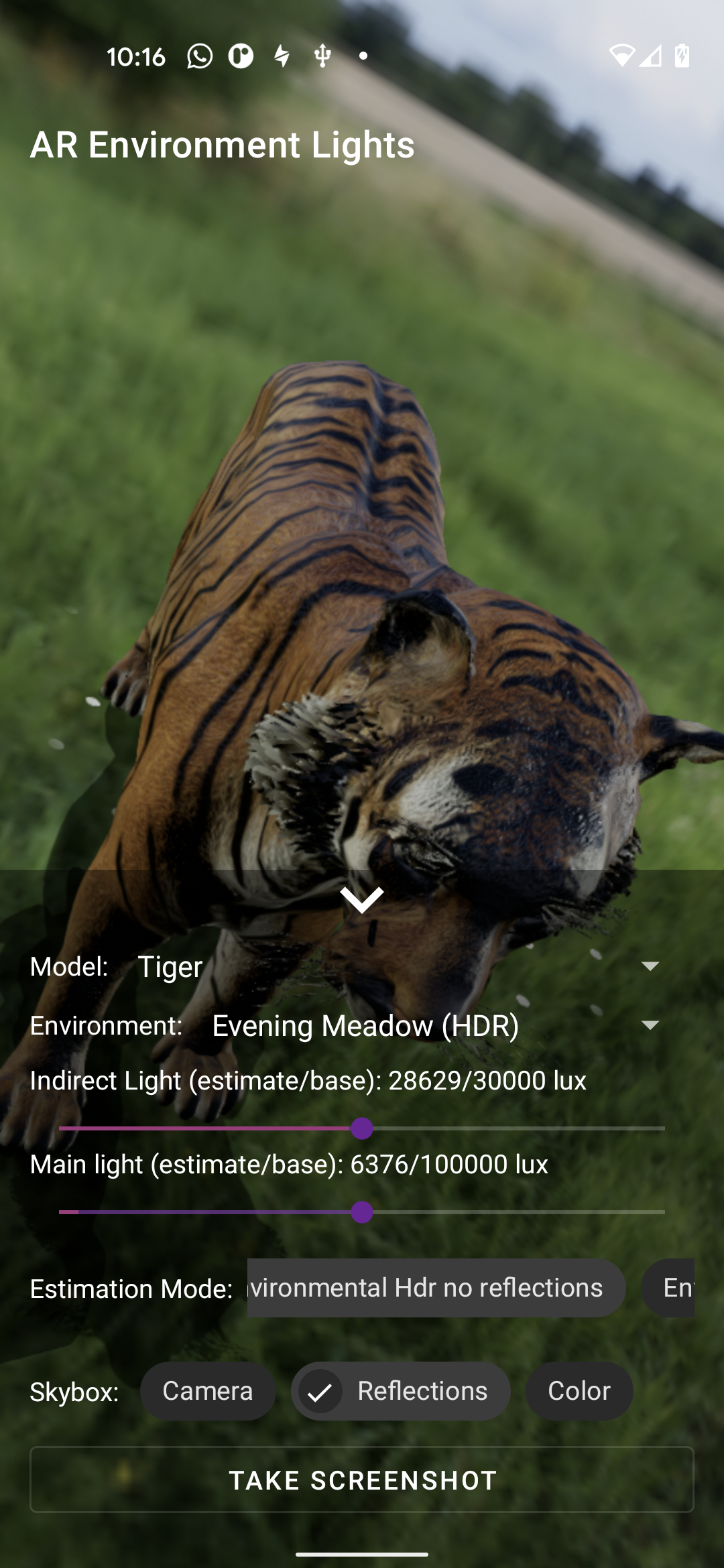
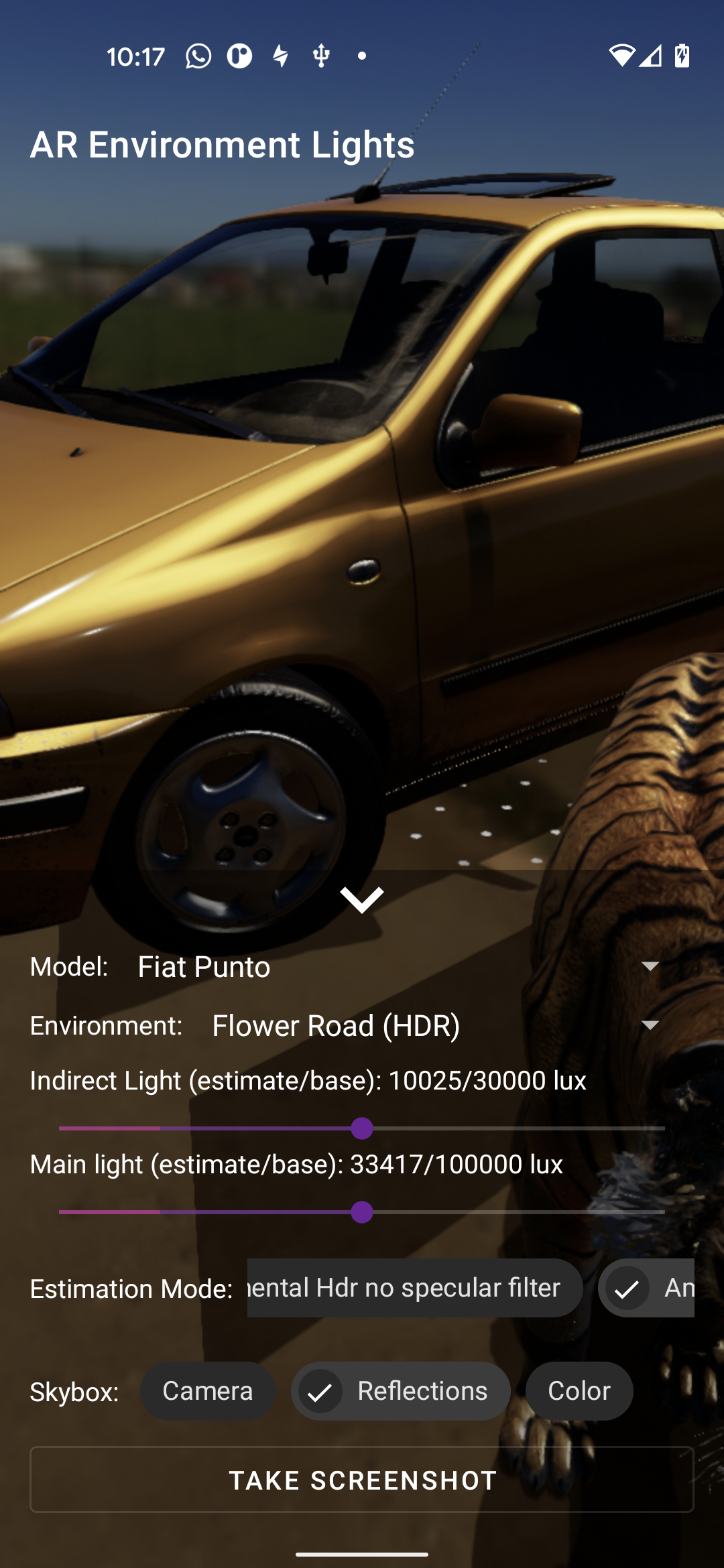

| implementation 'org.jetbrains.kotlinx:kotlinx-coroutines-core:1.5.0' | ||
| implementation 'org.jetbrains.kotlinx:kotlinx-coroutines-android:1.5.0' | ||
|
|
||
| implementation "org.jetbrains.kotlinx:kotlinx-coroutines-core:$kotlin_version" |

There was a problem hiding this comment.
this seems to have broken our android build since the kotlin verison is not the same as the coroutines version... ?
There was a problem hiding this comment.
It was a hard choice between keeping a global kotlin dependencies version to 1.5.0 or separate them because we have
implementation "org.jetbrains.kotlin:kotlin-stdlib:1.5.30"
implementation "org.jetbrains.kotlinx:kotlinx-coroutines-core:1.5.0"
implementation "org.jetbrains.kotlinx:kotlinx-coroutines-android:1.5.2"
But it's true that Kotlin version is not completely linked to KotlinX versions
Anyway since they are declared as implementation this should not been an issue for you?
Is that's because you are using Sceneform as a module and share the
ext {
    kotlin_version = '1.5.30'
}
, I strongly recommend keeping Scenform as a separated project and using publishToMavenLocal and
repositories {
    google()
    mavenLocal()
    mavenCentral()
}
within your app.
This way your mavenLocal() will be firstly used and you can test new releases by just increasing the version number without dependencies relations with your app.
Moreover if you have some fixes on Sceneform you will be able to easily create a Pull Request from Android Studio and share it with the community.
There was a problem hiding this comment.
thanks for your quick response. ah, yes we are using as a module due to earlier requiring a not yet released fix,
Should I revert both the core and ux to:
    implementation 'org.jetbrains.kotlinx:kotlinx-coroutines-core:1.5.0'
    implementation 'org.jetbrains.kotlinx:kotlinx-coroutines-android:1.5.0'
There was a problem hiding this comment.
go for
ext {
    kotlin_version = '1.5.30'
}
and in build.gradle (:core)
implementation "org.jetbrains.kotlin:kotlin-stdlib:$kotlin_version"
implementation "org.jetbrains.kotlinx:kotlinx-coroutines-core:1.5.0"
implementation "org.jetbrains.kotlinx:kotlinx-coroutines-android:1.5.2"
and PR it here.

8 participants


I have to say that I'm very enthusiastic about this enhancement and here is why:
Sorry for original developers on this part but just as a quick example
setUseHdrLightEstimate(boolean)was defined in 5 different classes calling each others every frames.As an other example, the directional light retrieved from ARCore was implemented as a
SunNodewhich could have been great considering it should correspond to an anchor in the real world. But the fact is that it was enormously frame consuming for just handling a direction and intensity (you will be convinced when testing this release).This will bring a lot to Sceneform Maintained which can actually be pretty hard to understand since everything is fragmented in not very clear classes.
As a quick example, this PR removes 5 unnecessary/understandable classes in favor of a unique
EnvironmentLights.ktwith only 350 lines of code and only 4 internal calls:EnvironmentLights(scene: Scene, assetManager: AssetManager),setSessionConfig(config: Config),doFrame(frame: Frame)anddestroy()LightProbewas the last SFB user so this PR is opening the gate to a big cleanup of unused classes and most important, we will be able to remove the SFB, JNI and lull parts.Let's stop speaking and see what a good light management is bringing
Help wanted!!!!
Lightning could just be about applying the right light physical functions like Filament is doing very nicely (if you want to go further: Filament Materials Guide) but Sceneform Maintained is facing the challenge of applying ARCore guessed values to Filament concrete values.
Over than letting users chose from Realistic or Spectacular depending on their usage, we inevitably have to define a static ajustement factor value between the estimation and the rendering.
For that, here comes, included in this PR, a good friend app that let's you adjust indirect/directional lights, enabled ARCore light estimation modes and share annotated screenshots.
@RGregat @imbrig @grassydragon @issacclee @Venthorus @miftahulbagusp @suryanadiminti99 @fvito @KonsanAlide @Methew5 @Oleur @senthil5053 @D-Lav @VojtaMaiwald @SimonMarquis or anyone seeing this PR, we need as much as possible annotated screenshots of various lighting conditions to refine the magic conversion numbers.
Could you install the sample app available or soon (pending publication validation when writing) here Google Play - AR Environment lights and send your screenshots here?
The sample source code is in samples/environment-lights
@devbridie Could you have a quick look here to confirm that every lighting estimation is called correctly:
https://github.com/ThomasGorisse/sceneform-android-sdk/blob/56b281da1d73002a33148709580da27249ca2add/core/src/main/java/com/google/ar/sceneform/lights/EnvironmentLights.kt#L1-L396
@prideout @pixelflinger @romainguy @bejado I have annotated with todos some parts of this PR concerning the camera exposure, defaults indirect/directional light intensities and ARCore cubemap to reflections texture parts, would you mind if I mention you on the review comments?
Sorry for the spam but this PR is a big entry point to a new world for Sceneform Maintained and we want to be sure to have a good/clean restart.
Thanks