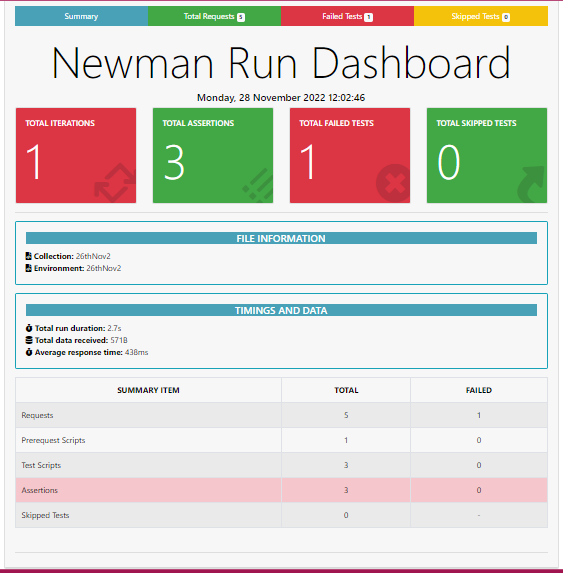
This folder offers examples of how to use api methods like get, post, put, and delete to check values, giving you a basic grasp of how they work. Additionally, you may find check and report API codes here.[In API document you can find source codes and all the url to check or practice any task]
Postman https://www.postman.com/
Node JS https://nodejs.org/en/
Base_Url: https://restful-booker.herokuapp.com
Check data in console: https://github.com/Sakif1997/API_Postman_Codechecking/assets/45315685/4bf72b71-8293-44eb-abb9-2c634107ecc4
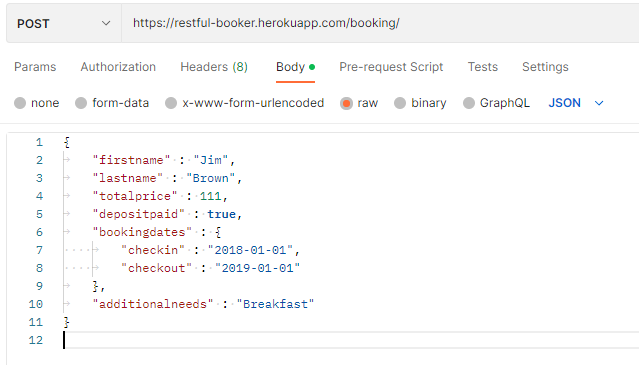
Body code: https://restful-booker.herokuapp.com/booking \
 -H 'Content-Type: application/json' \
 -d '{
   "firstname" : "Jim",
   "lastname" : "Brown",
   "totalprice" : 111,
   "depositpaid" : true,
   "bookingdates" : {
   	"checkin" : "2018-01-01",
   	"checkout" : "2019-01-01"
   },
   "additionalneeds" : "Breakfast"
}
Body code:
{
	"username": "admin",
	"password": "password123"
}
response code:
{
    "token": "f66dcf8247182b9"
}
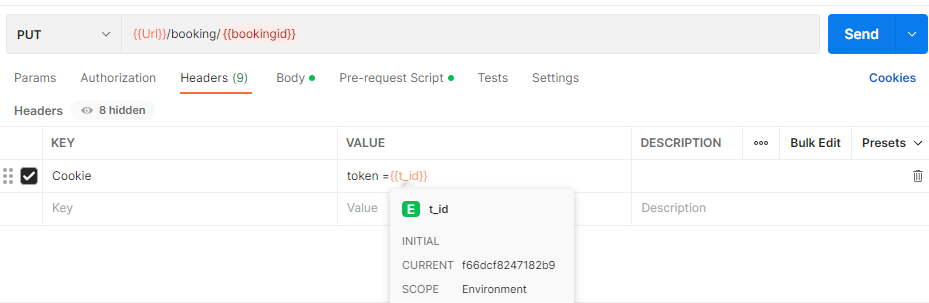
set Header: -H 'Cookie: token=f66dcf8247182b9
Body code:
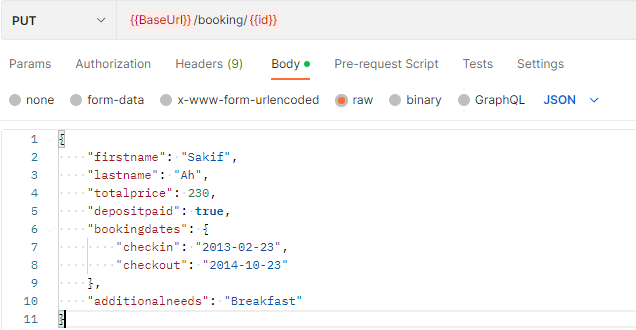
  -d '{
	"firstname" : "James",
	"lastname" : "Brown",
	"totalprice" : 111,
	"depositpaid" : true,
	"bookingdates" : {
    	"checkin" : "2018-01-01",
    	"checkout" : "2019-01-01"
	},
	"additionalneeds" : "Breakfast"
}
const moment =require ('moment');
const today = moment();
pm.environment.set("checkin",today.add(0, 'day').format("YYYY-MM-DD"));
pm.environment.set("checkout",today.add(15,'day').format("YYYY-MM-DD"));
var fname= pm.variables.replaceIn("{{$randomUserName}}");
pm.environment.set("fname",fname);
var lname = pm.variables.replaceIn("{{$randomUserName}}");
pm.environment.set("lname",lname);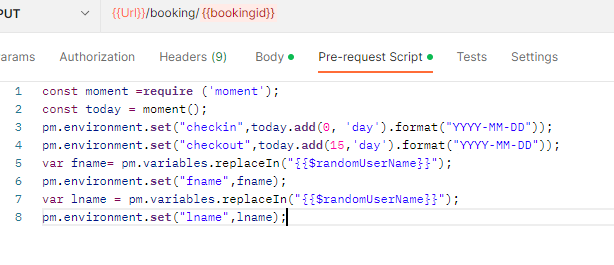
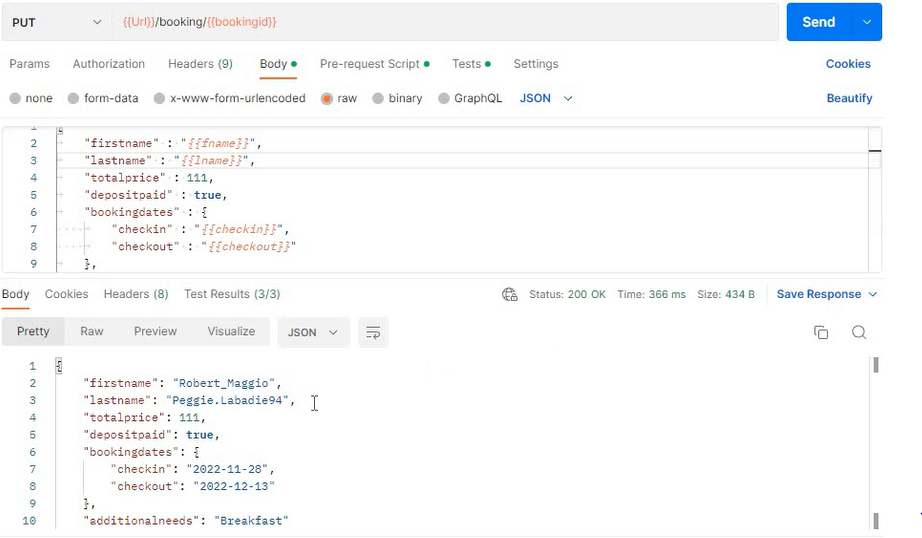
{
	"firstname" : "{{fname}}",
	"lastname" : "{{lname}}",
	"totalprice" : 111,
	"depositpaid" : true,
	"bookingdates" : {
    	"checkin" : "{{checkin}}",
    	"checkout" : "{{checkout}}"
	},
	"additionalneeds" : "Breakfast"
}
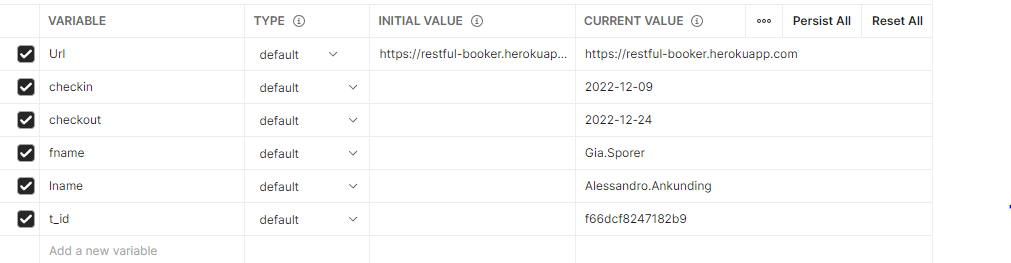
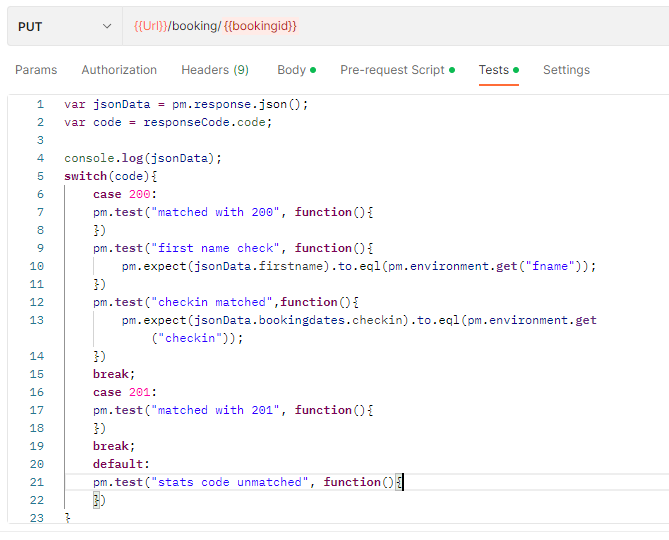
var jsonData = pm.response.json();
var code = responseCode.code;

console.log(jsonData);
switch(code){
    case 200:
    pm.test("matched with 200", function(){
    })
    pm.test("first name check", function(){
        pm.expect(jsonData.firstname).to.eql(pm.environment.get("fname"));
    })
    pm.test("checkin matched",function(){
        pm.expect(jsonData.bookingdates.checkin).to.eql(pm.environment.get("checkin"));
    })
    break;
    case 201:
    pm.test("matched with 201", function(){
    })
    break;
    default:
    pm.test("stats code unmatched", function(){

    })

}
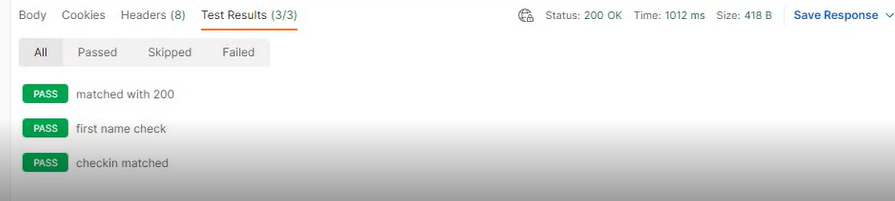
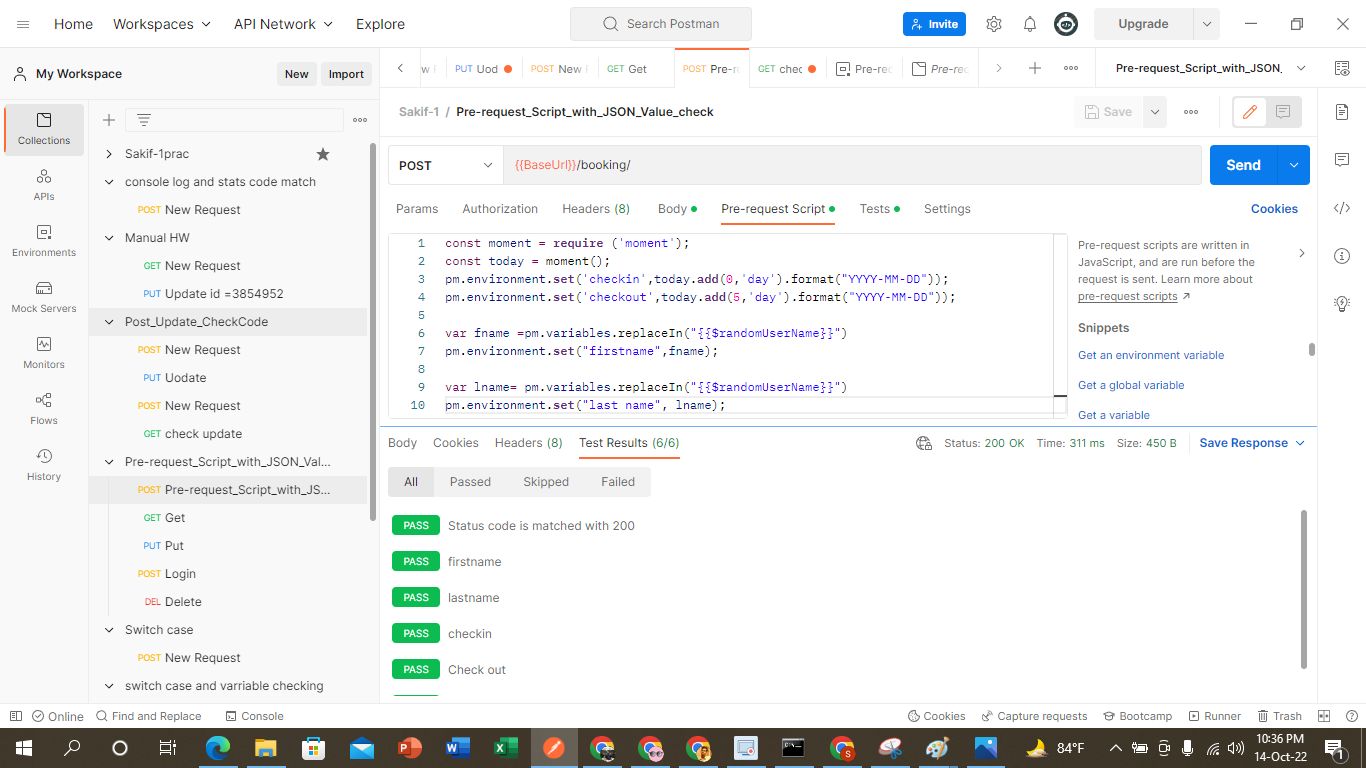
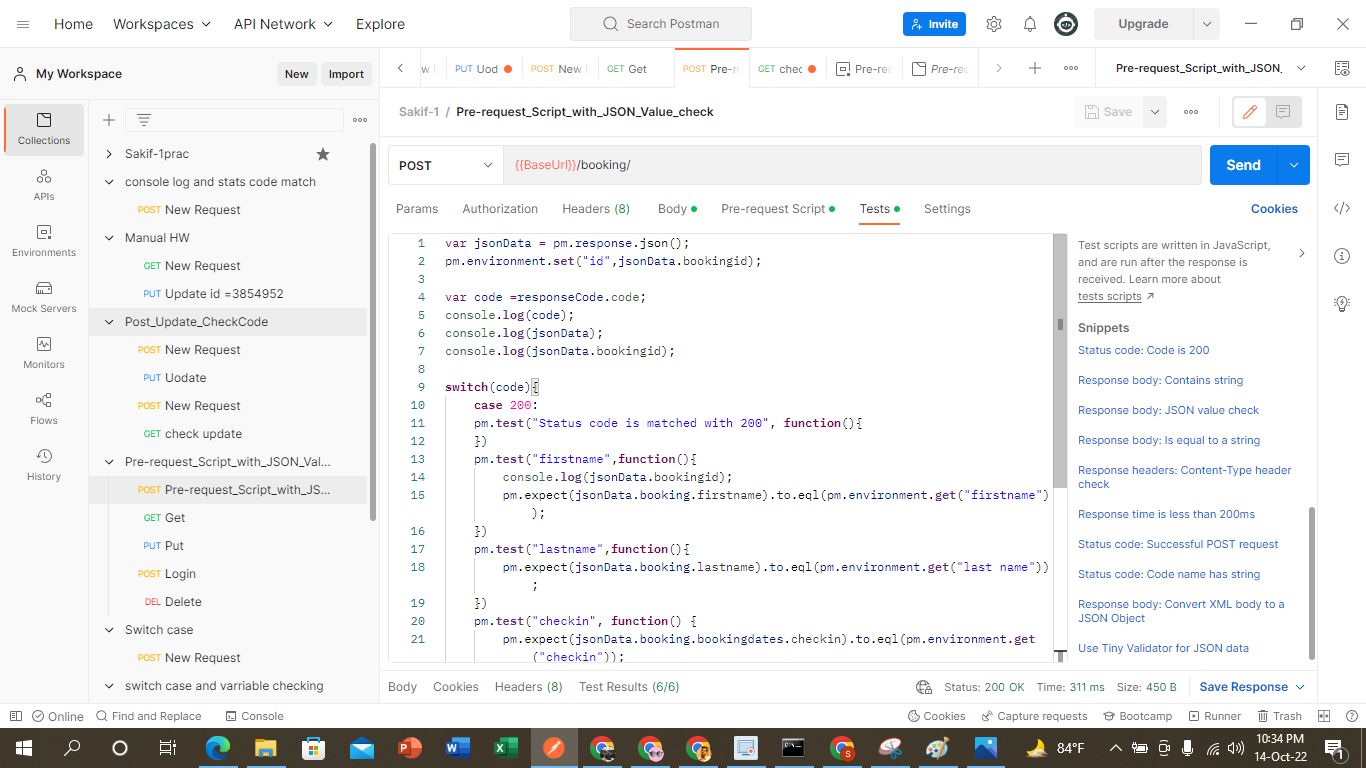
Comand prompt: Run Command:
generat file without environment
newman run “Path/CollectionName.json” -e Path/EnvironmentName.json
Because of not setting environment we can see lots of error
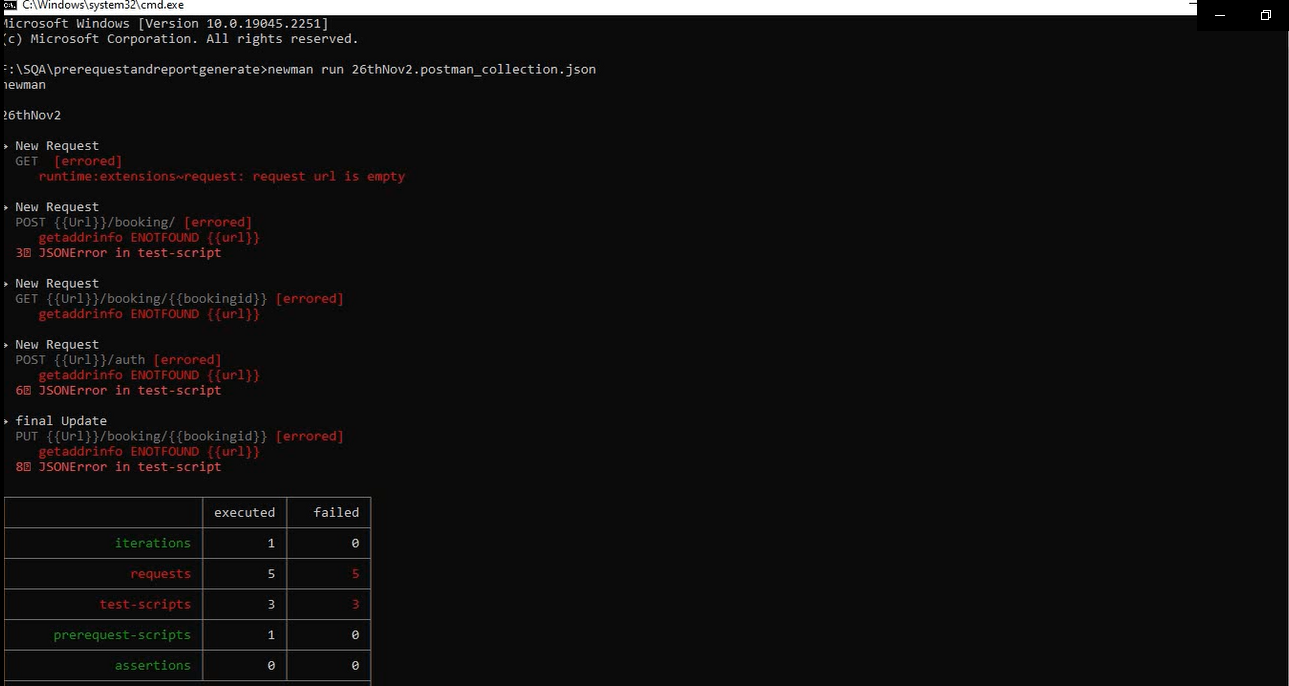
Now we gennerate file with environment file also
newman run “Collection Link” -e “Path”/EnvironmentName.json
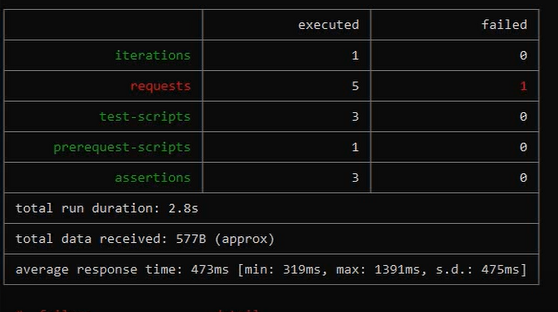
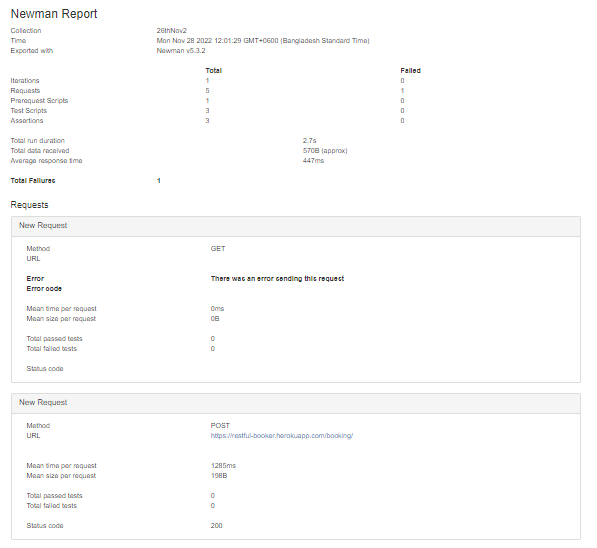
newman run “Collection Link” -e EnvironmentName.json -r cli,html
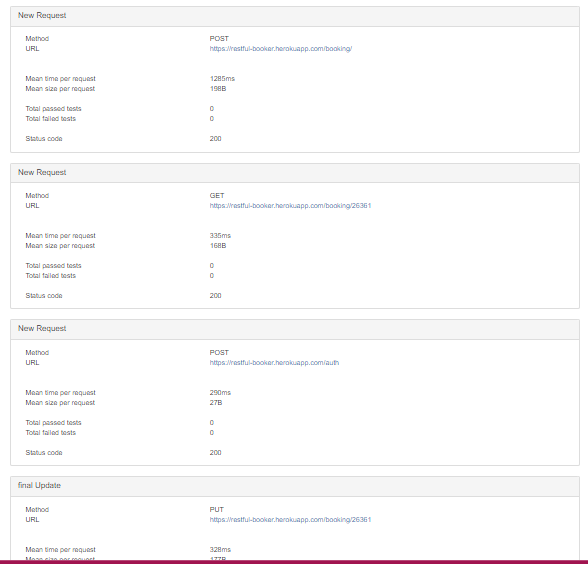
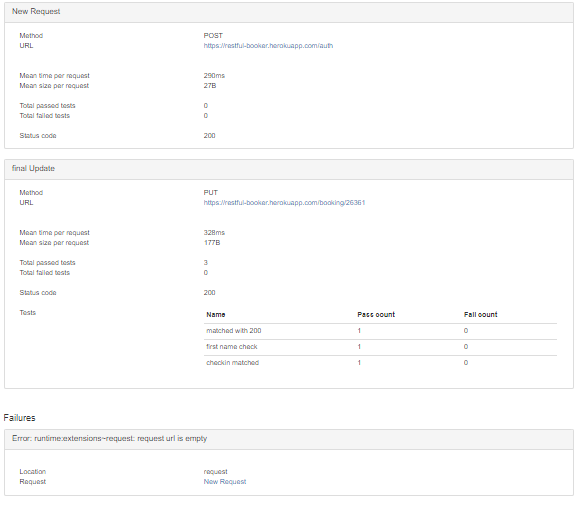
newman run “Collection Link” -e EnvironmentName.json -r cli,htmlextra