- Connect your Mavic Mini 1 controller to your PC and use it to play simulators.
- Currently confirmed working controllers: MR1SD25
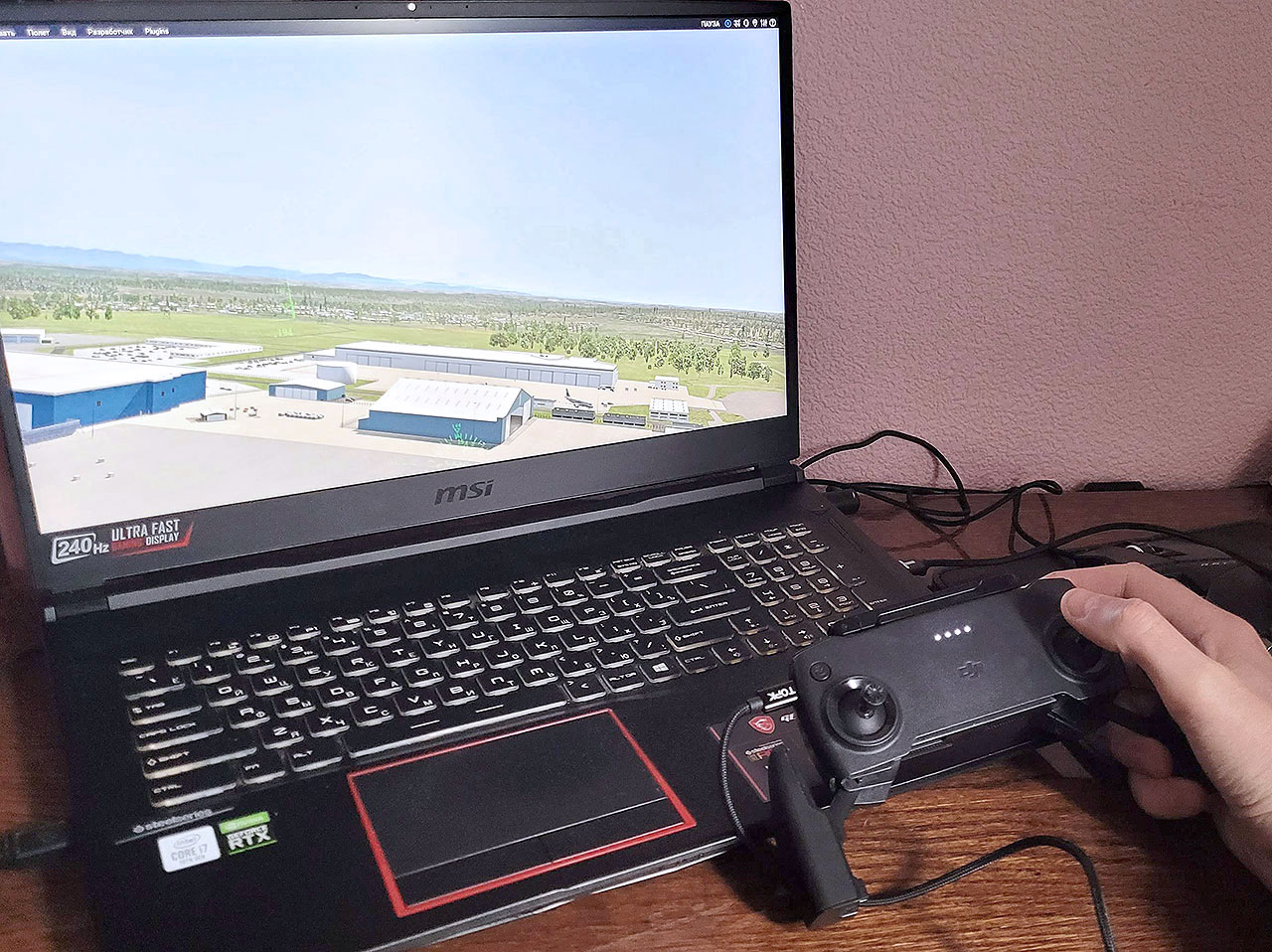
This program is heavily based on projects:
- mDjiController https://github.com/Matsemann/mDjiController
- mDjiController.fork https://github.com/slaterbbx/mDjiController.fork
- MiniDjiController https://github.com/hjstn/miniDjiController
- Mavic Mini 1 Controller is not recognized as Gamepad on windows.
- It has Serial Port interface only.
- It is possible to ask the controller for its status.
- So this program continuously reads the status and pass sticks and buttons state to vJoy.
- vJoy is a virtual joystick that can be installed on your computer.
- Windows thinks it's a normal joystick.
-
Left stick is X and Y axis (Axis 1 and 2)
-
Right stick is RX and RY axis (Axis 4 and 5)
-
Camera wheel is Z axis (Axis 3)
-
Record button (Left bumper) is Button 1
-
Photo button (Right bumper) is Button 2
-
Home button is Button 3
-
Additionally, Left Sitck Y is reflected as additive axis SL0 (Axis 7). Additive means that when Stick is pushed up, value of axis increase. If stick is pushed down, value of axis decrease. While stick is centered, value stay at last level. Left stick is self-centered physically. It is better to use axis SL0 as Thrust axis in airplane simulators, without a need to hold stick is specific position constantly.
-
The same feature is implemented with Camera wheel and axis SL1 (Axis 8)
-
Home button is reflected as 3-position switch on axis RZ (Axis 6).
-
Record, Photo and Home buttons are reflecread as on/off switches on buttons 4,5,6.
Run "vJoy Monitor" tool to check gamepad functionality.
-
Download MavicMiniControllerAsGamepad.zip https://github.com/RomanLut/MavicMiniControllerAsGamepad/releases
-
Download vJoy from here: https://sourceforge.net/projects/vjoystick/files/latest/download
-
Install vJoy.
-
Then connect your RC to your computer via USB and turn it on.
-
Unzip MavicMiniControllerAsGamepad.zip to some folder
-
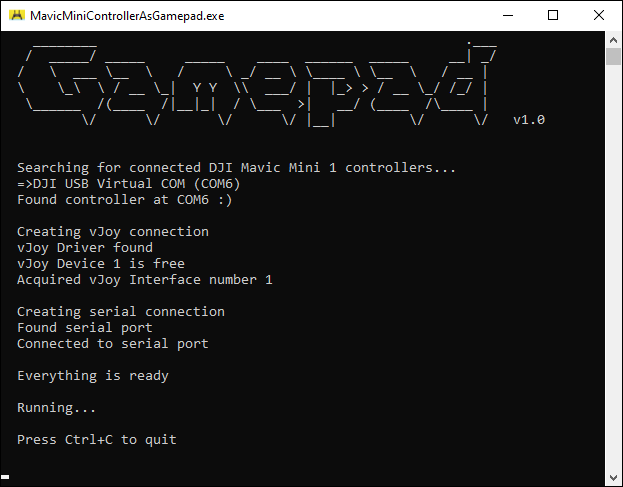
Run MavicControllerAsGamepad.exe, watch console window, let it running.
Then open a simulator and calibrate the controller.
-
COM can't connect
Open up device-manager. You should see a category named ( View < Show Hidden ) "Ports (COM & LPT) and then a device named "DJI USB Virtual COM (COMX)"
-
vJoy can't connect
The error message should tell you if it's installed or not. Install the vJoy driver if it's not there. Note you can use tool named "vJoy Monitor" too see the state of virtual joystick. Tool is installed with vJoy.
-
Not all sticks or buttons work
Your vJoy configuration may be wrong. Open "Configure vJoy" and reset configuration 1.
-
Q: Controller is beeping on start, on button press and after period of inactivity. Can I mute all sounds?
A: Unfortunatelly, not. You can remove beeper only https://www.youtube.com/watch?v=qogsJXRU8HM
-
Q: Can power button be used in gamepad?
No, it's state can not be queried programmatically.