CloudFront as CDN to S3 upload setting is not working #17162

Description

Description:
This is regarding CDN configuration when RocketChat is configured to have S3 upload settings. The documentation on this is here - https://rocket.chat/docs/administrator-guides/file-upload/amazon-s3/#amazon-s3
Steps to reproduce:
- Go to "Administration" settings.
- Locate "File Upload" and set storage type to be S3 to active "Amazon S3" panel
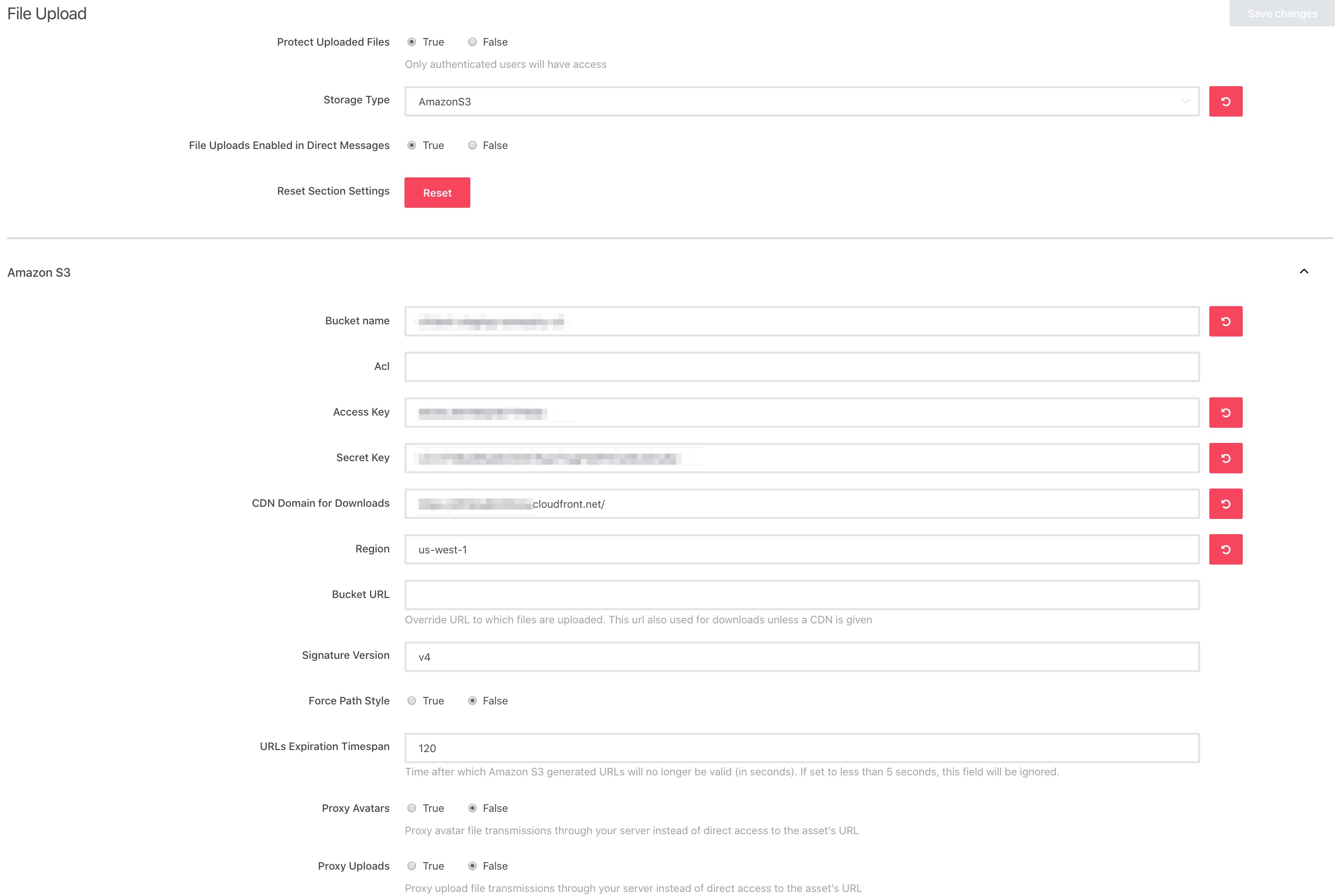
- Fill in valid bucket configuration so that uploads are successful and put your CDN URL that already has S3 as backend storage.
Expected behavior:
- Avatars are served via CDN URL
- User uploads are now served via CDN URL
Actual behavior:
- Avatars are served via S3 URL
- User uploads are served via S3 URL
Server Setup Information:
- Version of Rocket.Chat Server: 1.3.3
- Operating System: Ubuntu 16.04
- Deployment Method: tar
- Number of Running Instances: 2 processes in the same machine
- DB Replicaset Oplog: Enabled
- NodeJS Version: 8.17
- MongoDB Version: 3.6.13
Relevant screenshot: