nJukebox (Node.js Jukebox) is a web-based jukebox application with local music library and Spotify integration. Built for personal use - may require customization for other scenarios.
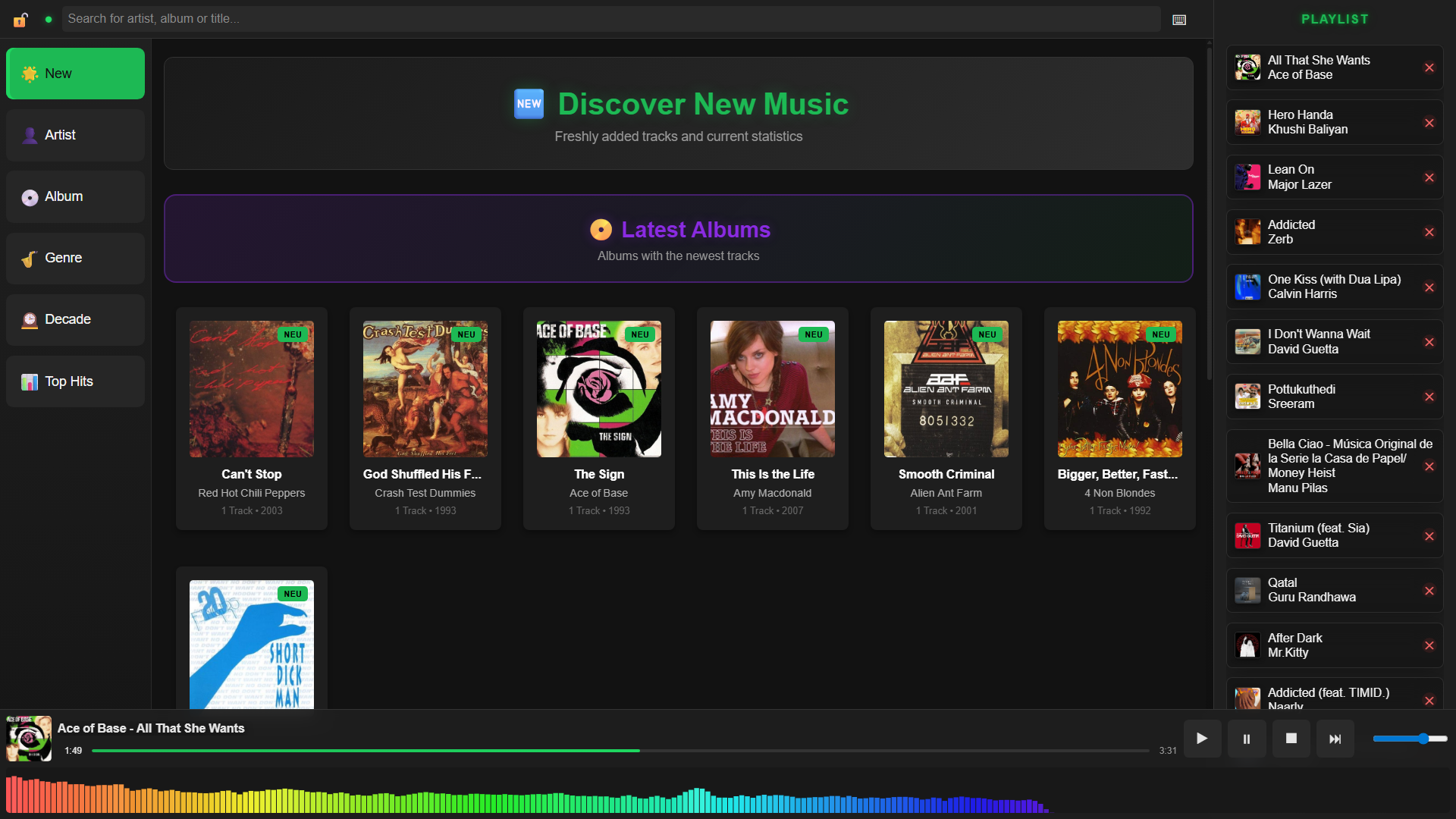
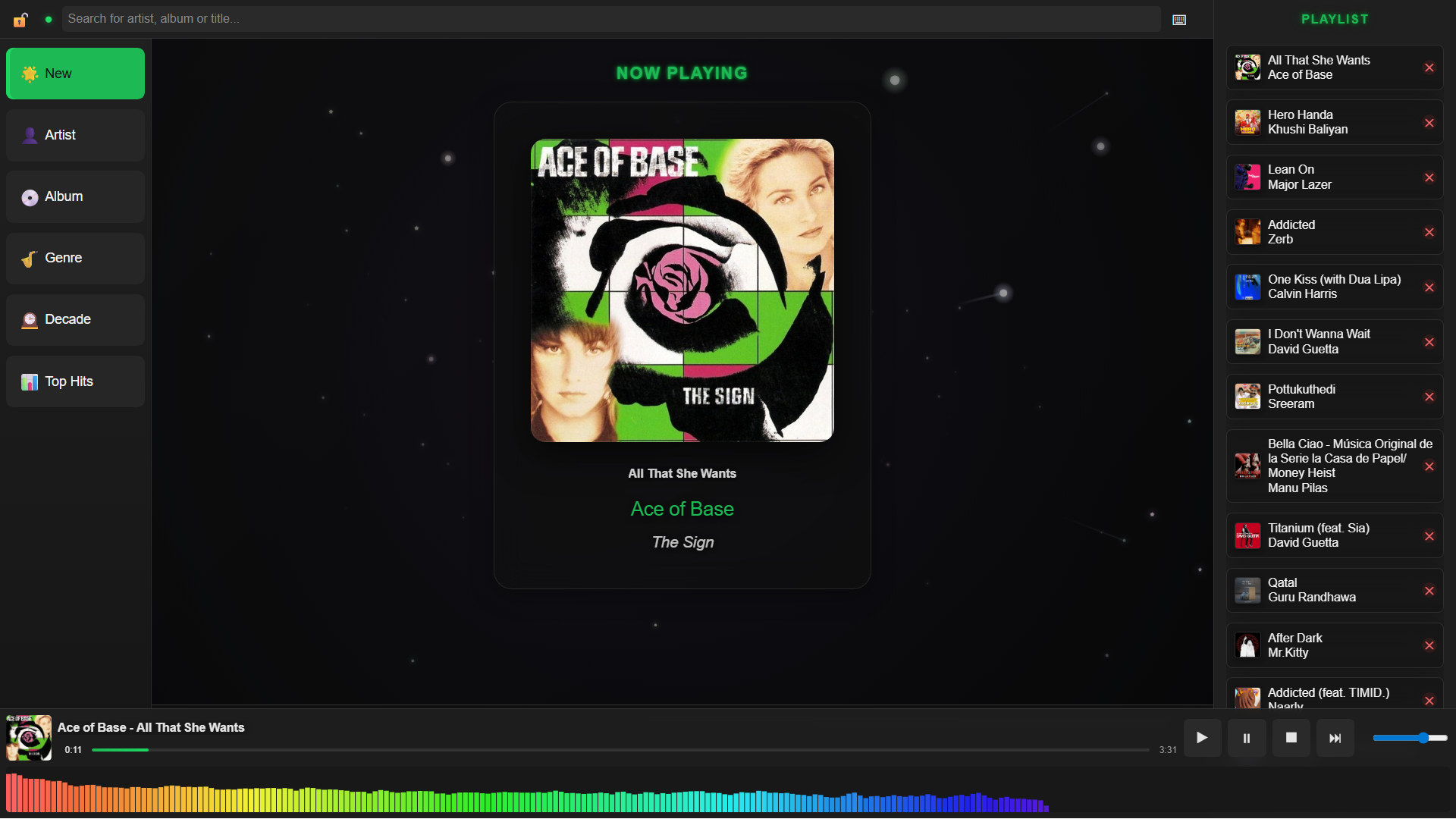
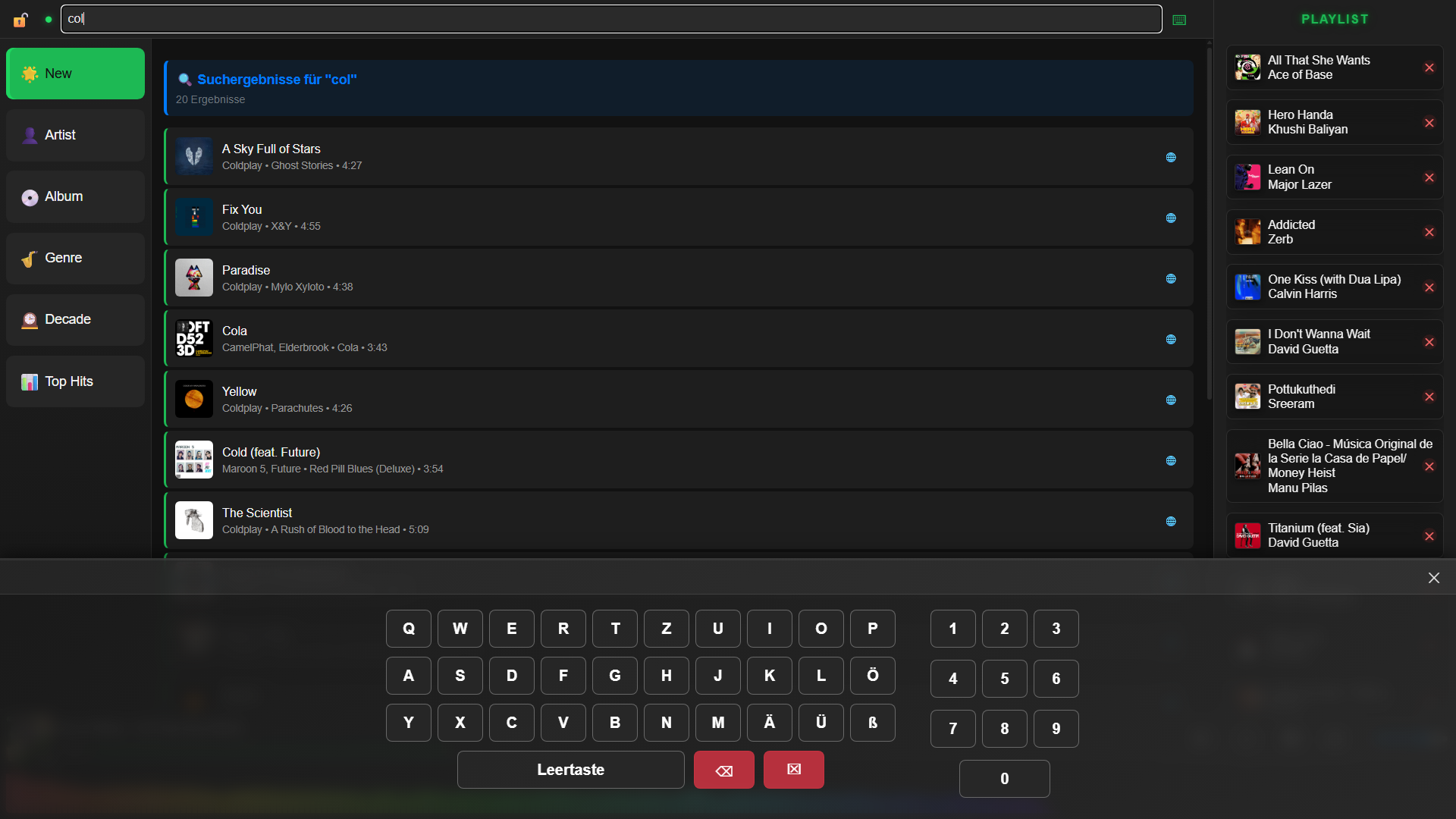
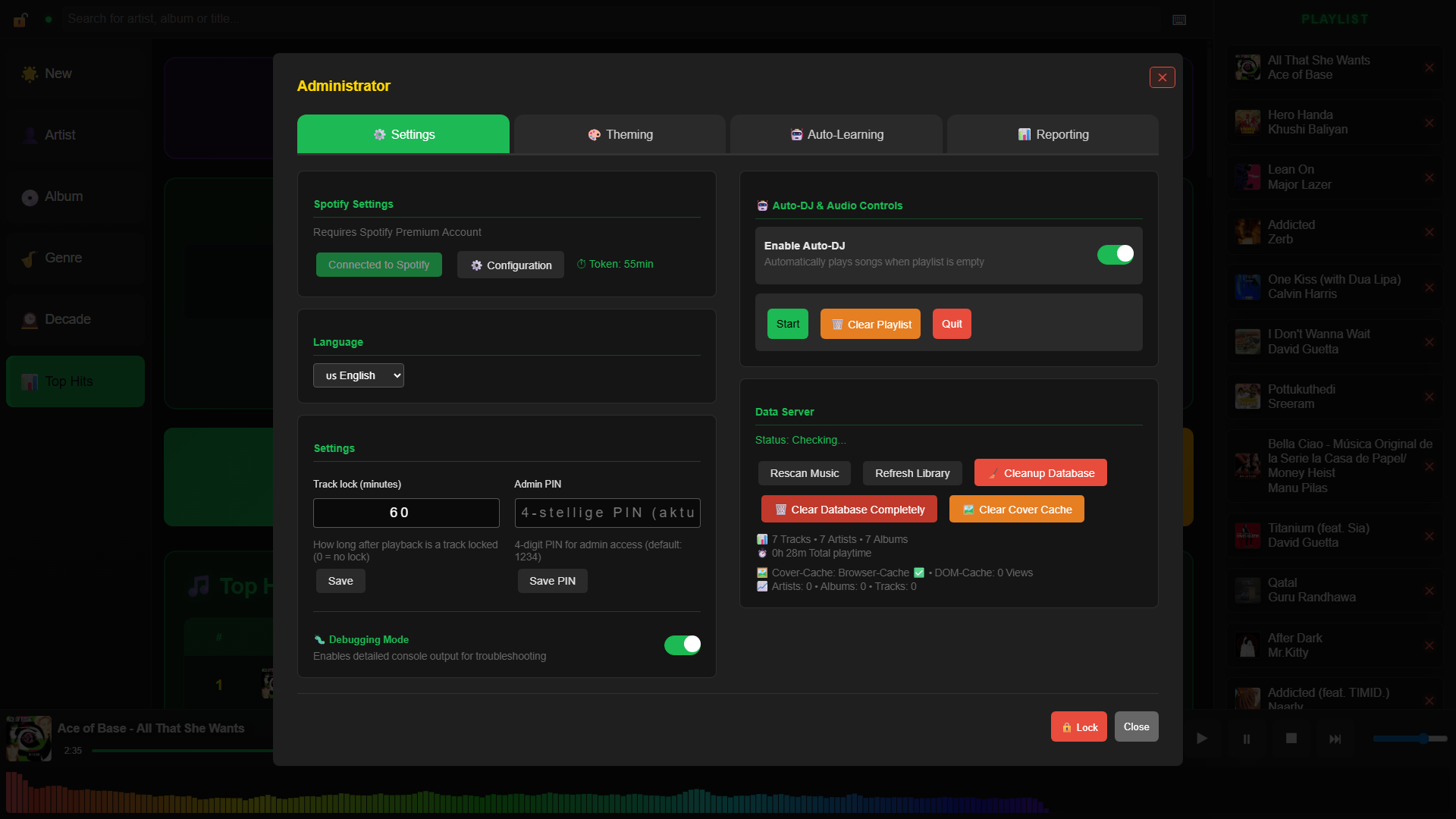
- Local Music Library: Automatic scanning and indexing of MP3 files
- Spotify Integration: Stream Spotify tracks (Premium required)
- Touch Interface: Basic touch-optimized controls
- Multi-language: German and English support
- Admin Panel: Simple administration interface
- Search: Search through artists, albums, and tracks
- Auto-DJ Mode: Automatic playback when playlist is empty
- Node.js (v18+)
- npm
git clone https://github.com/Nigcra/nJukebox.git
cd jukebox
npm install- Create a
music/folder in the project directory - Copy your MP3 files into this folder
- The application will automatically scan for new files
Development Mode:
# Start data server
npm start

# In another terminal: Start web server
node jukebox_server.js
Production Mode (Windows):
start_data_server.bat
start_jukebox.bat
Production Mode (Linux/macOS):
./start_data_server.sh
./start_jukebox.sh- Main Interface: http://localhost:5500/jukebox.html
- Admin Panel: Click the 🔒 icon in the interface
- Create a Spotify app at Spotify Developer Dashboard
- Add
http://localhost:5500/spotify_login.htmlas redirect URI - Open Admin Panel → Spotify Configuration
- Enter your Client ID and Client Secret
- Click the Spotify status indicator to log in
jukebox/
├── assets/             # Static assets
├── js/                 # Frontend modules
├── lib/                # Backend modules
├── music/              # Local music library
├── jukebox.html        # Main interface
├── data_server.js      # Backend API server
├── jukebox_server.js   # Frontend web server
└── config.json         # Server configuration
# Build executables
npm run build-data      # → jukebox_data_server.exe
npm run build-player    # → jukebox.exe
npm run build-all       # Build both

# Development
npm run dev            # Auto-reload mode
npm run scan # Scan music library onlyThe application includes scripts for kiosk-style deployment, though this was configured for specific hardware and may need adjustments:
- Touch interface support
- Auto-start scripts included
- Chrome kiosk mode support
- Basic session persistence
- Remote control (control by Smartphone / admin mode to skip bad songs etc.)
- Caching
- Bugfixing and code cleanup
- Better cover handling
- Party games / fun questions and mentions
This project is licensed under the GNU General Public License v3.0 - see LICENSE for details.
Note: This project uses FFmpeg (via ffmpeg-static), which is licensed under GPL. Therefore, this project must also be distributed under a GPL-compatible license.
This is a personal project, but contributions are welcome. Please note that the application is tailored for specific use cases and may require significant customization for different scenarios.
- Fork the repository
- Create a feature branch
- Make your changes
- Submit a pull request
🎵 Enjoy! 🎶