A Flask-based web app for clean energy feasibility studies and project planning.
Live Site: https://virtual-power-plant.onrender.com/
This toolkit helps users design, price, and evaluate clean energy generation projects—like solar, wind, and battery storage—based on location-specific data. It's built for ease of use, enabling anyone to quickly assess production potential and inform decisions on pricing and procurement.
- 🌞 Solar, 💨 Wind, and 🔋 Battery modeling
- 📍 Location-specific forecasts (via APIs)
- 📊 Financial breakdowns & cost analysis
- 🧮 Intuitive interface for non-technical users
- 🔧 Developer-friendly codebase (Flask + Plotly)
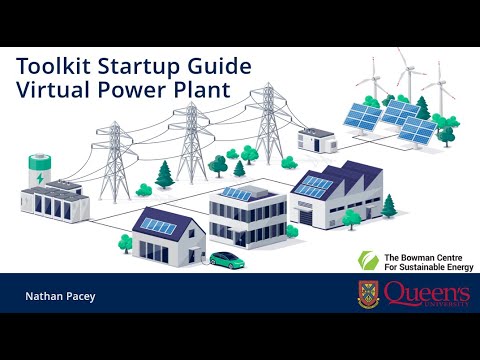
Want to see it in action?
Watch this video tutorial to learn how to download and start using the Toolkit:
This repo is configured for a free Flask web service on Render so anyone can open a public demo URL without cloning the project.

The included render.yaml creates a free Python web service using only the flask app folder:
- Root directory:
flask app - Build command:
pip install -r requirements.txt - Start command:
gunicorn app:app --workers 1 --threads 2 --timeout 180 --max-requests 20 --max-requests-jitter 5 - Health check:
/healthz - Python version:
3.11.11
Manual setup is also straightforward:
- Push this repository to GitHub.
- In Render, create a new Web Service or Blueprint from the repository.
- Choose the free instance type.
- Set the root directory to
flask appif you are not using the Blueprint. - Use the build and start commands above.
- After the deploy finishes, share the generated
https://<service-name>.onrender.comURL.
Notes checked on May 5, 2026: Render supports free Python web services, but free instances spin down after 15 minutes without traffic and may take about a minute to wake up. This is fine for demos, not production. PythonAnywhere free accounts currently have a 512 MiB disk limit and a 1-month-expiring web app, so the full repository plus dependencies is likely too large unless you deploy only the Flask folder.
The app is tuned for Render's small free instance: Plotly is loaded once from the browser CDN instead of being embedded in every chart, unused wind API variables are not requested, heavy unused scientific packages are excluded, and Gunicorn recycles workers periodically to avoid memory creep during demos.
If you still want to try PythonAnywhere, use a manual Flask web app and upload only the flask app folder to save disk space. Install dependencies with:
pip install --user -r requirements.txtThen configure the PythonAnywhere WSGI file like this, replacing <username> with your account name:
import sys

project_home = "/home/<username>/flask app"
if project_home not in sys.path:
    sys.path.insert(0, project_home)

from app import app as application
Add a static files mapping in PythonAnywhere from /static/ to /home/<username>/flask app/static.
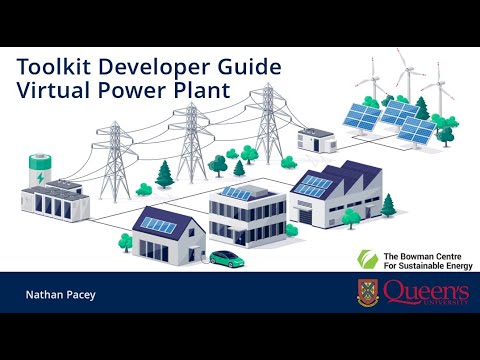
Planning to contribute or customize the app?
Watch this developer guide for instructions on running the app locally and adding features:
- Backend: Python, Flask
- Frontend: Plotly Dash, HTML/CSS
- Data: PVWatts (NREL), Open-Meteo APIs, Equipment list on Homepage (prices as of 2024)
- Hosting: Local server / Docker (optional)
Pull requests are welcome! For major changes, please open an issue first to discuss what you’d like to change.
Let’s build better tools for the energy transition 🌍