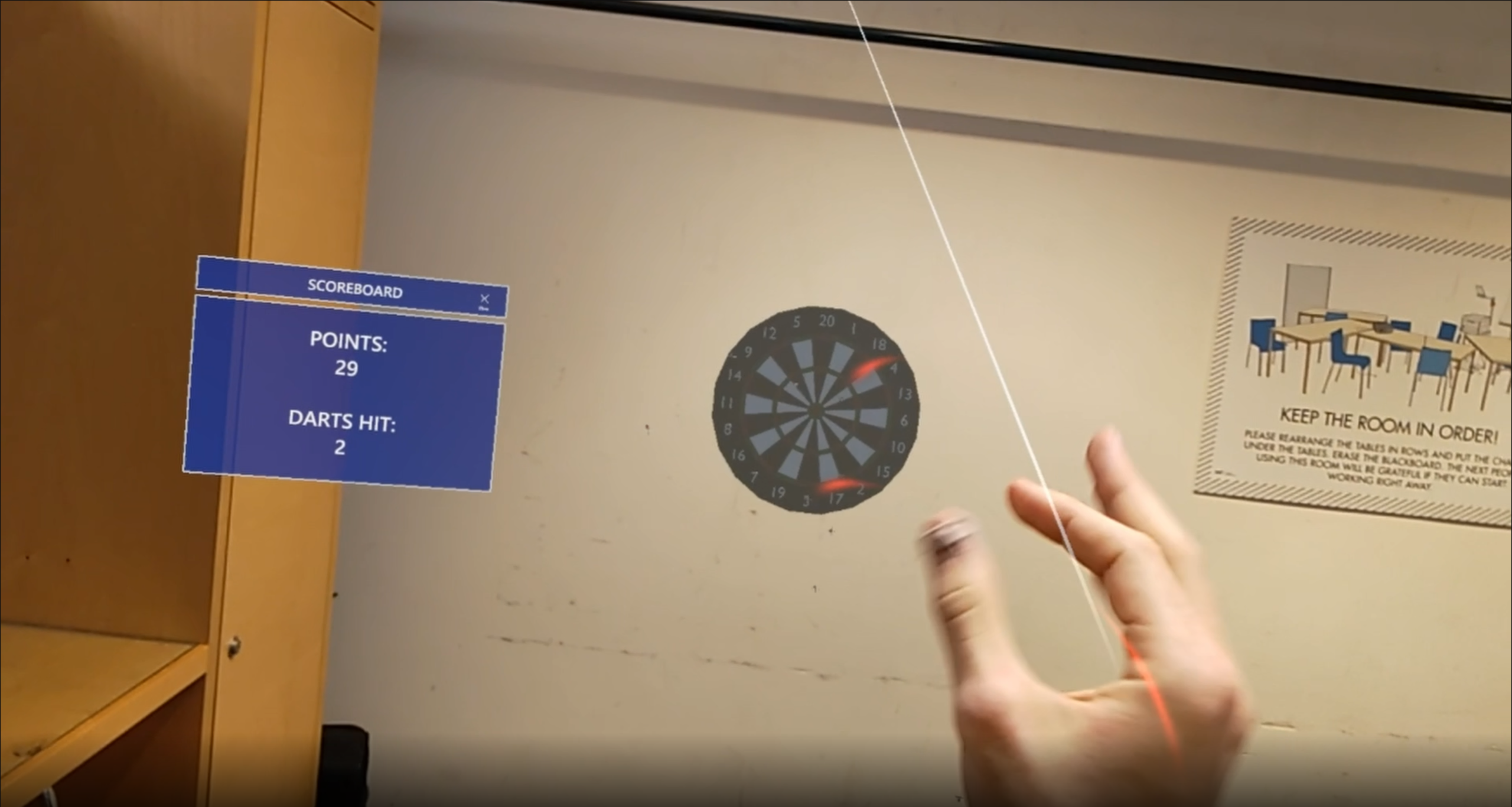
This repo is the source code for AR-Dart, a mixed reality game created for the ETH-course Mixed Reality.
To run the application, you will need:
- Microsoft HoloLens 2
- Unity (2020.3 LTS and make sure to download Universal Windows Plattform and IL2CPP)
- Microsoft Mixed Reality Toolkit
- A Visual Studio version (2019 or higher).
Clone the git-repository and open the Mixed Reality Toolkit. Use the button Restore Features to get all the packages you need to run the game. Afterwards open the project in Unity. Once you are in Unity, under File go to Build Settings. Change the output device to Universal Windows Plattform UWP, and press the button build without the run option, choose the build folder. Once builded, in the build folder there is an ar-dart.sln solution file. Open the file, and Visual Studio should open up. In Visual Studio, change output source to Device and use Run without Debugging to run the application and flash it onto the HoloLens 2. We suggest to flash it by cable, as it's much faster.
In the HoloLens 2, there should be an application ar-dart now. Press on the application to run the game and enjoy the different tools!
The game itself is straight forward. Place the dart board, by pinching gesture, to your belonging, on the ground, on a wall, maybe even on the ceiling! By pinching gesture, a dart should spawn in your right hand, you can now throw the dart on the dartboard to score points!
- We implemented a gravitational game mode with inverse gravity, left right gravity and both levels combined! Use gravity to your advantage to win the game!
- You can also adjust the speed and gravity in the menu, this make it more fun to play.
Below you can find a link to a demo video as well as a screenshot from the game.