Skip to content

MiDeev/midark-vscode-theme

Folders and files

NameName
Last commit message
Last commit date

Latest commit


History

1 Commit


Repository files navigation

MiDark is a dark theme with unobtrusive turquoise shades for VS Code.

logo

This theme is a dark color scheme with a blue-turquoise color scheme and a slight tint of green, which is very pleasant to the eyes and looks good both in the light of the environment around you and your monitor, and in complete darkness, as it is something between ordinary "deep darkness" and "bright light".

Installation:

  1. Open Extensions from the "View" tab in the top menu bar in VS Code.
  2. Search for MiDark by MiDeev.
  3. Click Install to install it.

If the theme was not applied automatically: File > Preferences > Settings > Color Theme > MiDark
Screenshots:

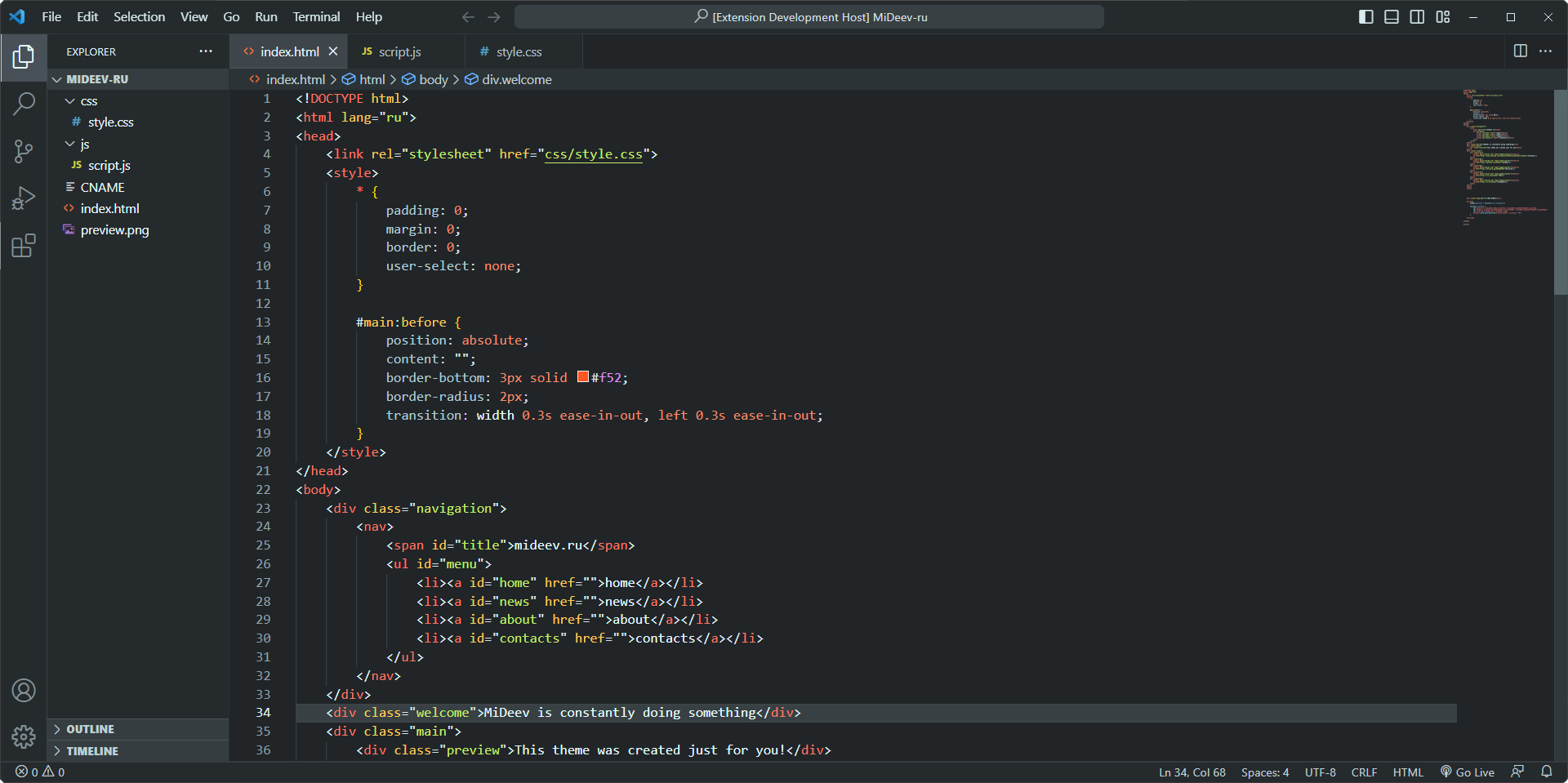
HTML & CSS:

screenshot: html

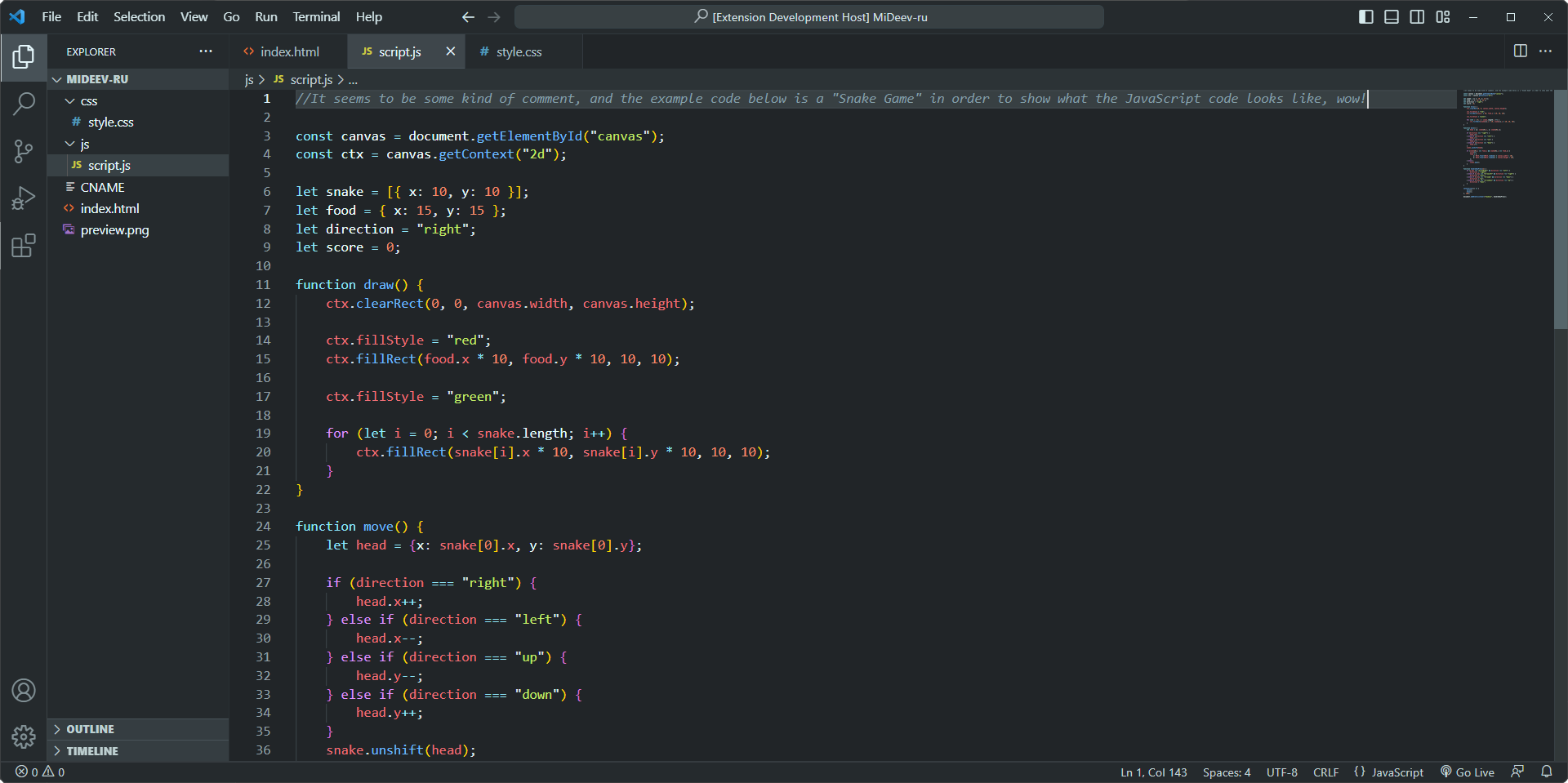
JavaScript:

screenshot: javascript

License:

MIT License

Contacts:

https://mideev.ru

About

The dark theme for Visual Studio Code

Resources

License

Stars

Watchers

Forks

Releases

No releases published

Packages

No packages published