Replacing Screen files for the DACAI Screen. #886
Conversation


They where not Exported with progressive turned off and Chroma quarter and as a result they did not display on the DACAI screen

so I replaced them partly with the ones Creality offers and handmade 1.jpg
This adds a Text document explaining how to make Custom boot Screens for the DWIN and DACAI Creality LCDs for a personal touch to there machine. Includes 4 examples.

|
This was just tested with current Marlin with DWIN_CREALITY_LCD
Yes the text is displayed, but text is out of position. |
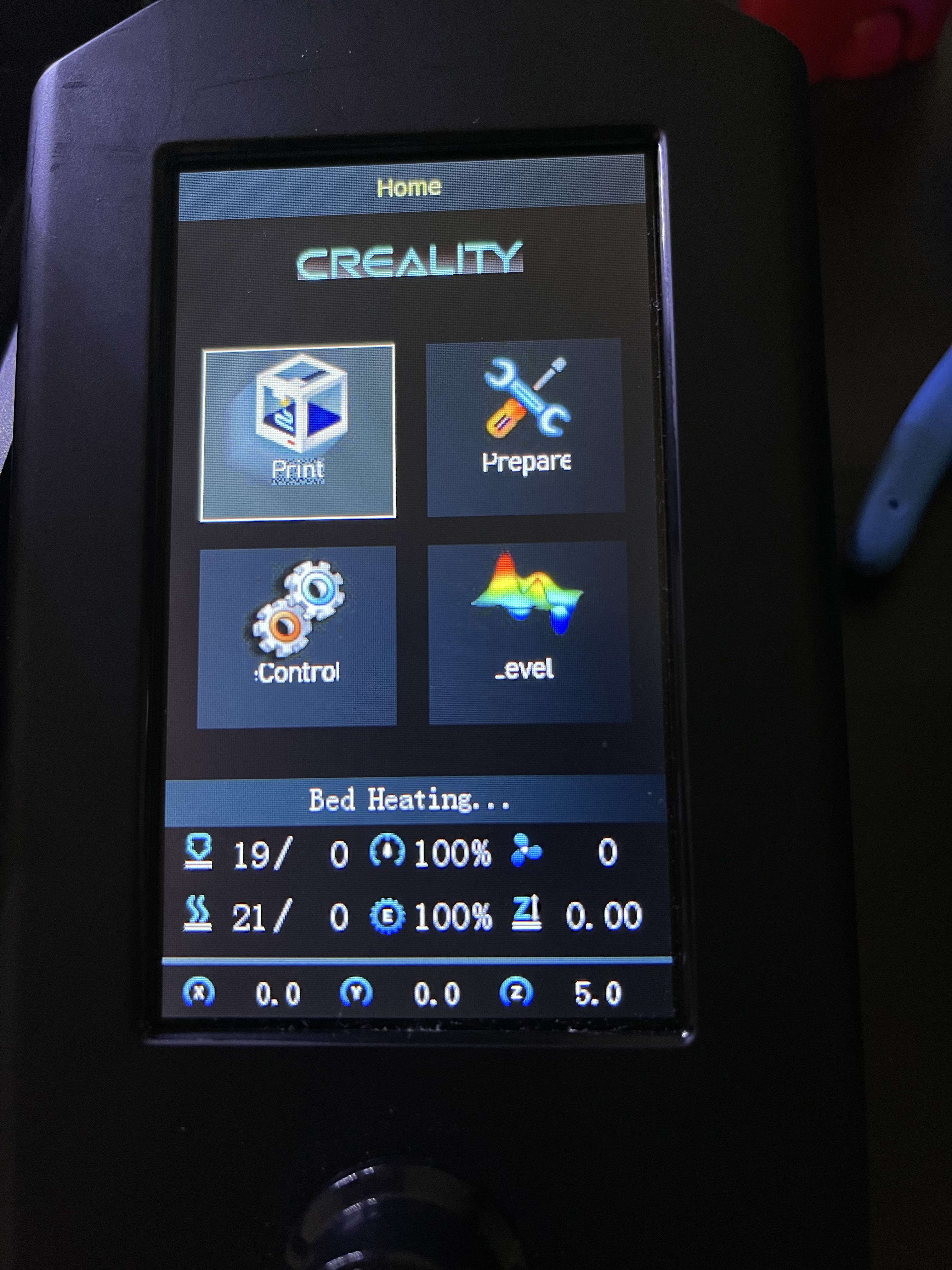
|
using https://www.diffchecker.com/image-compare/ and comparing the marlin 1.jpg with yours shows a lot of text the positions has changed |

|
Alright. I changed that text image to keep more quality without making the file size larger but i will have to just settle with exporting the original at 100% quality and have a larger file. Will make the update soon. |

|
One question though. Why are you testing it on the DWIN LCD if it is for the DACAI display? I assume you changed the file name for that from 1.jpg to 1_English.jpg and put it in the DWIN_LCD folder to do that? Also Would this issue be the same for both displays when it is renamed and refied this way? |
|
Not using dwin_set folder, it on a DACAI using "private" folder |
|
Sorry, I read it wrong. I though you had says that you could use the private files for the Dwin Screen. |


3 participants


They were not Exported with progressive turned off and Chroma quarter and as a result they did not display on the DACAI screen so I replaced them partly with the ones Creality offers and handmade 1.jpg as it was custom.
Requirements
DACAI Screen
Description
This is a simple update to the boot screen and other images in the examples/creality/ender 3v2/LCDfiles/private/images as they were not formatted correctly
Benefits
fixes Boot screen and other images' compatibility causing them to display as they should on Creality ender 3v2 and other Creality printers that use the Dacai screen