mouse
mouse -> x y left middle right scrollx scrolly
- x y : coordinates of the mouse pointer
- left : left button is down (True/False)
- middle : middle button is down (True/False)
- right : right button is down (True/False)
- scrollx : x scroll delta since last frame (-1..1)
- scrolly : y scroll delta since last frame (-1..1)
This function returns the mouse coordinates and a boolean value for the state of each mouse button, with True indicating that a button is pressed.
# title:  mouse position and buttons
# author: paul59, edited by Kyuchumimo
# script: python
# input:  mouse

GR,YE,WH=6,4,12
barx,bary=10,10

def TIC():
    x,y,left,middle,right,scrollx,scrolly=mouse()

    barx=barx+scrollx
    bary=bary+scrolly
    if barx<1: barx=1
    if bary<1: bary=1

    cls(0)
    print('Move Mouse:',10,10,YE)
    print('Position ' + 'x={:03d} y={:03d}'.format(x,y),100,10,WH)

    print('Press Buttons:',10,20,YE)
    print('Left ' + str(left),100,20,WH)
    print('Middle ' + str(middle),100,40,WH)
    print('Right ' + str(right),100,30,WH)

    print('Scroll Wheel:',10,80,YE)
    print('Scroll X',100,80,WH)
    print('Scroll Y',160,80,WH)
    rect(100,136/2-barx,8,barx,GR)
    rect(160,136/2-bary,8,bary,GR)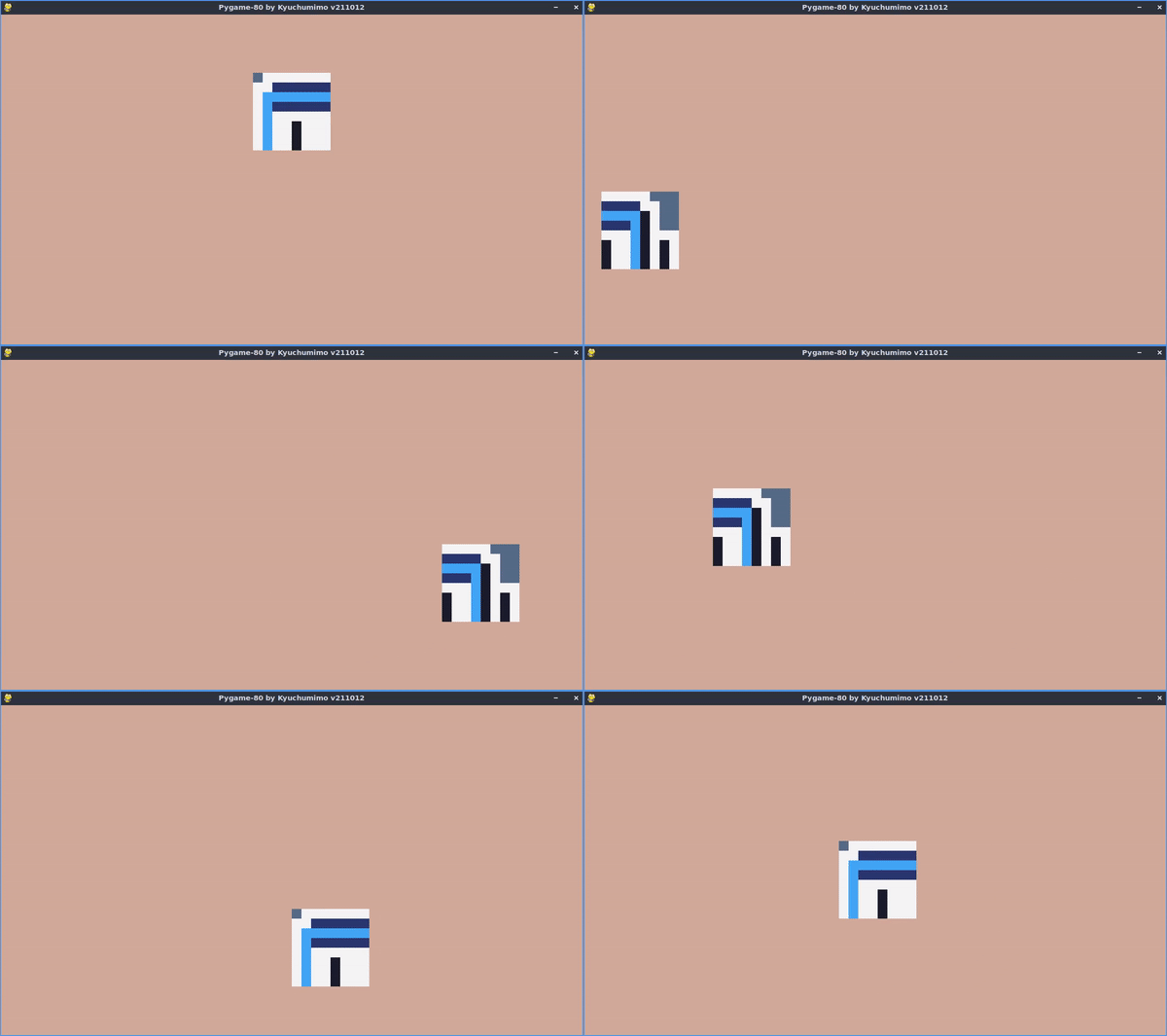
_TIC["PALETTE"] = [[0x14,0x0c,0x1c], [0x44,0x24,0x34], [0x30,0x34,0x6d], [0x4e,0x4a,0x4e], [0x85,0x4c,0x30], [0x34,0x65,0x24], [0xd0,0x46,0x48], [0x75,0x71,0x61], [0x59,0x7d,0xce], [0xd2,0x7d,0x2c], [0x85,0x95,0xa1], [0x6d,0xaa,0x2c], [0xd2,0xaa,0x99], [0x6d,0xc2,0xca], [0xda,0xd4,0x5e], [0xde,0xee,0xd6]] #DB16
# title:  mouse demo
# author: Raidez, edited by Kyuchumimo
# script: python
# input:  mouse

t=0
x=104
y=24

def TIC():
    mx,my,md,*_=mouse() #get x,y and pressed

    if md:
        x=mx
        y=my

    cls(12)
    spr(1+(t%60)/30,x,y,-1,4)
    t=t+1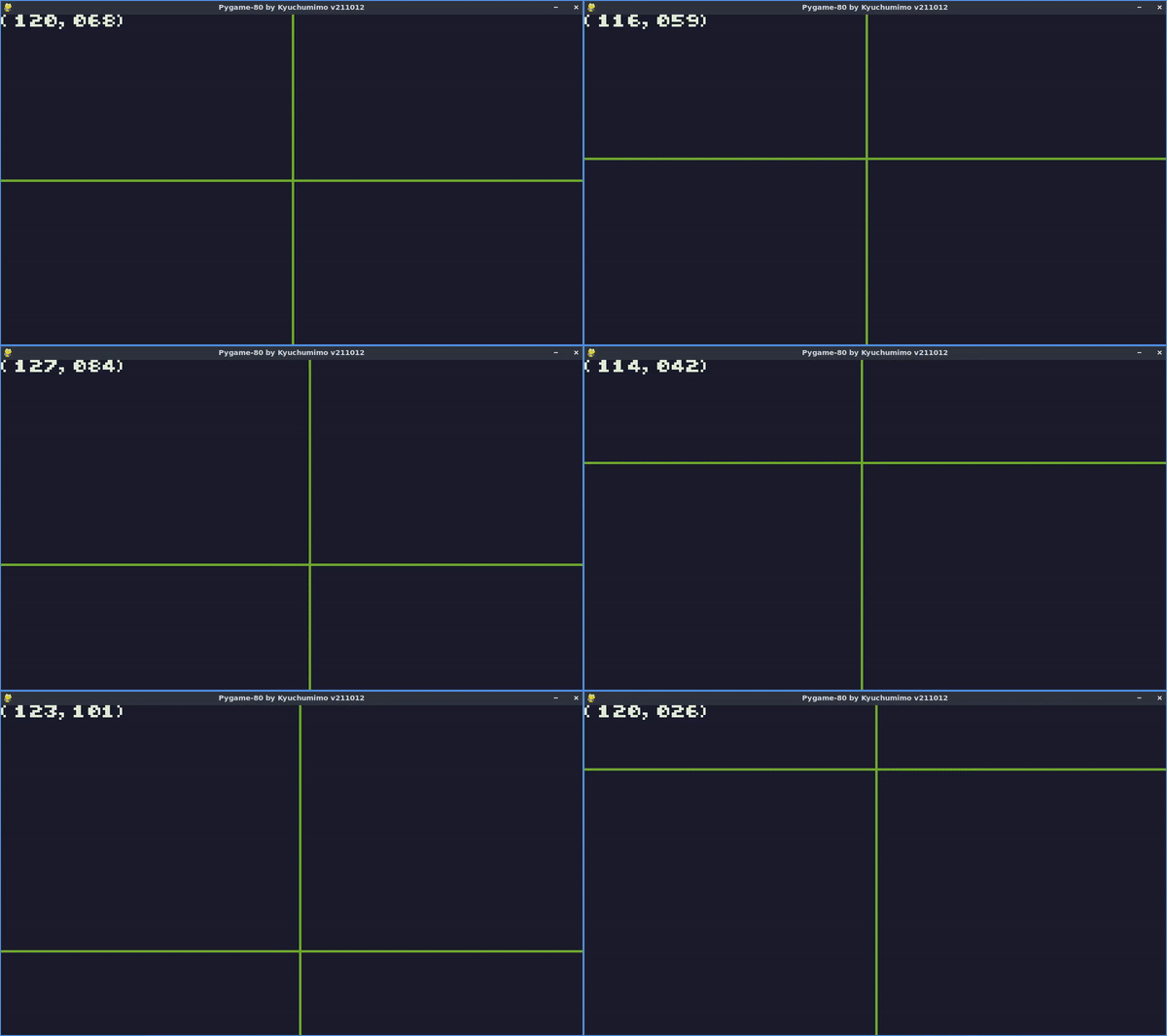
_TIC["PALETTE"] = [[0x14,0x0c,0x1c], [0x44,0x24,0x34], [0x30,0x34,0x6d], [0x4e,0x4a,0x4e], [0x85,0x4c,0x30], [0x34,0x65,0x24], [0xd0,0x46,0x48], [0x75,0x71,0x61], [0x59,0x7d,0xce], [0xd2,0x7d,0x2c], [0x85,0x95,0xa1], [0x6d,0xaa,0x2c], [0xd2,0xaa,0x99], [0x6d,0xc2,0xca], [0xda,0xd4,0x5e], [0xde,0xee,0xd6]] #DB16
# title:  demo mouse
# author: Filippo, edited by Kyuchumimo
# desc:   wiki demo mouse
# script: python
# input:  mouse

r=0
def TIC():
    cls()

    #get mouse info
    x,y,p,*_=mouse()

    #if pressed
    if p: r=r+2
    r=r-1
    r=max(0, min(32, r))

    #draw stuff
    line(x,0,x,136,11)
    line(0,y,240,y,11)
    circ(x,y,r,11)

    #show coordinates
    c='({:03d},{:03d})'.format(x,y)
    print(c,0,0,15,1)