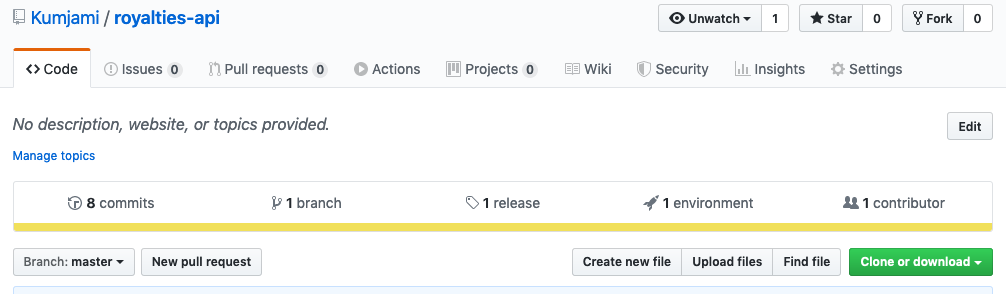
Simple API to track royalties owed to the different studios which are owners of the episodes available.
Everytime a customer watch an episode, it will be registerd as a view. Later, views and royalties owned to the different studios are listed.
The api is specified on the following OAS file). This api is nicely displayed thanks to Redoc by performing a GET request to the root when the service is running, for example: if the API is running locally.
- Clone the repo
git clone git@github.com:Kumjami/royalties-api.gitFirst of all, a Node.js instance has to be installed. It has been tested on versions 8+, 10+ and 12+ (look at the actions for more details).
Once Node.js is installed:
- Install dependencies
// for npm version 5.7+
npm ci
// otherwise
npm i- Run the tests (optional)
npm t- Run it locally
npm start- Look at the API specification at localhost
A dockerfile is provided in order to run the API as a Docker container.
- Build the image
docker build -t royalties-api .By default, if no other configuration is specified the API will run on the port 3000. So to execute the docker image we need to bind this port
- Run the image
docker run -d -p 3000:3000 royalties-api A docker-compose file is provided in order to run the application by using Docker for the API and for the Redis instance. To start the combo just run:
docker-compose upThere are some parameters which are configurable through environment variables.
| Variable | Default value | Description |
|---|---|---|
| PORT | 3000 | HTTP port on which the application would be accepting requests |
| LOG_LEVEL | info | Logs will be displayed from that level onwards |
| REDIS_URL | - | URL of the Redis instance to use as a external state database. It is mandatory if ioredis is specified as REDIS_MODULE |
| REDIS_MODULE | ioredis-mock | For the ease of development and testing, redis module implementation can be specified. Only ioredis or ioredis-mock are valid, if a non valid module is specified ioredis-mock will be used. By using ioredis-mock a real accesible Redis instance is not required, the store will live in memory |
Eslint has been configured for this project. In concrete, the well known rules from Airbnb Javascript Style Guide. Also, thanks to the advice from node best practices repo advice, eslint-plugin-security has been installed. To run the linter in isolation run the following command:
npm run lintSome other best practices from node best practices have been applied.
A Heroku environment has been set in order to have a sandbox environment where to easily check the application:
It relays on a Redis instance in order to keep the state between deployments.
This environment gets a new version deployed whenever a push/merge to master is done.
To handle CI/CD process, github actions have been set. Only after the workflow is green, the application gets deployed.
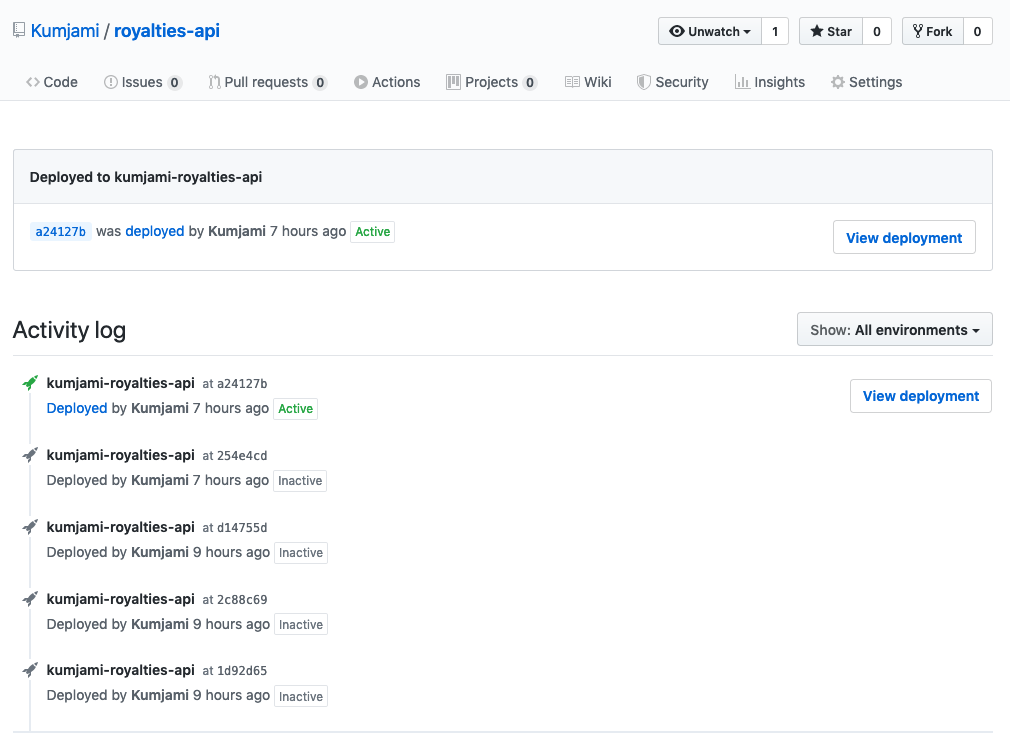
Contributors have the environment tab where the status of the deployment can be tracked.