Lancer is a freelancing website done using React JS as frontend and django as backend. It has three modules user, Freelancer and admin. User can dicover services and connect with Freelancer. Freelancer get notified when a new user send a message for their services. Admin can manage the user and Freelancers.
- User, Freelancer and Admin Dashboard
- View Service Post and View Freelancer Details
- Chat
- Post Management
- Payment Integration
- Email account verification
- Admin user and Freelancer management
- Chat Notification
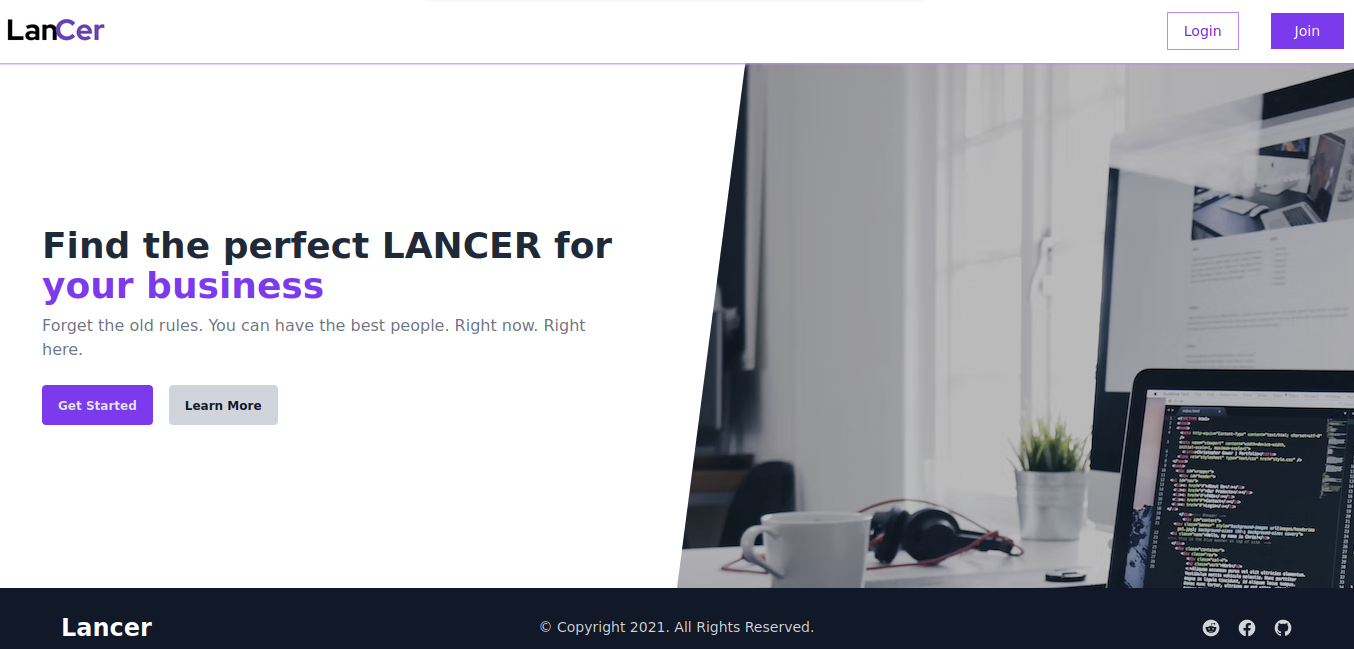
- Django 3.1+
- Python 3.7+
- React
- Other dependencies are listed in
requirements.txt
- Clone the repository: git clone https://github.com/KrishnajithUS/Lancer.git
- Navigate to the frontend directory: cd Lancer/frontend
- Install the required packages: npm install
- In a new terminal window, navigate to the backend directory: cd Lancer/backend
- Create a virtual environment and activate it: python3 -m venv venv source venv/bin/activate
- Install the required packages: pip install -r requirements.txt
- Run the server: python manage.py runserver
- Open a browser window and navigate to http://localhost:8000 Now you should have a running instance of the job portal locally,
To start developing the project, you can follow the instructions from the previous section to set up the project locally.
When making changes to the frontend code, make sure to run the following command in the frontend directory to start the development server:
npm start
Make sure to run the following command in the backend directory to apply the migration:
python manage.py makemigrations
python manage.py migrate
Pull requests are welcome. For major changes, please open an issue first to discuss what you would like to change.
Please make sure to update tests as appropriate.
This project is licensed under the MIT License.