With all information about books,authors and orders stored in one place, you no longer have to sift through hoards of spreadsheets to manually search and enter data. Just enter data once, and use it across all web platform.
- Create,update,delete book and its author.
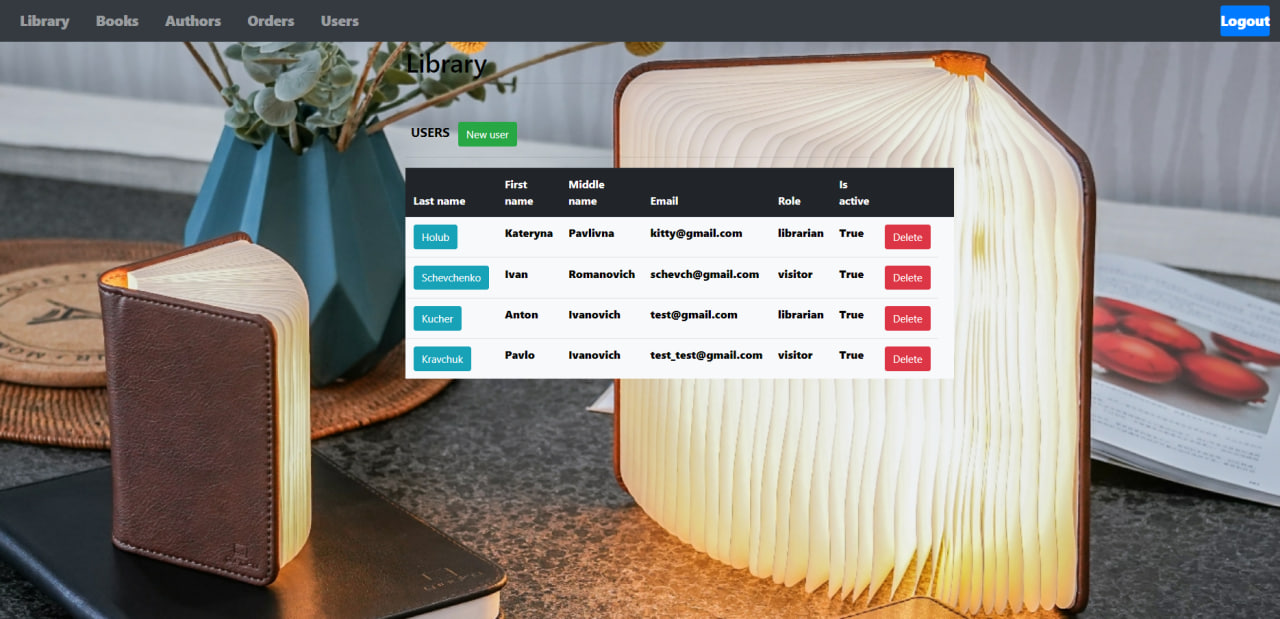
- See all users.
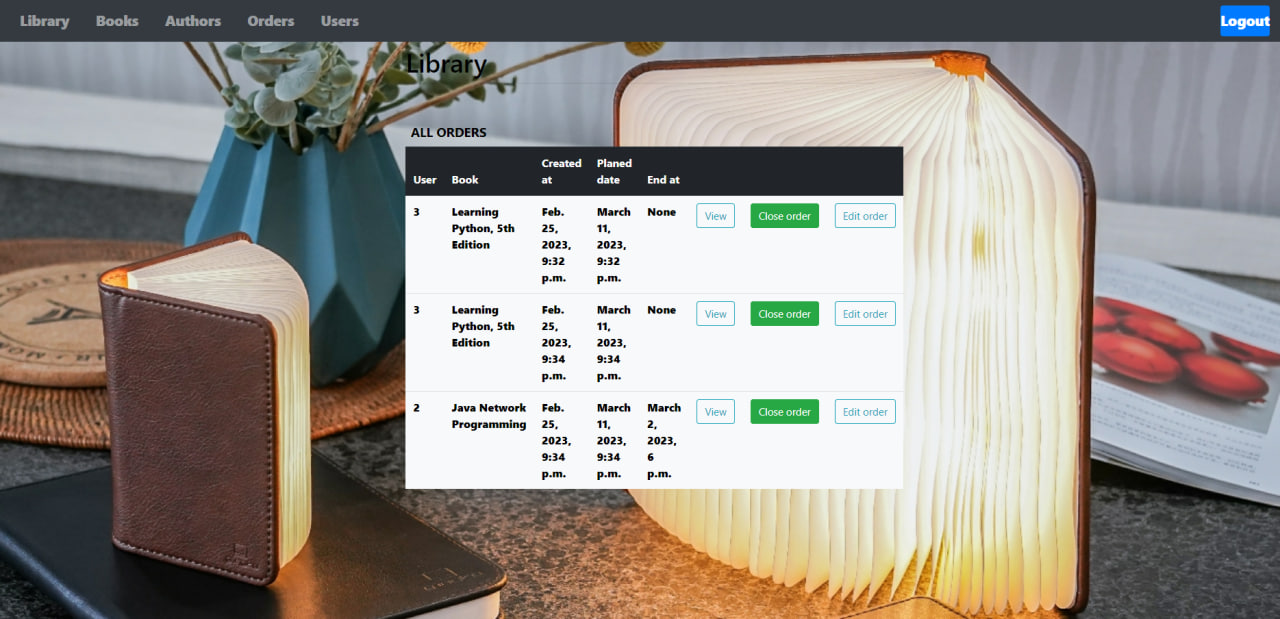
- See all orders.
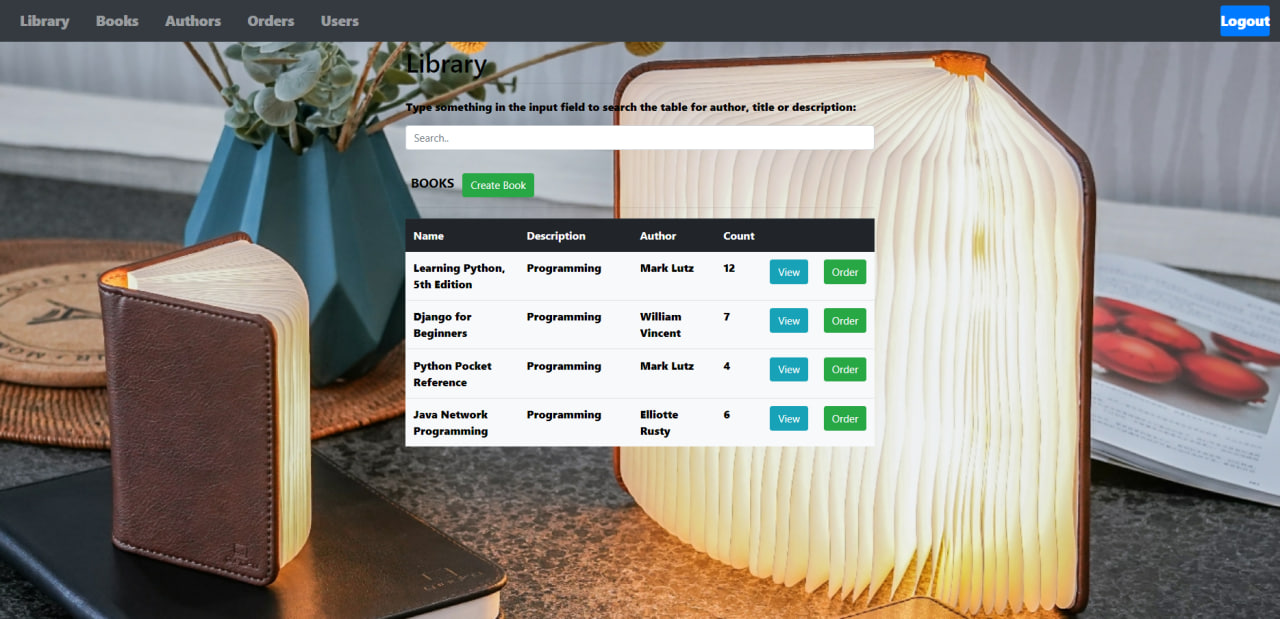
- See all available books and authors.
- Search book.
- Order books.
- See their orders.
Just run make test_env
docker-compose -f docker-compose-dev.yml build
- Create env file with settings
- Build containers
- Run project
docker-compose -f docker-compose-dev.yml up
- Apply db migrations
make migrations - Create superuser
make test_user. After that you will be able to log in into app or admin - Be happy!
make app name=<app_name>