-
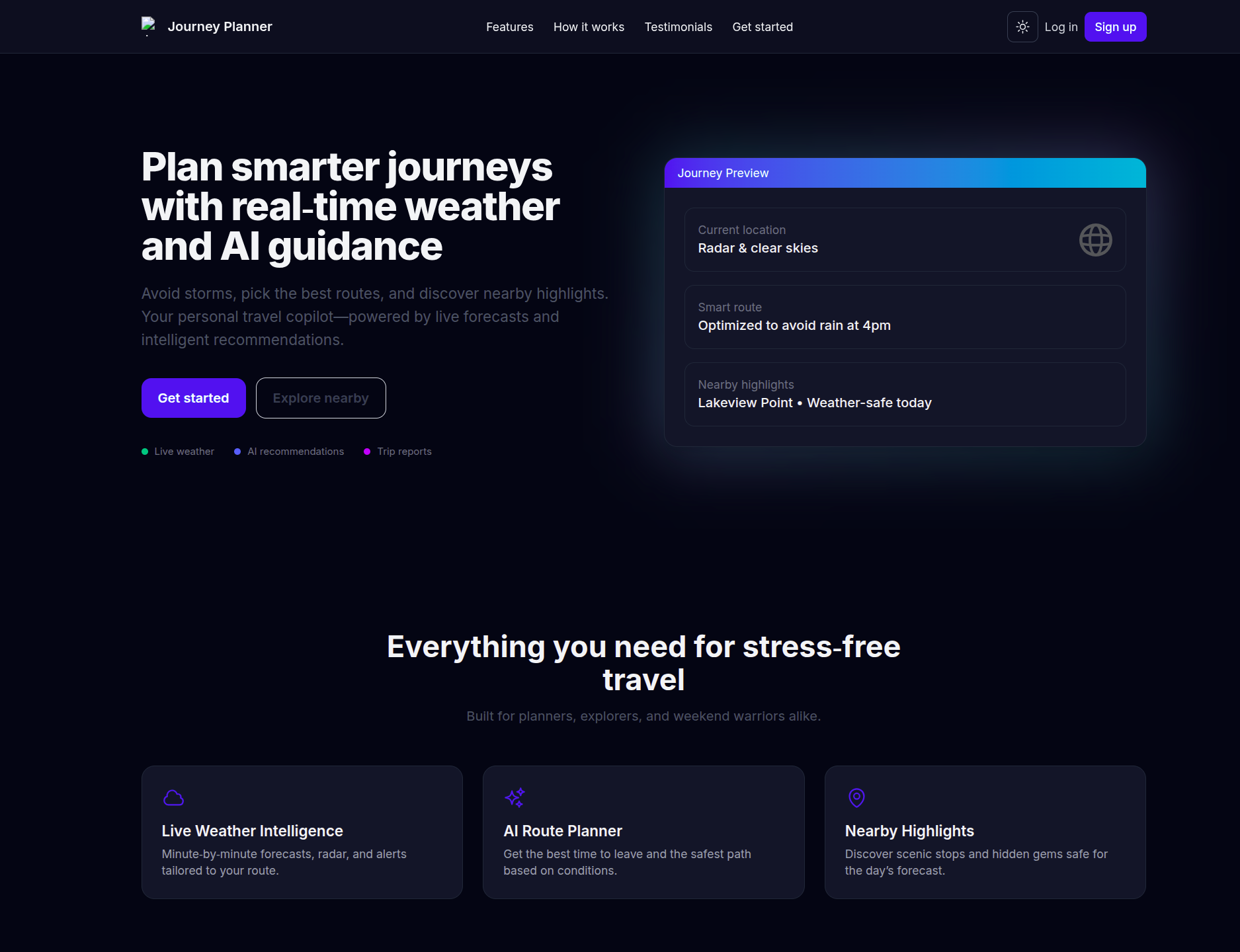
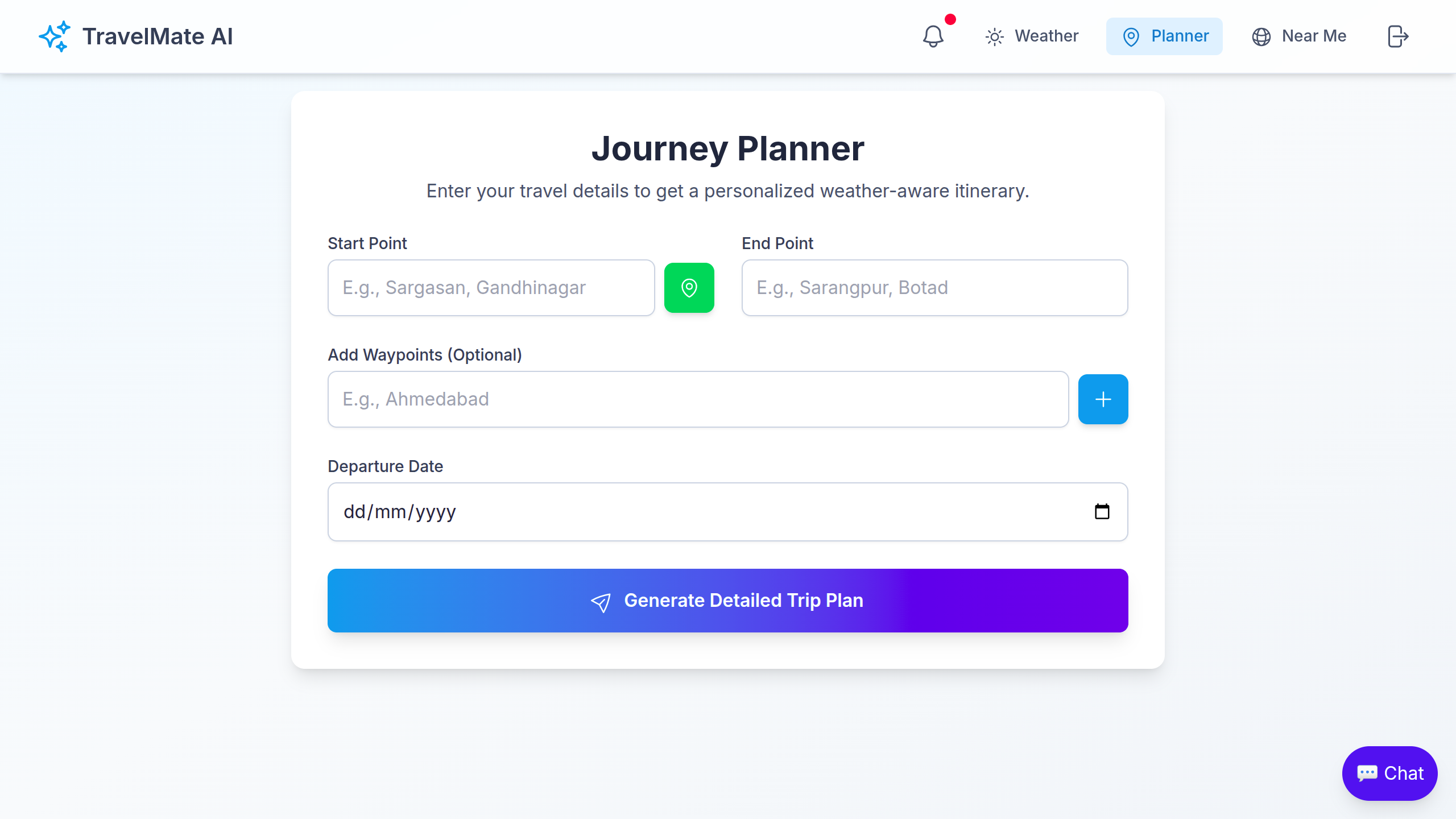
AI Journey Planner (Gemini 1.5 Flash) Generate detailed, day‑by‑day itineraries with activities, nearby attractions, important timings, and practical travel tips using Google’s Generative AI.
-
General Weather Overview Search any city and view current conditions, hourly charts (temperature + precipitation), map location, and actionable insights.
-
“Near Me” Discovery Allow location access to find places around you using OpenStreetMap’s Nominatim with distance, quick reviews, and images.
-
Interactive Charts & Maps Beautiful charts via
chart.js/react-chartjs-2and maps vialeaflet/react-leaflet. -
PDF Export One‑click export of your AI trip plan to a nicely formatted PDF (
jsPDF). -
Authentication Sign in with Google or email/password via
next-auth, secured with MongoDB. -
Modern UI/UX Framer Motion animations, Tailwind CSS, dark mode, and responsive layouts.
app/page.tsx: Marketing/landing pageapp/dashboard/page.tsx: Core app (Planner, Weather, Near Me views)components/GeneralWeatherOverview.tsx: City search, charts, map, insightscomponents/Chatbot.tsx: Gemini AI assistant for travel/weather Q&Acomponents/Map.tsx: Leaflet map wrapperlib/geminiAI.ts: AI prompts and parsing toDetailedTripPlanlib/mongodb.ts: MongoDB connection helpermodels/User.ts: Mongoose User model- API routes:
app/api/auth/[...nextauth]/route.ts: NextAuth (Google + Credentials)app/api/auth/register/route.ts: Register via email/passwordapp/api/journey/route.ts: Generate AI trip planapp/api/places/route.ts: Near‑me places via Nominatim
- Framework: Next.js 15 (App Router)
- UI: Tailwind CSS, Framer Motion, Heroicons
- Auth: NextAuth (Google, Credentials)
- DB: MongoDB + Mongoose
- AI: @google/generative‑ai (Gemini 1.5 Flash)
- Weather: OpenWeather API
- Maps: Leaflet + react‑leaflet, OpenStreetMap tiles
- Charts: chart.js + react‑chartjs‑2
Create a .env.local at the project root and set:
Authentication (NextAuth)
NEXTAUTH_SECRET=your_random_long_secret
GOOGLE_CLIENT_ID=your_google_oauth_client_id
GOOGLE_CLIENT_SECRET=your_google_oauth_client_secret
Database
MONGODB_URI=mongodb+srv://<user>:<password>@<cluster>/<db>?retryWrites=true&w=majority
APIs
# OpenWeather (used client-side in GeneralWeatherOverview)
NEXT_PUBLIC_OPENWEATHER_API_KEY=your_openweather_api_key

# Google Generative AI (Gemini) used client-side Chatbot and server prompts
NEXT_PUBLIC_GOOGLE_API_KEY=your_gemini_api_key
Notes
- In
next.config.ts, there is anenv.OPENWEATHER_API_KEYmapping. The app readsNEXT_PUBLIC_OPENWEATHER_API_KEYin the UI. Prefer settingNEXT_PUBLIC_OPENWEATHER_API_KEYas shown above. - Nominatim (OpenStreetMap) is used for geocoding/near‑me; it requires a valid User‑Agent and is rate‑limited. Heavy traffic may need your own proxy or alternate provider.
Prerequisites
- Node.js 18+
- npm (or yarn/pnpm/bun)
Install and run
git clone https://github.com/Jeelislive/WeatherForecaste.git
cd WeatherForecaste
npm install

# create .env.local and fill the variables listed above

npm run dev
# open http://localhost:3000
Production build
npm run build
npm start-
POST /api/auth/register- Body:
{ name: string, email: string, password: string } - Creates a user in MongoDB (password hashed with bcrypt).
- Body:
-
GET|POST /api/auth/[...nextauth]- NextAuth routes (Credentials + Google). Configure providers via env vars above.
-
POST /api/journey- Body:
{ "startPoint": "Sargasan, Gandhinagar", "endPoint": "Sarangpur, Botad", "waypoints": ["Ahmedabad"], "departureDate": "2025-09-25" } - Response:
{ report: DetailedTripPlan }whereDetailedTripPlancontainstripTitle,days[],nearbyAttractions[],importantTimings[],travelTips[], etc. (seelib/geminiAI.ts).
- Body:
-
GET /api/places?lat=..&lng=..&query=..- Uses Nominatim around a viewbox derived from your location; returns sorted places with distance, light reviews, and images.
- Subject to OSM/Nominatim rate limits.
-
Dashboard » Planner
- Enter start/end, optional waypoints, and departure date. Generate an AI itinerary and export to PDF.
-
Dashboard » Weather
- Search a city, see current conditions, hourly charts, location map, and auto‑generated insights.
-
Dashboard » Near Me
- Allow location access, enter a place type (e.g., “cafe”), and browse results with distances.
npm run dev     # Start dev server (Turbopack)
npm run build   # Production build
npm run start   # Start production server
npm run lint # Lint- The AI layer sanitizes and parses JSON returned by Gemini (see
lib/geminiAI.ts). If parsing fails due to malformed output, errors are surfaced in the console and UI. - Geolocation features require HTTPS in production and user consent.
- If you hit Nominatim/OSM rate limits, consider adding server‑side caching or switching to a paid geocoding/places API.
This project is ready for Vercel. Set the environment variables in your Vercel project settings, then deploy.
- Vercel Project URL (live): https://weather-forecaste-vpe7.vercel.app
- NextAuth on Vercel: ensure
NEXTAUTH_URLis set to your production URL.
Issues and PRs are welcome! If you have ideas for new features (alerts, offline maps, multi‑language support), open an issue.
This repository currently does not include a LICENSE file. If you intend to reuse or distribute, please add a license (MIT, Apache‑2.0, etc.).