


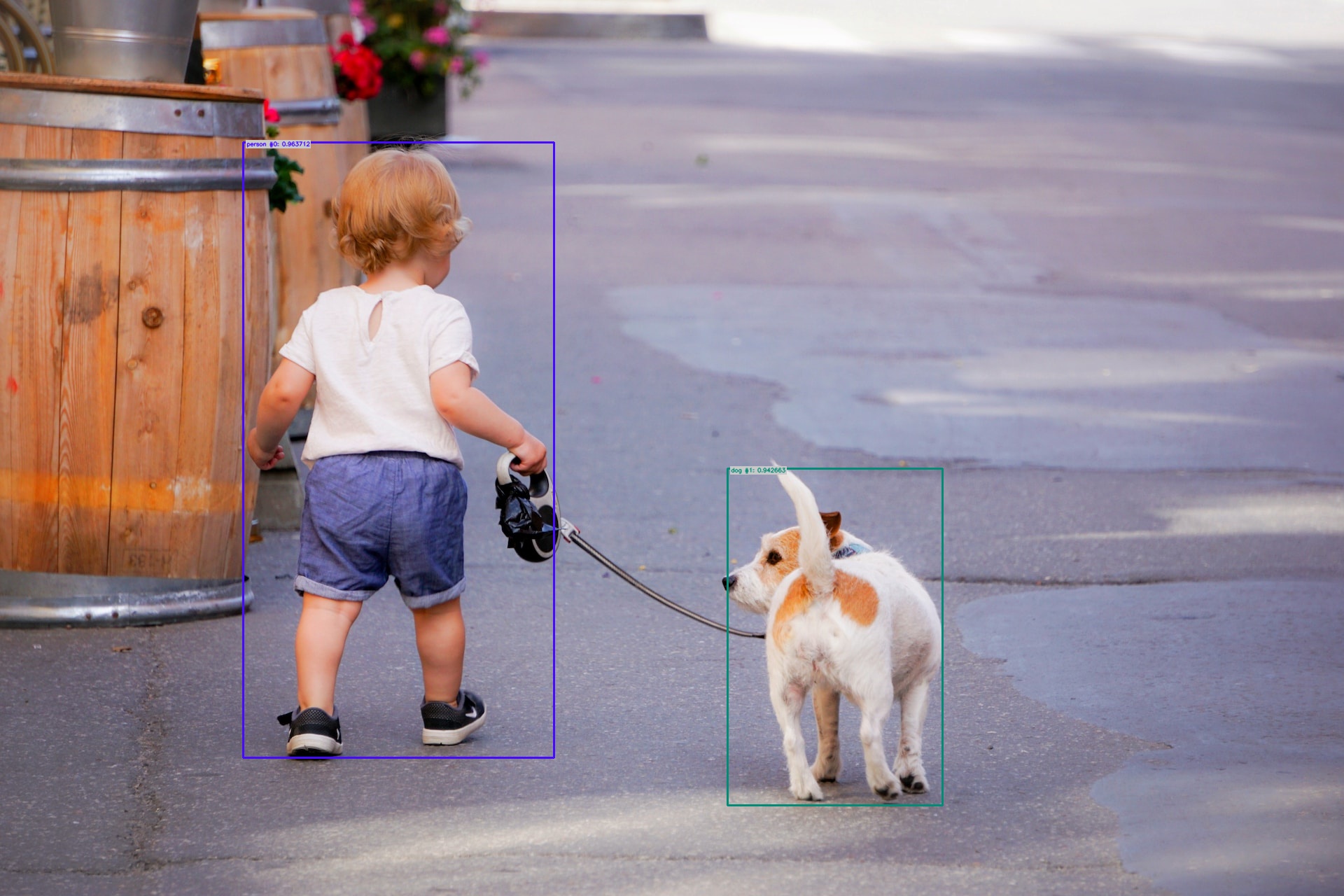
Run object detection model RetinaNet from Detectron2 framework.
We strongly recommend using a virtual environment. If you're not sure where to start, we offer a tutorial here.
pip install ikomiafrom ikomia.dataprocess.workflow import Workflow
from ikomia.utils.displayIO import display
# Init your workflow
wf = Workflow()
# Add RetinaNet detection algorithm
detector = wf.add_task(name="infer_detectron2_retinanet", auto_connect=True)
# Run the workflow on image
wf.run_on(url="https://raw.githubusercontent.com/Ikomia-hub/infer_detectron2_retinanet/main/images/example.jpg")
# Display result
display(detector.get_image_with_graphics(), title="Detectron2 RetinaNet")Ikomia Studio offers a friendly UI with the same features as the API.
-
If you haven't started using Ikomia Studio yet, download and install it from this page.
-
For additional guidance on getting started with Ikomia Studio, check out this blog post.
from ikomia.dataprocess.workflow import Workflow
from ikomia.utils.displayIO import display

# Init your workflow
wf = Workflow()

# Add RetinaNet detection algorithm
detector = wf.add_task(name="infer_detectron2_retinanet", auto_connect=True)

detector.set_parameters({
    "conf_thresh": "0.8",
    "cuda": "True",
})

# Run the workflow on image
wf.run_on(url="https://raw.githubusercontent.com/Ikomia-hub/infer_detectron2_retinanet/main/images/example.jpg")- conf_thresh (float, default="0.8"): object detection confidence.
- cuda (bool, default=True): CUDA acceleration if True, run on CPU otherwise.
Note: parameter key and value should be in string format when added to the dictionary.
Every algorithm produces specific outputs, yet they can be explored them the same way using the Ikomia API. For a more in-depth understanding of managing algorithm outputs, please refer to the documentation.
from ikomia.dataprocess.workflow import Workflow

# Init your workflow
wf = Workflow()

# Add RetinaNet detection algorithm
detector = wf.add_task(name="infer_detectron2_retinanet", auto_connect=True)

# Run the workflow on image
wf.run_on(url="https://raw.githubusercontent.com/Ikomia-hub/infer_detectron2_retinanet/main/images/example.jpg")

# Iterate over outputs
for output in detector.get_outputs():
    # Print information
    print(output)
    # Export it to JSON
    output.to_json()
Detectron2 RetinaNet algorithm generates 2 outputs:
- Forwaded original image (CImageIO)
- Objects detection output (CObjectDetectionIO)