


- A growing
UITextViewwith optional fixed height - Image paste support
- RxSwift inspired reactive components that respond to given events
- Top/Bottom/Left/Right
UIStackViews that act as toolbars to place buttons - Drop in autocomplete for any given prefix
- Autocomplete attributed text highlighting
- Drop in attachment view for file/photo management
- Drop in Slack style
TypingIndicator - Plugin support for your own
InputManagers - iPhone X Support
pod 'InputBarAccessoryView'github "nathantannar4/InputBarAccessoryView"iOS 9.0+ Swift 4 XCode 9.0+
See the Example project to see how you can make the iMessage, Slack, Facebook and GitHawk input bars!

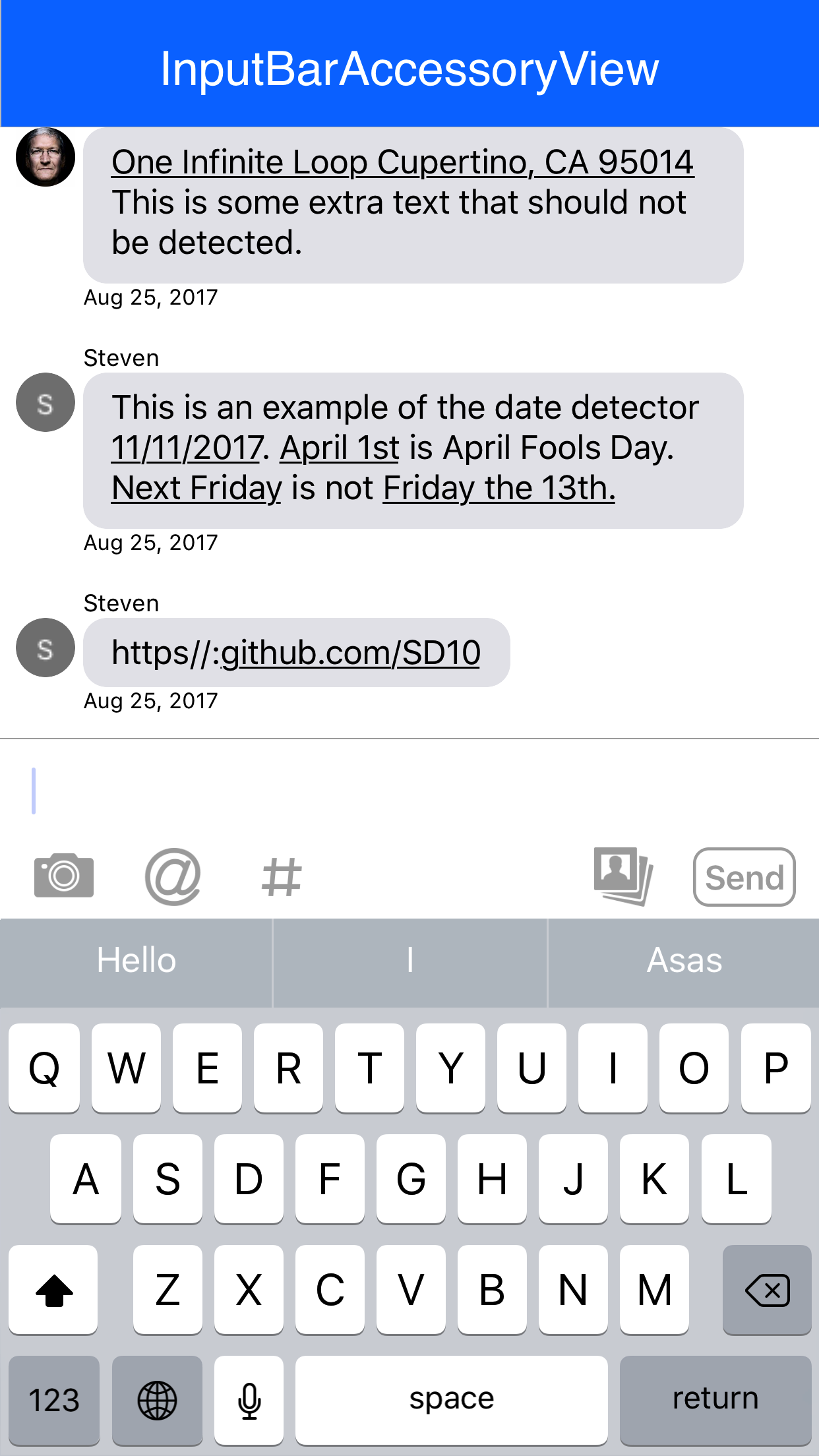
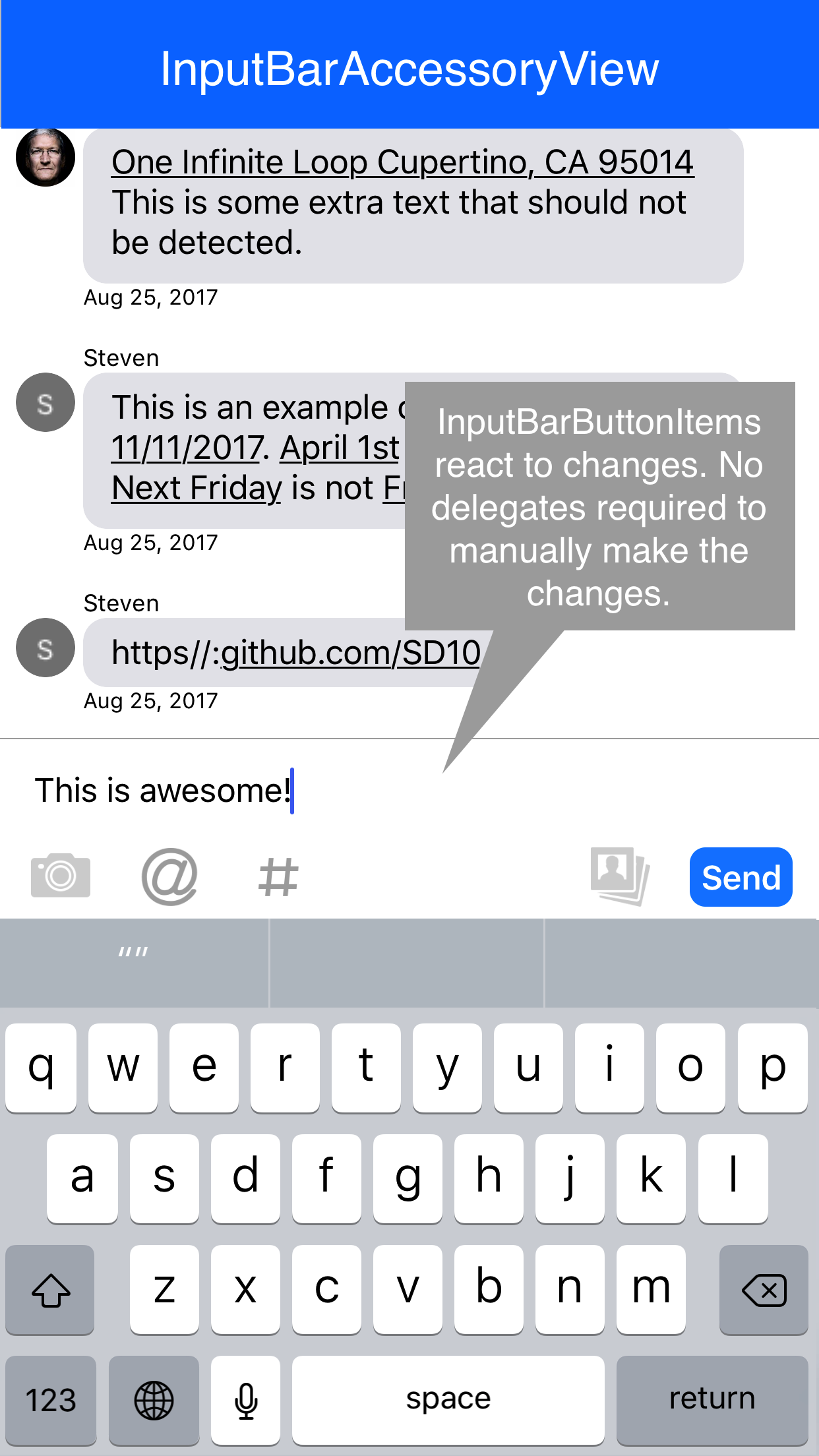
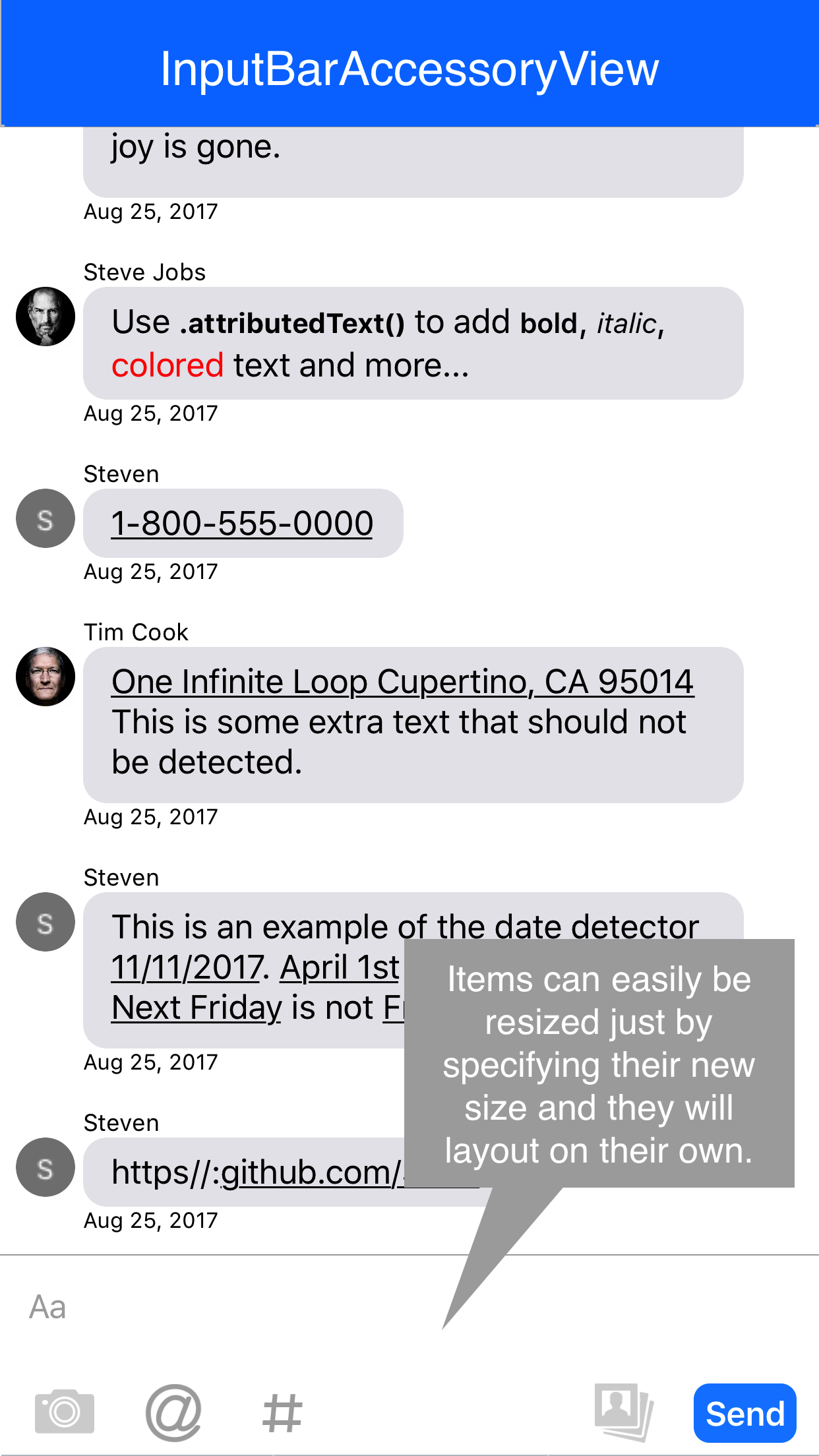
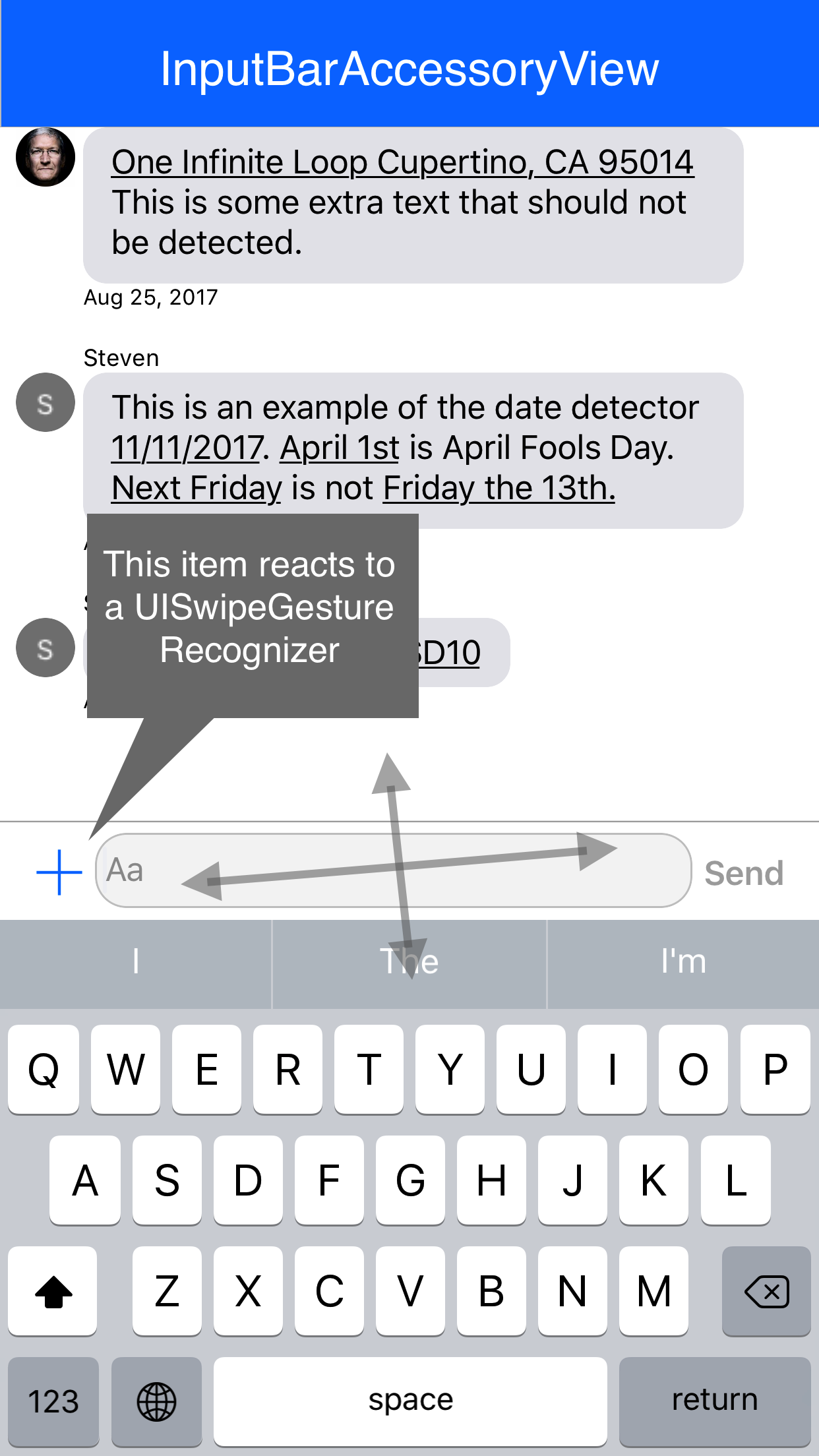
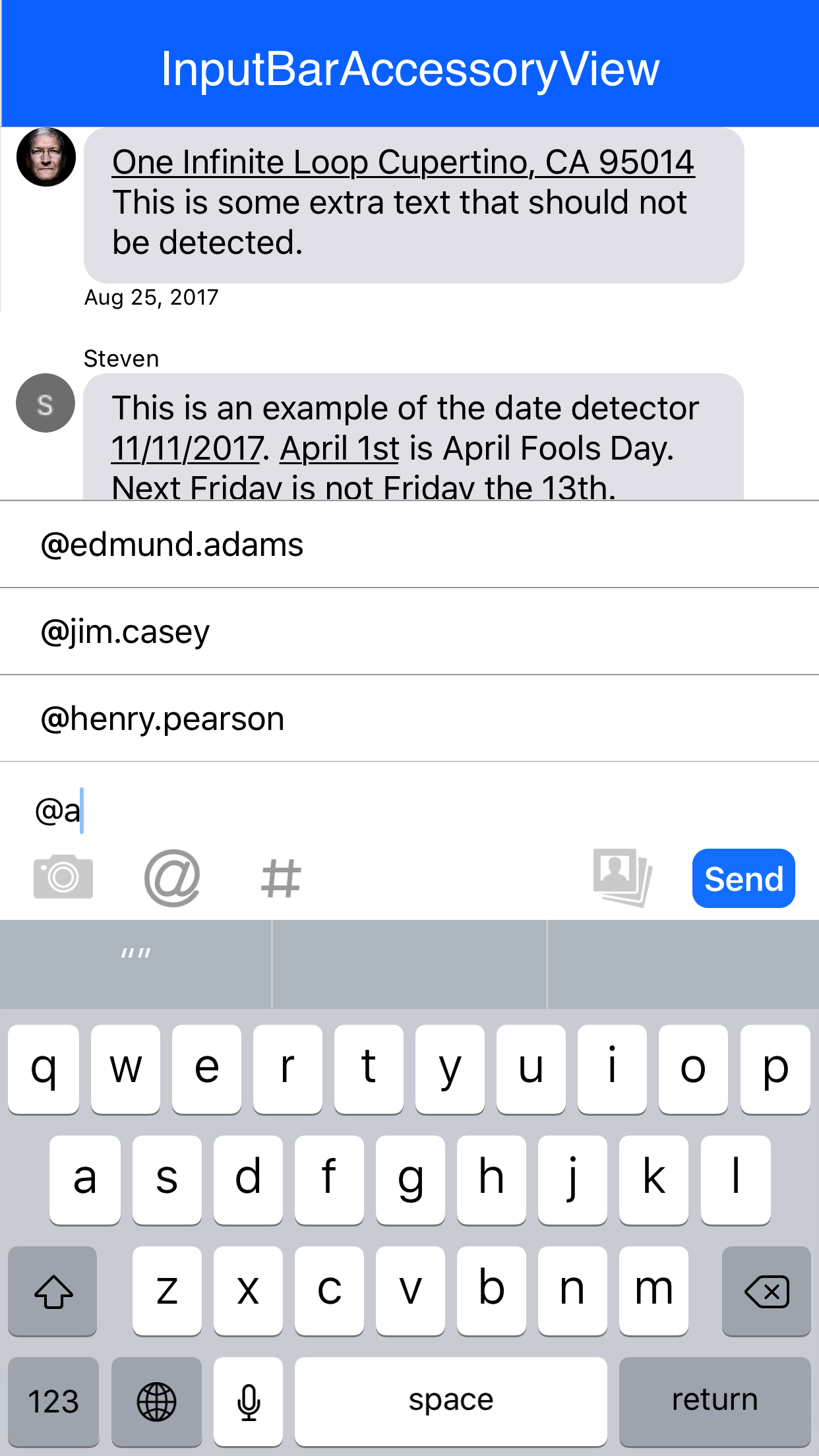
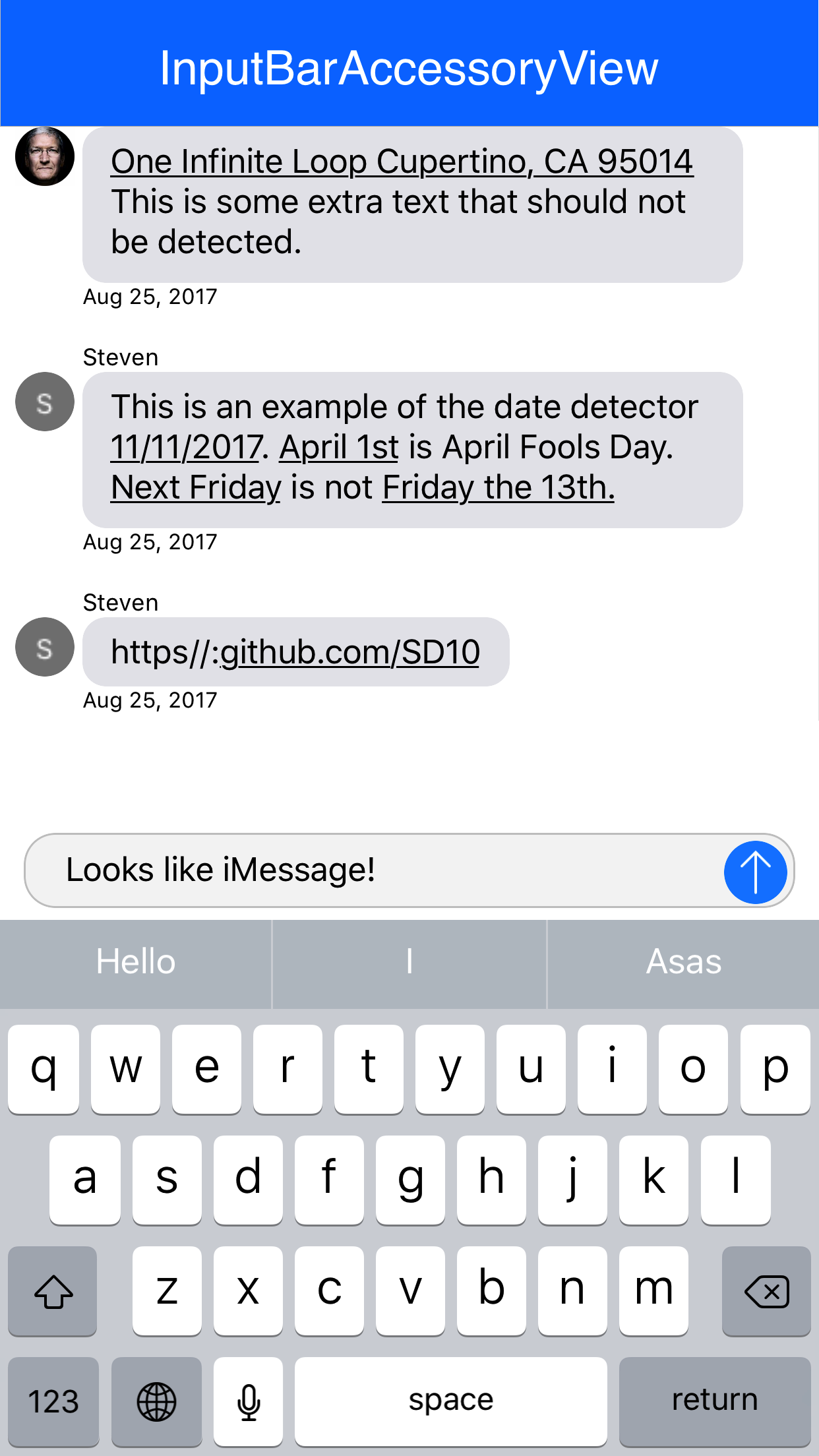
Add your app to the list of apps using this library and make a pull request.
- MessageKit (renamed to MessageInputBar)

- MessageViewController (Autocomplete Highlighting Algorithm)

The layout of the InputBarAccessoryView is made of of 4 InputStackView's and an InputTextView. The padding of the subviews can be easily adjusted by changing the padding and textViewPadding properties. The constraints will automatically be updated.
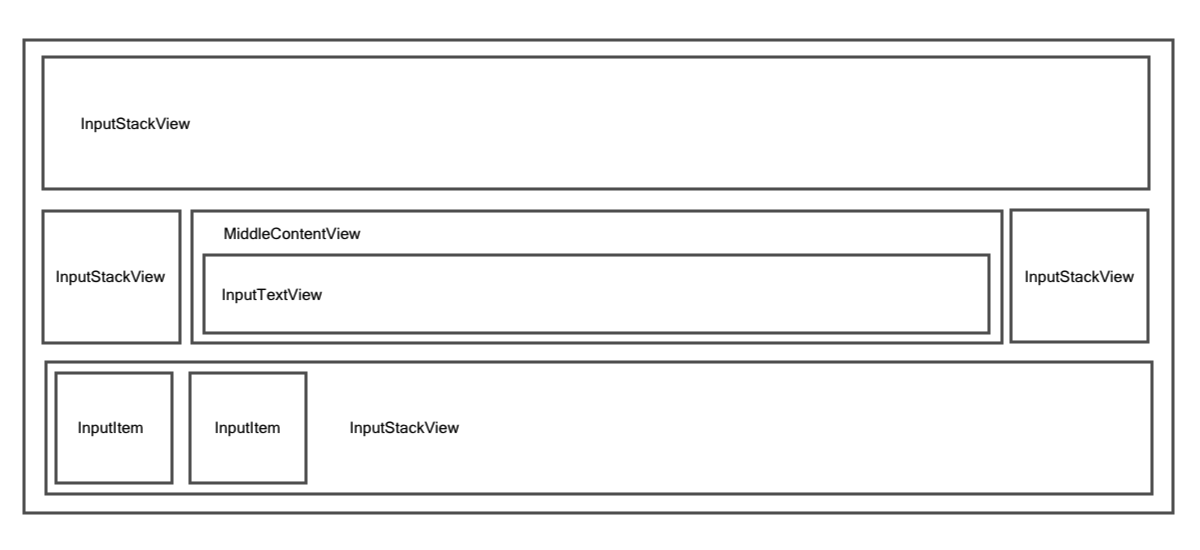
It is important to note that each of the InputStackView 's to the left and right of the InputTextView are anchored by a width constraint. This way the InputTextView will always fill the space inbetween in addition to providing methods that can easily be called to hide all buttons to the right or left of the InputTextView by setting the width constraint constant to 0. The bottom and top stack views are not height constraint and rely on their intrinsicContentSize
func setLeftStackViewWidthConstant(to newValue: CGFloat, animated: Bool)

func setRightStackViewWidthConstant(to newValue: CGFloat, animated: Bool)Each InputBarButtonItem has properties that can hold actions that will be executed during various hooks such as the button being touched, the UITextView text changing and more! Thanks to these easy hooks with a few lines of code the items can be easily resized and animated similar to that of the Facebook messenger app.
// MARK: - Hooks

public typealias InputBarButtonItemAction = ((InputBarButtonItem) -> Void)

private var onTouchUpInsideAction: InputBarButtonItemAction?
private var onKeyboardEditingBeginsAction: InputBarButtonItemAction?
private var onKeyboardEditingEndsAction: InputBarButtonItemAction?
private var onKeyboardSwipeGestureAction: ((InputBarButtonItem, UISwipeGestureRecognizer) -> Void)?
private var onTextViewDidChangeAction: ((InputBarButtonItem, InputTextView) -> Void)?
private var onSelectedAction: InputBarButtonItemAction?
private var onDeselectedAction: InputBarButtonItemAction?
private var onEnabledAction: InputBarButtonItemAction?
private var onDisabledAction: InputBarButtonItemAction?- 1.5.4 - Bug Fixes
- 1.5.3
- [WIP]
TypingIndicatorInputItem view added, see example -shouldForceTextViewMaxHeightproperty added - 1.5.2 - Better autocomplete detection
- 1.5.1 - Optimize AutocompleteManager & AttachmentManager
- 1.5.0 - Stability and bug fixes
- 1.4.0 - iPhone X Fixes - IntrinsicContentSize caching to increase performance - Auto Manage maxTextViewHeight
- 1.3.0 - iPhone X Fixes
- 1.2.0
- Better XCode docs
-
InputItemis now a protocol that you can give to theInputBarAccessoryView-InputManageris now a protocol that you can conform to make a plugin -AutocompleteManagerandAttactchmentManagerare no longer members ofInputBarAccessoryViewby default. You will need to create them and assign them to theinputManagerproperty of theInputBarAccessoryView - 1.1.2
- Fixed issue where adjusting the
InputTextView's placeholder text alignment didn't work - Fixed iPhone X support where the home indicator overlapped theInputTextView - 1.1.1 - AutocompleteManager bug fixes and customization improvements
- 1.1.0 - AttactchmentManager (Beta)
- 1.0.0
- A more refined AutocompleteManager
- Auto-layout bug fixes
pre-release versions not documented
Find a bug? Open an issue!

Nathan Tannar - https://nathantannar.me
Distributed under the MIT license. See LICENSE for more information.