A modular, layered .NET 8 application for generating and managing discount codes, containerized with Docker.
- .NET 8 SDK
- Docker Desktop (optional for container execution)
- Postman
- Make sure you're not using the ports 5000, 5001, 6000, 6001
The easiest way to spin up the application locally.
git clone https://github.com/GlennMateus/DiscountCodesGenerator.git
cd DiscountCodesGeneratordocker-compose up --buildOpen your browser at https://localhost:6001
git clone https://github.com/GlennMateus/DiscountCodesGenerator.git1. Option 1: Set it at the top menu in your IDE
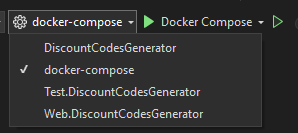
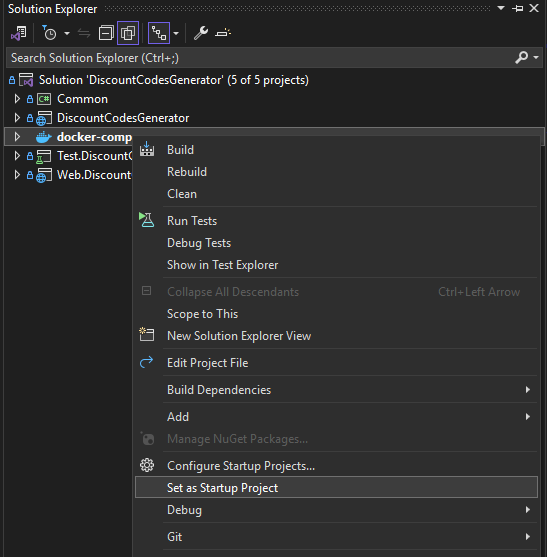
2. Option 2: Right click in the docker-compose file > set startup prokect
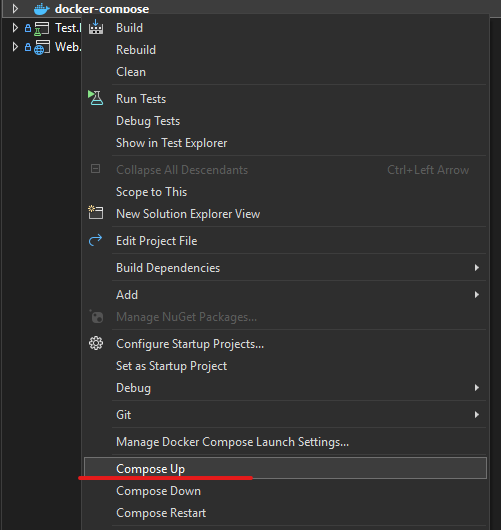
Right click in the docker-compose > Compose Up, and wait until the end of the process
If everything work as expected, you should be able to watch the list of the images in your Docker desktop.

Open your browser at https://localhost:6001
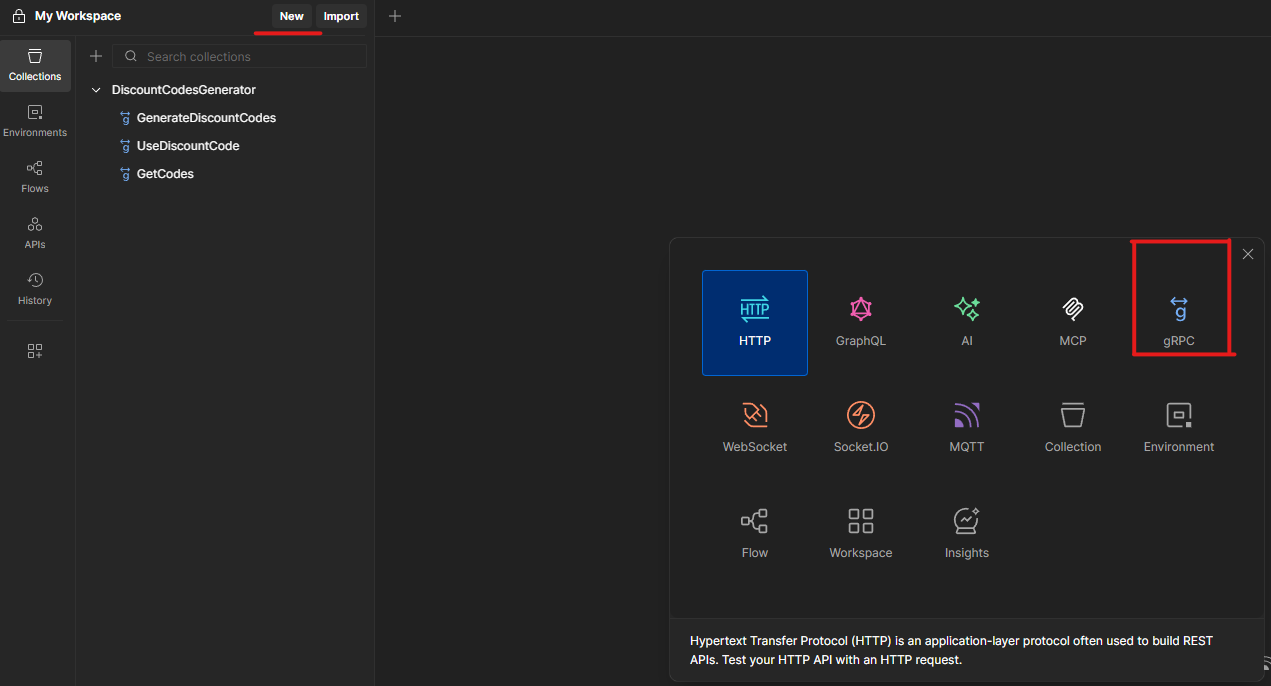
This step is the same for all the services: - GenerateCodesService/GenerateCodes - ConsumeCodeService/ConsumeCode - GetCodesService/GetCodes
1. Add the URL grpc://localhost:5001
2. Go to Service definition and click on the 🔄️ button
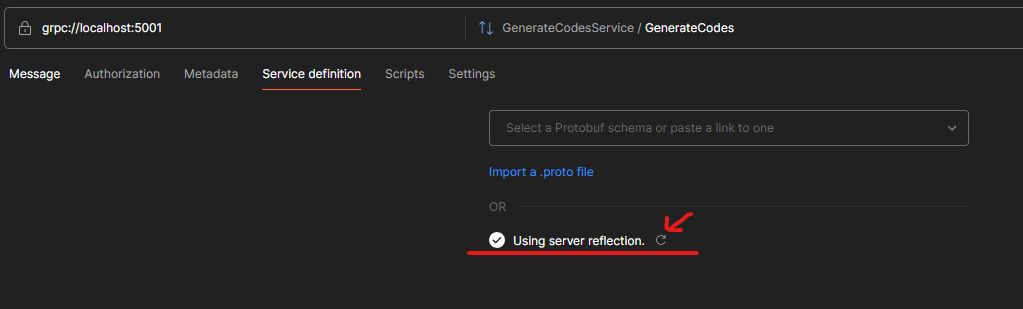
3. At the right side of the URL, choose the service to run
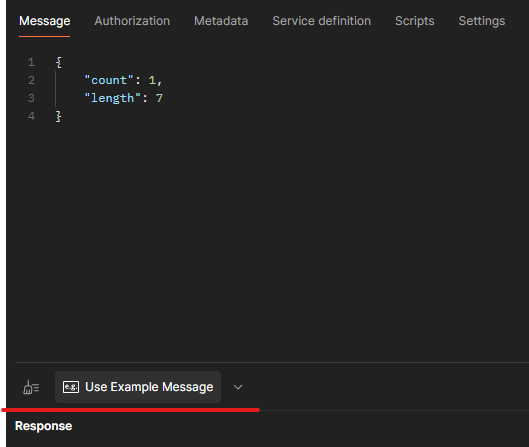
4. Click the "Use Example Message" button to auto-fill the message
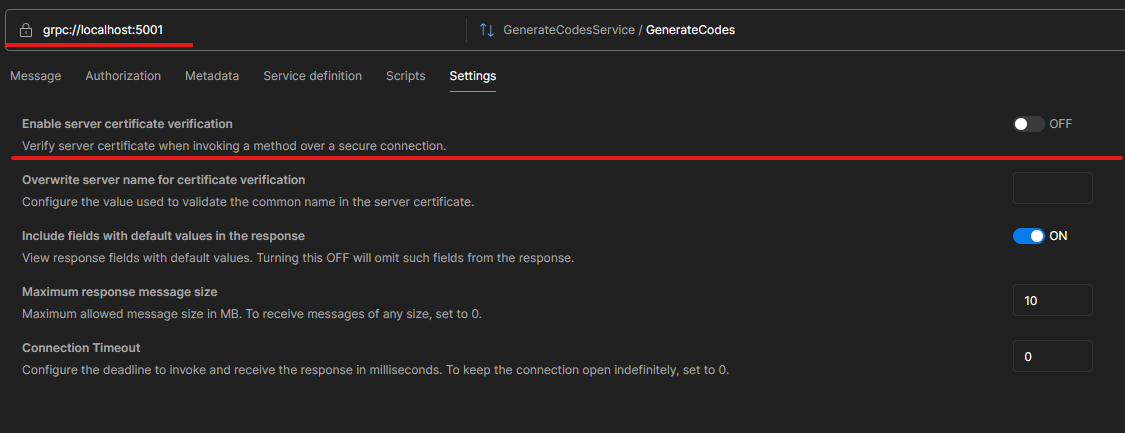
5. Make sure to configure Postman to not verify the server certificates
This solution consists of the following projects:
| Project | Description |
|---|---|
Common |
Shared utilities used across all layers. |
DiscountCodesGenerator |
Core business logic for generating and validating discount codes. |
Web.DiscountCodesGenerator |
Razor Pages-based UI for interacting with the code generator. |
Test.DiscountCodesGenerator |
Unit tests for validating business logic. |

Application uses Domain interfaces and Models DTOs.
Infrastructure implements Domain repositories/services and persists data.
Dependency Direction: API → Application → Domain ← Infrastructure
This application follows a Layered Architecture:
- Presentation Layer:
Web.DiscountCodesGenerator - Business Layer:
DiscountCodesGenerator - Shared Models:
Common
- Dependency Injection – services are injected via constructors.
- Repository Pattern – data access logic is abstracted.
- Strategy Pattern – code generation algorithms are pluggable.
- Factory Pattern – creation logic centralized for extensibility.
- CQRS Pattern - it separates the read and write operations into different models
- MVC/Razor Pages – in the web interface.
The solution is containerized with:
- Individual
Dockerfiles for each service. - A
docker-compose.ymlthat orchestrates the services.