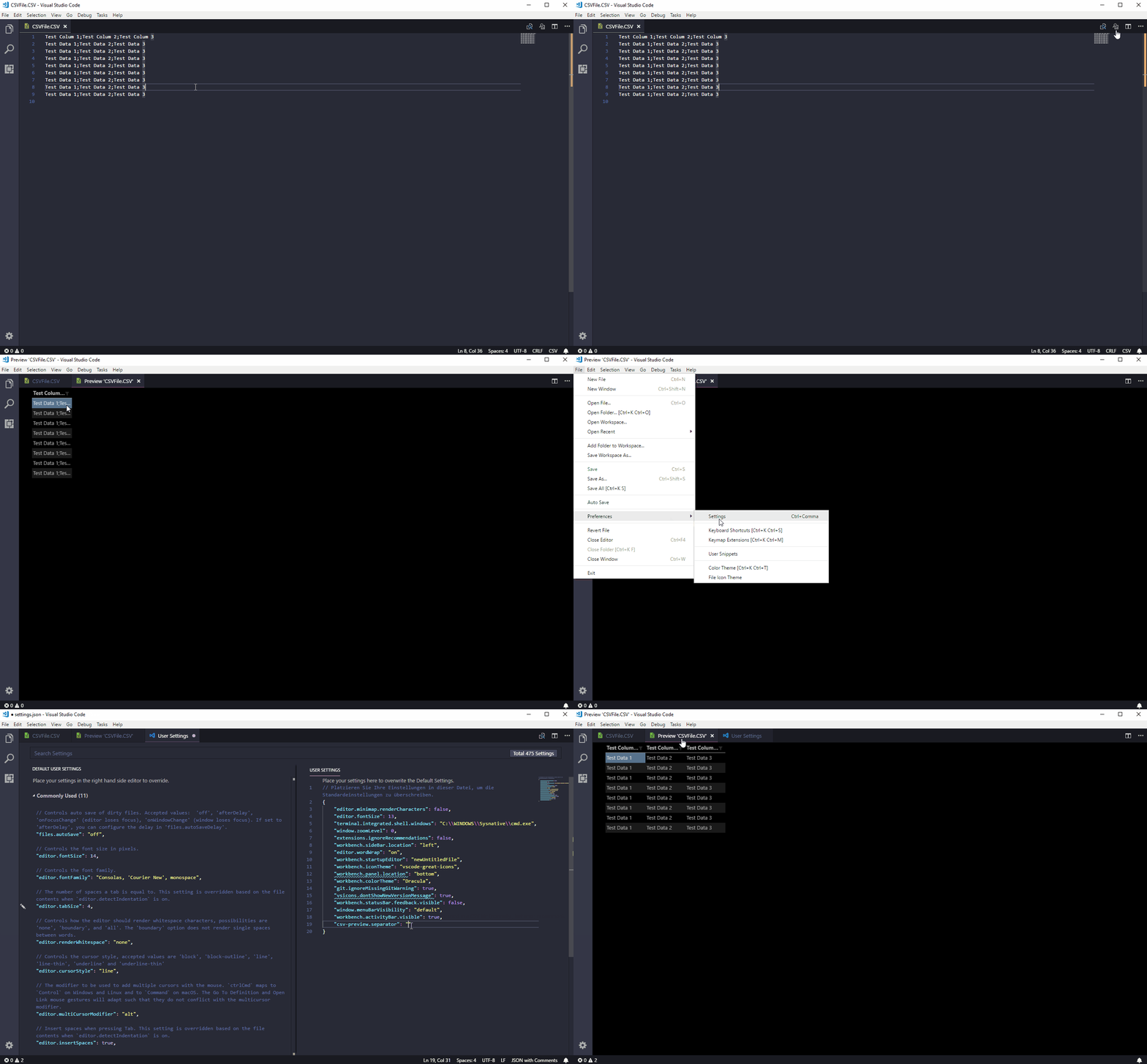
This extension only works with the extension Excel Viewer. Make sure to have it installed and active
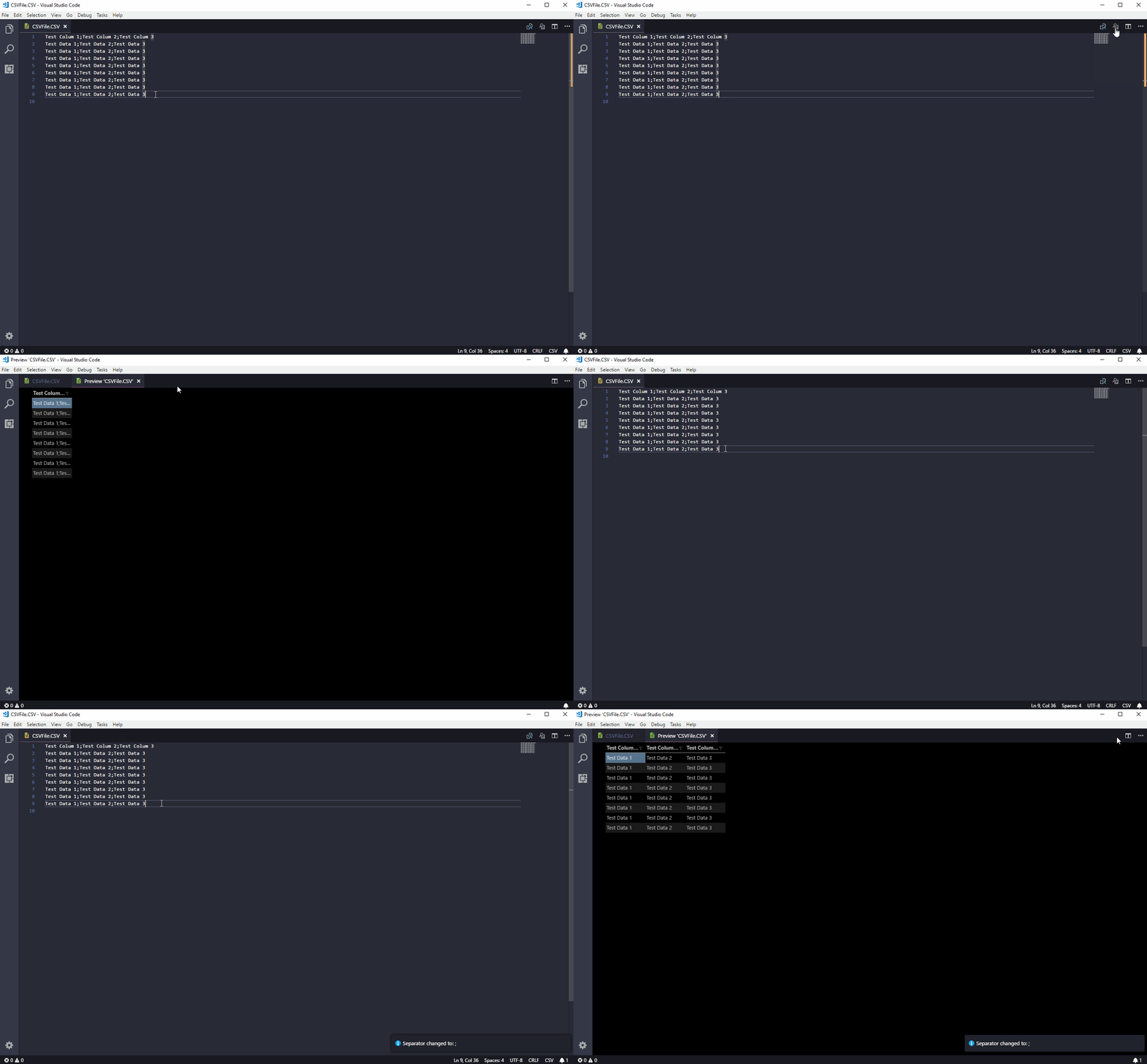
There are two ways you can switch the separator:
-
Open up VS Code Command Palette (Ctrl+Shift+P or Cmd+Shift+P) and type in the command: Change Separator
-
Use the keyboard shortcut (Ctrl+Alt+L or Cmd+Alt+L) to toggle the separator input field directly.