Plug-in vision for text-only DeepSeek Harness (dsh) models — paste an image, get a text description through a built-in VLM backend, no model switching.
- Built-in VLM presets — OpenCode Zen (free, keyless) and Gemini Flash (free tier), plus a custom mode for any OpenAI-compatible endpoint. Pick one in the web settings page, done.
- Multi-image batch — the
visiontool takes up to 10 paths/URLs and describes all of them in ONE request, labeled per image.
- Prompt-admission override — dsh refuses image pastes for text-only models. dsh-sight wraps
apiProxy.sessions.prompt: the paste is accepted, the bytes land in/tmp/dsh-sight/image{N}/{hash}.png, and the image block becomes a path hint before entering history. Works with any provider — no model variant to switch. visiontool — the model calls it with the hint path (or any local path / http(s) URL); the plugin reads the bytes and answers through the configured OpenAI-compatible VLM backend.- System-prompt section — teaches the model the hint →
visiontool flow. - Web settings page (Settings → Vision) — backend source (preset or custom endpoint), an effective-config preview showing the actual request target, API-key field, and advanced knobs. Saved through the standard settings RPC and applied live, no restart (hot-reload via the
dsh-sight:section of$DSH_HOME/settings.yaml). - Cache cleanup — pasted images are stored under
/tmp/dsh-sight/image{N}/with MD5 dedup and an LRU cap (maxImages, default 200). A boot-time sweep deletesimage*dirs older than 7 days (DSH_SIGHT_MAX_AGE_DAYS), touching only the plugin's own directories; the OS clears/tmpon reboot too. - Security — the API key is
role('secret')and never rides a settings response. Local reads are capped at 25 MiB; URL fetches get a 30s timeout, a 25 MiB cap, and must claim animage/*content type. Remote bodies are downloaded and inlined — the vision API never receives your URLs (no SSRF surface). Only png/jpeg/webp/gif/bmp are accepted.
- Install & configure —
dsh plugin --profile web add dsh-sight, then open Settings → Vision, pick a preset (or a custom endpoint) and hit Save. - Paste an image — it is auto-saved under a plugin store directory and the image block becomes a hint carrying the exact path, e.g.
[Image #1 auto-saved to /tmp/dsh-sight/image1/xxxx.png]. The store root is OS-dependent (/tmpon Linux,/var/folders/…on macOS,%TEMP%on Windows), but the hint always shows the real full path. - Or call
visiondirectly — thepathsarray takes the hint path above, or any local path / http(s) URL, optionally with aquestion:
{ "paths": ["/tmp/dsh-sight/image1/xxxx.png"], "question": "What does this chart show?" }- Batch — up to 10 images per call, described in one request.
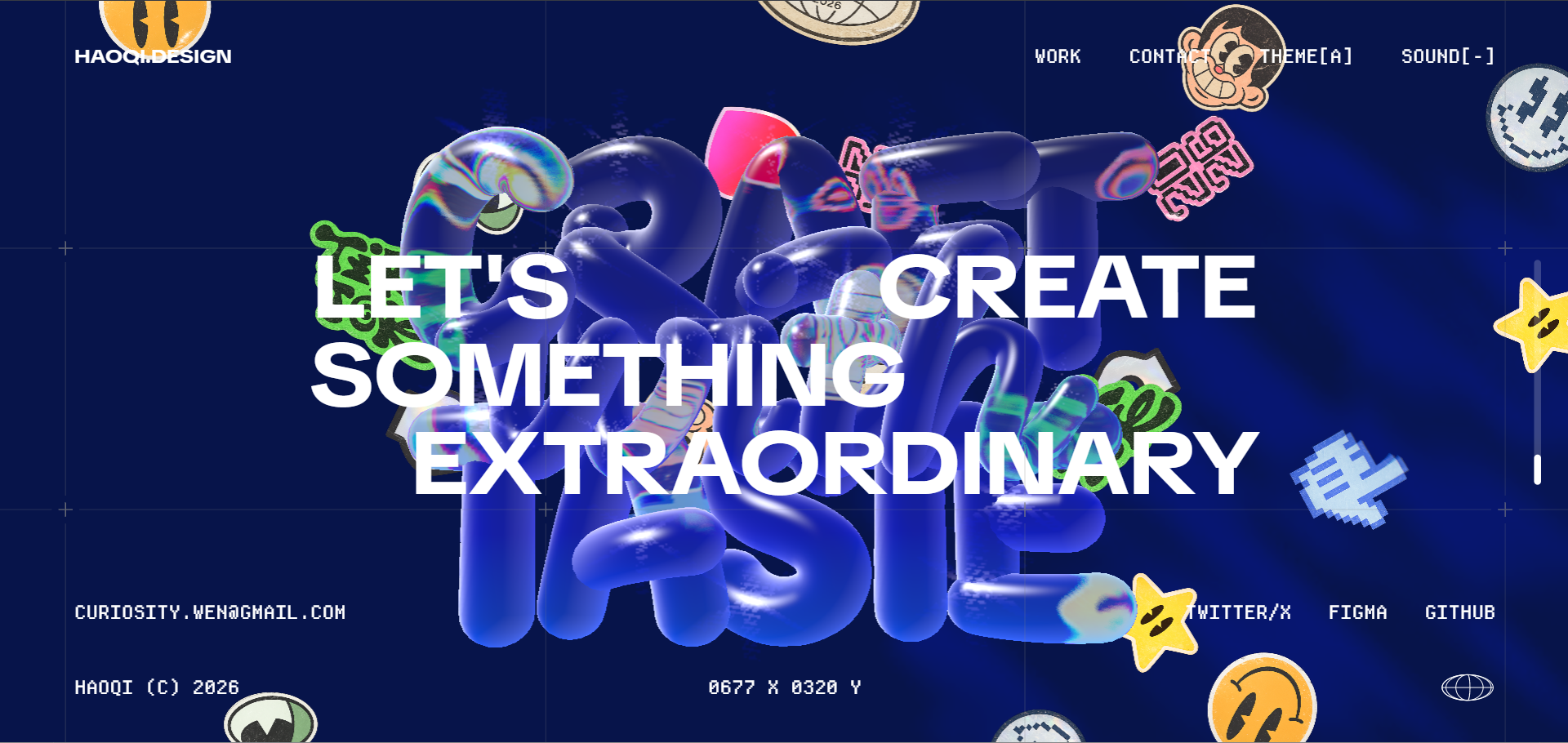
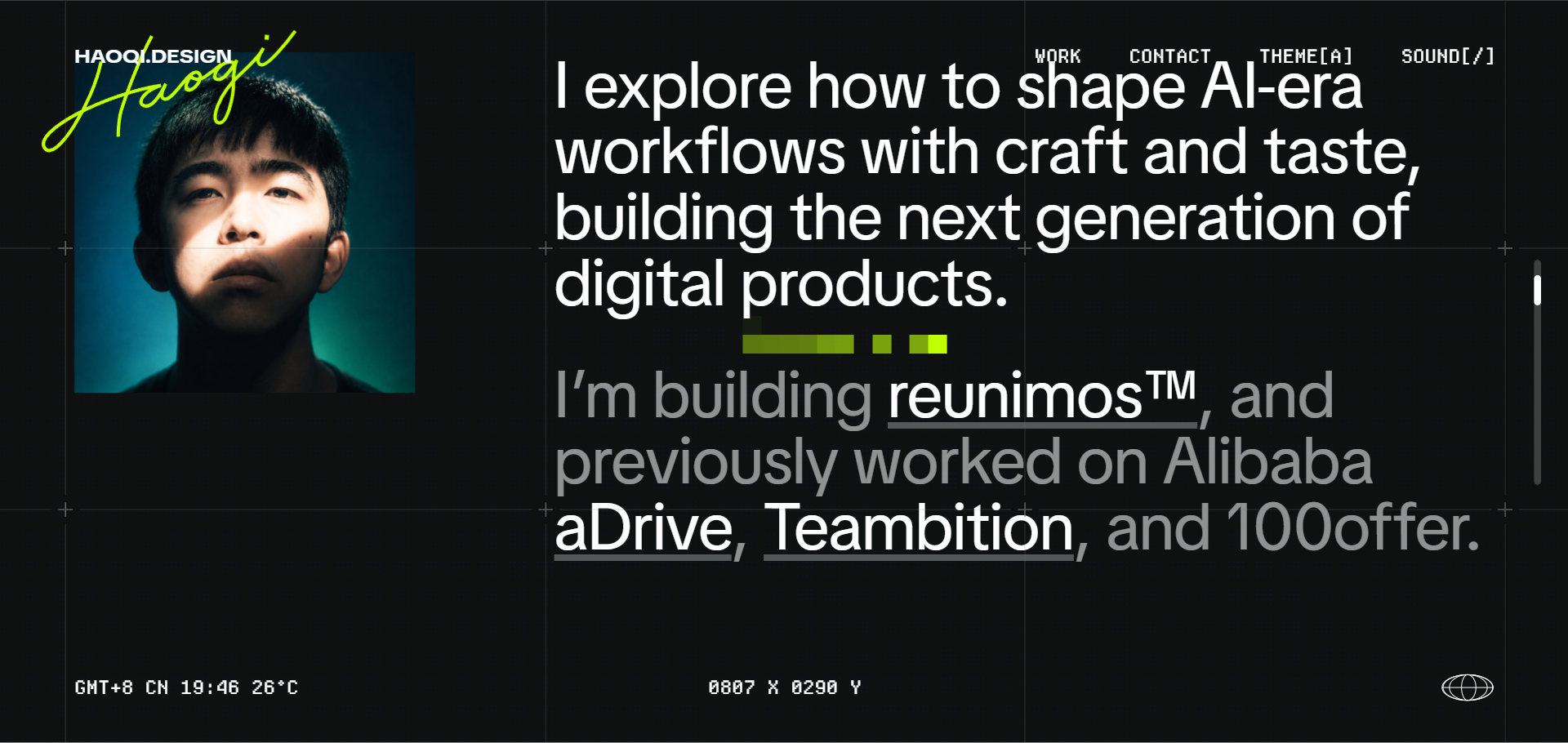
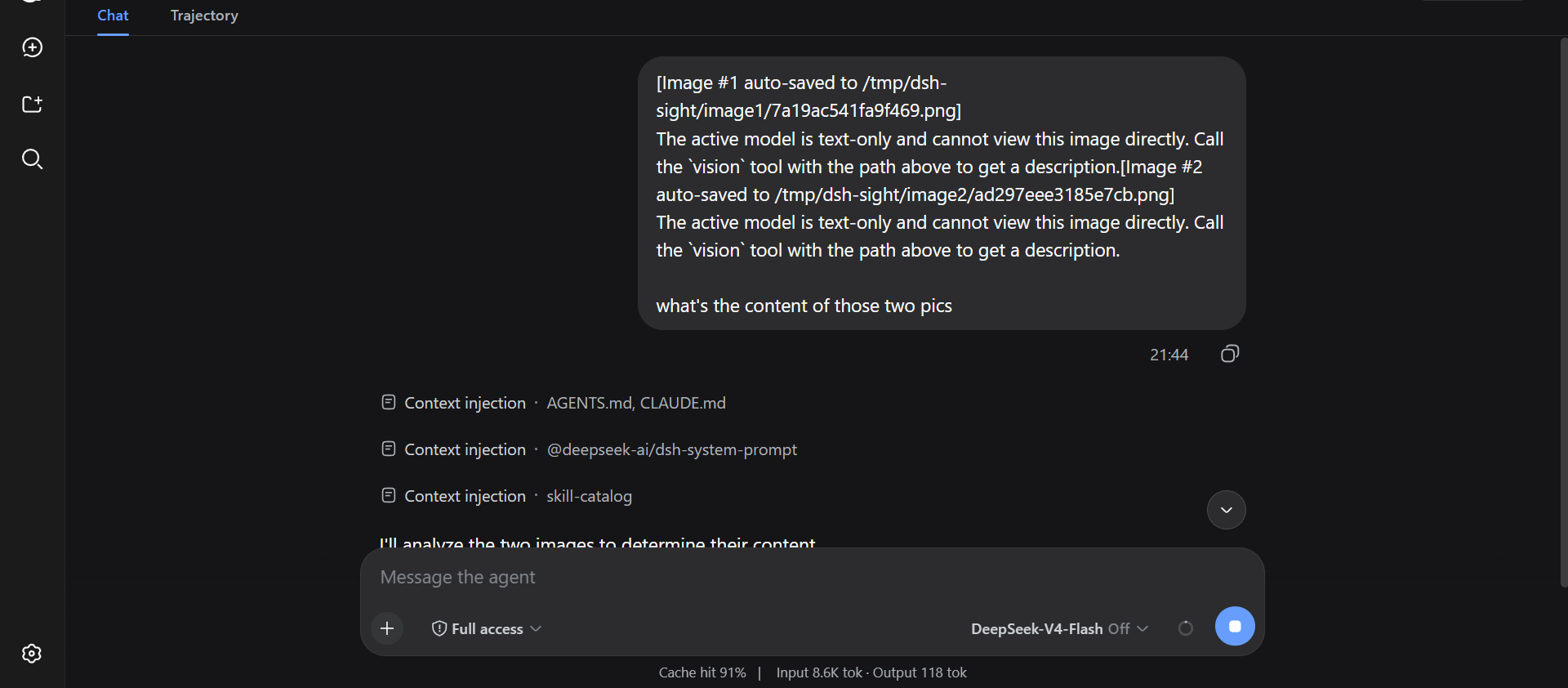
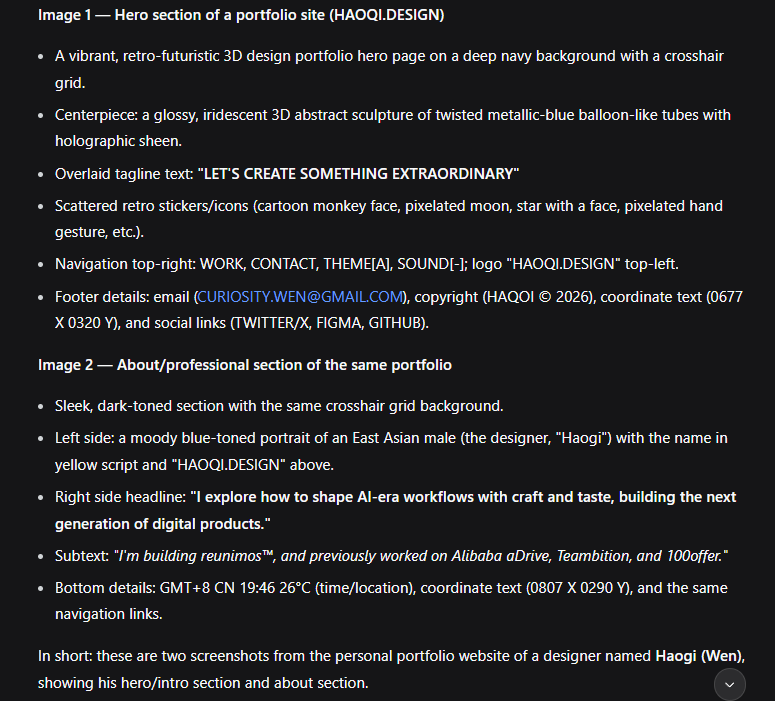
The vision tool's paths array takes up to 10 images per call (local paths or URLs, 25 MiB each). One request, per-image labels:
--- Image 1 ---
<description>
--- Image 2 ---
<description>
Via your AI agent (recommended) — copy this to your agent:
Install dsh-sight for me: https://raw.githubusercontent.com/Fu3rte/dsh-sight/master/install.md
Or manually (npm registry, recommended):
dsh plugin --profile web add dsh-sightOr from GitHub:
dsh plugin --profile web add github:Fu3rte/dsh-sightOr clone it yourself:
git clone https://github.com/Fu3rte/dsh-sight.git
cd dsh-sight && pnpm install
dsh plugin --profile web add ./
GitHub downloads slow or unstable (e.g. mainland China)? Use the npm-registry install above. Point pnpm at a mirror and the whole install — package and dependencies — stays off GitHub:
pnpm config set registry https://registry.npmmirror.com
Open dsh web → Settings → Vision:
- Pick a backend source:
- a preset (
opencode-zen/gemini-flash) — model / base URL fill themselves; or - Custom endpoint — fill in model, Base URL (OpenAI-compatible), and API key yourself.
- a preset (
- Check the effective config card — it shows the model / endpoint / key state the tool will actually use.
- Paste the API key if one is needed, hit Save — applied immediately.
| Preset | Provider | Key env | Price |
|---|---|---|---|
opencode-zen |
OpenCode Zen | (keyless) | free tier |
gemini-flash |
Google AI Studio (OpenAI-compat) | GEMINI_API_KEY |
free tier |
custom |
Any OpenAI-compatible endpoint | your key (or DSH_SIGHT_API_KEY) |
your endpoint |
The keyless preset needs nothing but the save button. For any other OpenAI-compatible endpoint (Aliyun Bailian Qwen, OpenAI, local models, …), pick Custom endpoint and fill in model / Base URL / API key. If a preset's model or Base URL is edited by hand, the page warns that the preset is overridden and offers to switch the row to Custom endpoint with one click.
Config layers (highest wins):
settings.yamldsh-sight:section (hot-reloads on edit)DSH_SIGHT_*env vars (DSH_SIGHT_PROVIDER,DSH_SIGHT_API_KEY,DSH_SIGHT_MODEL,DSH_SIGHT_BASE_URL,DSH_SIGHT_TIMEOUT_MS,DSH_SIGHT_MAX_TOKENS,DSH_SIGHT_MAX_IMAGES,DSH_SIGHT_CONFIG)~/.config/dsh-sight/config.json(re-read on mtime change)- plugin row config in the profile's
cordis.patch.yml - preset defaults
The API key is role('secret'): it never rides a settings response; the UI renders a write-only field and reports whether one is stored.
Inspired by modlens and dsh-eyes.
DeepSeek Harness: official site · GitHub
License: MIT