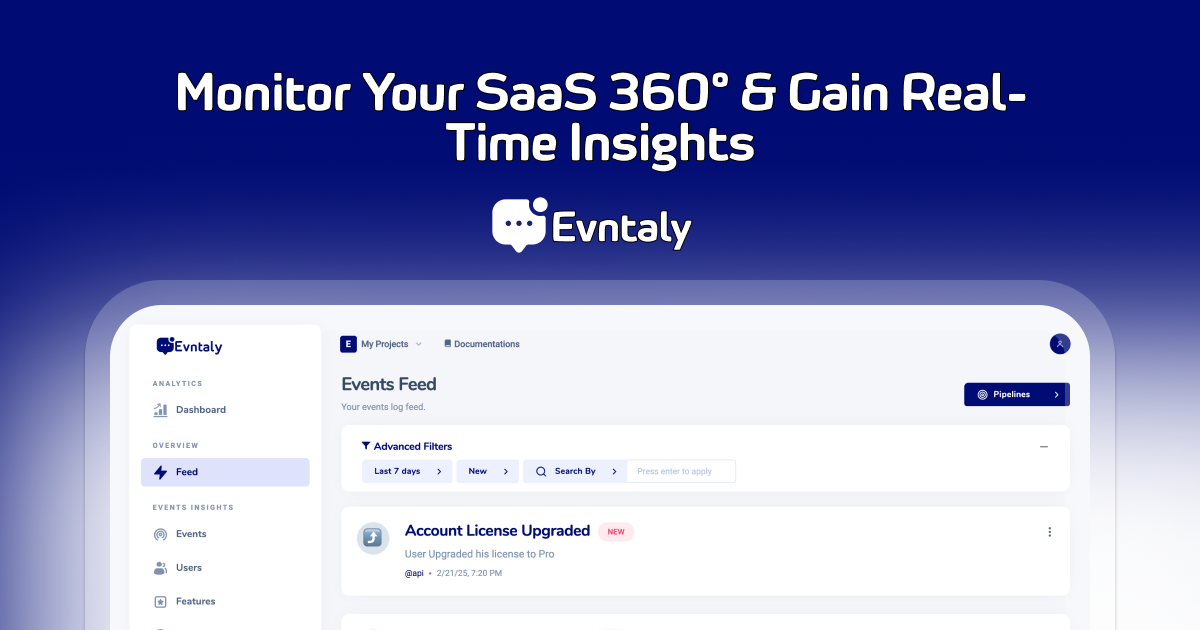
An advanced event tracking and analytics platform designed to help developers capture, analyze, and react to user interactions efficiently.


EvntalySDK is a Python client for interacting with the Evntaly event tracking platform. It provides methods to initialize tracking, log events, identify users, and check API usage limits.
- Initialize the SDK with a developer secret and project token.
- Track events with metadata and tags.
- Identify users for personalization and analytics.
- Enable or disable tracking globally.
Install the SDK using pip:
pip install evntaly-pythonInitialize the SDK with your developer secret and project token:
from evntaly_python import EvntalySDK

evntaly = EvntalySDK("YOUR_DEVELOPER_SECRET", "YOUR_PROJECT_TOKEN")To track an event:
evntaly.track({
    "title": "Payment Received",
    "description": "User completed a purchase",
    "message": "Order #12345",
    "data": {
        "user_id": "67890",
        "timestamp": "2025-01-08T09:30:00Z",
        "referrer": "social_media",
        "email_verified": True
    },
    "tags": ["purchase", "payment"],
    "notify": True,
    "icon": "💰",
    "apply_rule_only": False,
    "user": {"id": "0f6934fd-99c0-41ca-84f4"},
    "type": "Transaction",
    "sessionID": "20750ebc-dabf-4fd4-9498-443bf30d6095_bsd",
    "feature": "Checkout",
    "topic": "@Sales"
})To identify a user:
evntaly.identify_user({
    "id": "0f6934fd-99c0-41ca-84f4",
    "email": "user@example.com",
    "full_name": "John Doe",
    "organization": "ExampleCorp",
    "data": {
        "id": "JohnD",
        "email": "user@example.com",
        "location": "USA",
        "salary": 75000,
        "timezone": "America/New_York"
    }
})Control event tracking globally:
evntaly.disable_tracking()  # Disables tracking
evntaly.enable_tracking() # Enables trackingThis project is licensed under the MIT License.
Note: Replace 'YOUR_DEVELOPER_SECRET' and 'YOUR_PROJECT_TOKEN' with actual credentials.