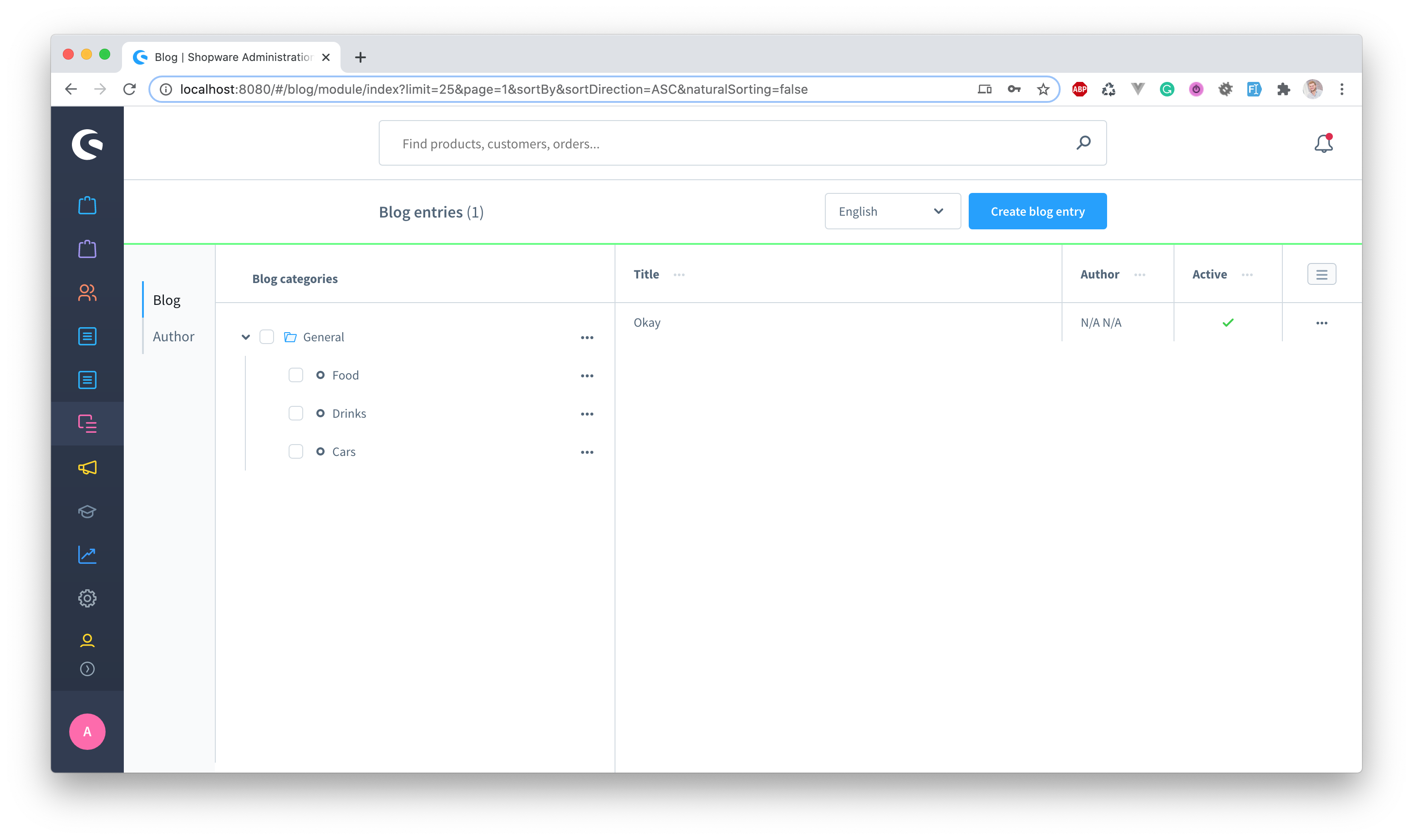
After the plugin installation you can find the entity if you hop to content -> blog.
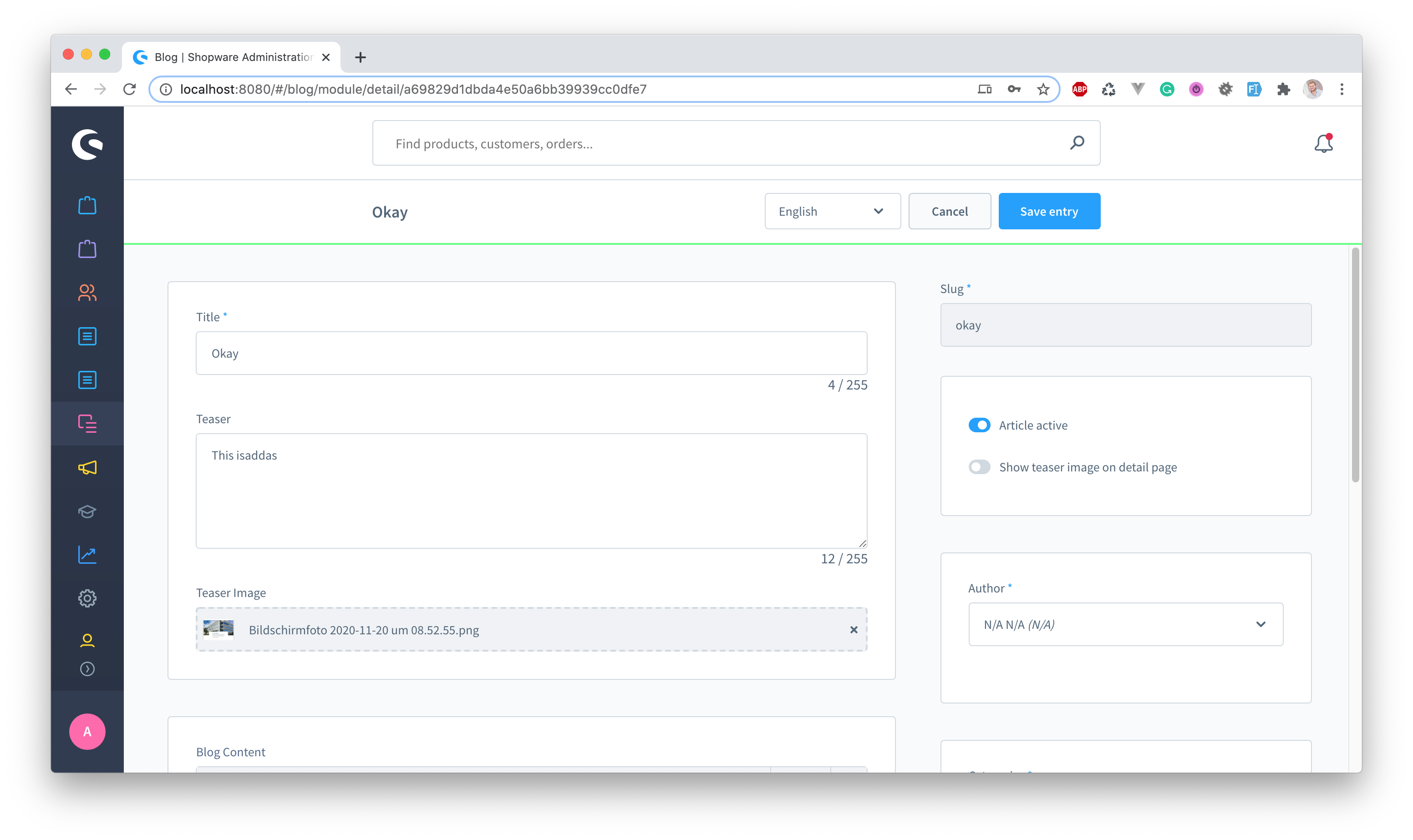
The plugin makes use of two CMS Elements which are part of two different CMS Layouts. During the plugin installation those two CMS pages will be created for you:
- Blog Listing Page which contains a Blog Detail element
- Blog Detail Page which contains a Blog Listing element
Within the plugin configuration the Blog Detail Page ID is assigned, so Shopware knows which CMS Page to use for the detail page.
You need to create a new category within your category tree and assign the Blog Listing CMS Page.
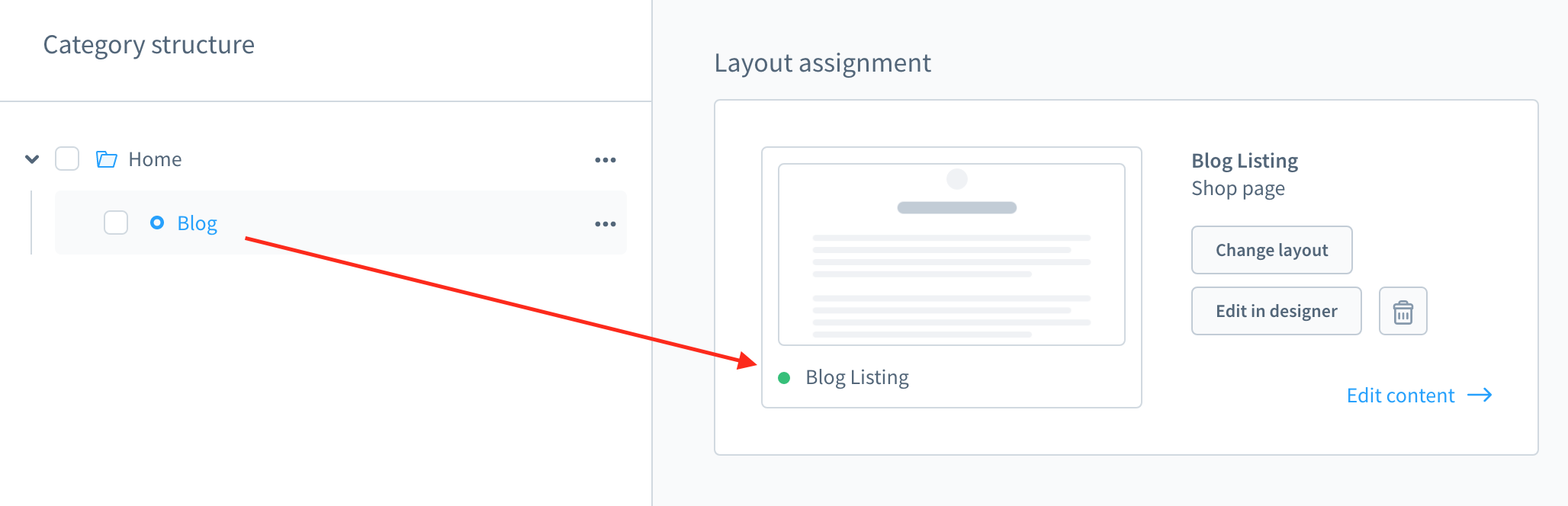
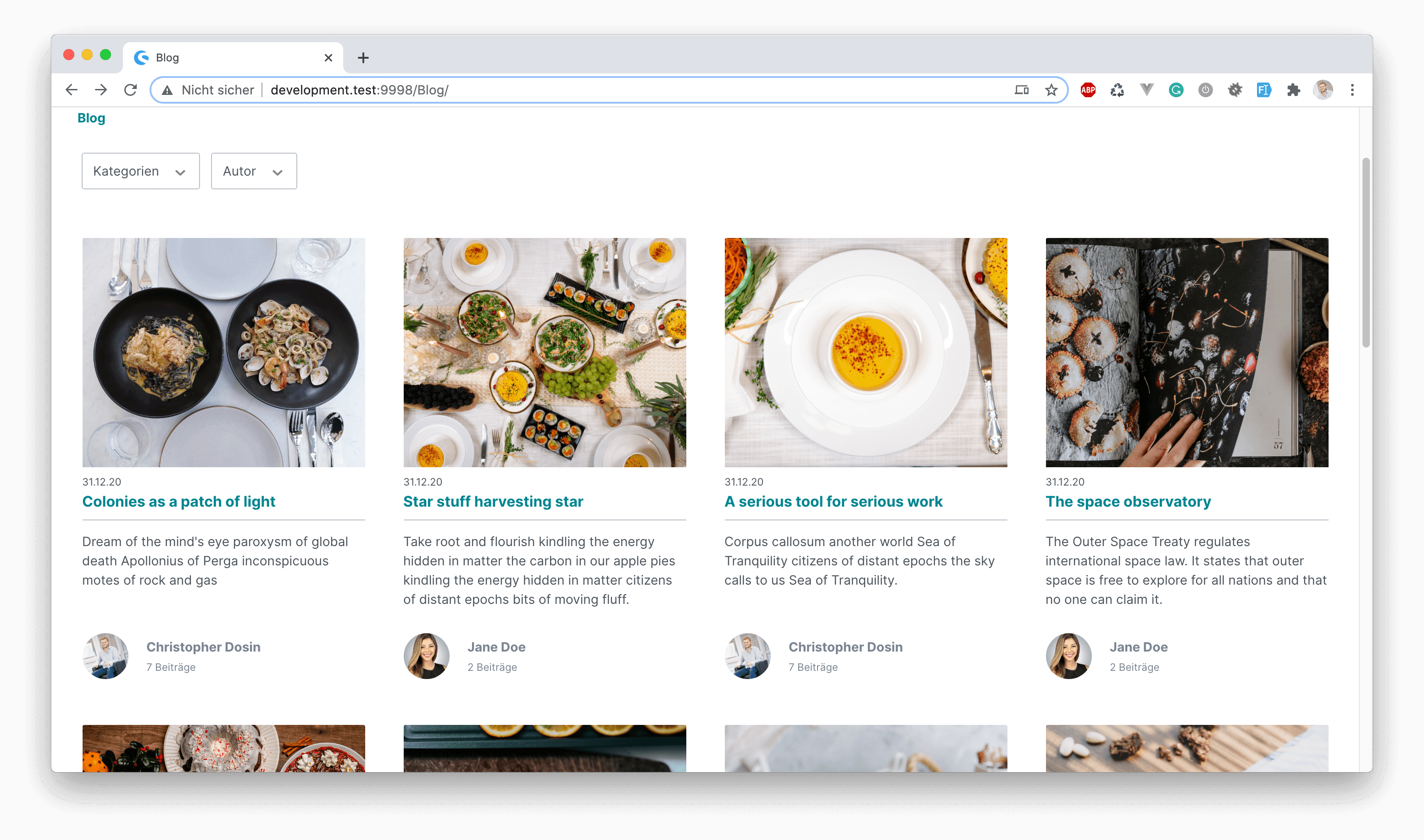
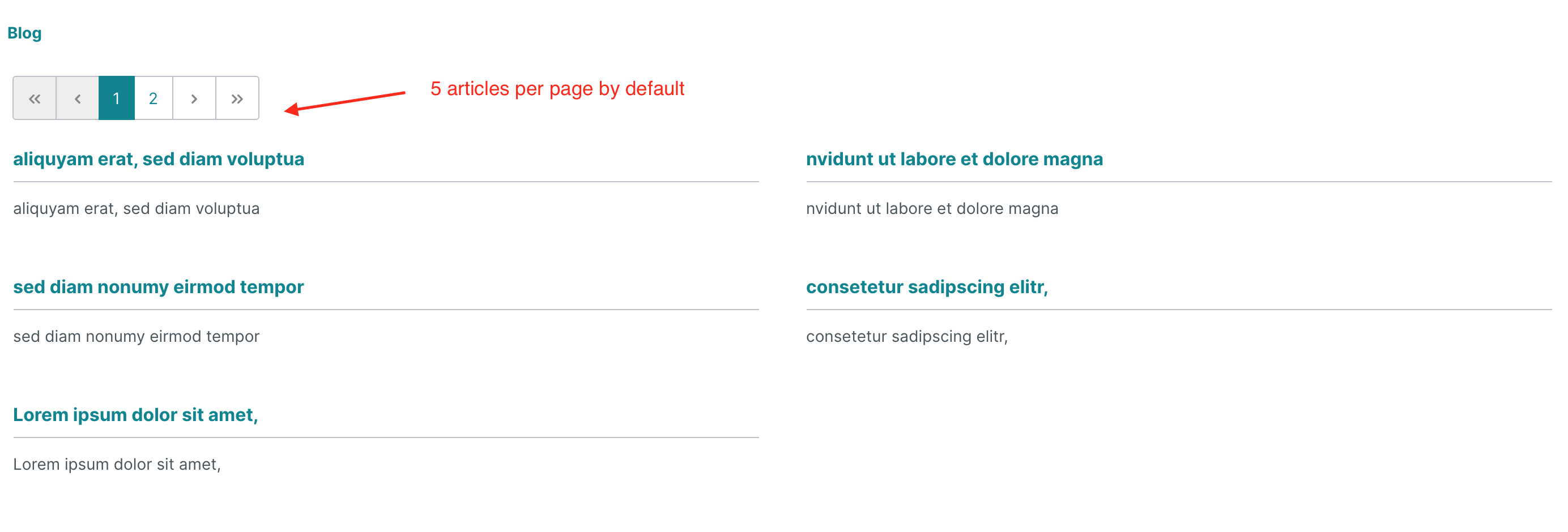
After this you will see all blog articles within your menu/category entry in the storefront.
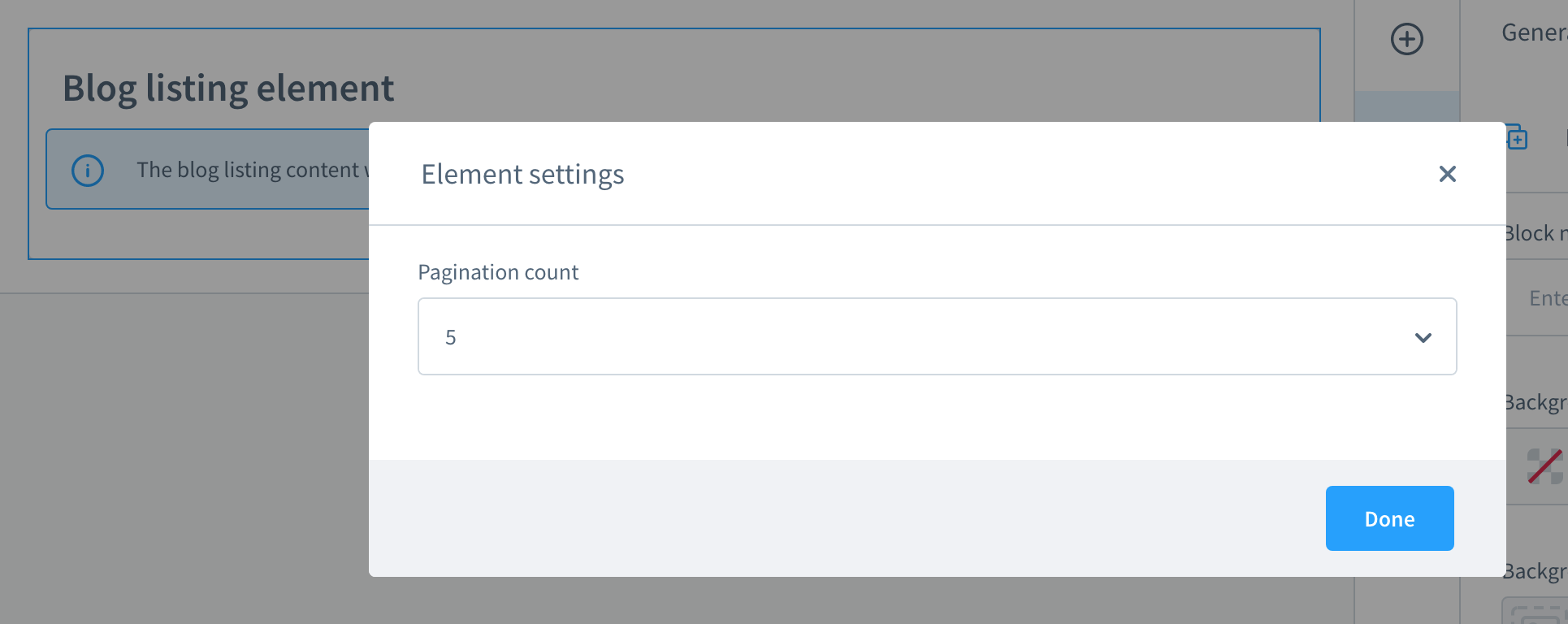
Currently you can only set the number of posts showing per page for the pagination.
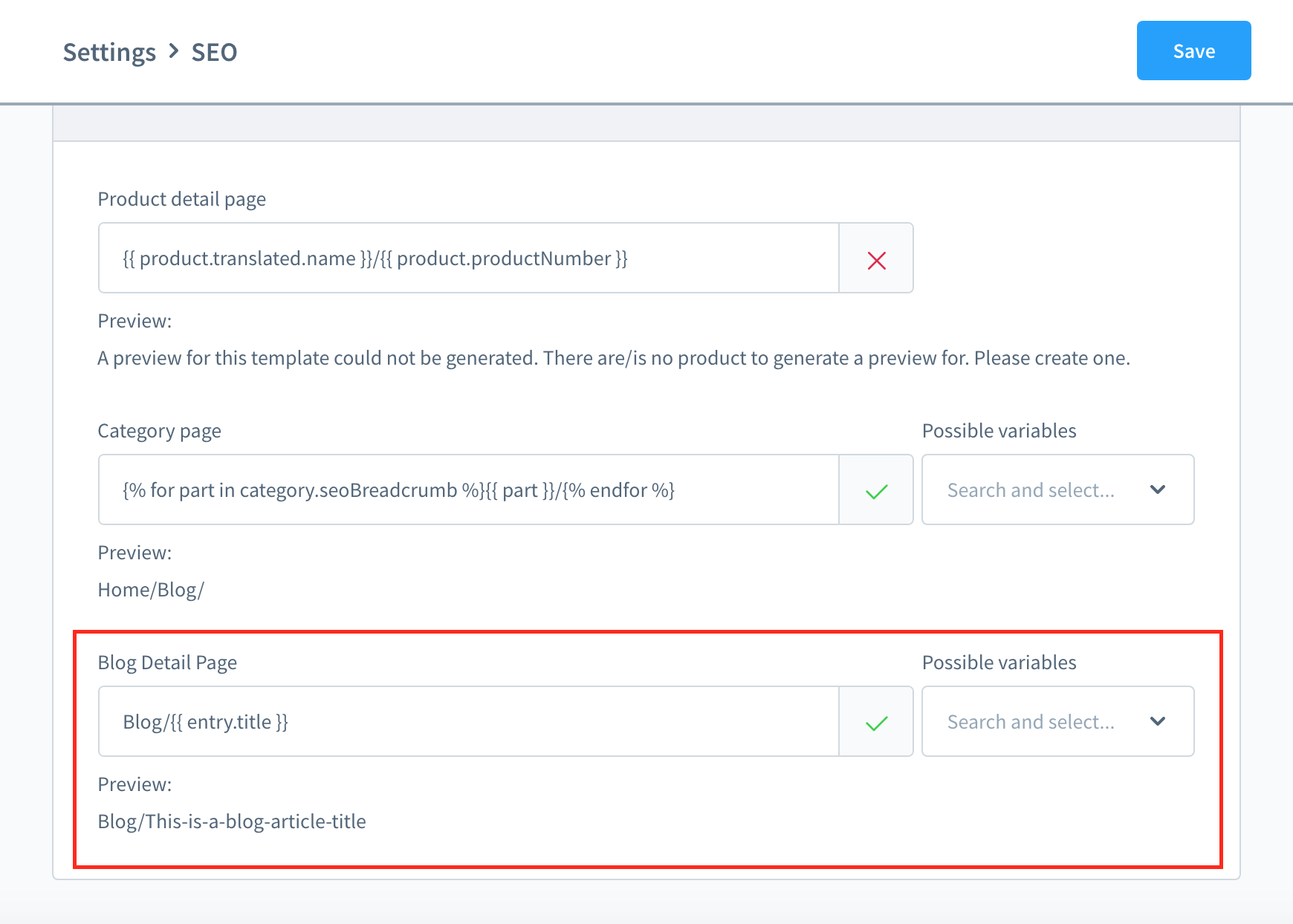
Within the Settings > SEO page you can define the structure of the URL to your blog detail page
where you can also select from all available variables.