- These dotfiles aren't compatible with various screen resolutions and scales. My setup is 2K
2560x1440with a 1.25 scale. You need to adjust the settings to make them work (working on a fix). - You might find missing required packages; just submit an issue on the GitHub page, and they will be added.
- This version of the dotfiles is just a preview.
-
Clone the repo:
git clone https://github.com/Drbsy/dotfiles.git -
Install required packages:
sudo pacman -S hyprland hyprlock kitty yazi python-pywal awww rofi-wayland waybar fastfetch swaync hyprpolkitagent wl-clipboard cliphist nm-connection-editor blueman pavucontrol playerctl ttf-jetbrains-mono-nerd zshyay -S hyprshot whitesur-icon-theme ttf-feather ttf-feather zsh-theme-powerlevel10k-git -
Applay dotfiles:
- Backup your old dotfiles.
- Copy the
.dotfilescontent to~/.configandPicturesfolder to~/(home). - Make zsh default shell
chsh -s /usr/bin/zsh. - Configure p10k
p10k configure. - reboot your machine.
video.3.mp4
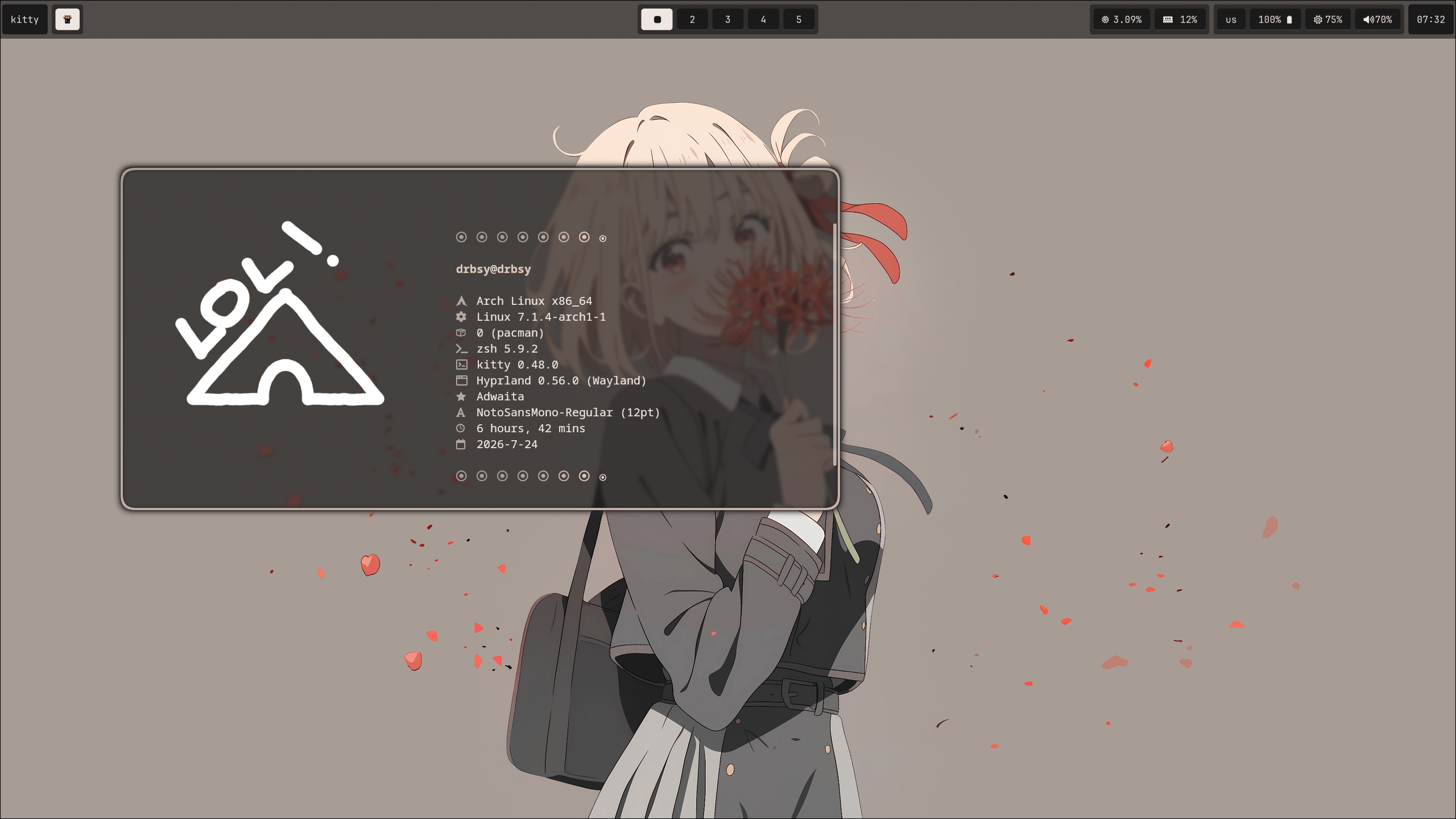 |
|
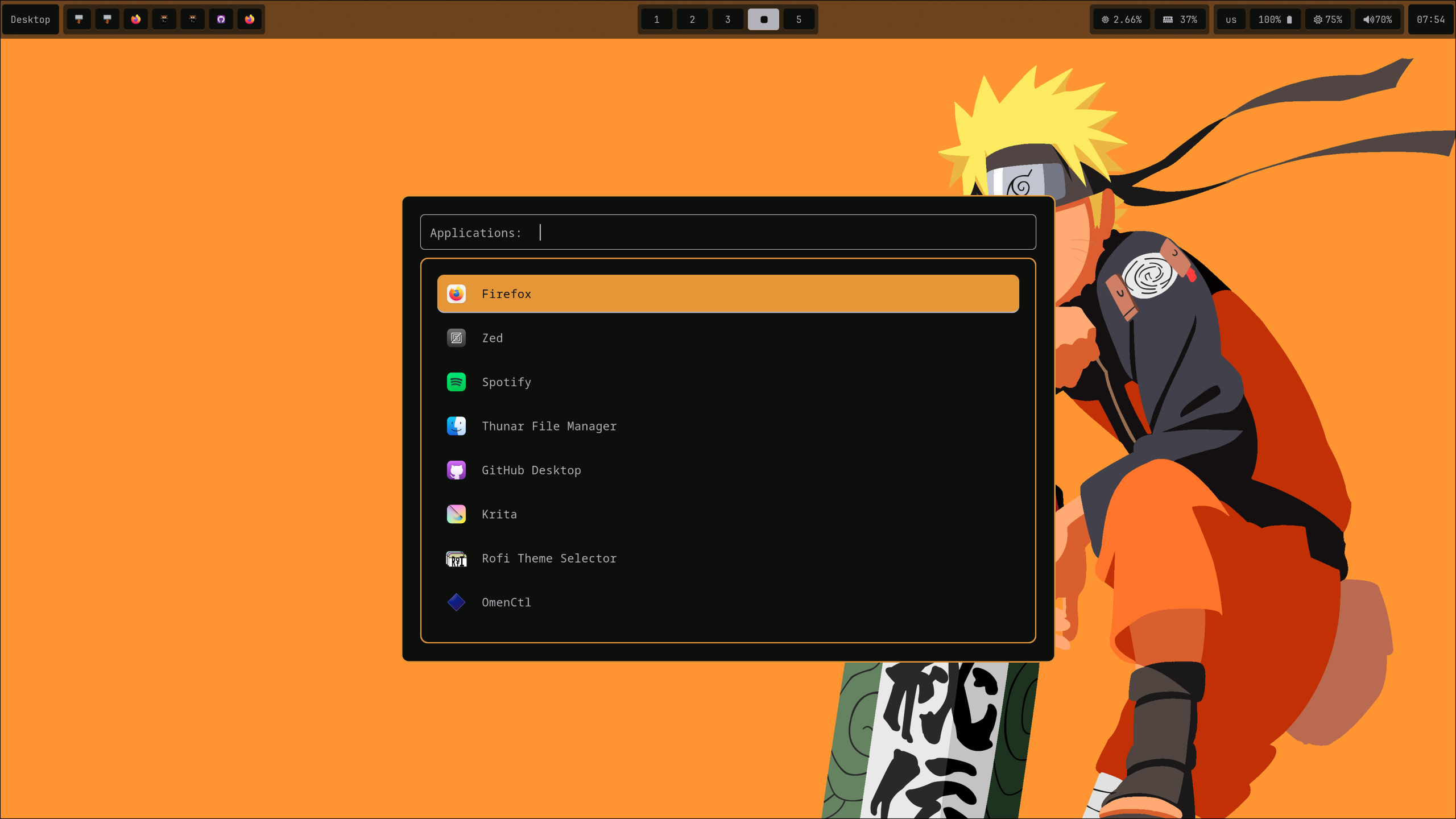 |
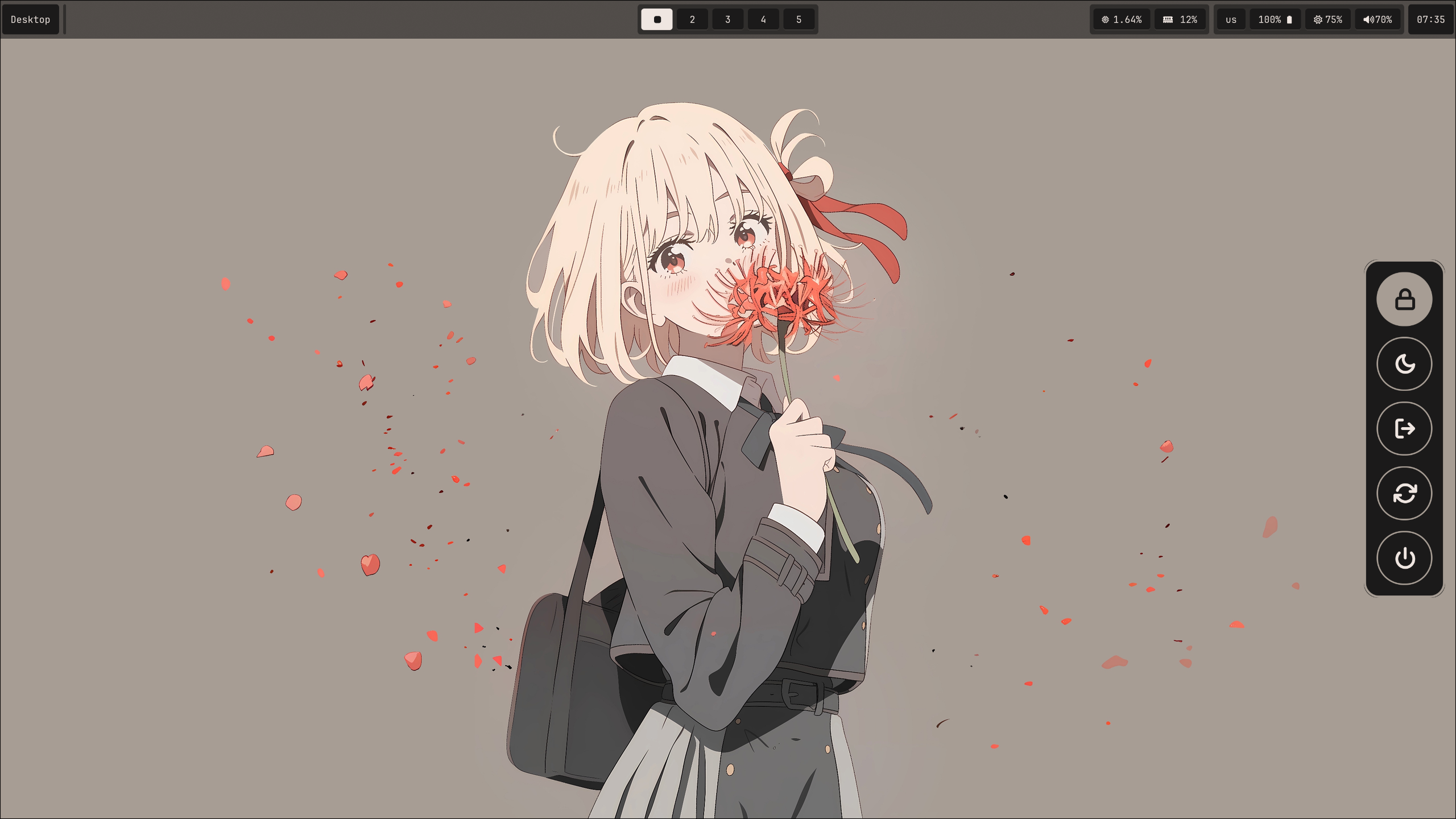 |
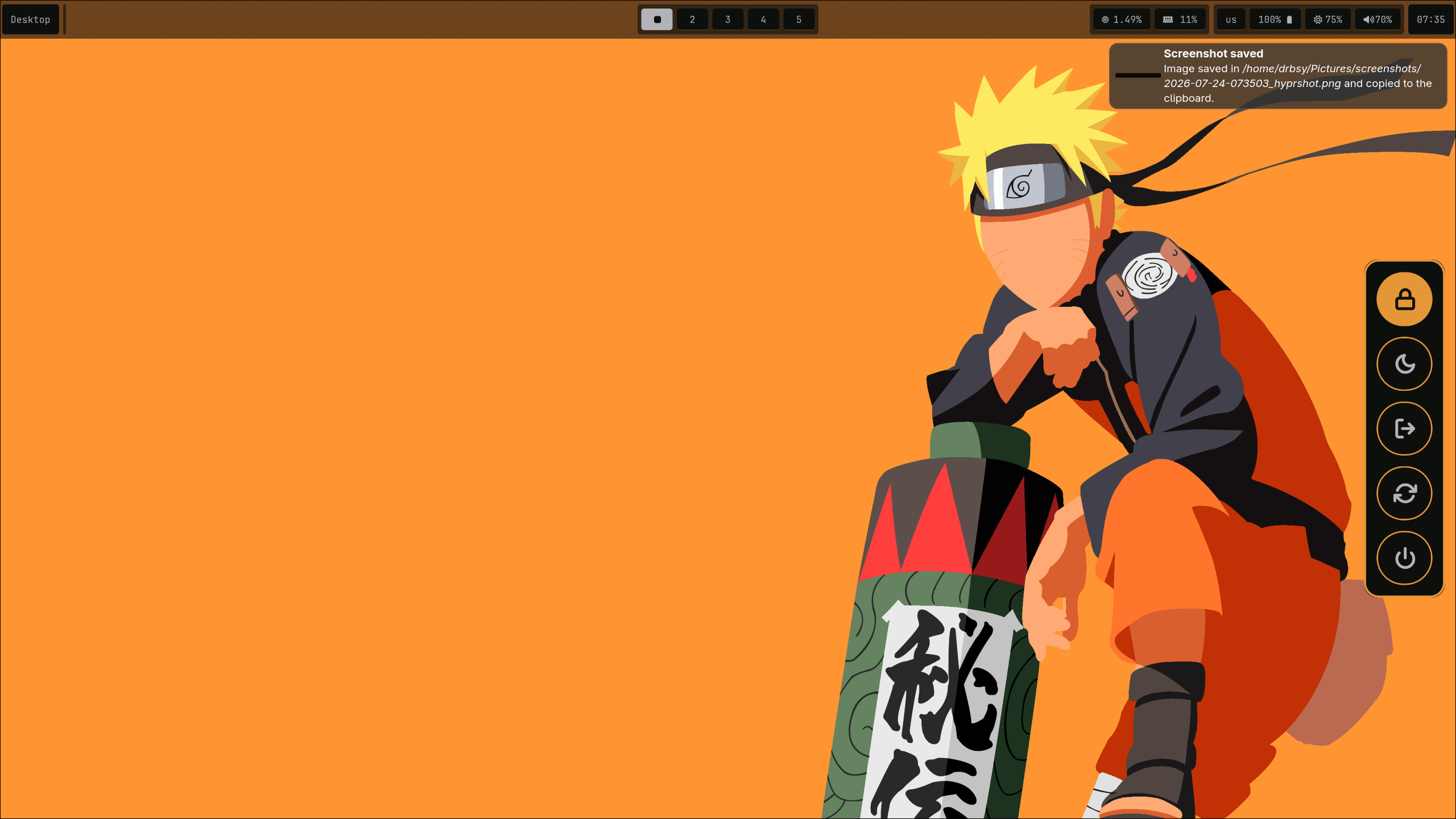 |
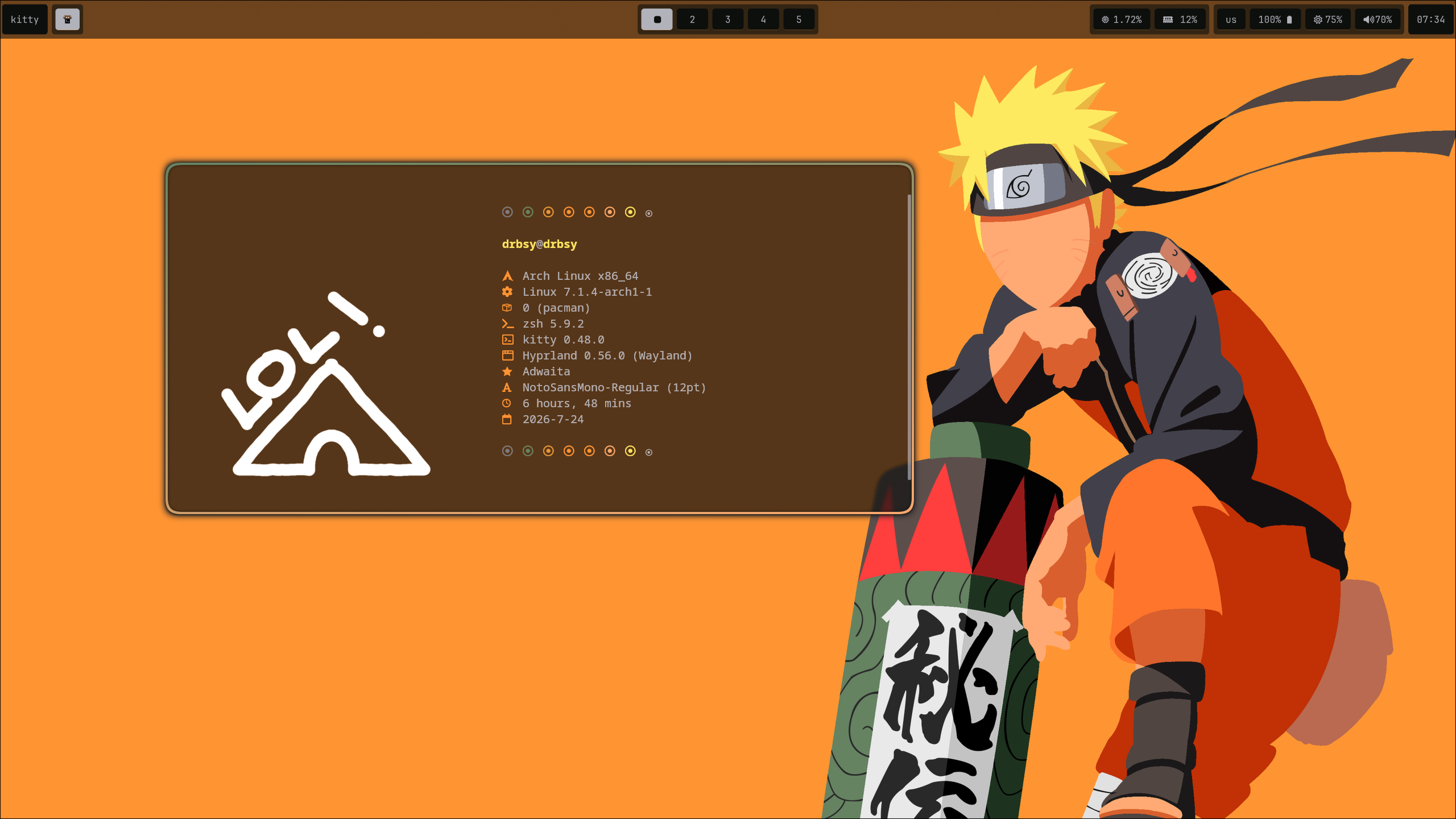 |
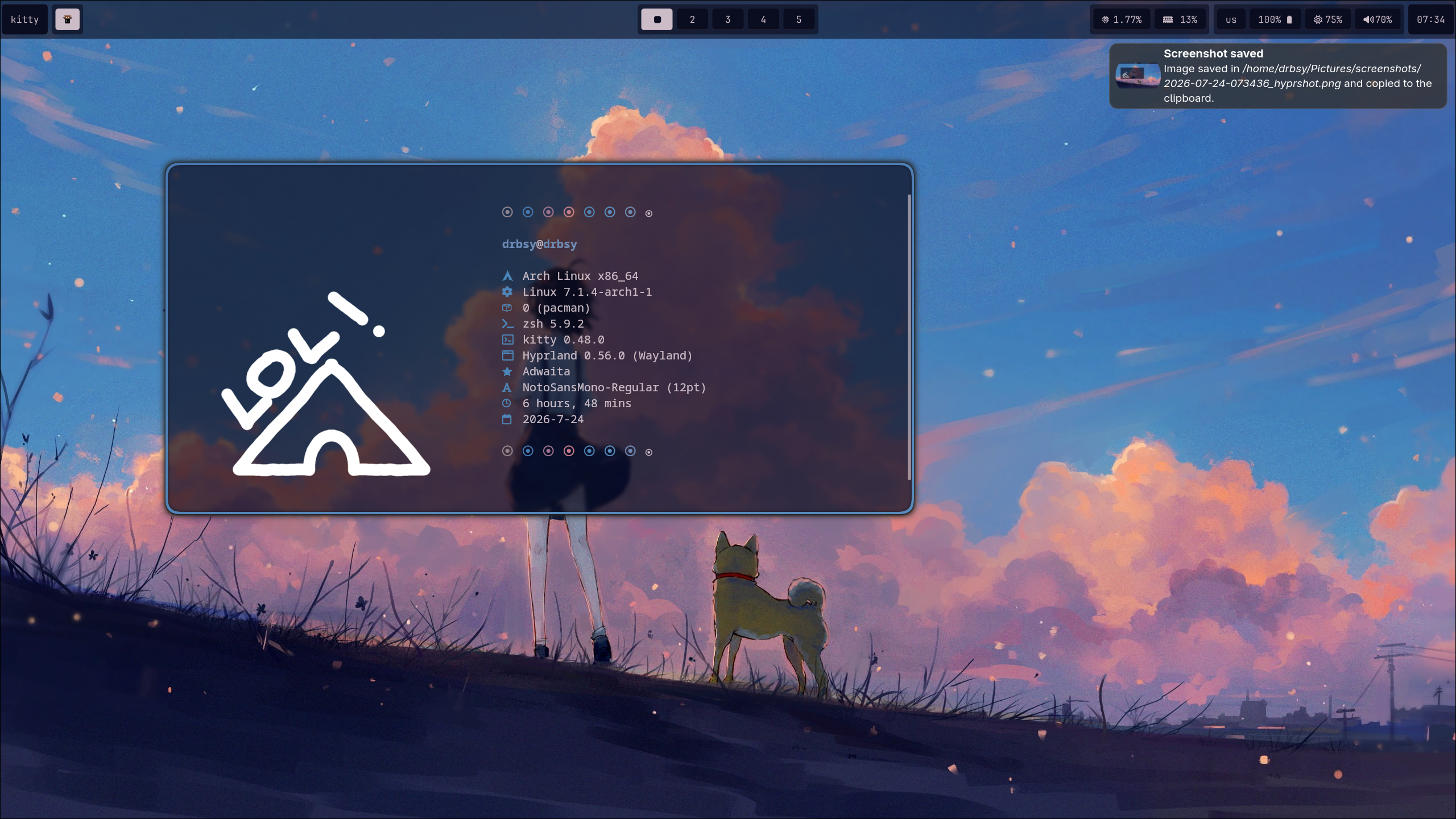 |
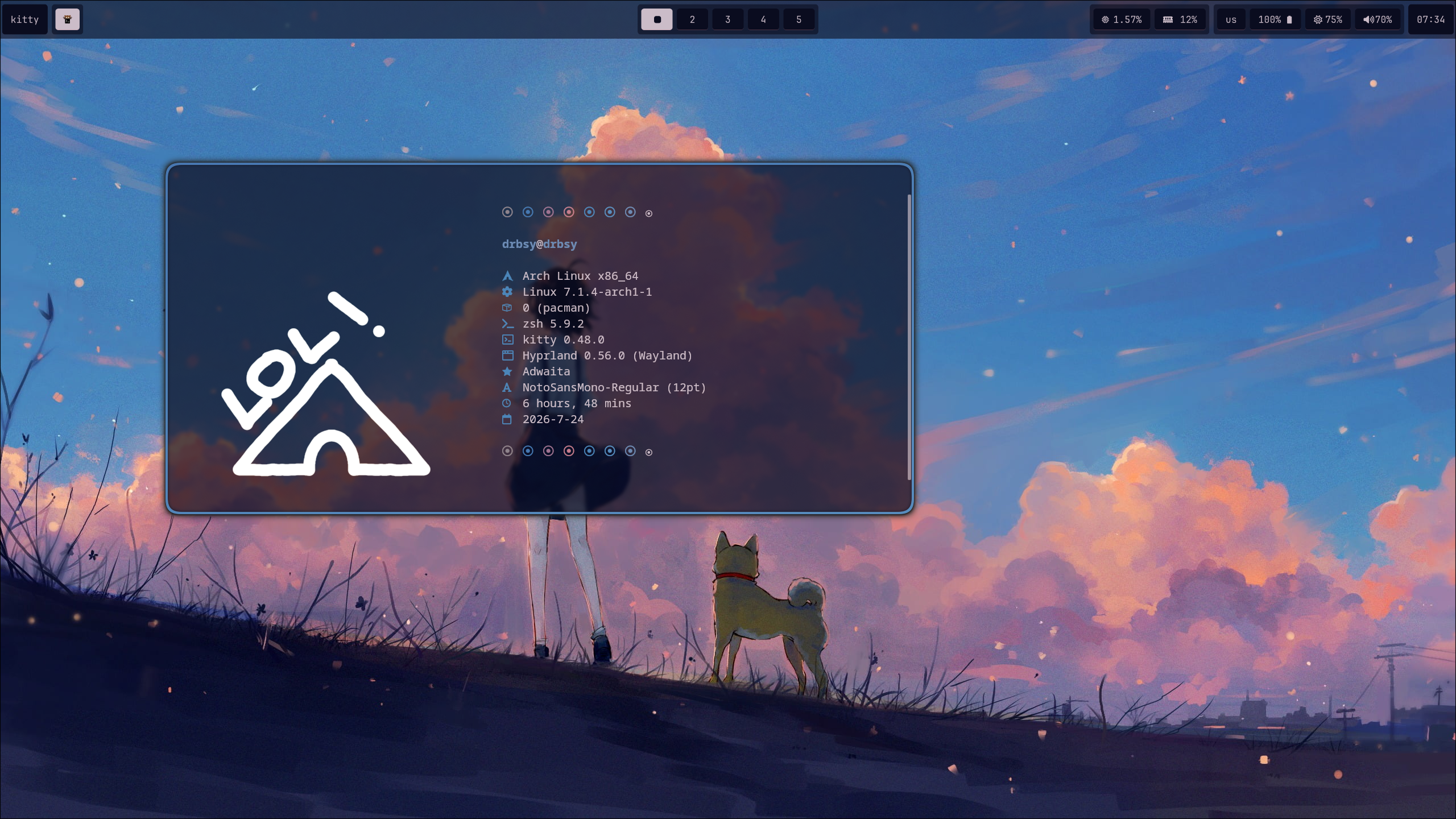 |
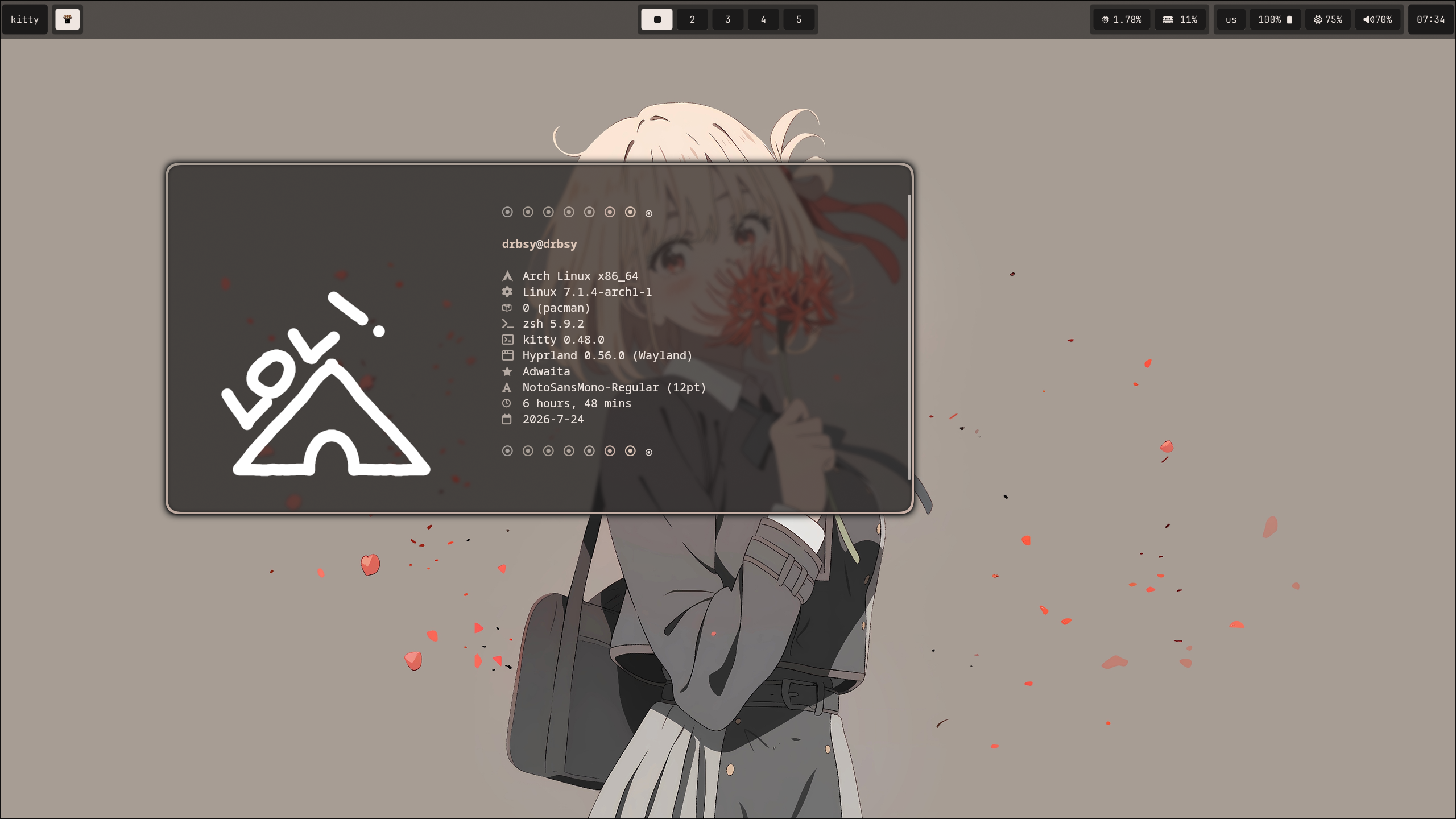 |
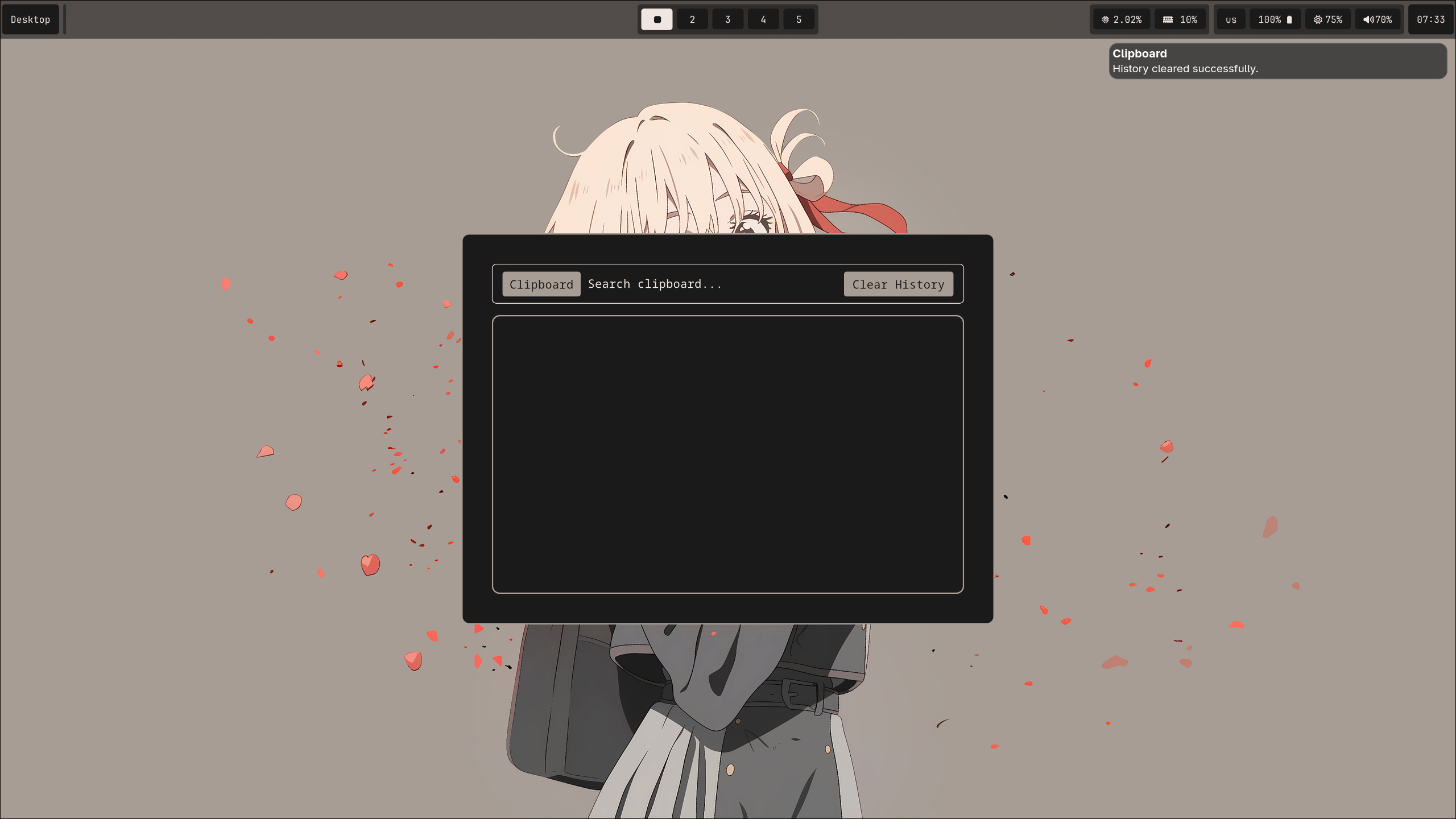 |
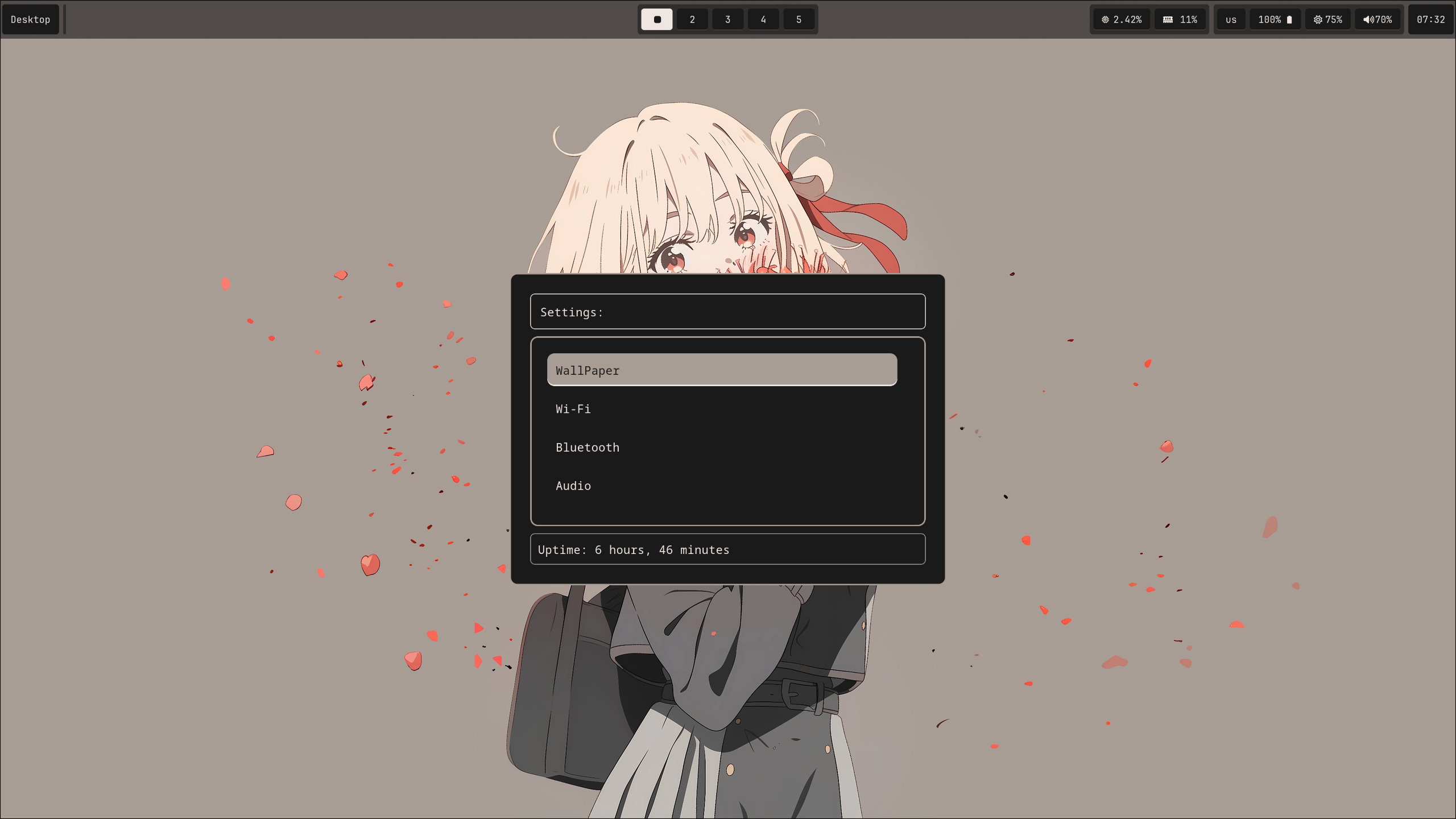 |
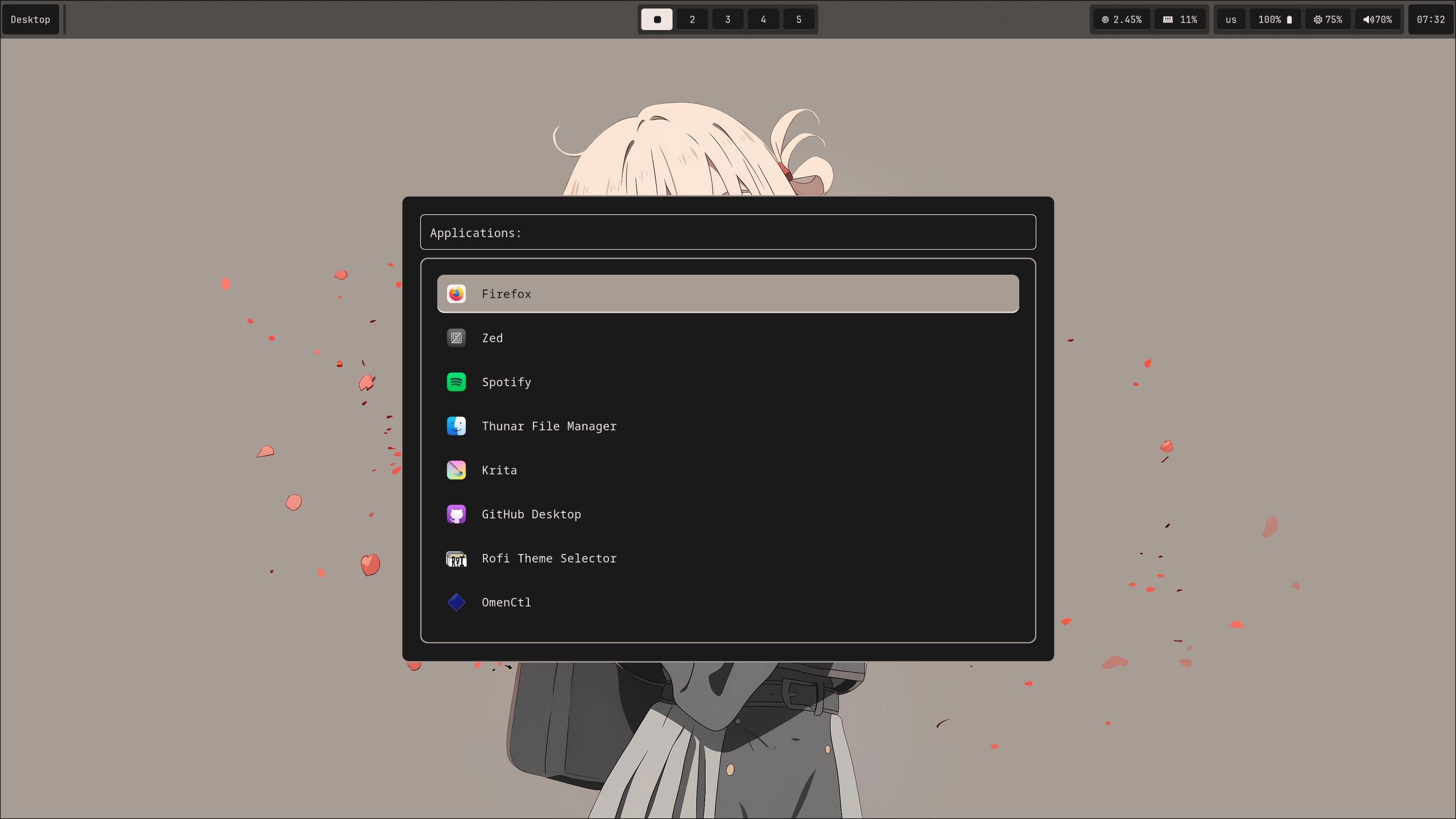 |
| key combination | act |
|---|---|
| SUPER + Q | open kitty |
| SUPER + E | open yazi |
| SUPER + R | open app launcher |
| SUPER + ALT + S | open settings |
| SUPER + V | open clipboard |
| SUPER + C | close window |
| SUPER + CTRL + S | take region screenshot |
| SUPER + {1,2,..,0} | change workspace |
| POWER BUTTON (XF86PowerOff) | open power menu |
| SUPER + SHIFT + {arrow_up, arrow_down, arrow_left, arrow_right} | swap window places |
read ~/.config/hypr/modules/keybinds.lua for more information