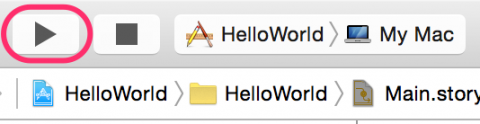
Open the project within Xcode and click the run button which will both compile the project and run it on a emulated iphone of the users choice.


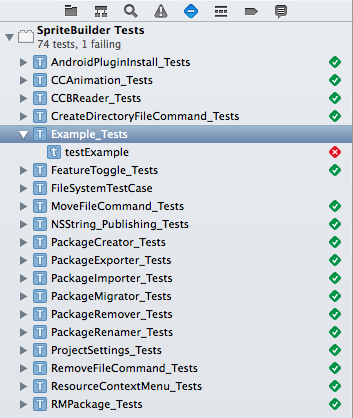
To run tests move the pointer over what you would like to test within the test navigator header. A run button should appear to the right of what the pointer is above, click it to begin running the tests on whichever element is desired. They can also be run using the testing tab navigator shown below
Acceptance tests can be run by using the built in emulator within Xcode. Inputs and their respective outputs involve clicking on buttons to open their respective pages and inputting information and expecting to see it update on a list or return a list containing your specific query.