

e.g.
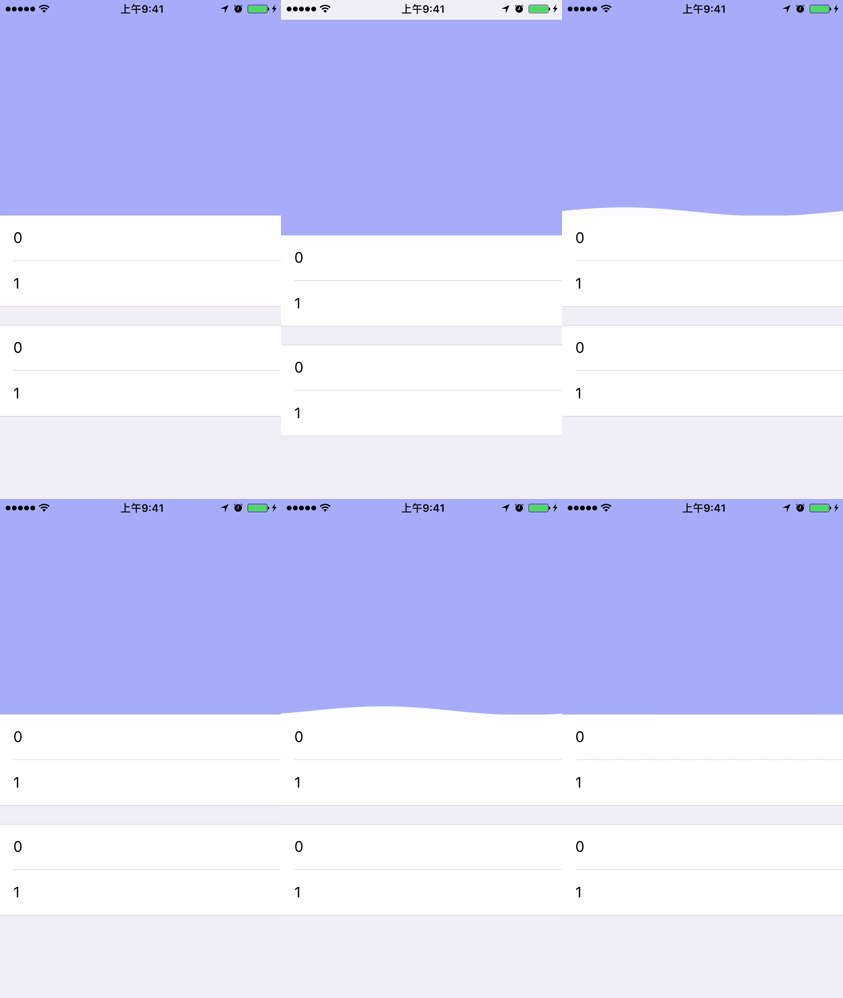
-
Download and copy the WXWaveView folder with the source code in it to your project.
-
Initialize WXWaveView with method " addToView:withFrame: "
self.waveView = [WXWaveView addToView:headerView withFrame:CGRectMake(0, CGRectGetHeight(headerView.frame) - 10, CGRectGetWidth(headerView.frame), 10)];Of course, you can just give CGRectZero to the method above and use Auto Layout to define its frame.
-
Perform the method wave when you want it to animate.
[self.waveView wave];
-
The time when the wave lasts. When it is set to zero, the wave will never stop. Default is 1.5.
self.waveView.waveTime = 0.f; -
The color of the wave. Default is white.
self.waveView.waveColor = [UIColor groupTableViewBackgroundColor]; -
The speed of the wave. Default is 9.
self.waveView.waveSpeed = 20.f; -
The angular speed of the wave. Default is 2.
self.waveView.angularSpeed = 1.8f; -
You can also stop the wave manually with the method stop whenever you want.
[self.waveView stop];
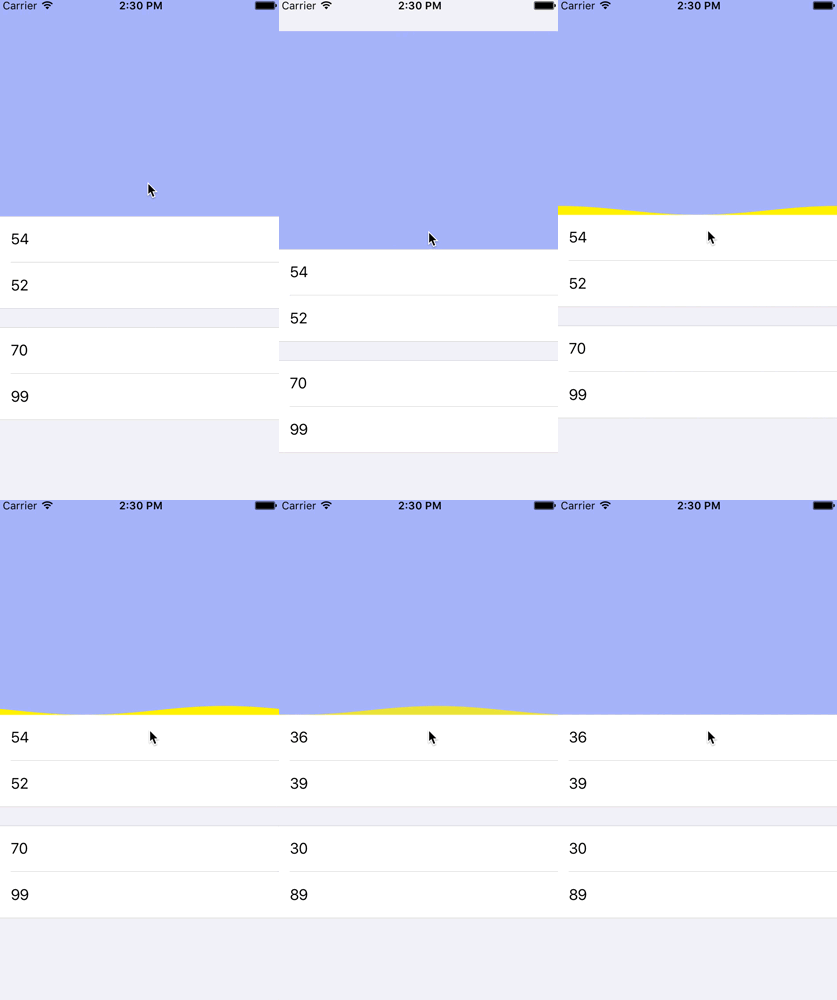
CycleScrollView is a cycle scroll kit with this wave view written in Swift.
WXWaveView is inspired by KYWaterWaveView. Thanks KittenYang and his contributions.
WXWaveView is released under MIT License.